
Crochet Goal Tracker: Weekly Goals, Streaks, Stitch Counts and Badges
How Crochet Bobble keeps you crocheting. Set a weekly goal and watch the ring fill, build a streak of good weeks, count every stitch you've ever made, earn badges and outfits for Bobble, and play the Daily 5.
Crochet Bobble is built to help you pick up your hook a little more often, without nagging you. Home shows how your week is going, how many stitches you've made, and what you've earned. None of it asks you to do anything extra: it all fills in as you use the trackers.
Your week, your stitches and Bobble, at a glance
Open Home.
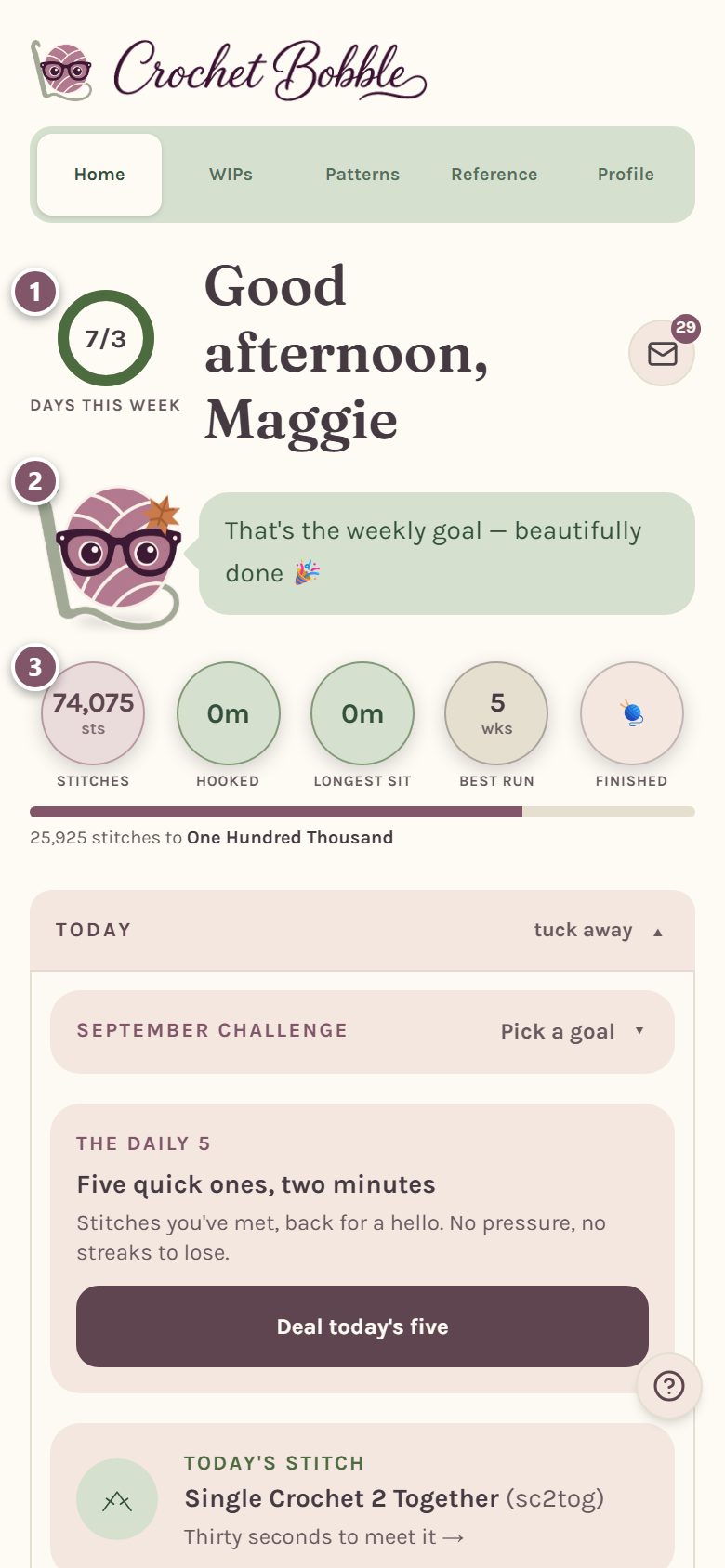
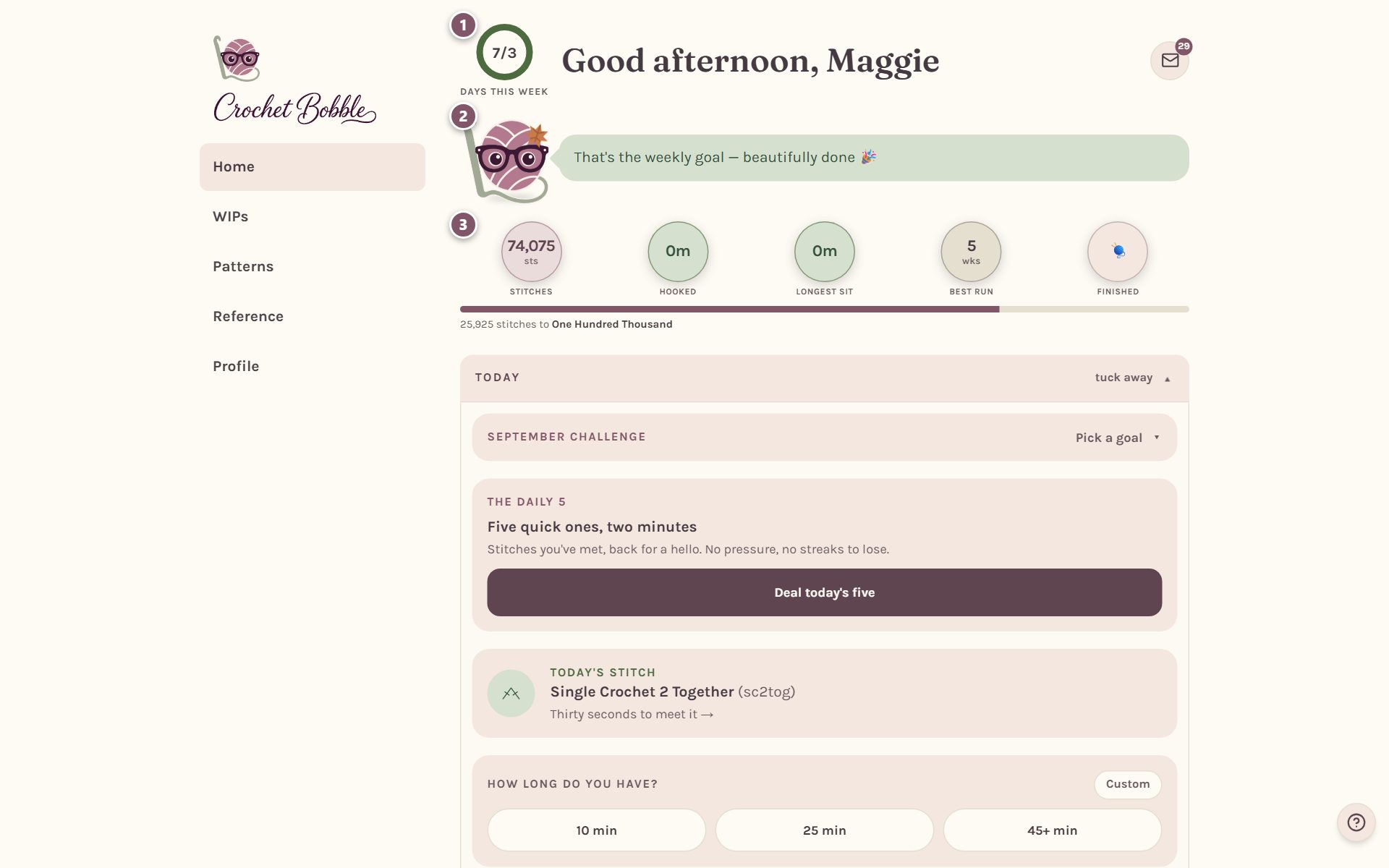
- The ring is your weekly goal. It fills in green as you crochet on different days, and closes into a full circle when you've met it. Tap it to see your week.
- Bobble, the little ball of yarn, says something about your week. Tap him to open his closet (see below).
- The numbers. Tap any of them for a plain-words explanation:
- stitches: every stitch you've ever made in the app,
- hooked: your total time with the timer running,
- longest sit: your longest single sitting,
- this week: your stitches this week, if you've set a stitches goal,
- best run: your longest run of weeks that met your goal,
- finished: how many things you've finished. Tap it to see them.
Under the numbers, a thin bar shows how close you are to your next stitch badge.
Set your weekly goal
Your goal is how many days a week you'd like to crochet. You can also add a goal for time or for stitches, or choose none. Set them on Profile, under Your weekly goal. See crochet app settings.
Any stitching you track counts the day: a row marked done in a WIP, stitches counted on a blanket, or a count on a row counter. Opening the app on its own doesn't count, and neither does tidying your shopping list.
See how your week is going
Tap the ring.
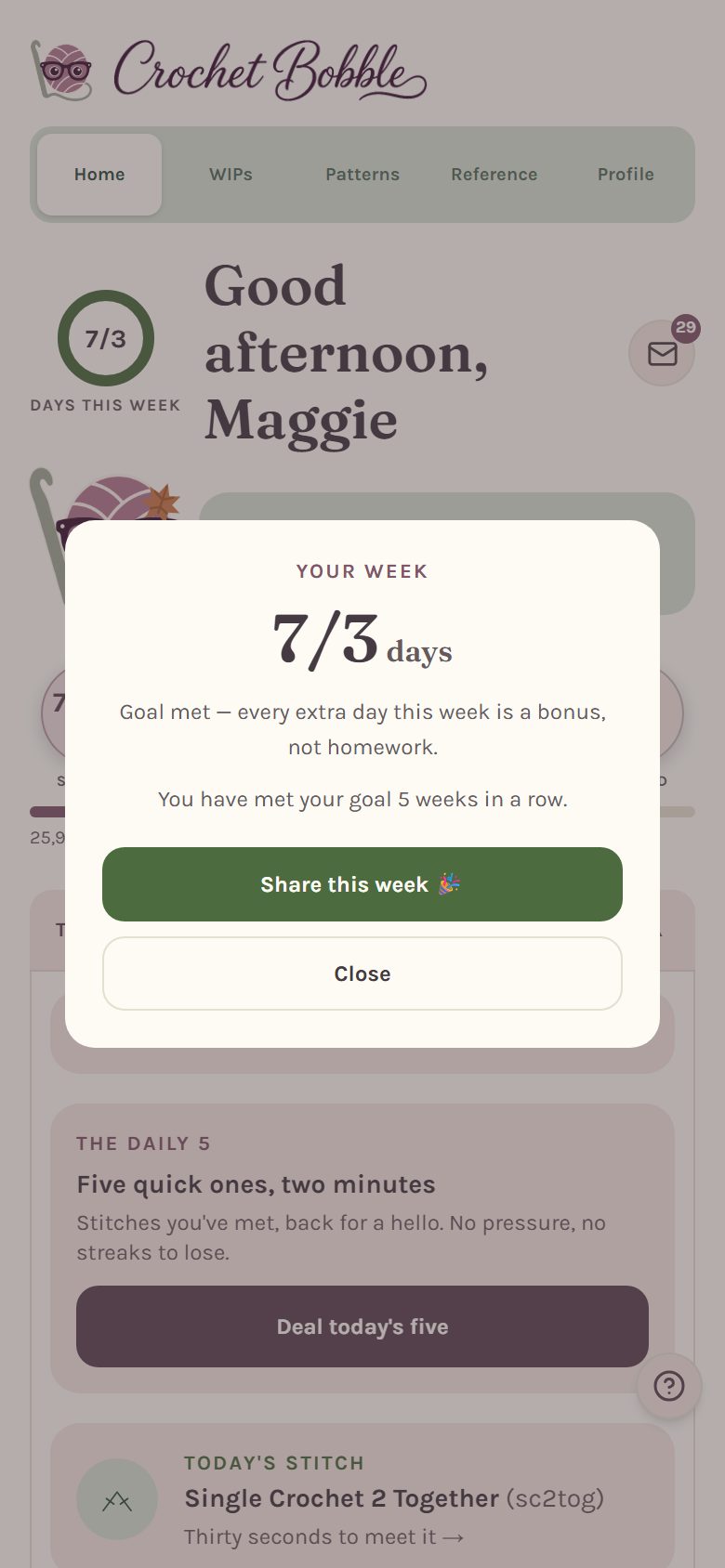
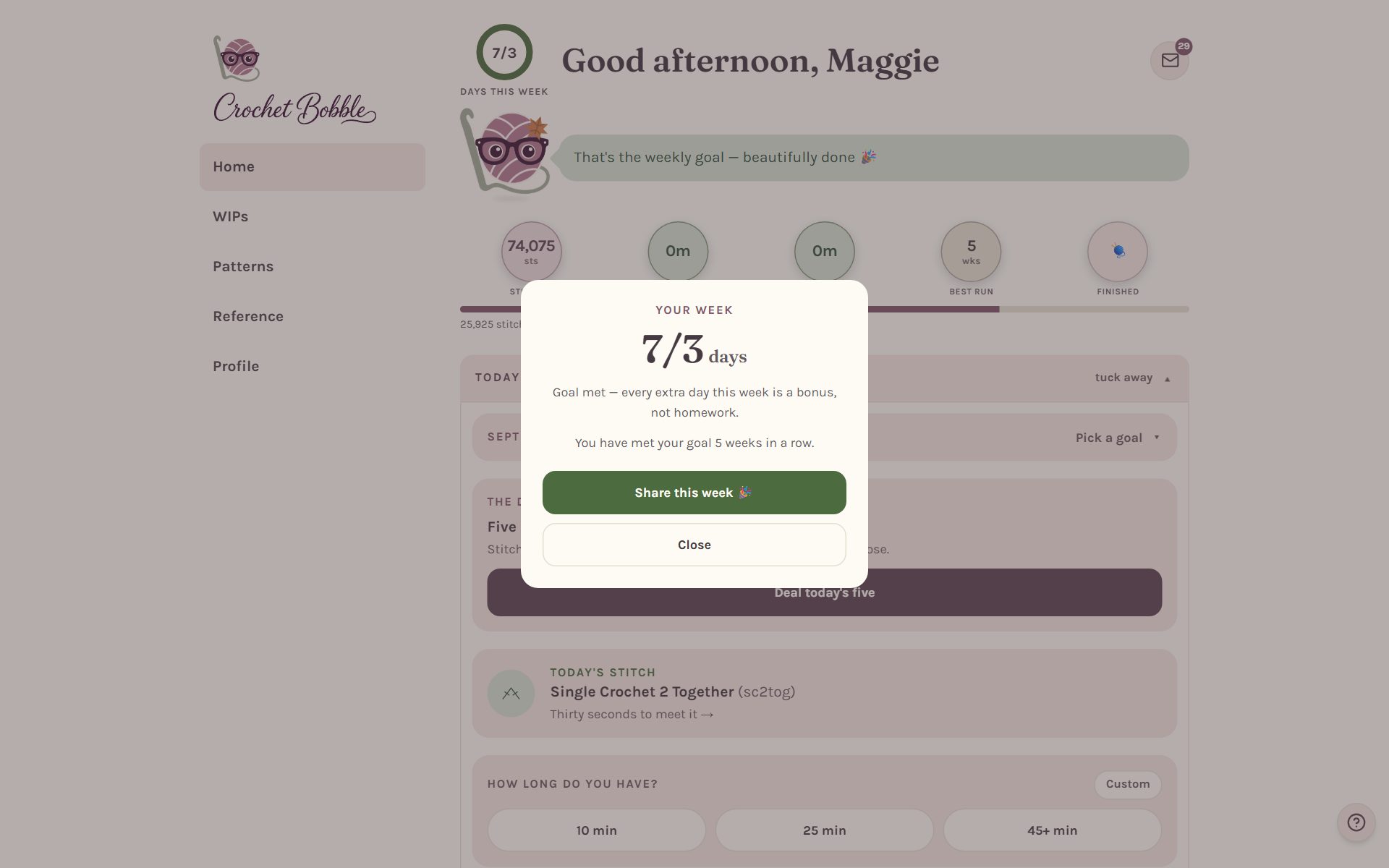
It tells you how many days you've crocheted this week, how many more you need, and how many weeks in a row you've met your goal. Once you've met it, Share this week makes a picture you can post or send.
Weeks that meet your goal chain into a streak. Life happens, so one near-missed week a month mends itself for free.
Lifetime stitches: why frogging never takes stitches back
Tap stitches to see your lifetime total.
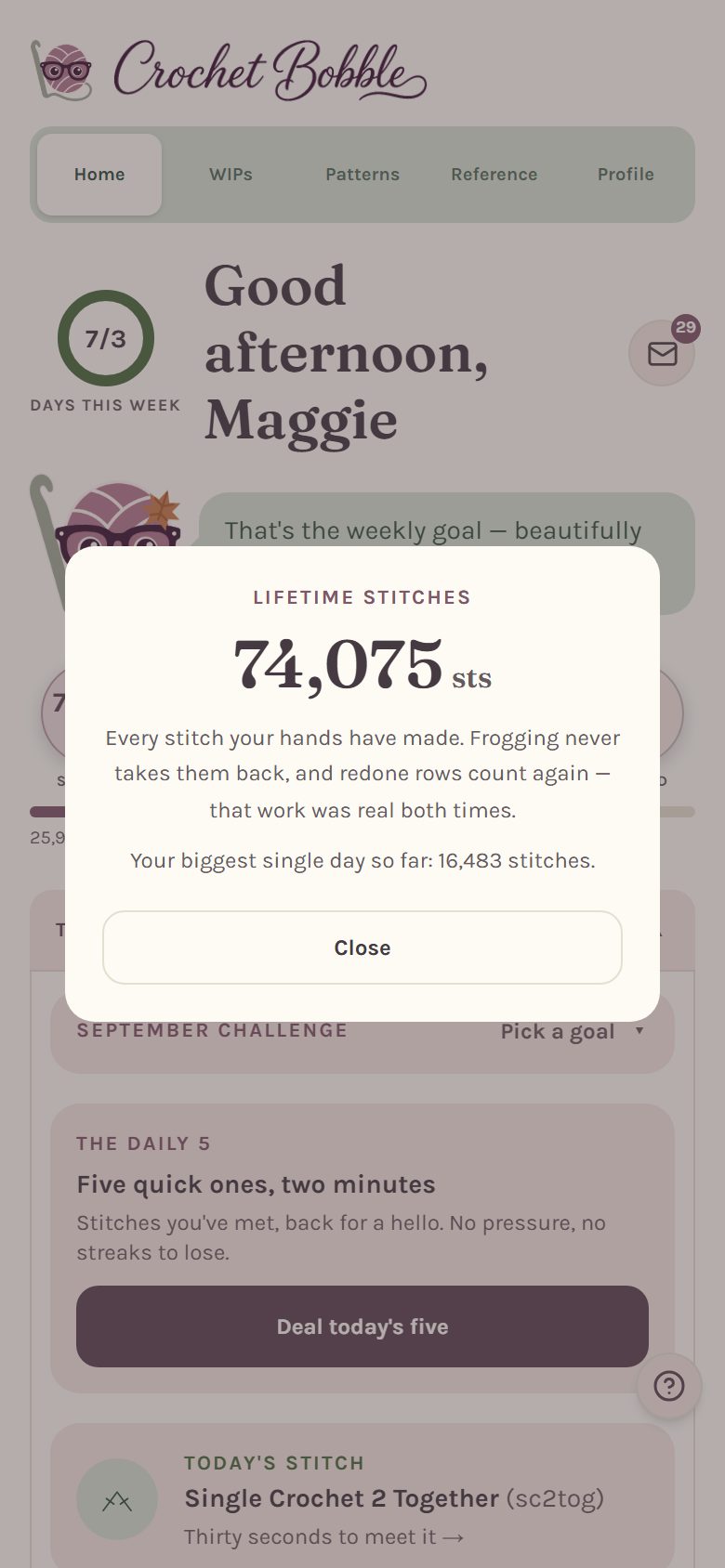
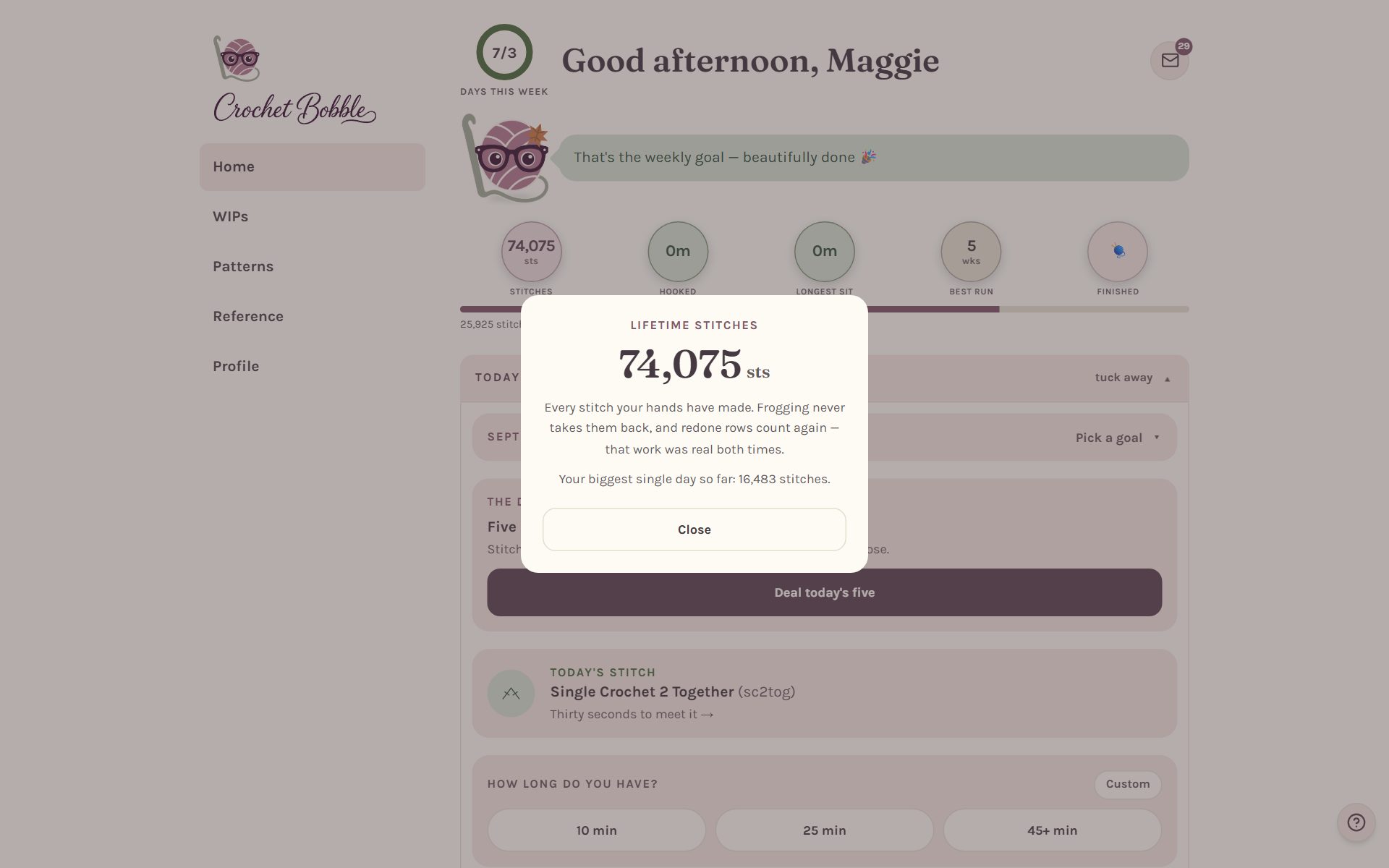
This counts every stitch your hands have made. If you frog (rip out) a row and crochet it again, the stitches you pulled out stay counted, and the redone row counts again. That work was real both times.
That means your lifetime total can be higher than the stitches in everything you've finished added together. The difference is the rows you worked twice.
Tip: tapping Back in a tracker to fix your place isn't frogging, and it doesn't change your count. Frogging is its own button in each tracker, and even then your lifetime total keeps the stitches.
The monthly challenge, the Daily 5 and today's stitch
The Today section on Home holds three small things you can do each day. Tap tuck away to fold it up if you'd rather not see it.
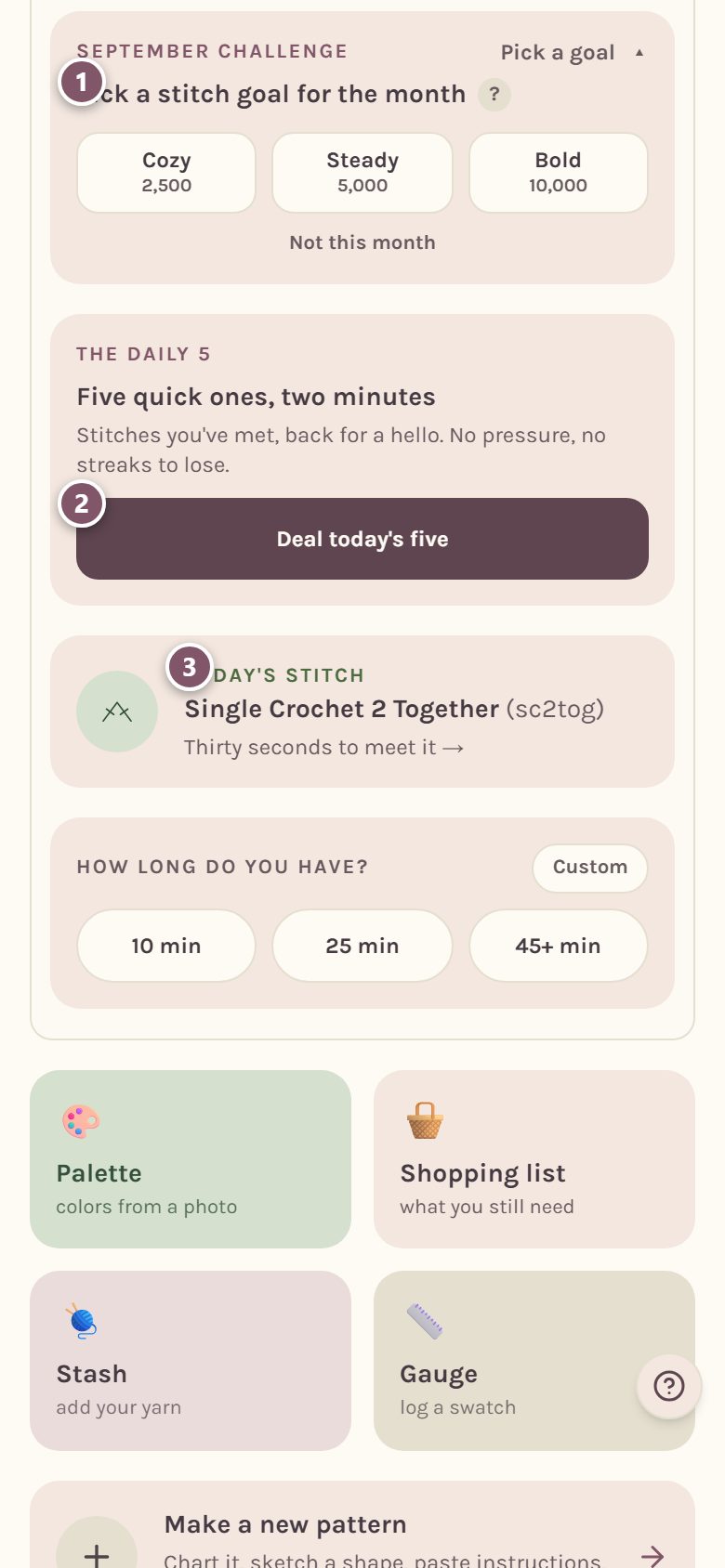
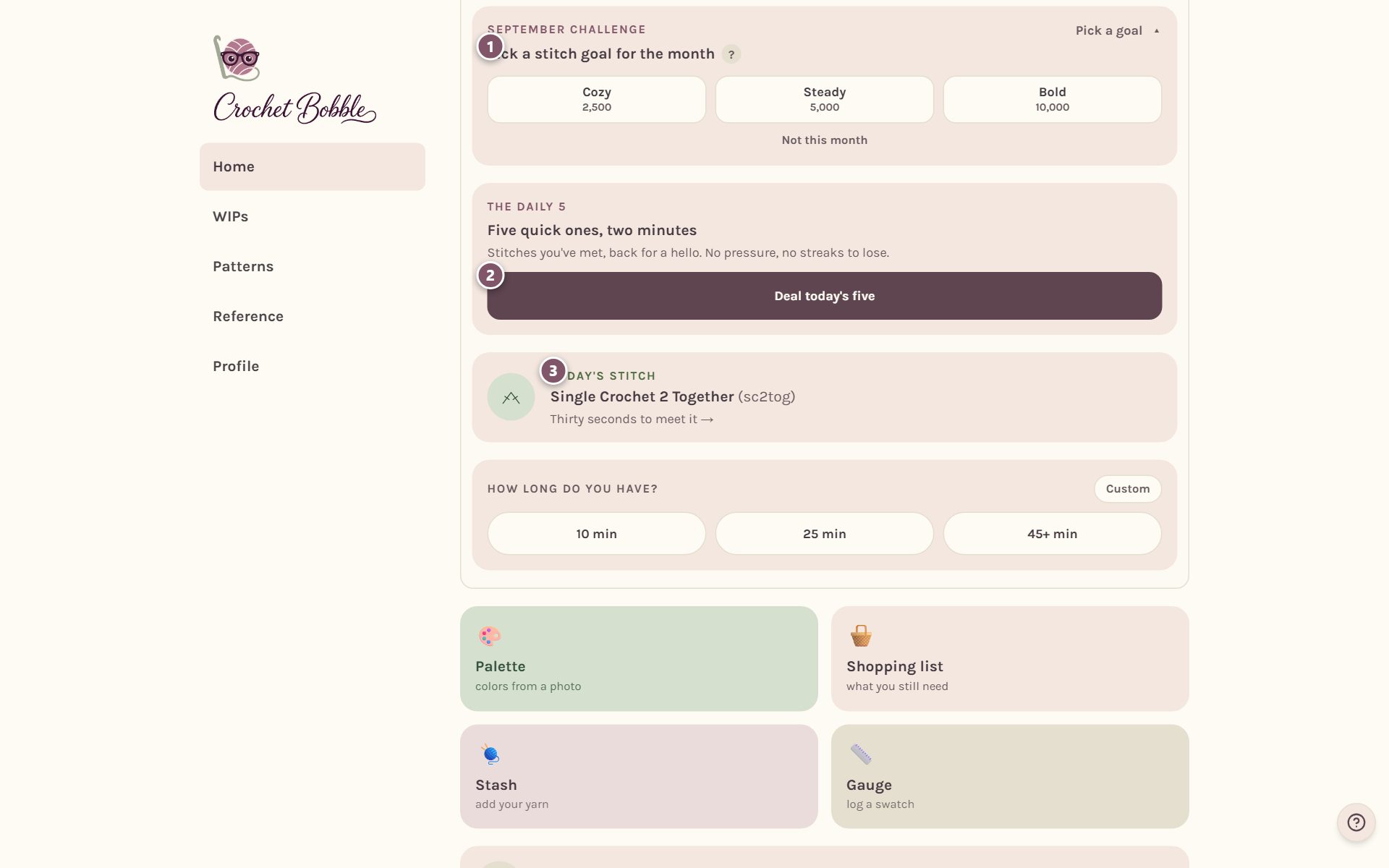
- The monthly challenge. Pick a stitch goal for the month: Cozy (2,500), Steady (5,000) or Bold (10,000). It counts the stitching you already do, including what you've made so far this month. Not feeling it? Tap Not this month.
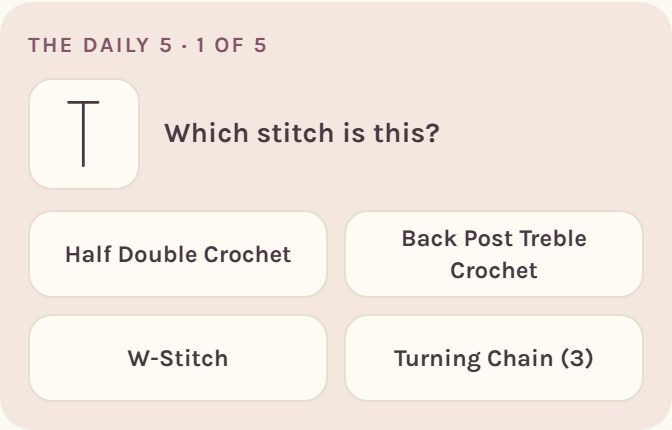
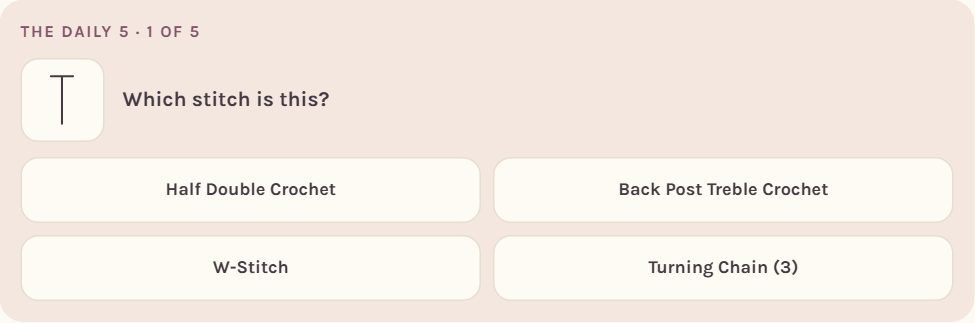
- The Daily 5. Tap Deal today's five for five quick questions about stitches you've met. It takes about two minutes, and there's no streak to lose. Stitches you miss come back sooner.
- Today's stitch. A new stitch every day. Tap it for a look at its page in the stitch dictionary.
Earn badges
Scroll down Home to Badges. They're grouped into sets, like Rhythm, Stitches and Finisher, and the little dashes by each set's name show how many you've earned.
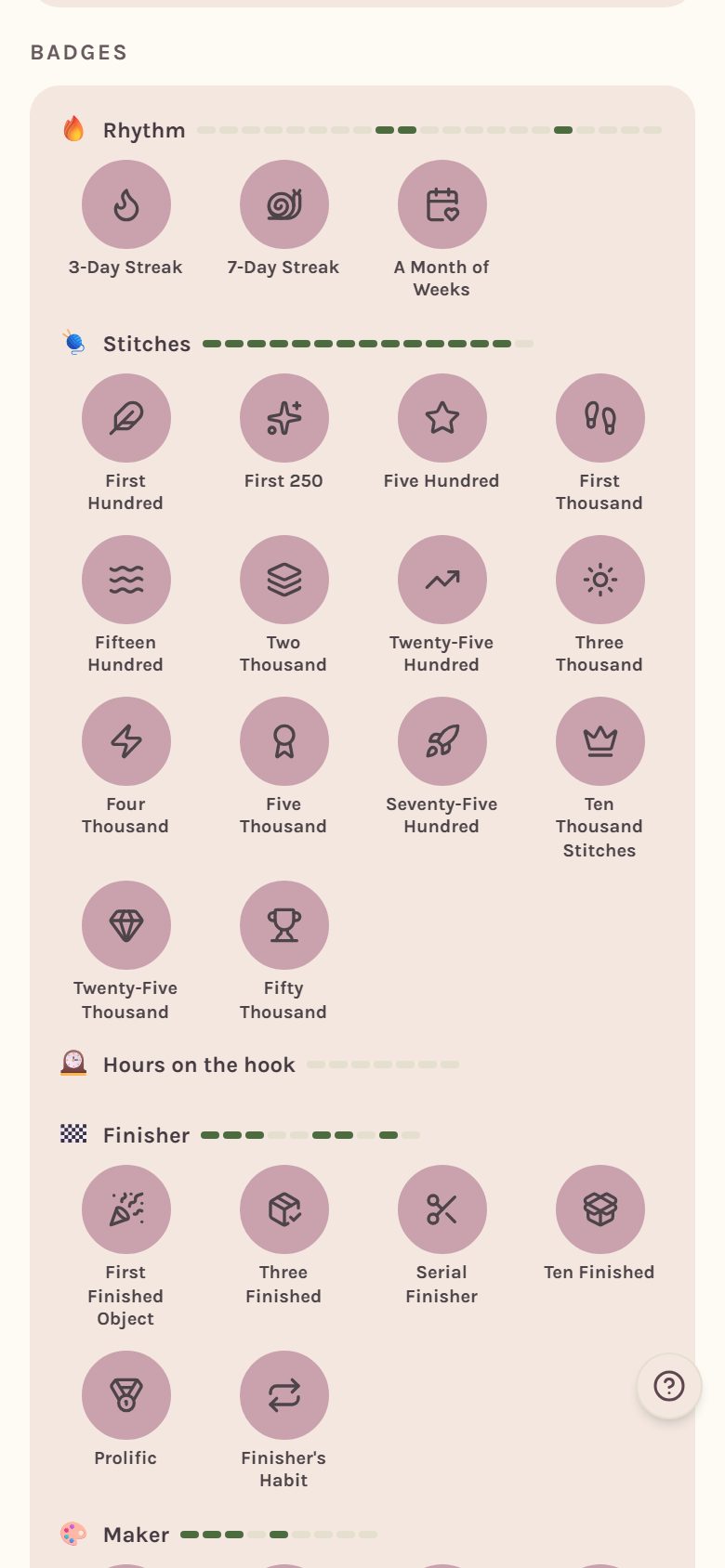
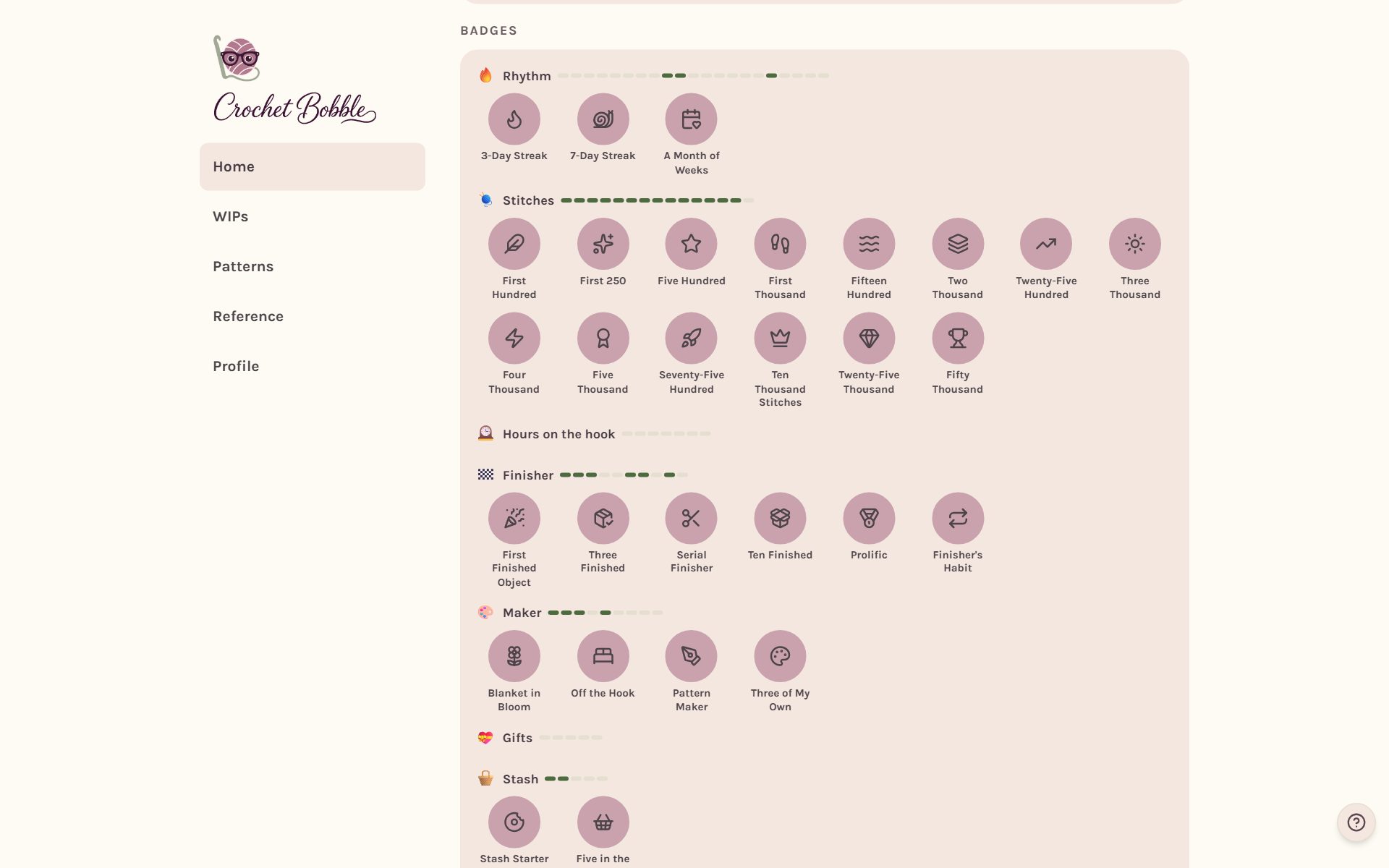
Only the badges you've earned show at first. Tap more to earn to see the rest, and the Next up line tells you how far you are from the closest one. Tap any badge to read what it's for.
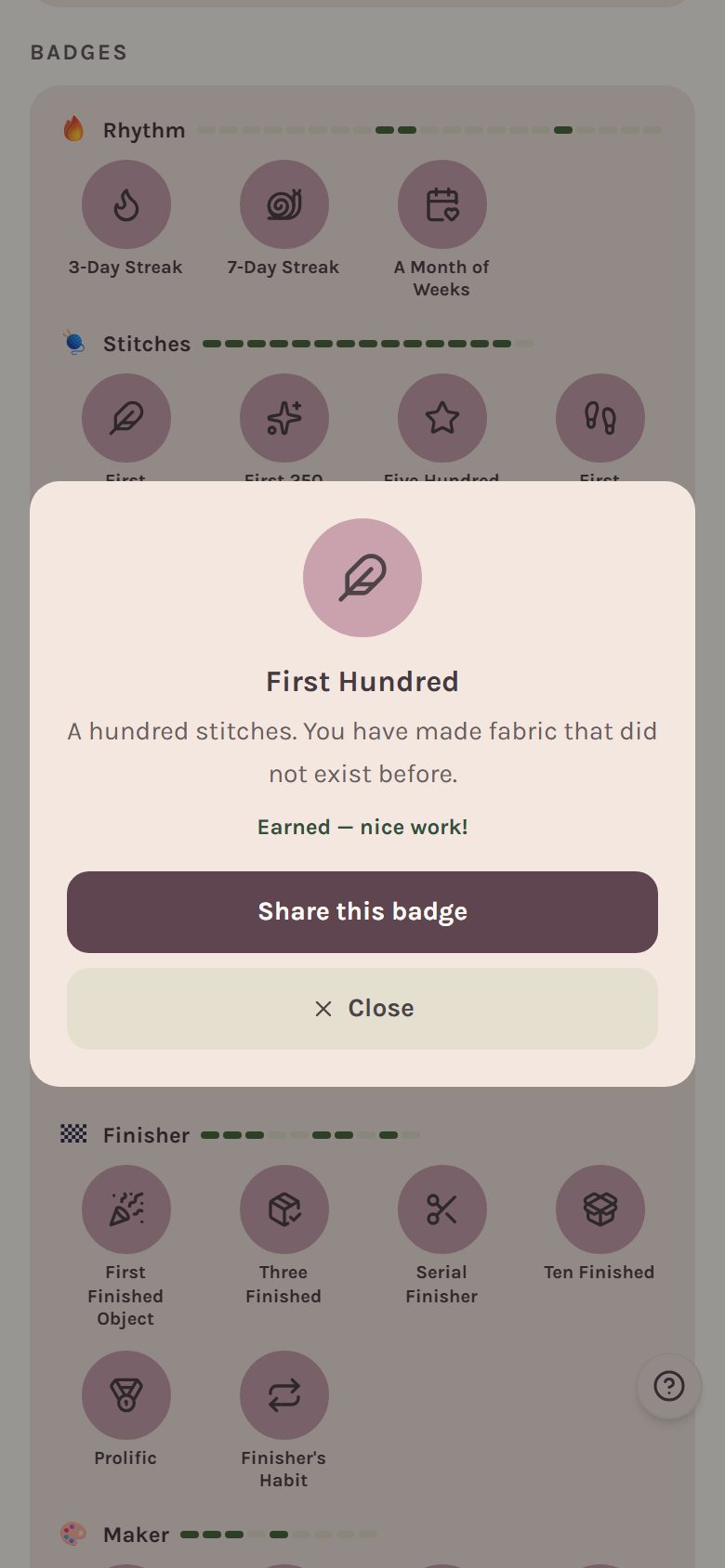
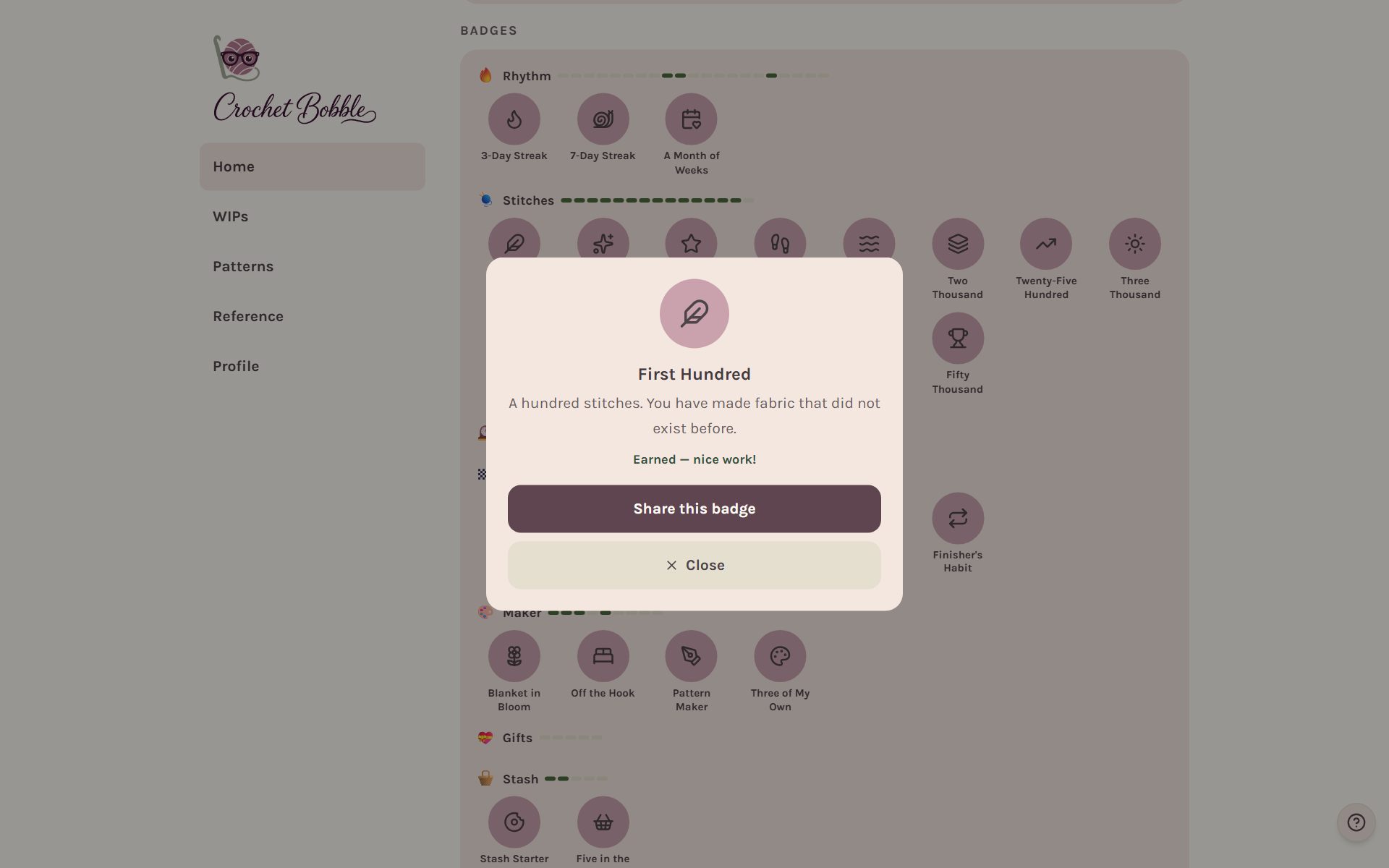
Badges earn themselves as you crochet. When you get one, Bobble tells you, and you can share it with Share this badge.
Dress up Bobble
Tap Bobble on Home to open Bobble's closet. Every outfit is something you earn by crocheting: a scarf for your first 10,000 stitches, a cardigan for meeting your goal four weeks in a row, and more. Pieces you haven't earned yet show as ??? with a hint of what earns them.
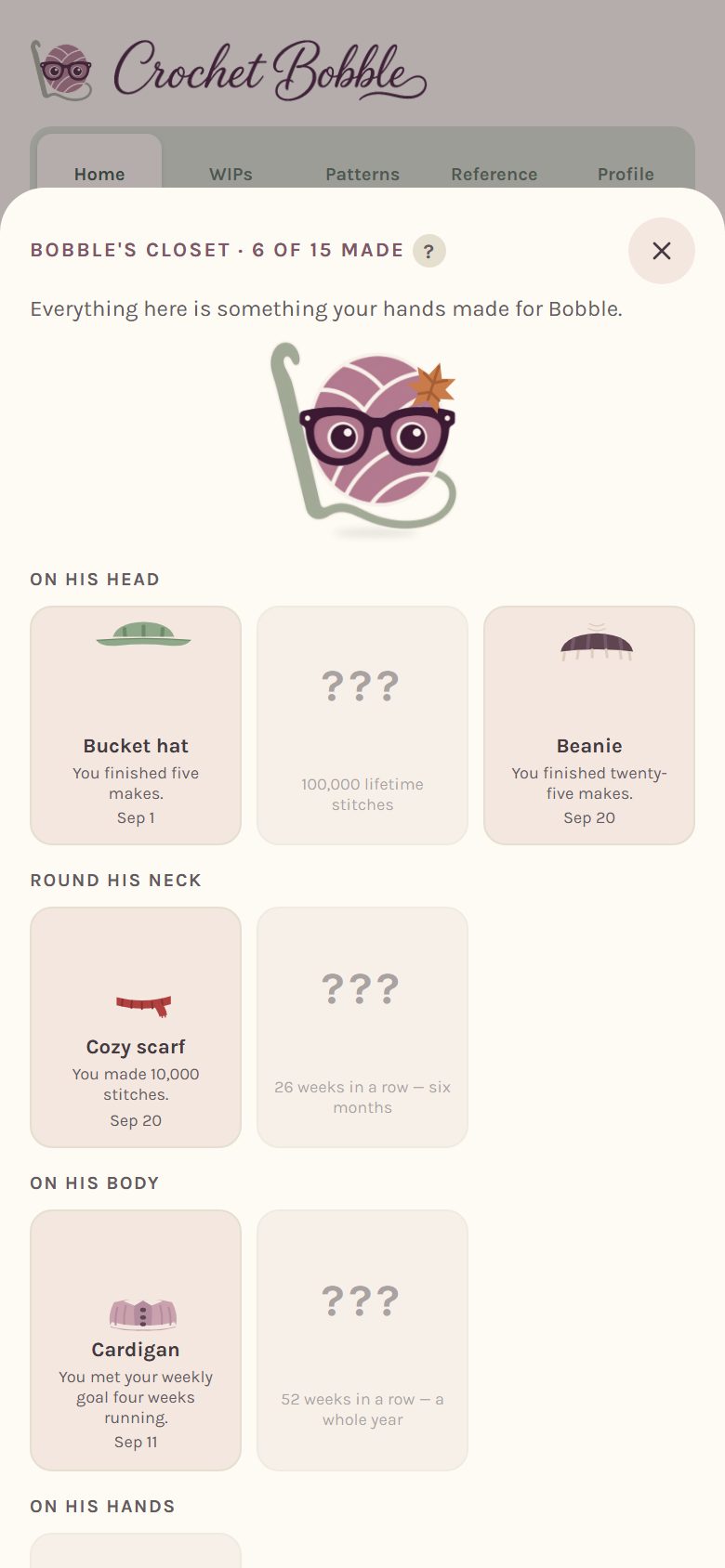
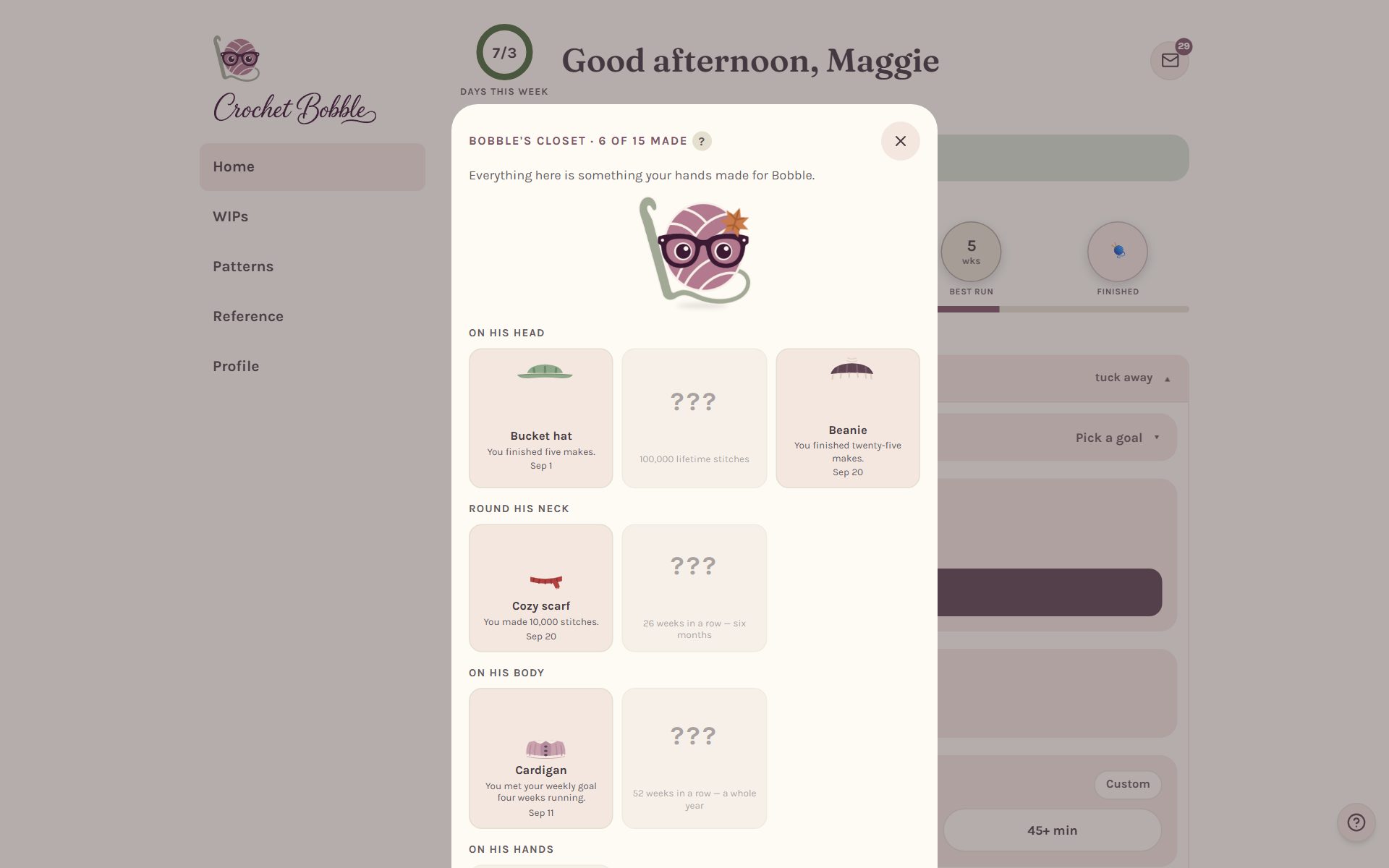
Tap a piece to put it on him, and tap it again to take it off. He can wear one thing from each section at a time. Rather keep him plain? Choose No outfits.
See your records
On Profile, Your records keeps your longest sitting, your biggest day of stitches and your best week of time. Records only ever go up.
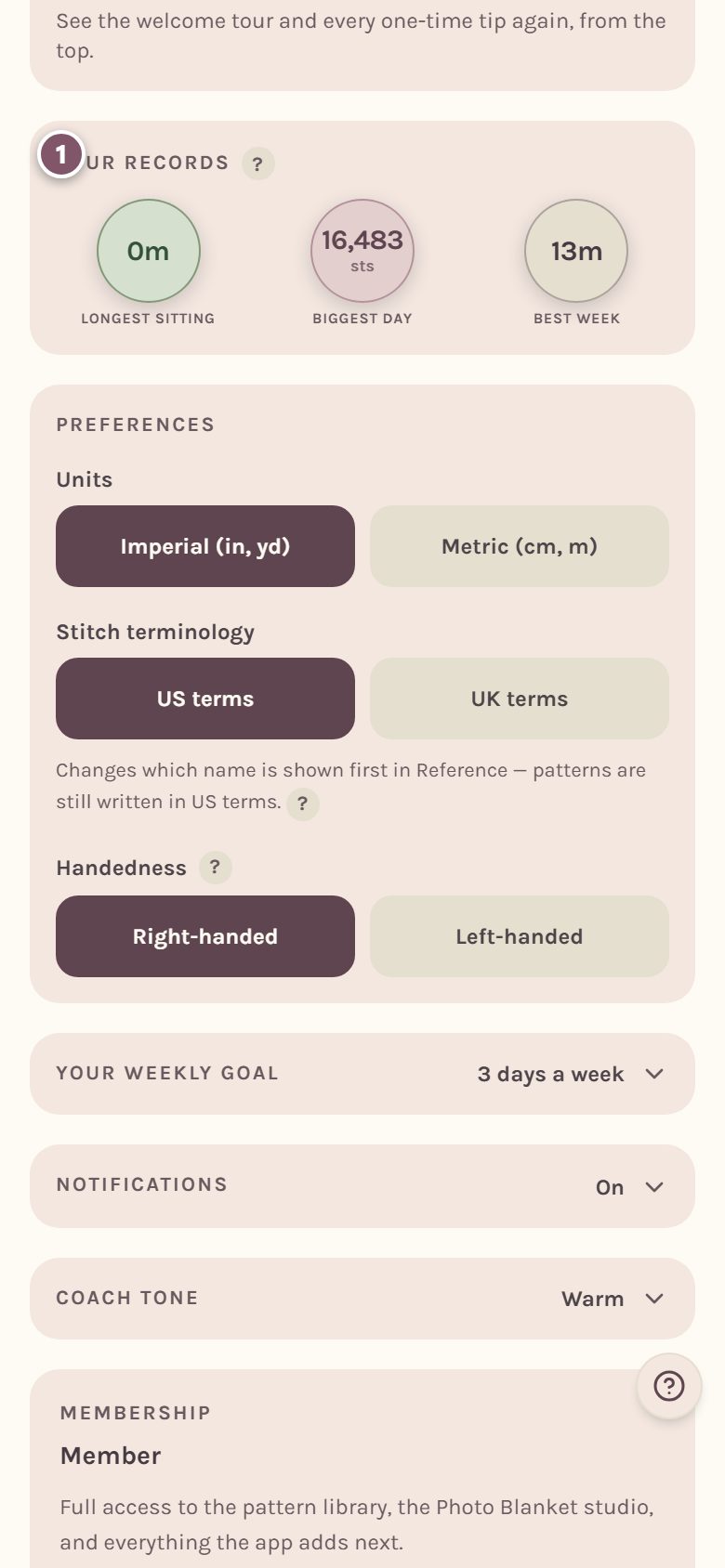
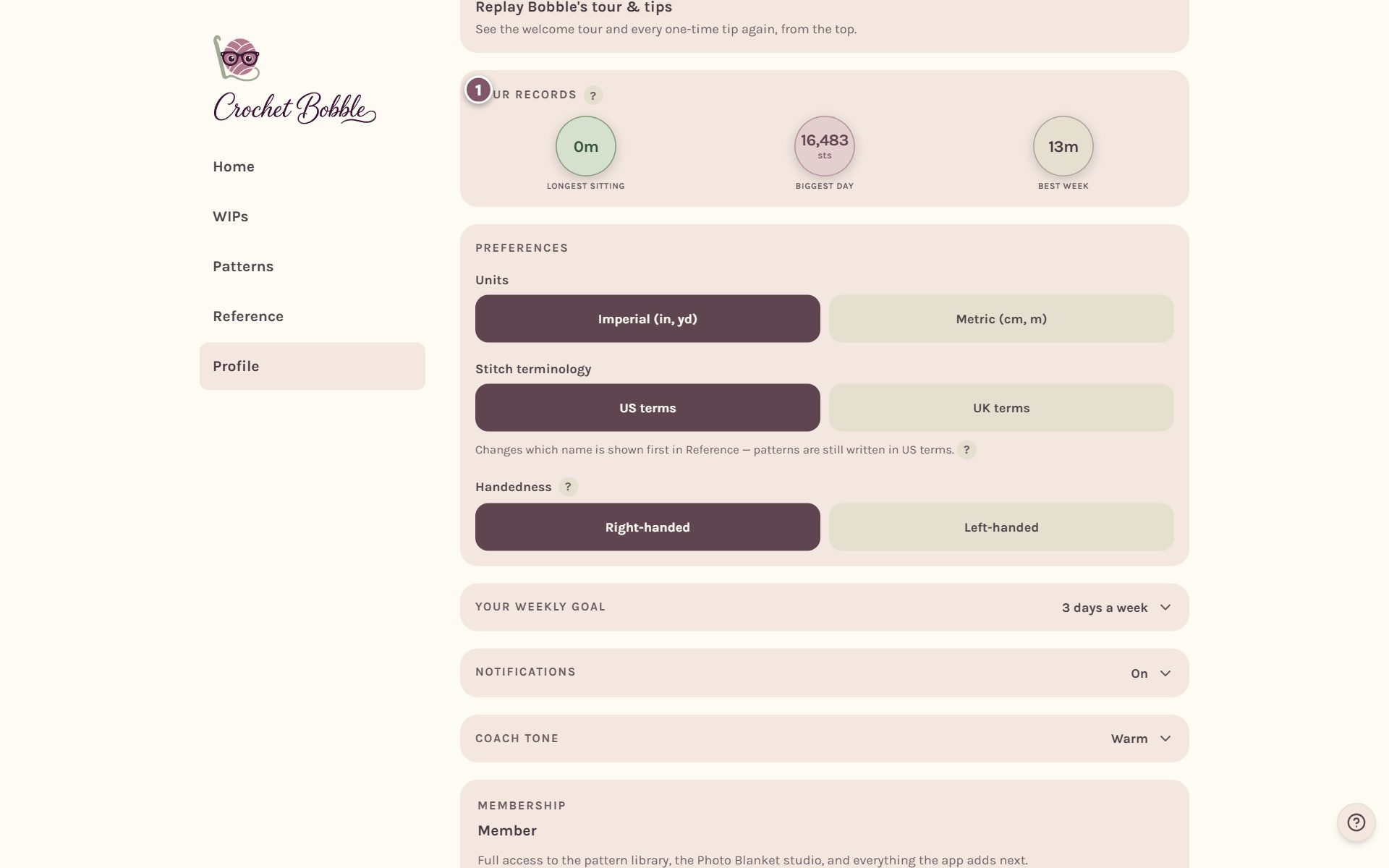
To count time, start the WIP timer while you crochet. See the crochet project timer.
Frequently asked questions
I missed a week. Did I lose my streak? Maybe not. One near-missed week a month mends itself automatically, so a single rough week doesn't undo months of work.
Why is my lifetime stitch count bigger than my projects add up to? Because frogging never subtracts. Rows you took out and worked again count every time you crocheted them.
Can I turn the reminders off? Yes. Go to Profile, then Notifications. See crochet app settings.
Ready to try it? Crochet Bobble opens right in your browser, on a phone or a computer.
Open Crochet Bobble