
Crochet Project Timer: Track How Long Your WIPs Take
Time your crochet projects with Crochet Bobble's WIP timer, add time you forgot to log, and set a countdown for when you only have a few minutes. Here's how each clock works.
How long did that blanket really take? Crochet Bobble can tell you. It has two clocks, and they do different jobs:
- The WIP timer counts time toward one WIP. It's the only clock that logs time.
- The How long do you have? countdown on Home reminds you when your free time is up. It logs nothing.
Start the WIP timer on a project
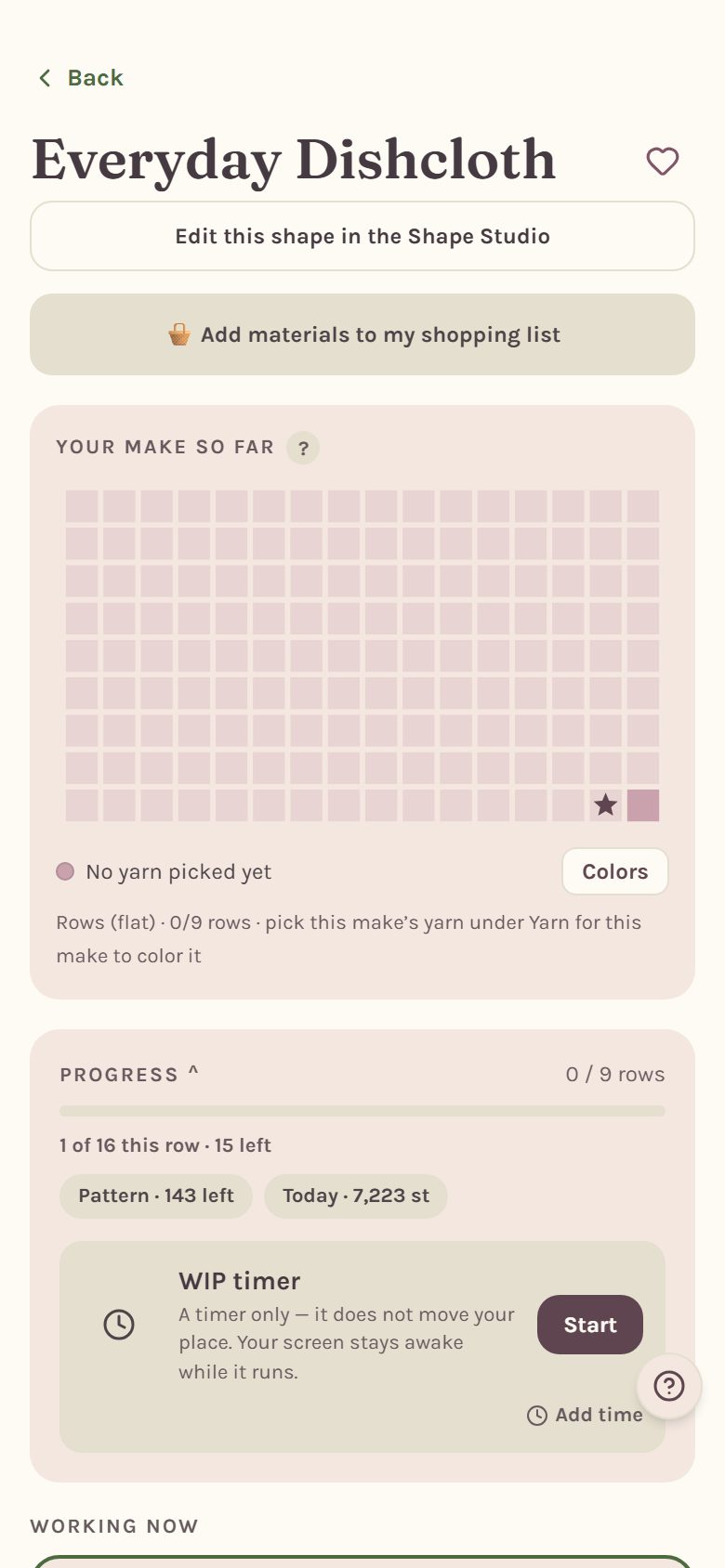
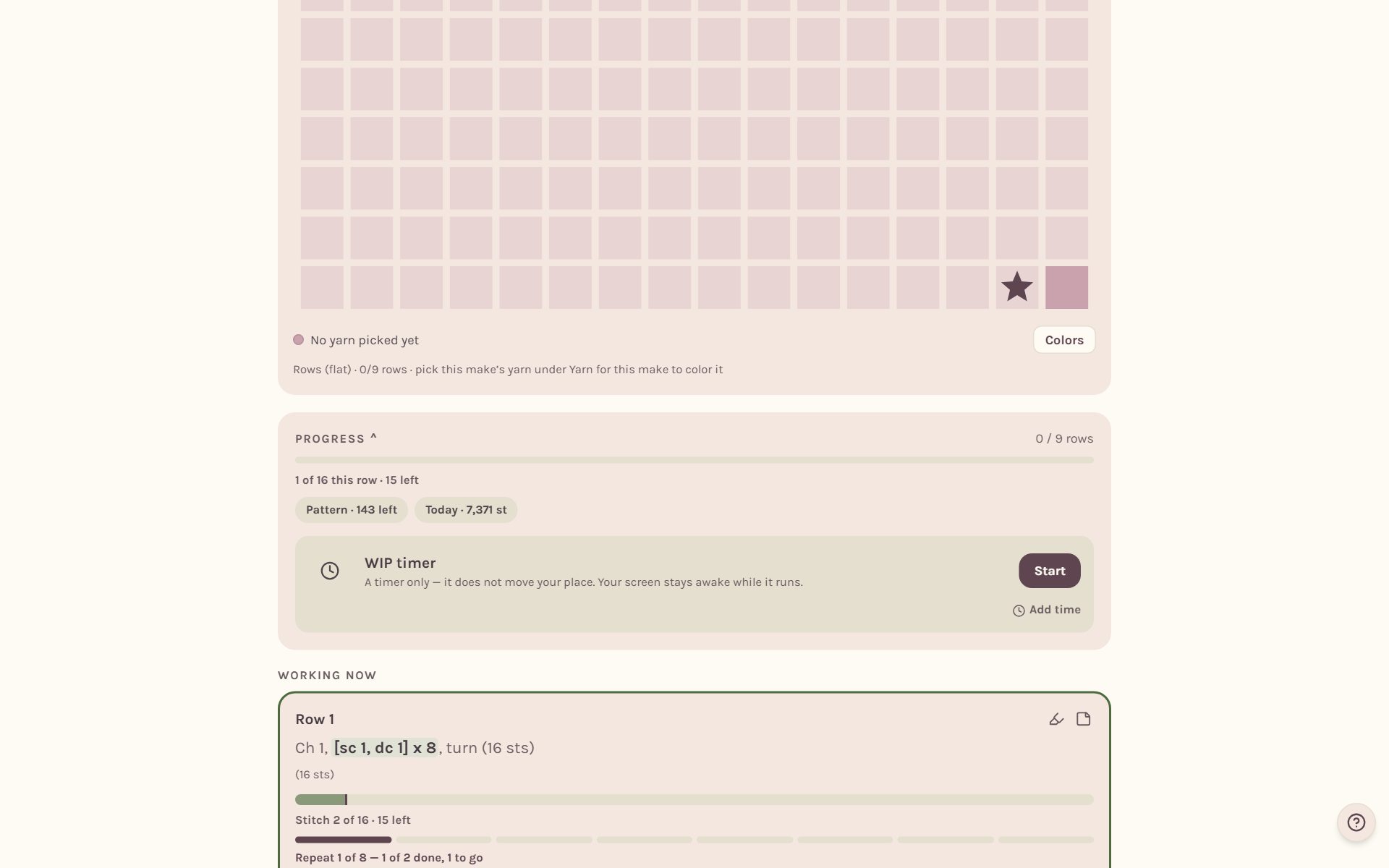
Every tracker has its own WIP timer. On a written pattern, tap Start at the end of the progress bar. On a blanket, it's the WIP timer card right under Progress.
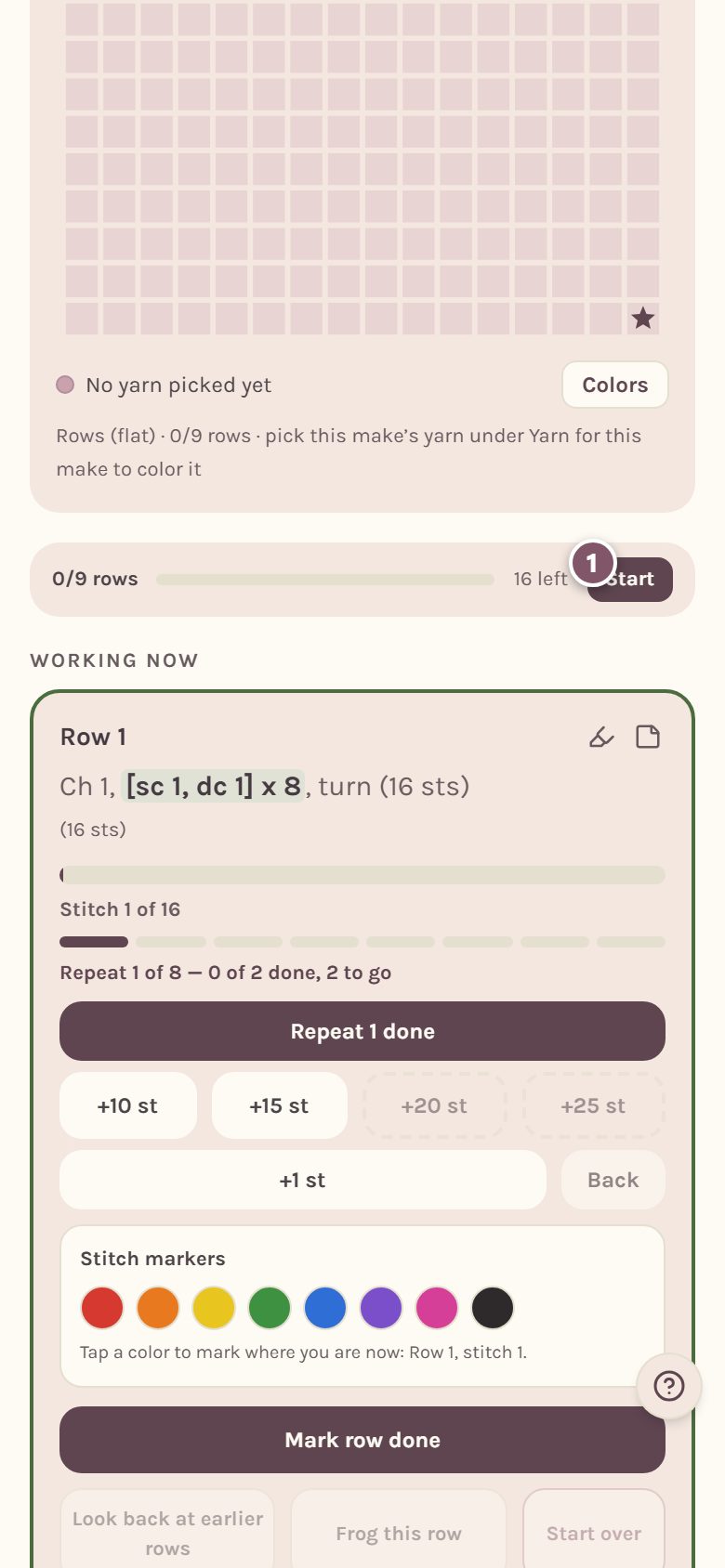
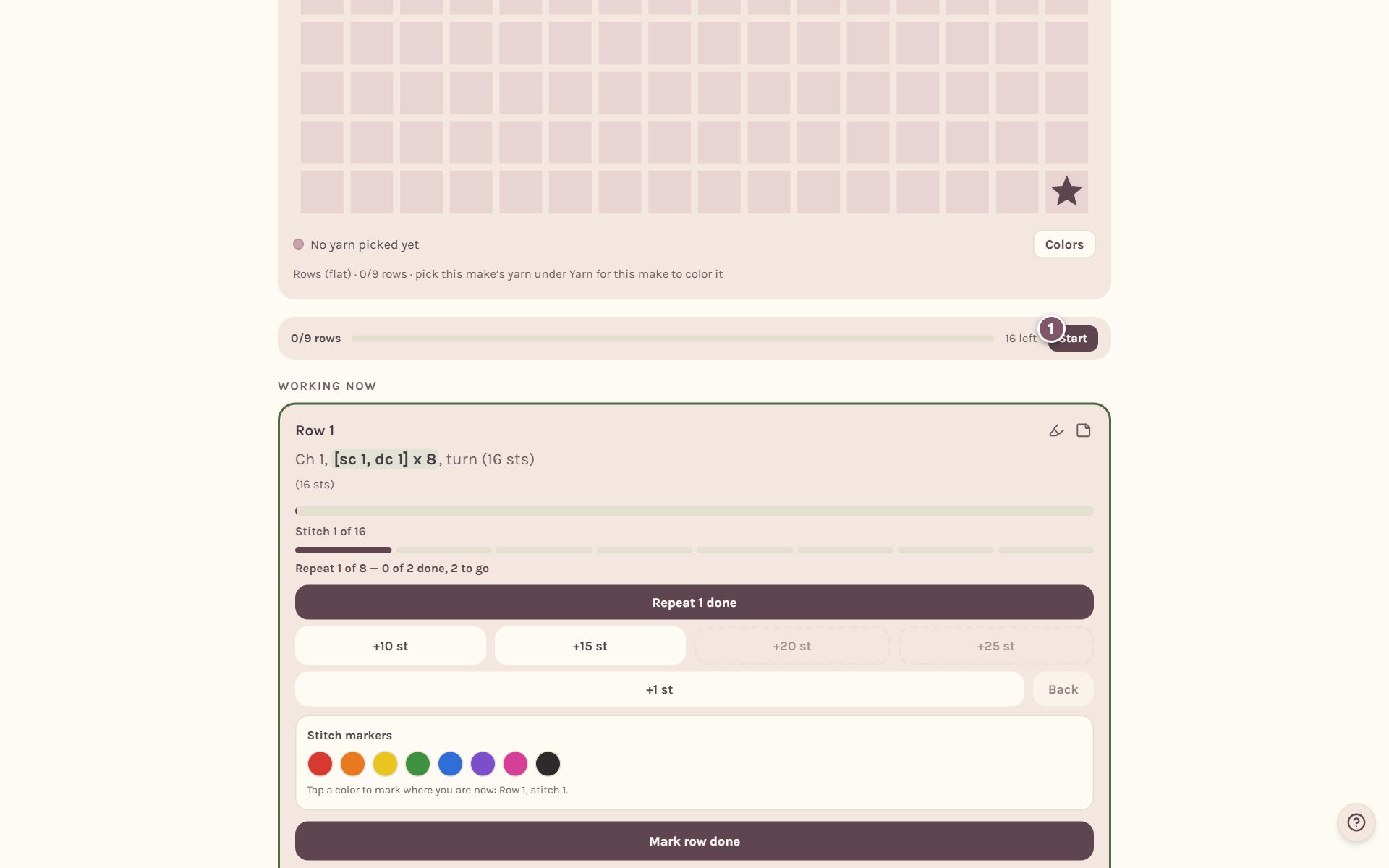
Tap the progress bar itself to see the full card, with Start and Add time. While the timer runs, your screen stays awake, so your phone won't lock mid-row.
You can also time a session from the WIPs page. At the top, Start a stitching session has a list of your WIPs. Pick one and tap the round play button.
Forgot to start it? Bobble offers
If you log stitches or rows while the WIP timer is off, a note pops up at the bottom of the screen.
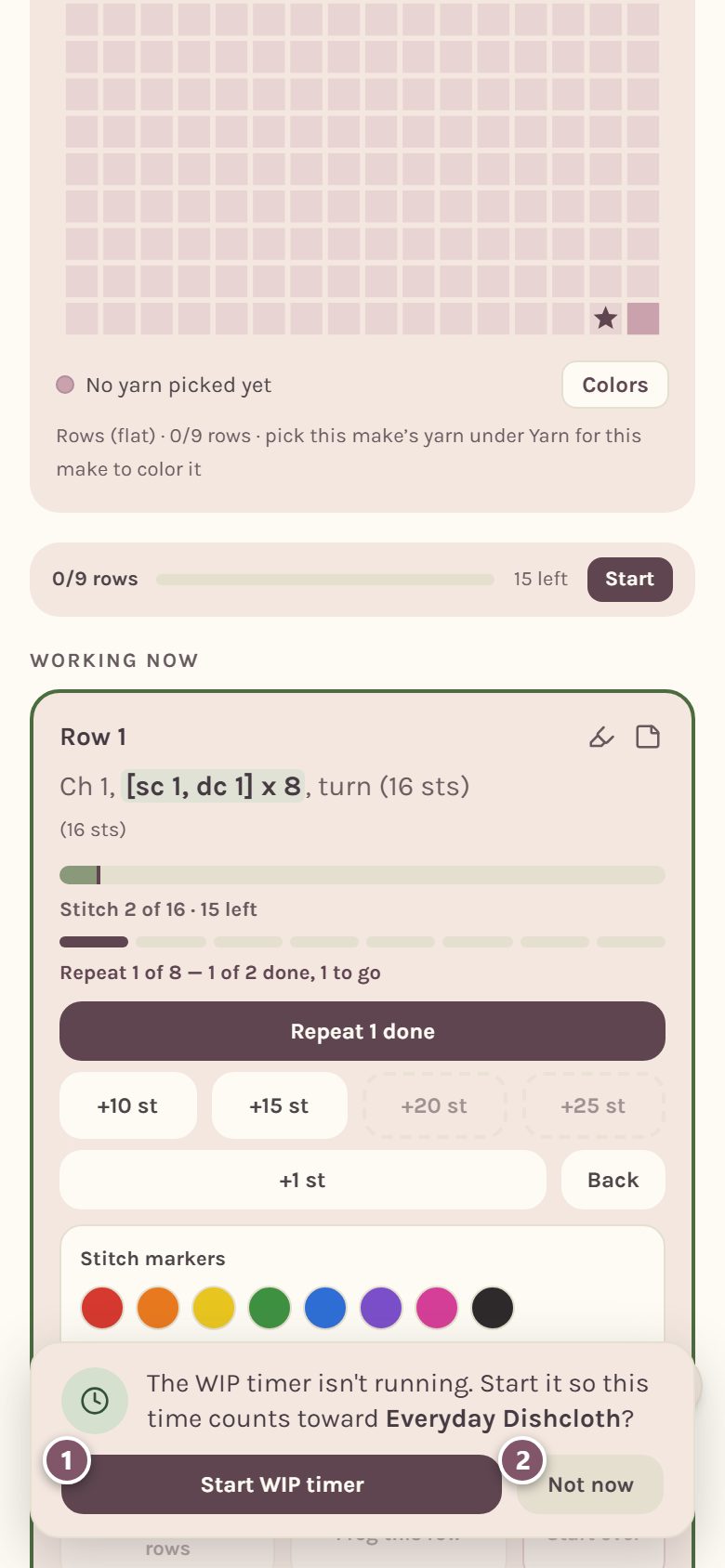
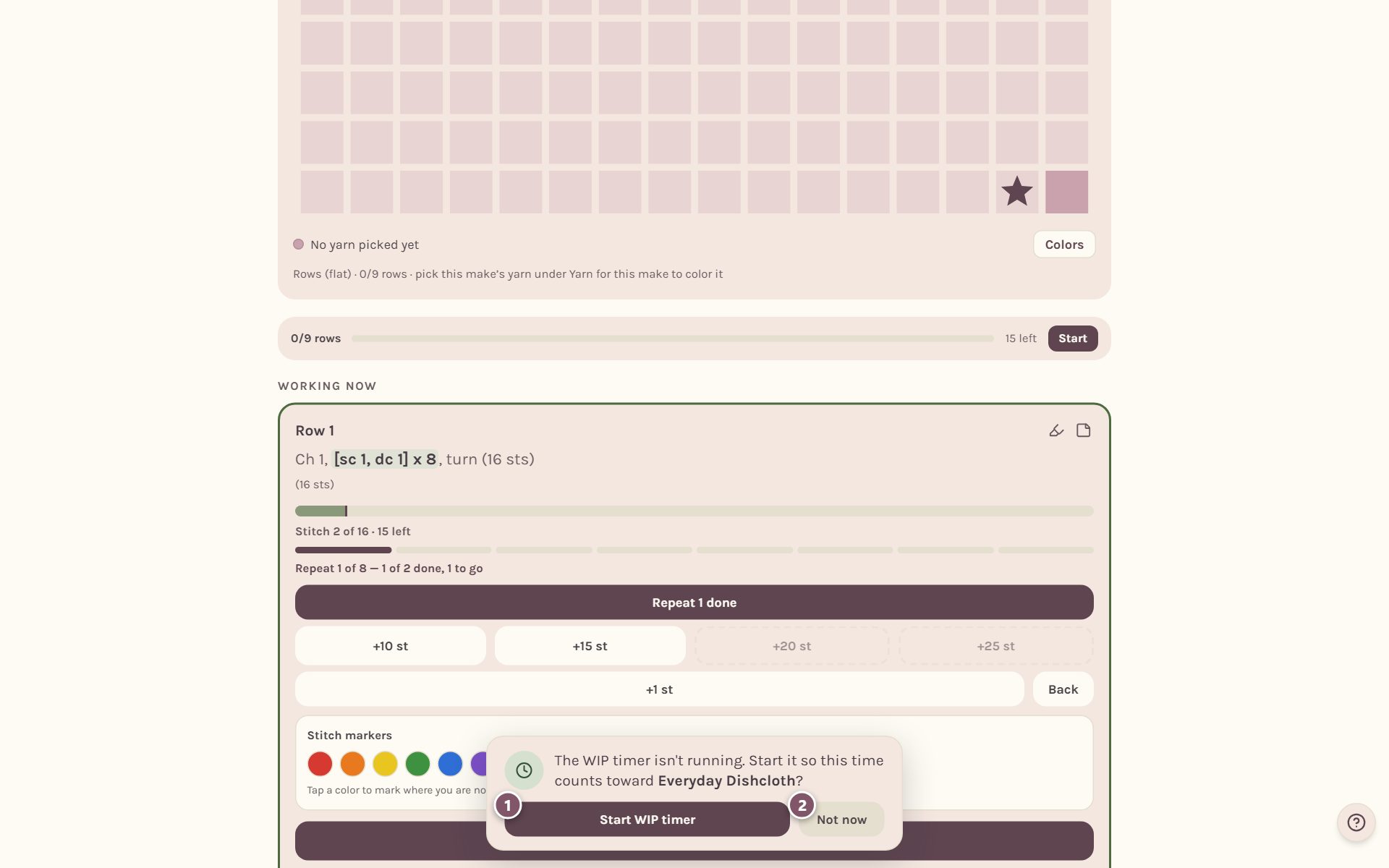
- Start WIP timer starts it right away, so the time counts toward this WIP.
- Not now closes the note.
The timer at the top of the screen
While the WIP timer runs, a green pill at the top of the screen shows the time and the WIP it's counting.
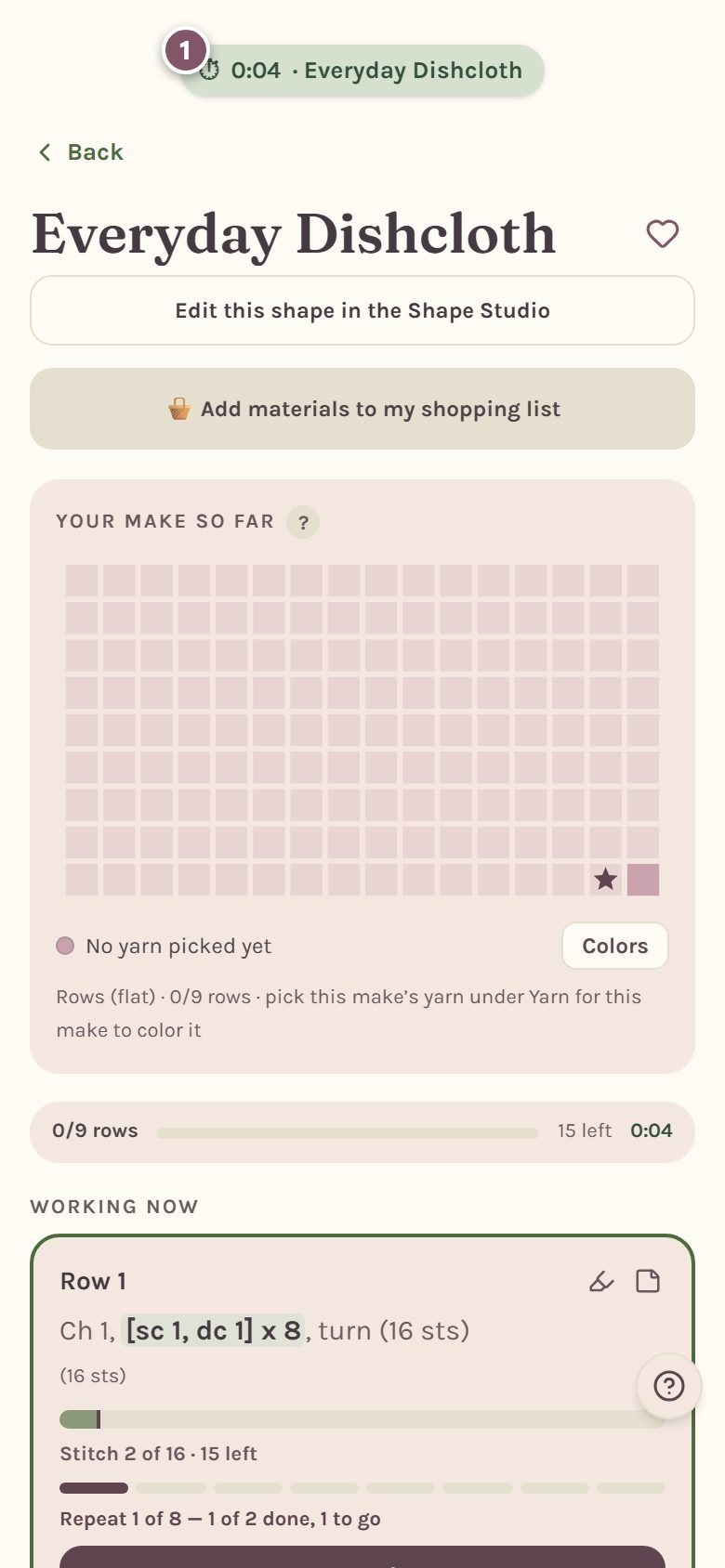
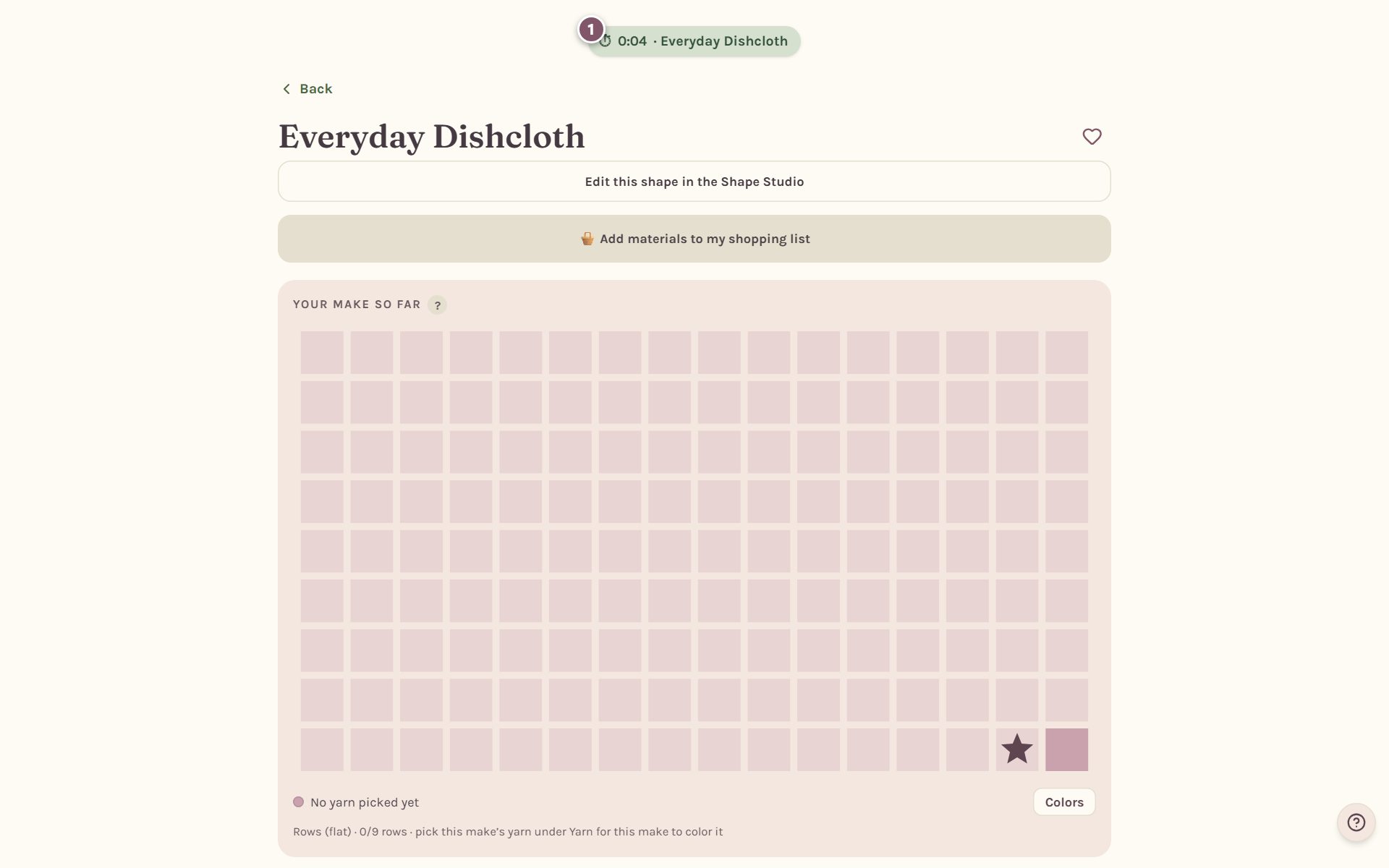
Tap the pill to open its controls.
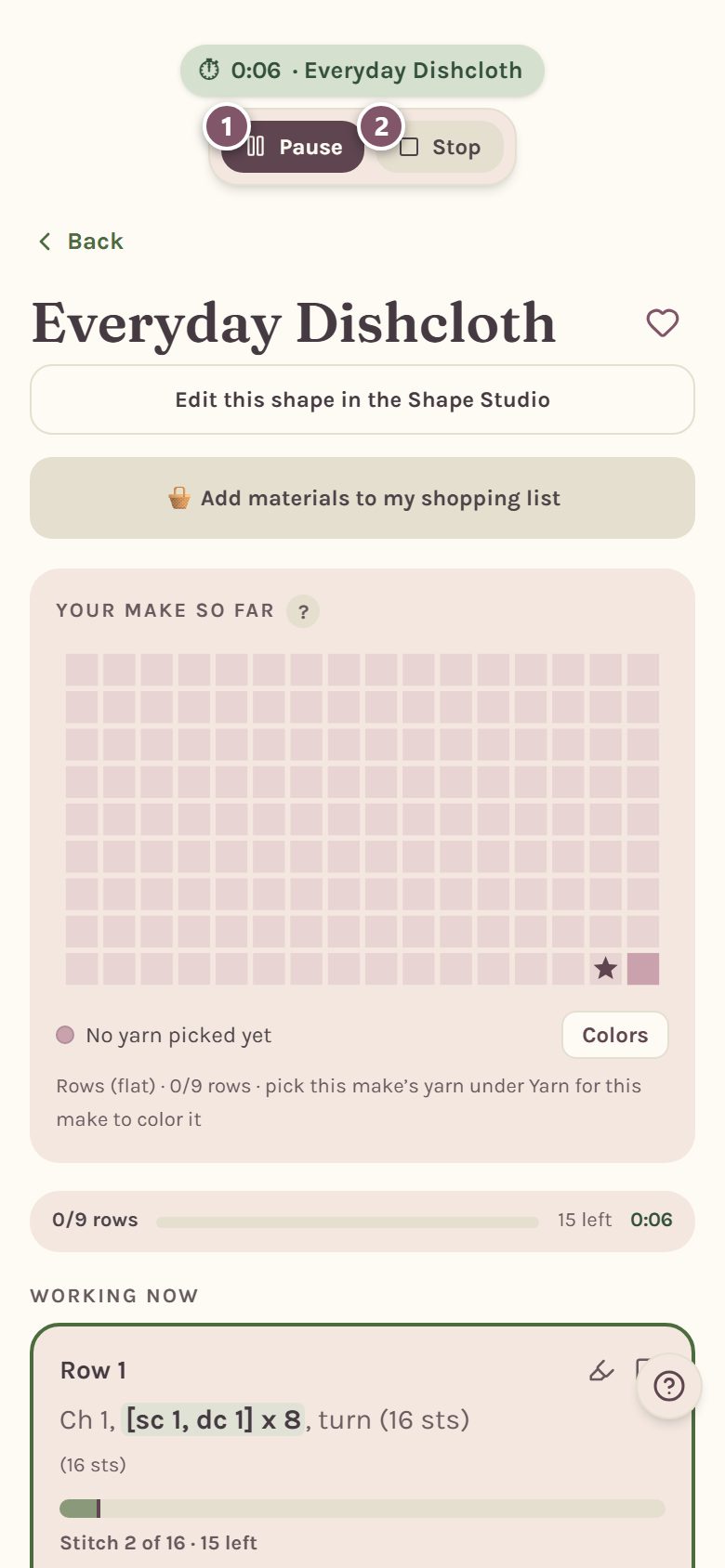
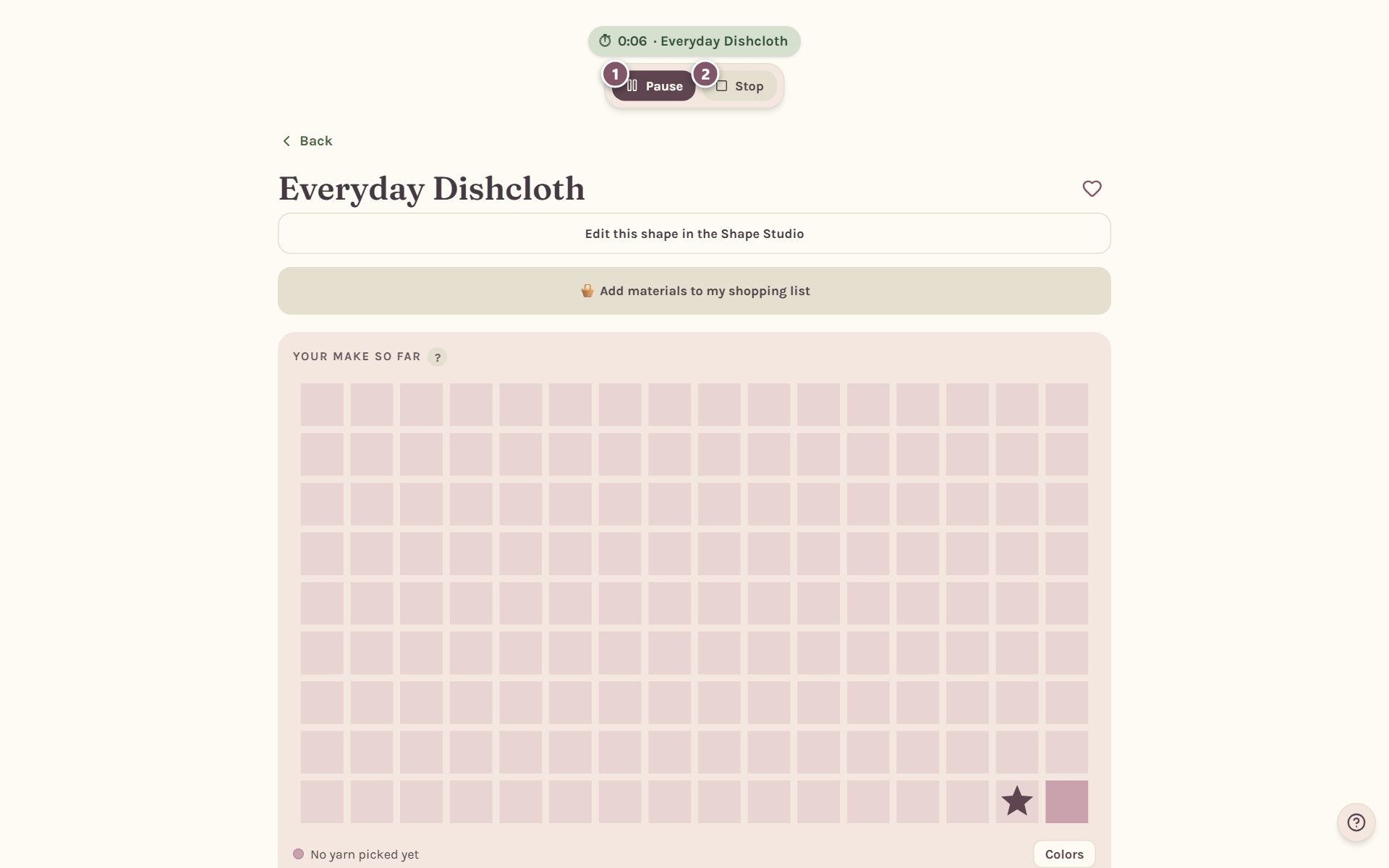
- Pause holds the clock. The time so far is already saved. Tap Resume to carry on.
- Stop ends the session and keeps the time.
If you're on a different page, the controls also offer a button to open that WIP.
Leaving a page with the timer running
Tap Back while the timer is running and Crochet Bobble asks what to do with it first, so you never lose time by accident.
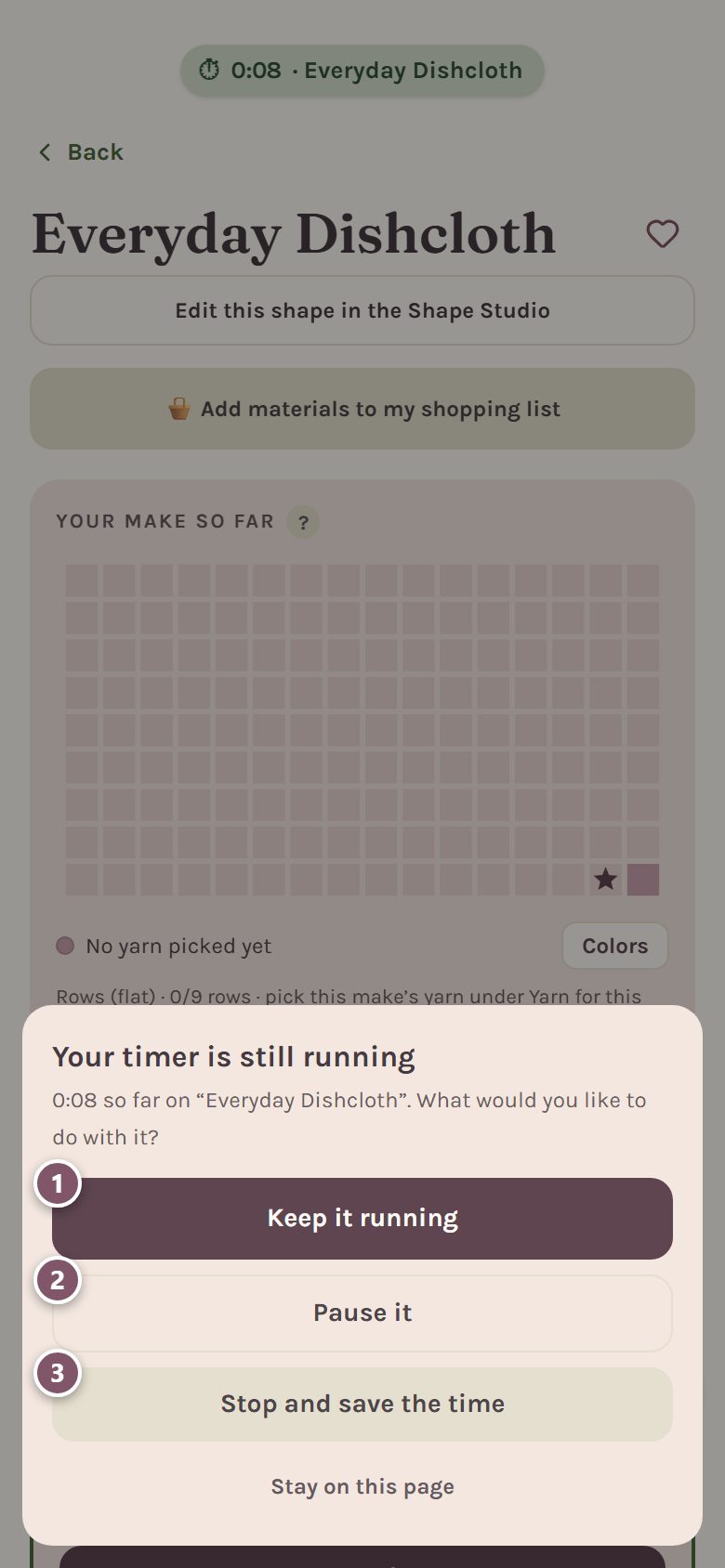
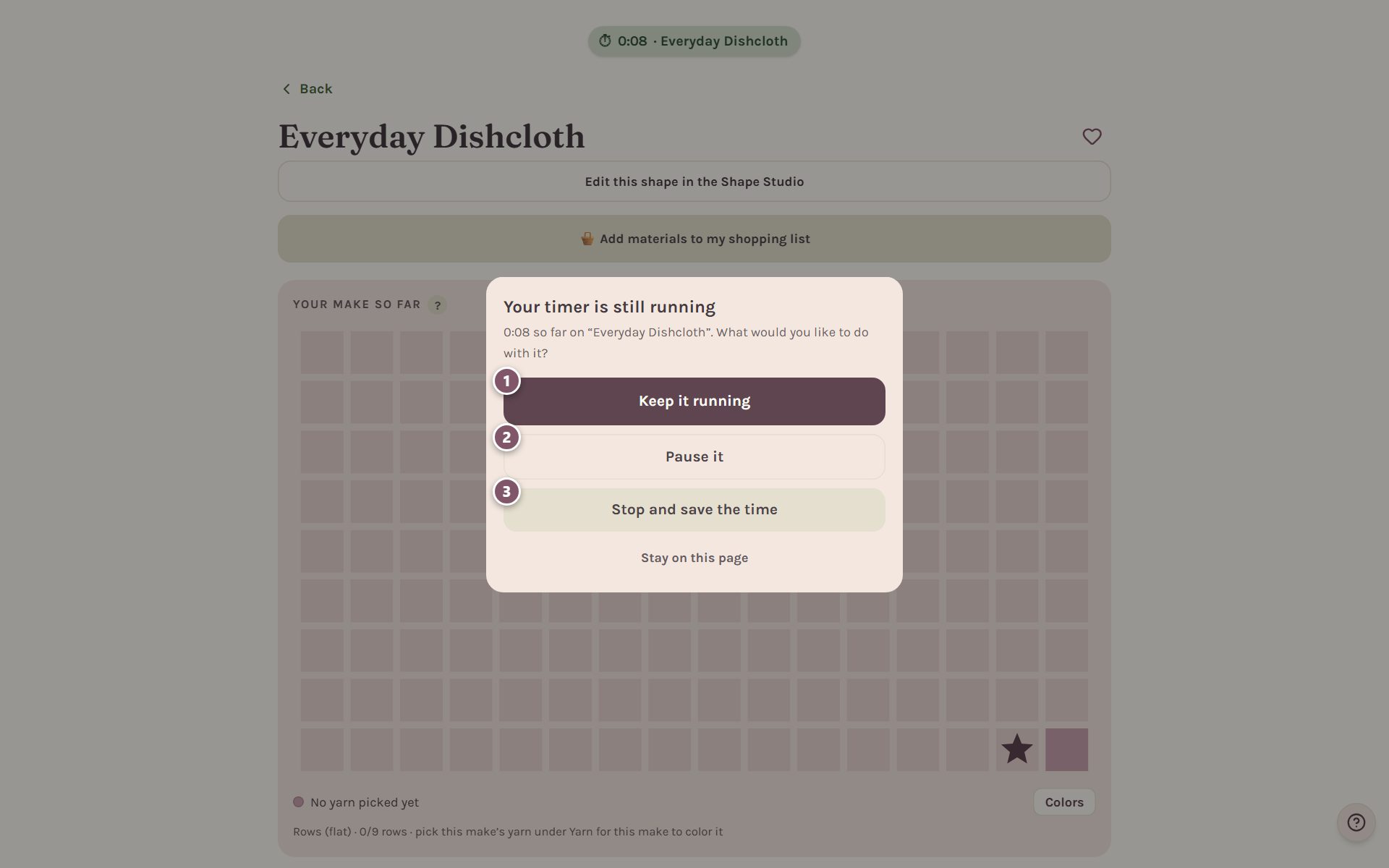
- Keep it running leaves the page and keeps timing.
- Pause it holds the clock.
- Stop and save the time ends the session.
Stay on this page closes the question and keeps you where you are.
Add time by hand
Crocheted away from your phone? Tap Add time, pick the hours and minutes, and tap Add it. Time you add by hand counts toward your goals, your records and your streak, the same as the clock.
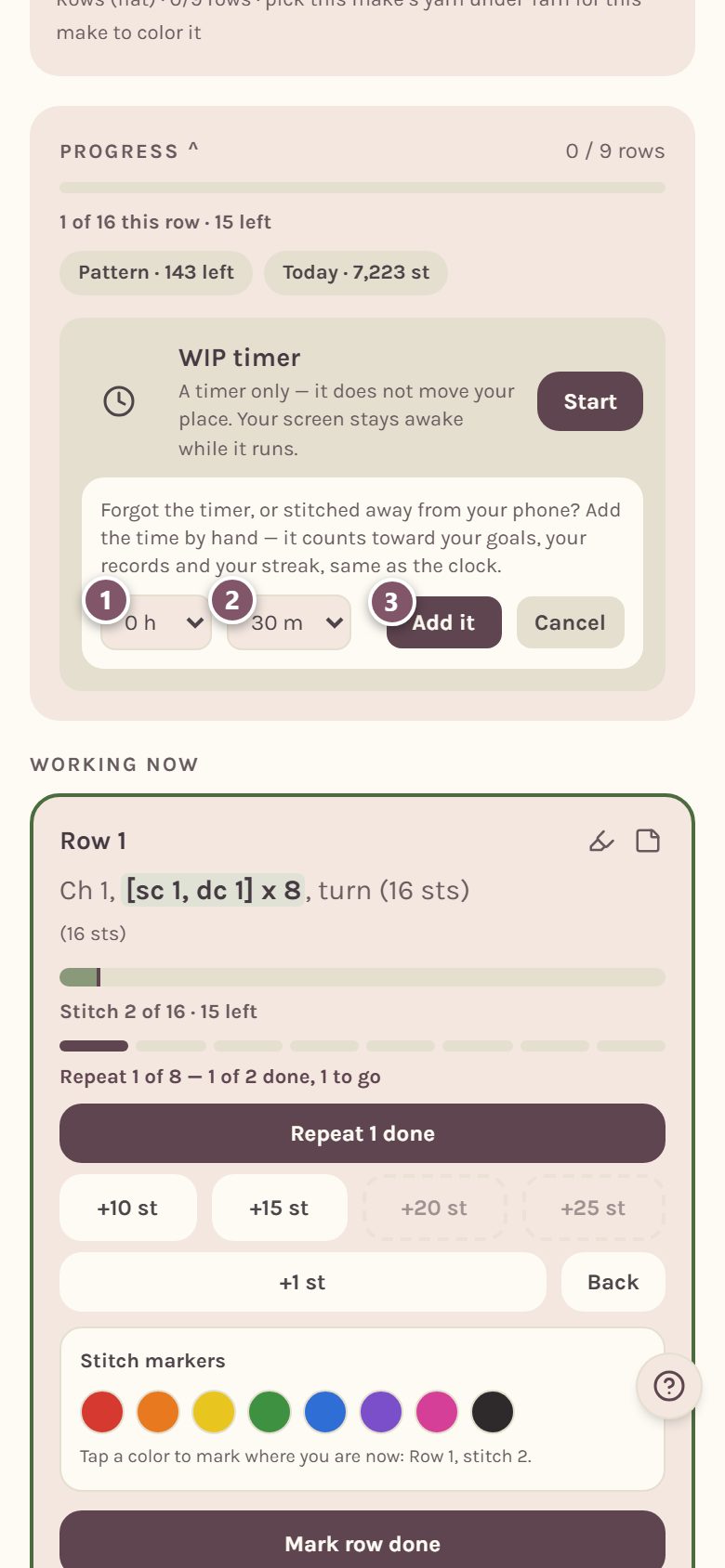
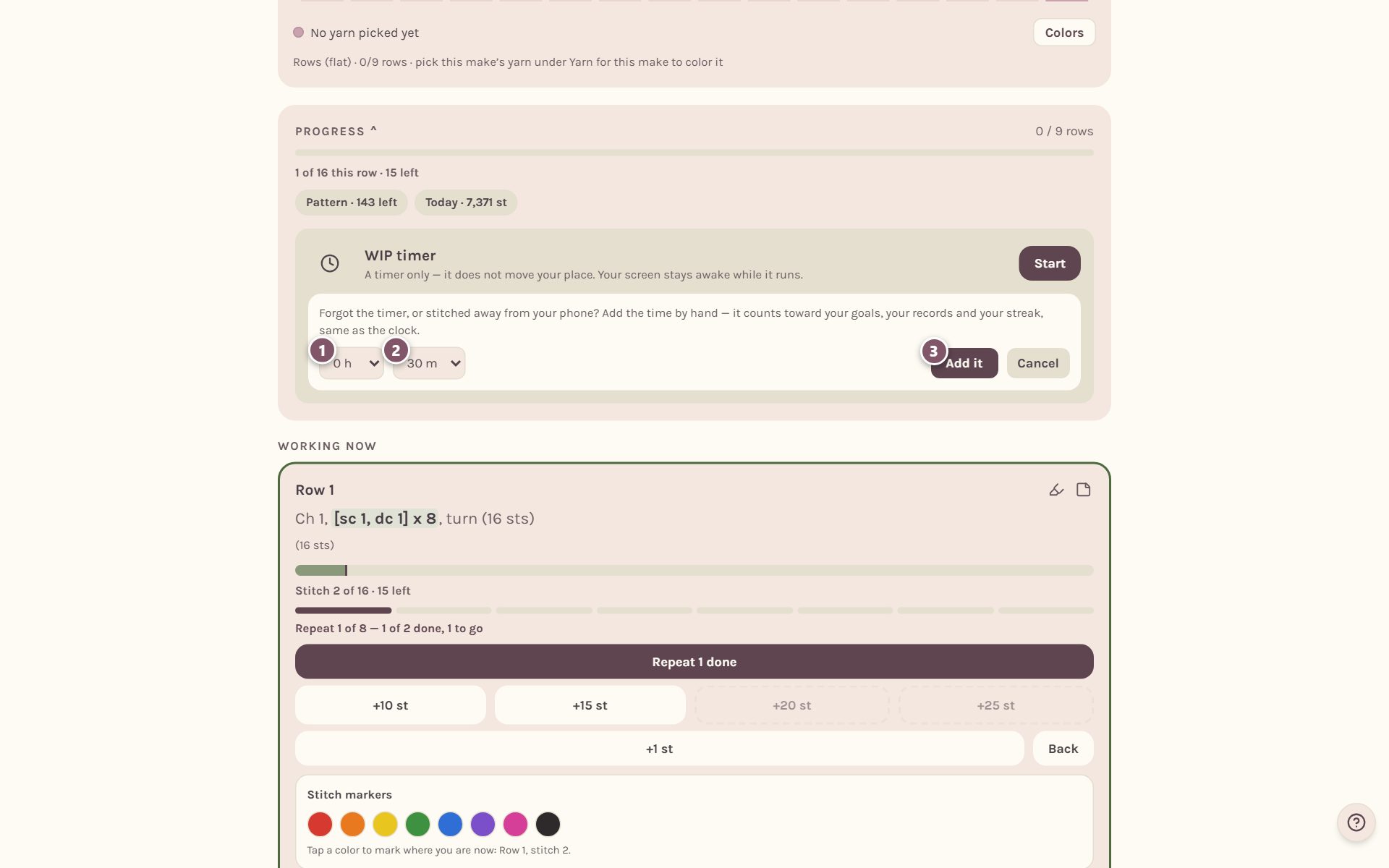
You'll find Add time on the tracker's WIP timer card and on each card in your WIPs.
Set a countdown for the time you have
Only have 25 minutes before school pickup? On Home, find How long do you have? and pick 10 min, 25 min or 45+ min, or tap Custom to type your own number of minutes.
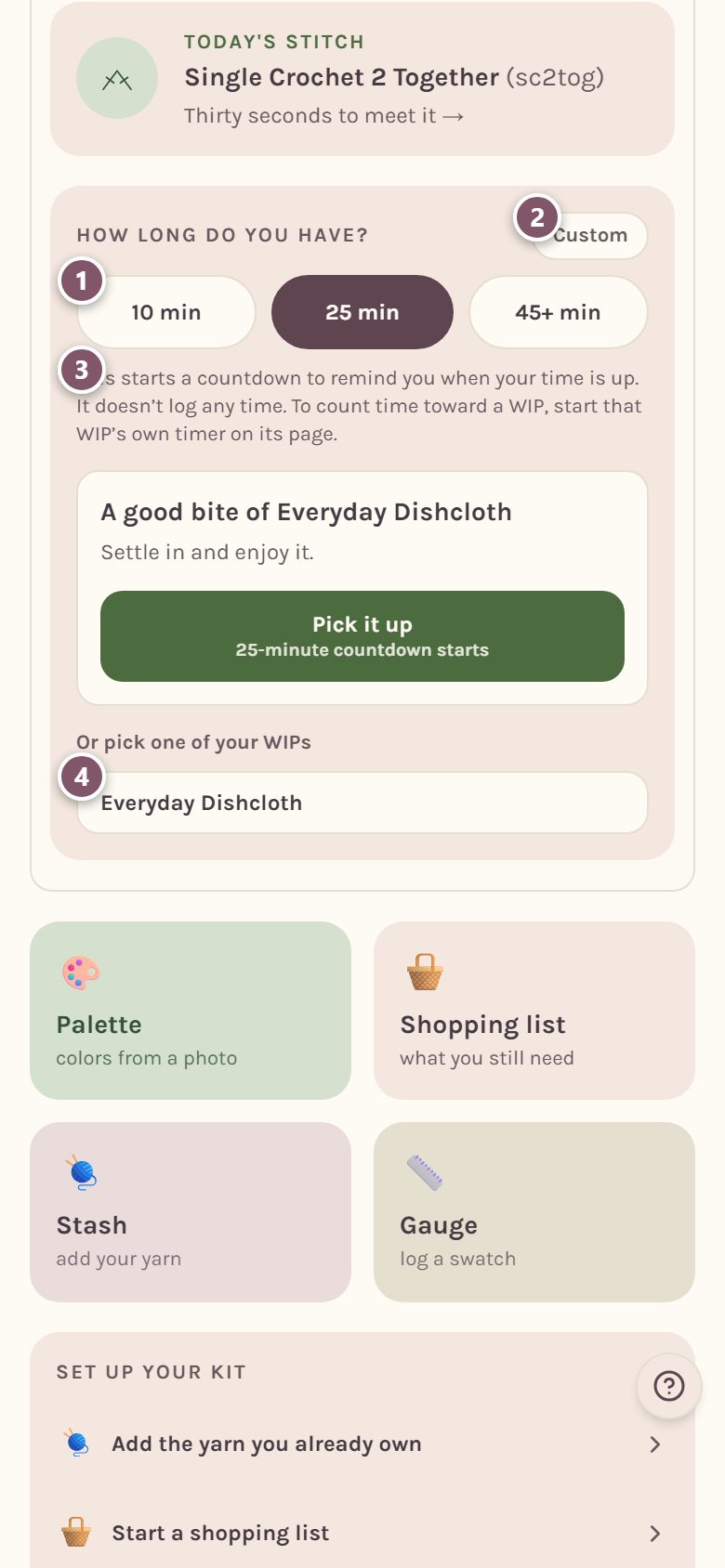
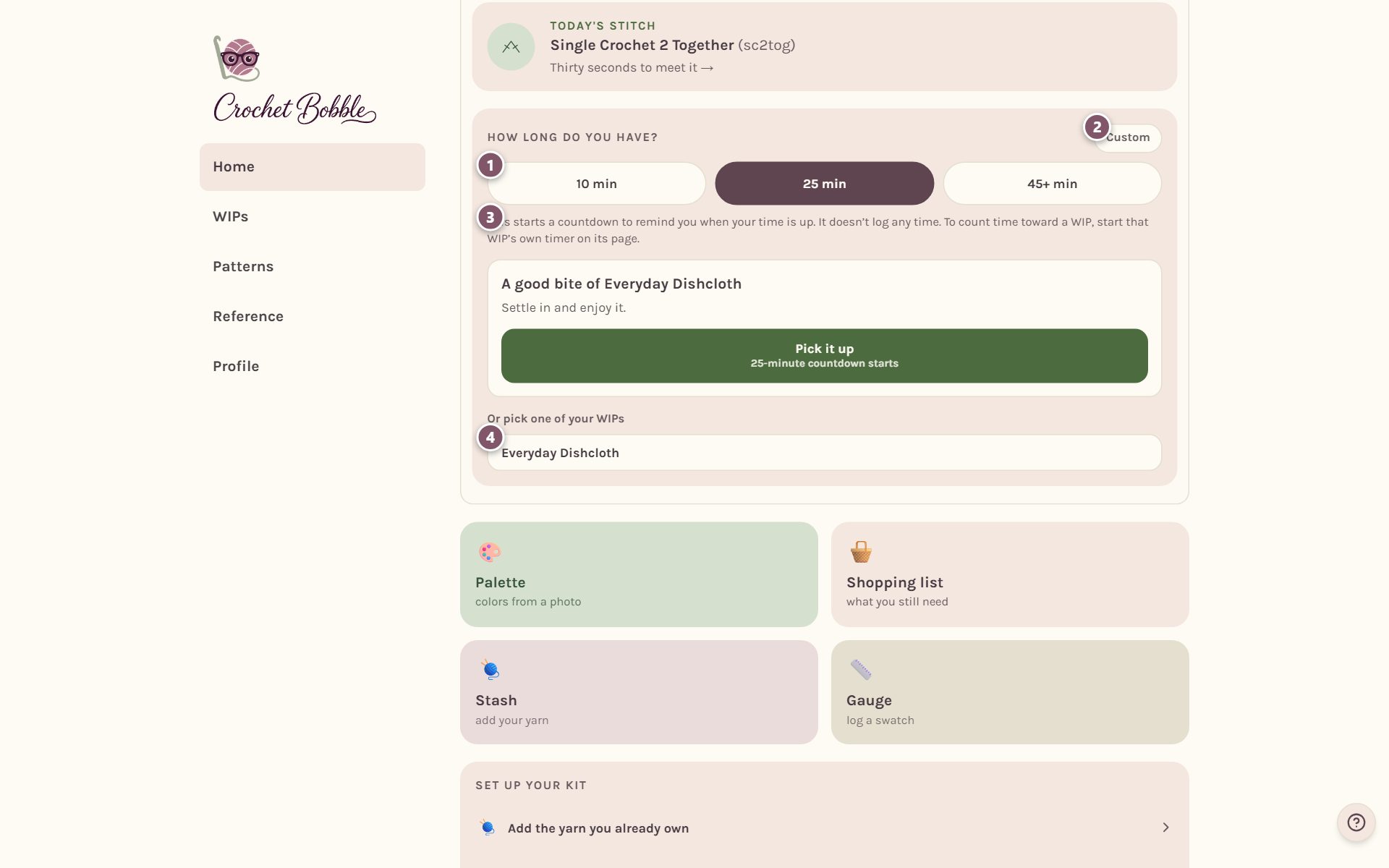
Crochet Bobble suggests something that fits your time, and lists your WIPs underneath. Tap one and the countdown starts (45+ min is open-ended, so it has no countdown). The countdown shows at the top of the screen.
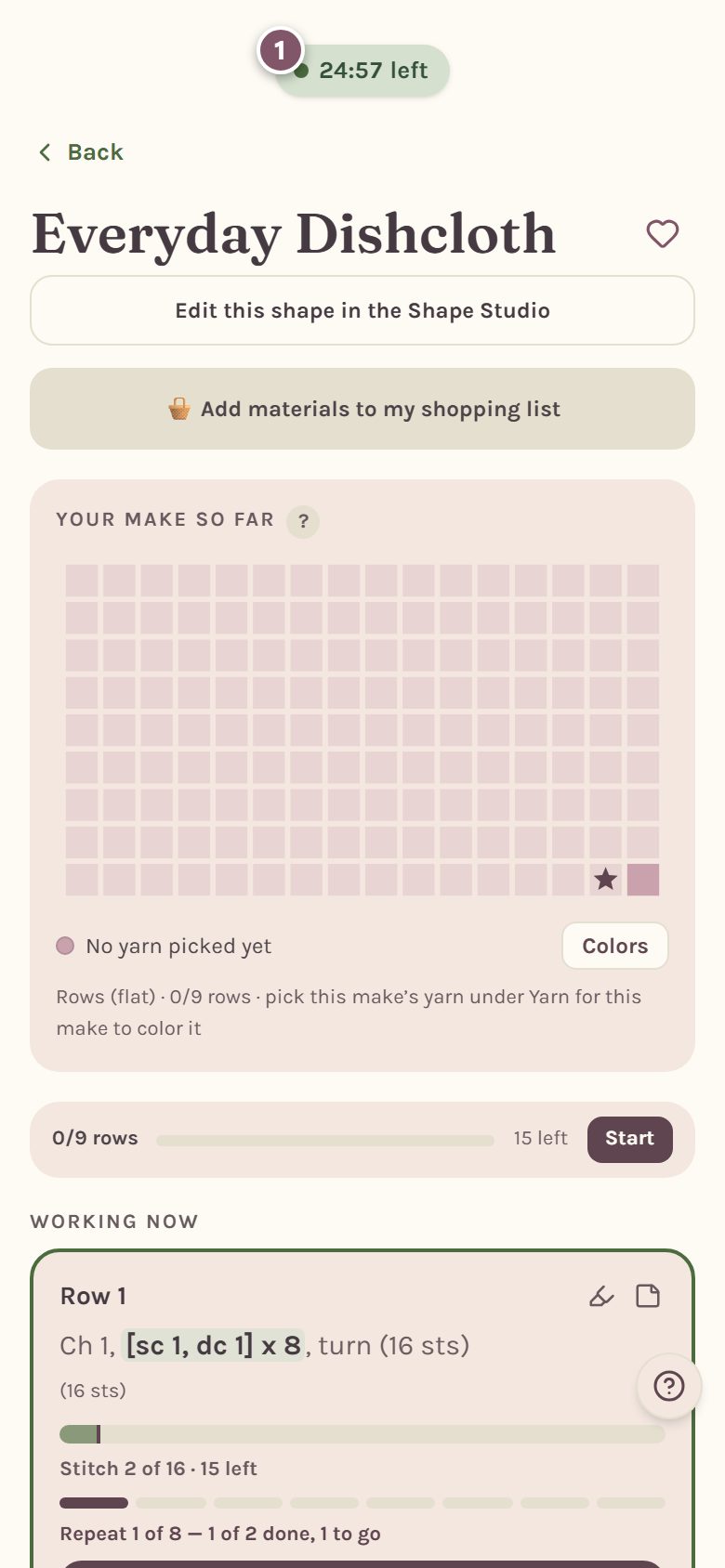
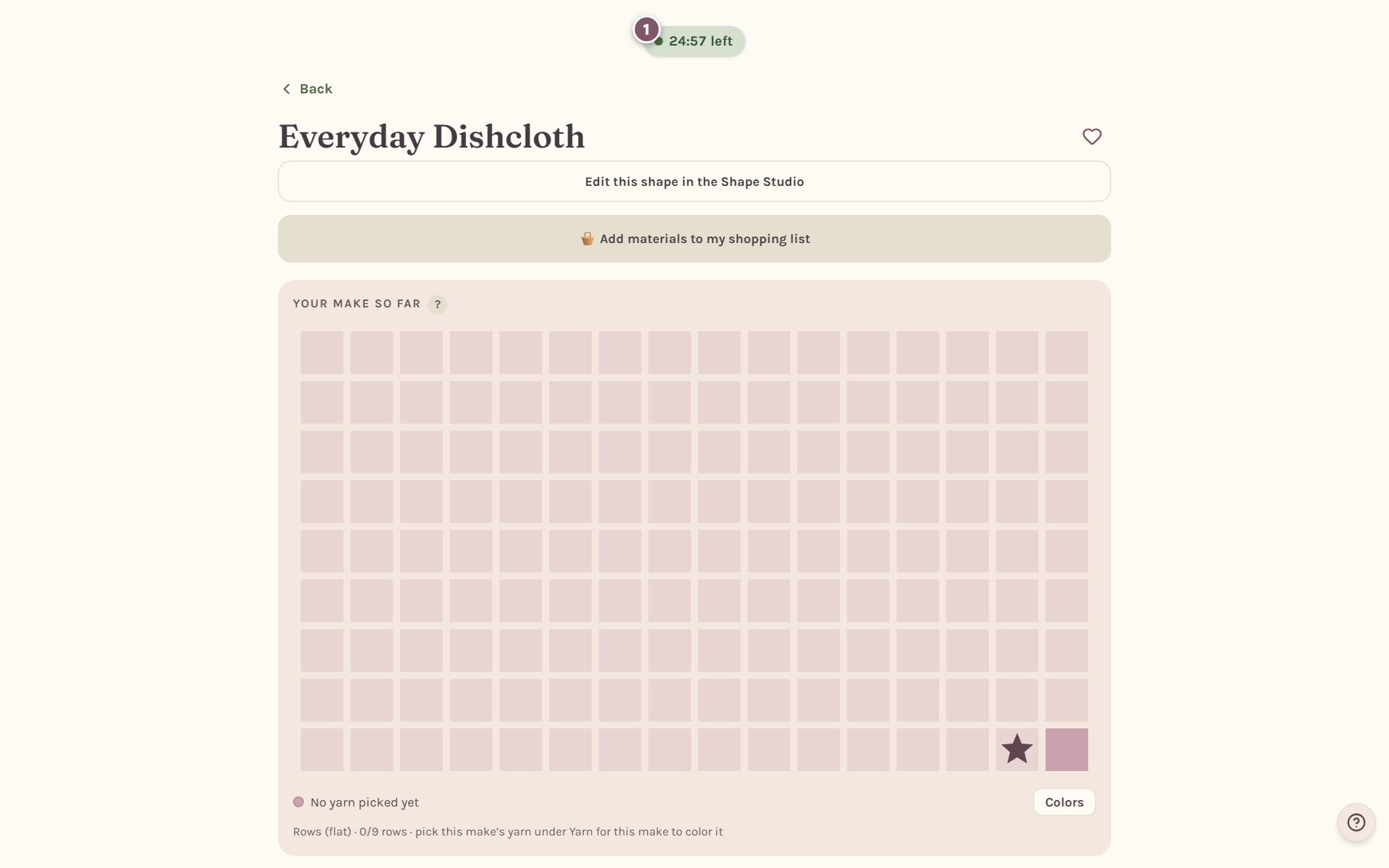
Tip: the countdown and the WIP timer are separate. The countdown only reminds you. To count time toward a WIP, start that WIP's own timer too.
When your time is up
When the countdown runs out, your phone buzzes and Bobble lets you know. If the app is in the background and you allow notifications, you get a notification too.
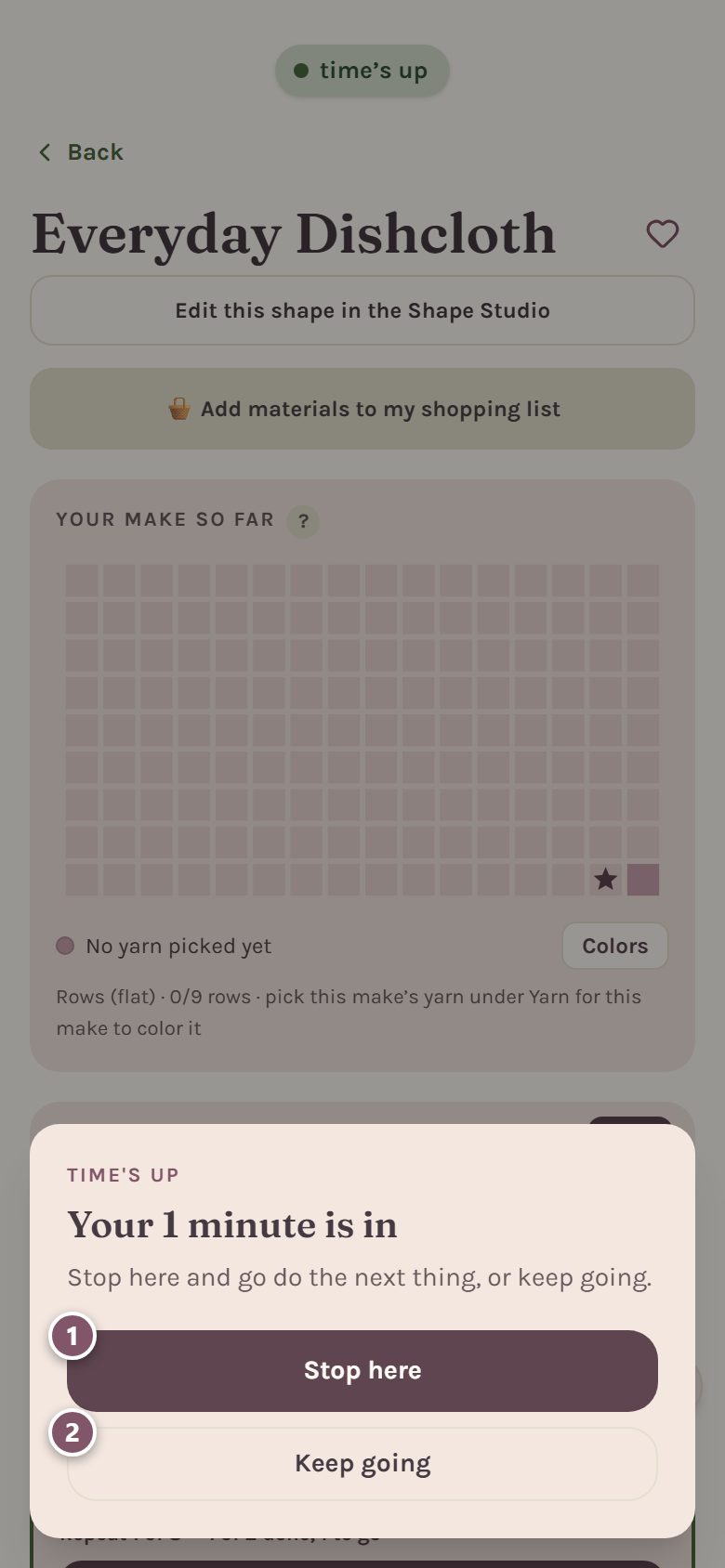
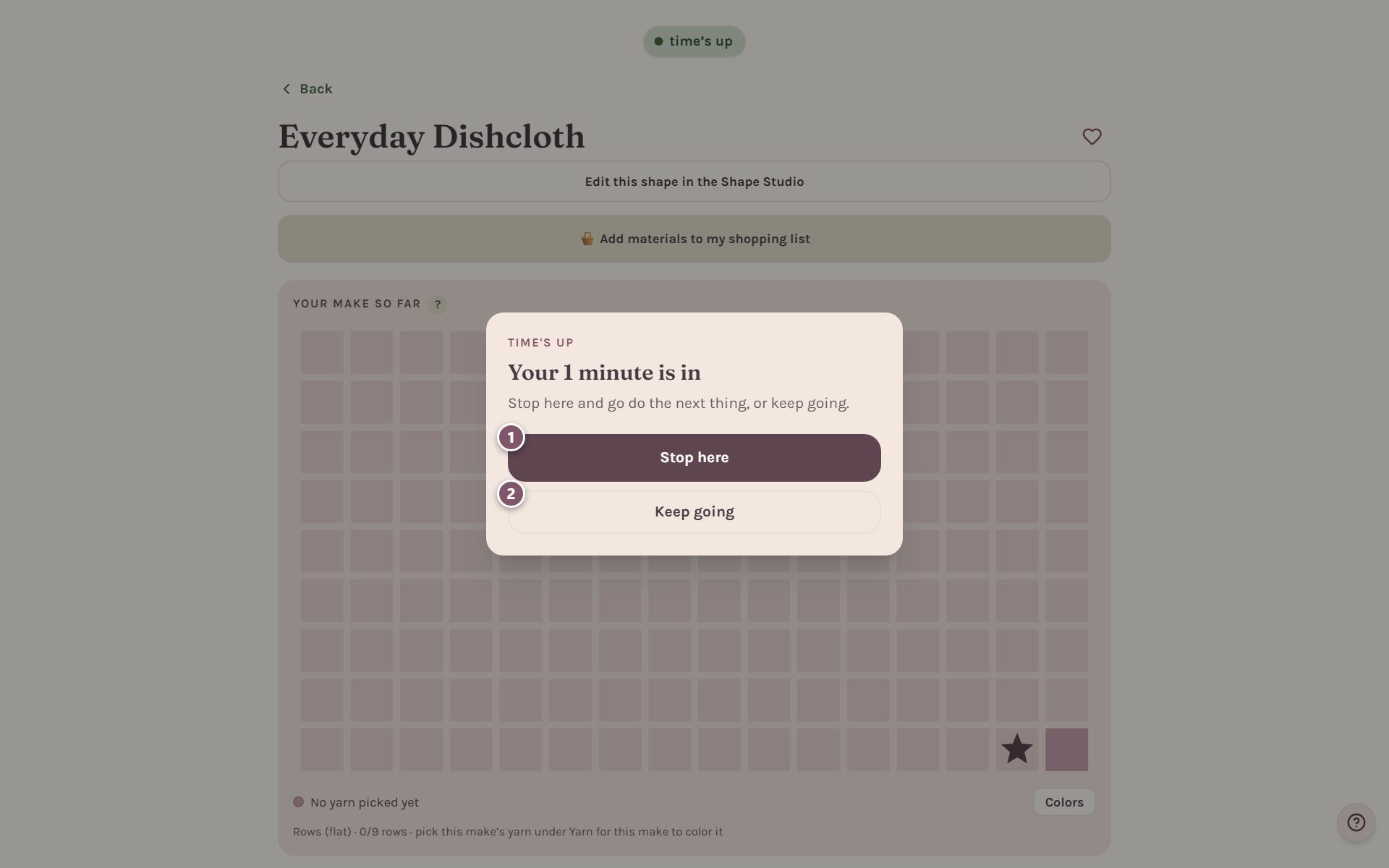
- Stop here ends the countdown. If your WIP timer is running too, the button says so and stops it as well.
- Keep going ends only the countdown, so your WIP timer keeps counting.
Where your time shows up
- On the WIP's card in WIPs, beside its name: how much stitching time it has so far.
- On the tracker's WIP timer card: the time on this project so far.
- On Home, the hooked coin is all your timed stitching, and longest sit is your longest sitting. Tap either coin for what it means.
- Your weekly time goal, if you set one. See crochet goals, streaks and badges.
Frequently asked questions
Does the timer keep running if I close the app? No. Both clocks live in the open app, so closing or reloading it ends them. The WIP timer banks your time a minute at a time as it runs, and pausing or stopping saves the rest.
Does a quick accidental start count? A session under a minute where you logged nothing doesn't count as a sitting.
Can I time something that isn't a WIP? Yes. On the WIPs page, pick Just practicing (no project) in the stitching session list.
Ready to try it? Crochet Bobble opens right in your browser, on a phone or a computer.
Open Crochet Bobble