
Crochet Row Counter App: Track a Written Pattern Row by Row
Add any pattern to your WIPs and Crochet Bobble keeps your place row by row and stitch by stitch, with repeat counters, stops and a safe way to frog. Plus a simple row counter for anything without a pattern.
"Was that row 14 or row 15?" is the oldest question in crochet. Crochet Bobble answers it for you. Add a pattern to your WIPs and it keeps your place row by row, and even stitch by stitch inside a row. For projects without a pattern, there's a plain row counter too.
What you need
- A pattern in Crochet Bobble. It can be one you wrote, one you pasted in, or one from your shelf.
Add the pattern to your WIPs
Open the pattern and tap Add to my WIPs. Opening a pattern to read it never starts it. This button is what does.
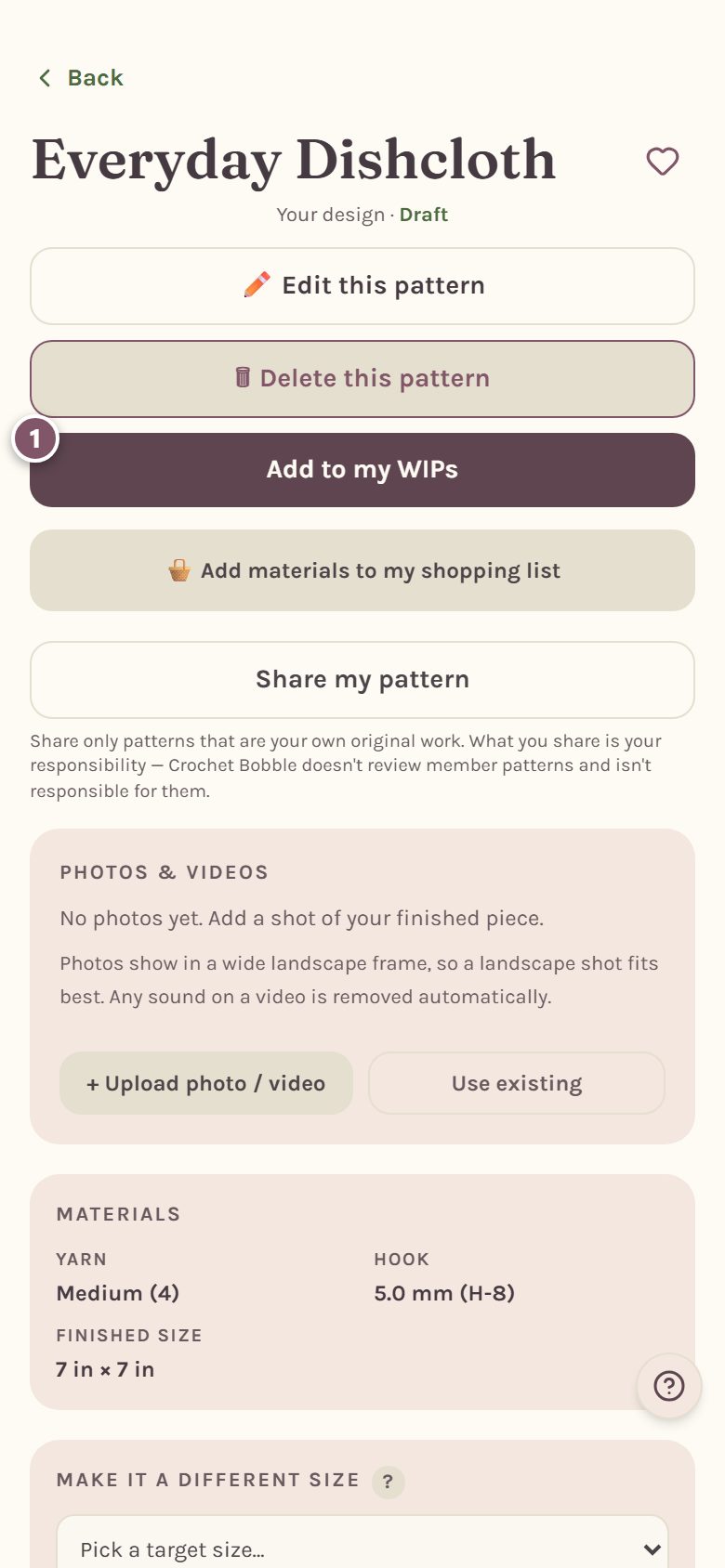
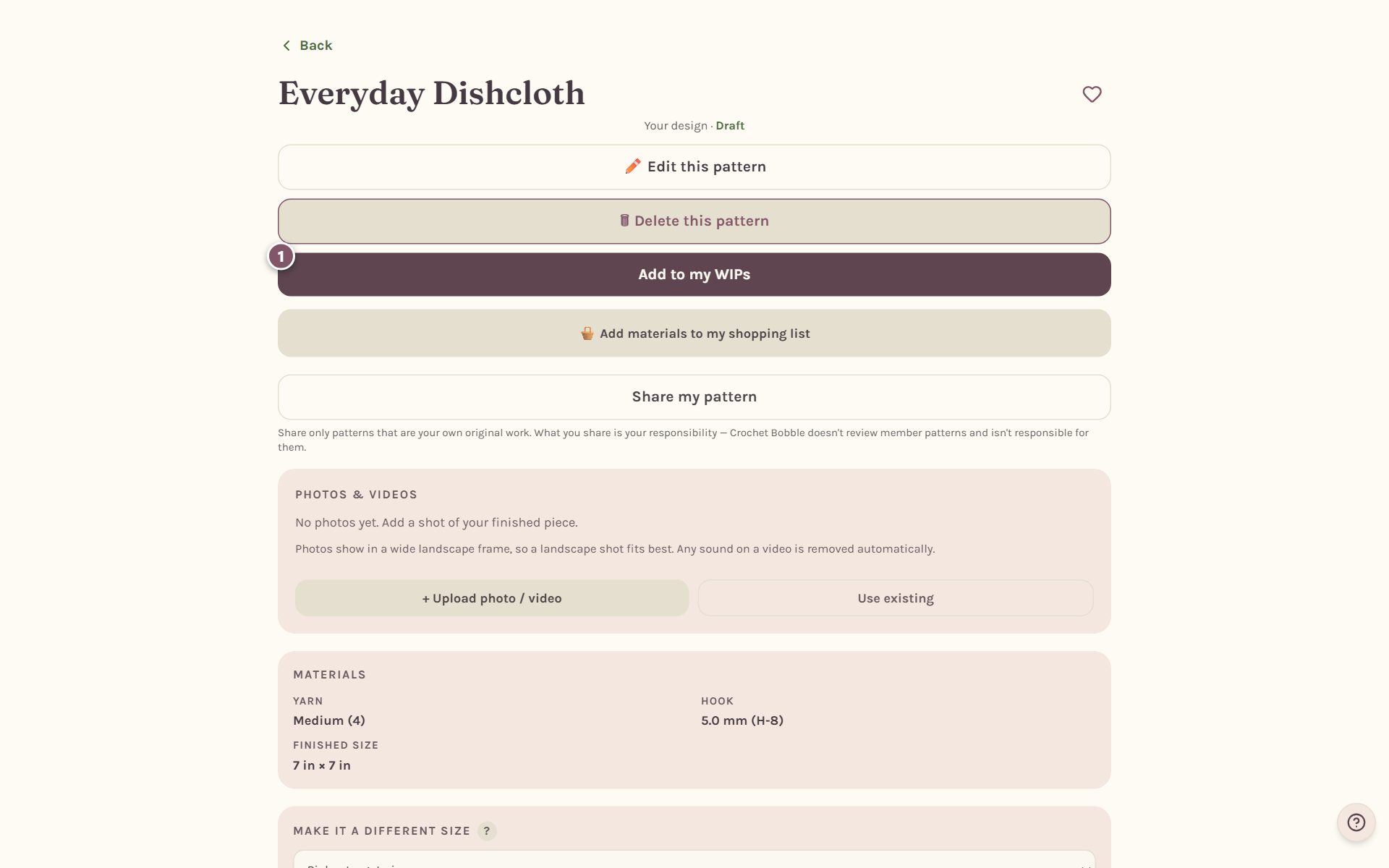
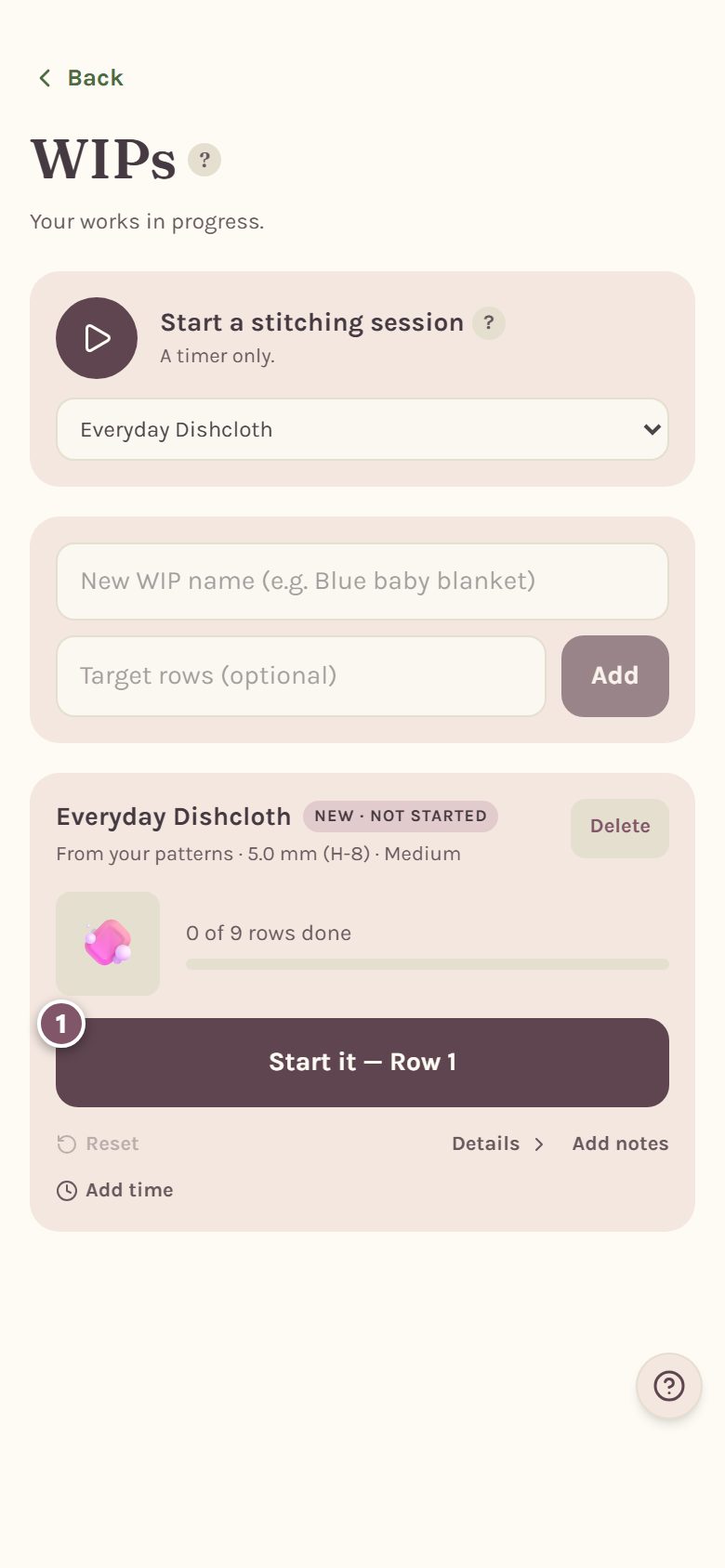
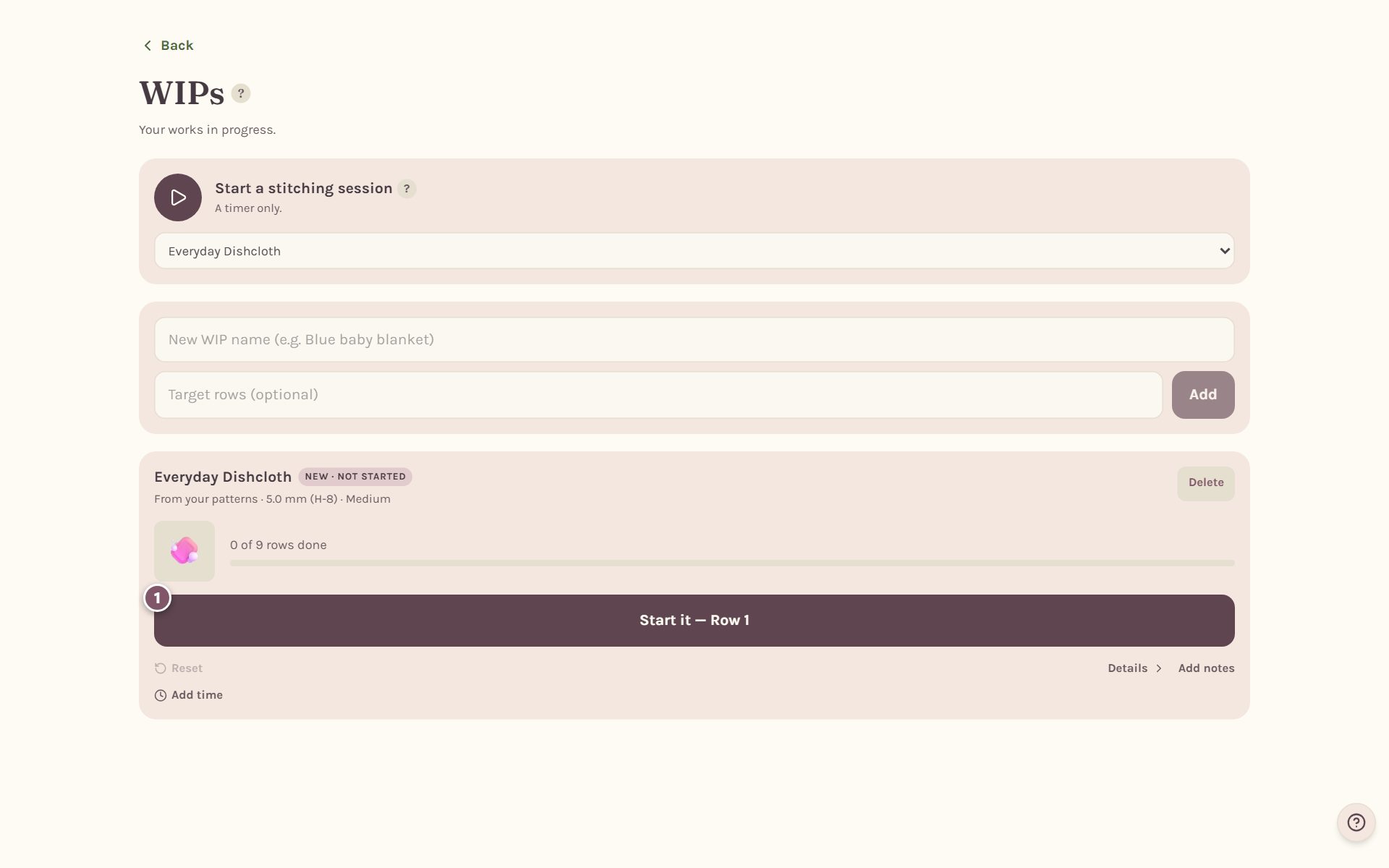
Crochet Bobble takes you to your WIPs with a new card for the pattern. Tap Start it — Row 1 to open the tracker. After that, the pattern page's button reads Open my WIP and track it.
Work the row you're on
The row you're working sits under Working now, with its instructions in larger type and your place in them highlighted.
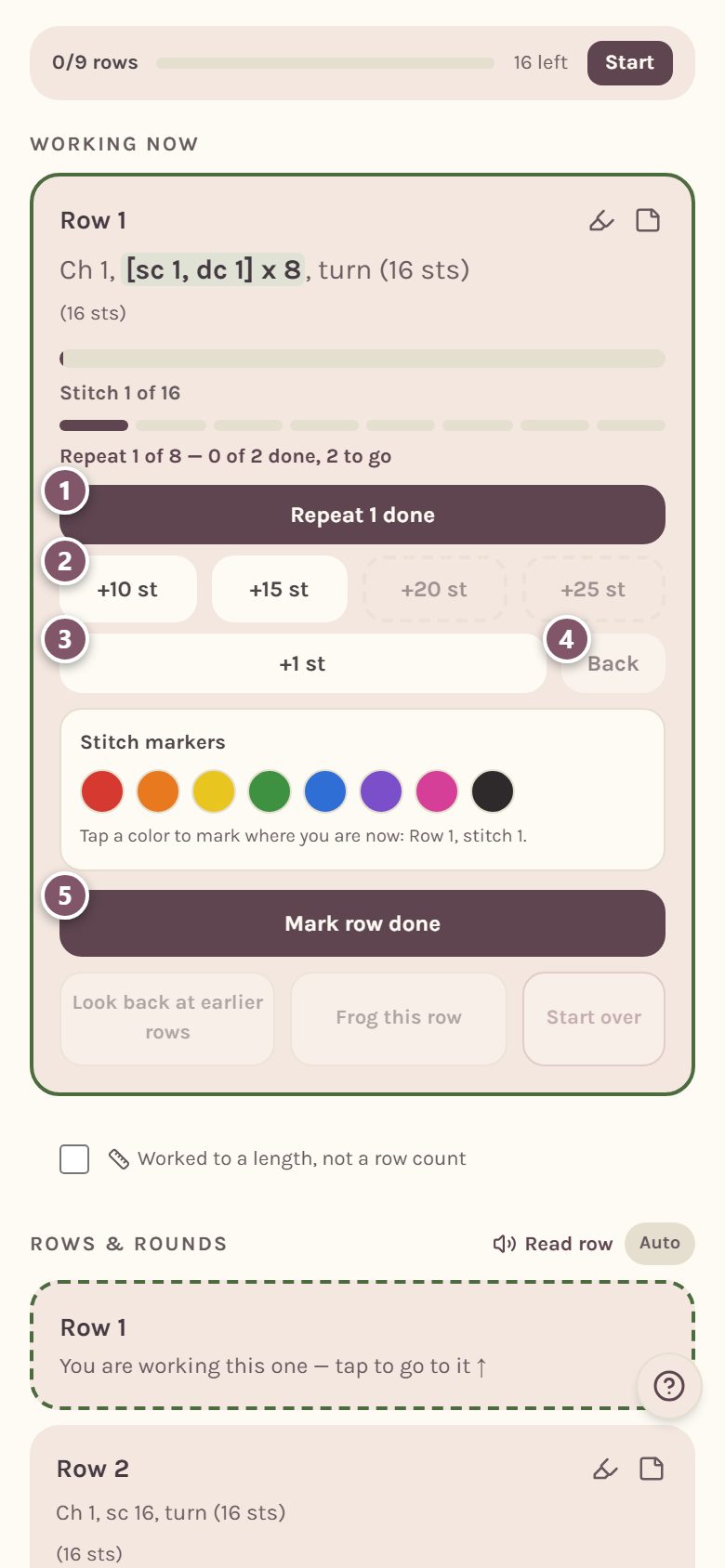
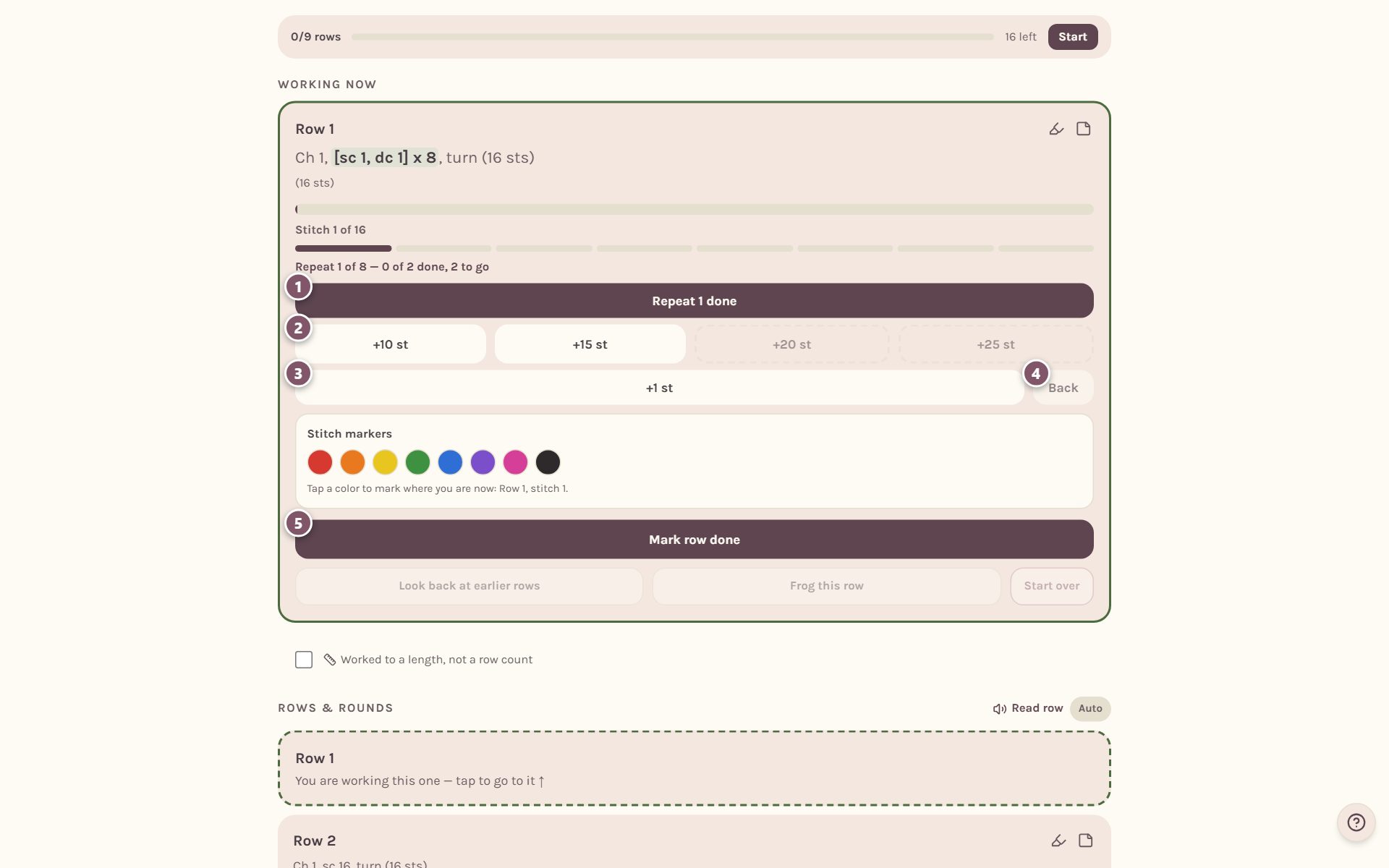
- Repeat 1 done. When a row has a repeat, like "[sc 1, dc 1] x 8", the tracker walks it one repeat at a time and tells you which one you're on: "Repeat 1 of 8". Rows with several steps get one button per step.
- +10 st, +15 st, +20 st and +25 st log a handful of stitches at once. A dashed button is more than the row has left, so it's switched off. These buttons show on rows longer than 10 stitches.
- +1 st logs one stitch.
- Back moves your place back one section. Nothing is frogged.
- Mark row done finishes the row and moves you to the next one. On a pattern worked in rounds it says Mark round done.
Tap the step you just finished and the counter moves on to the next repeat.
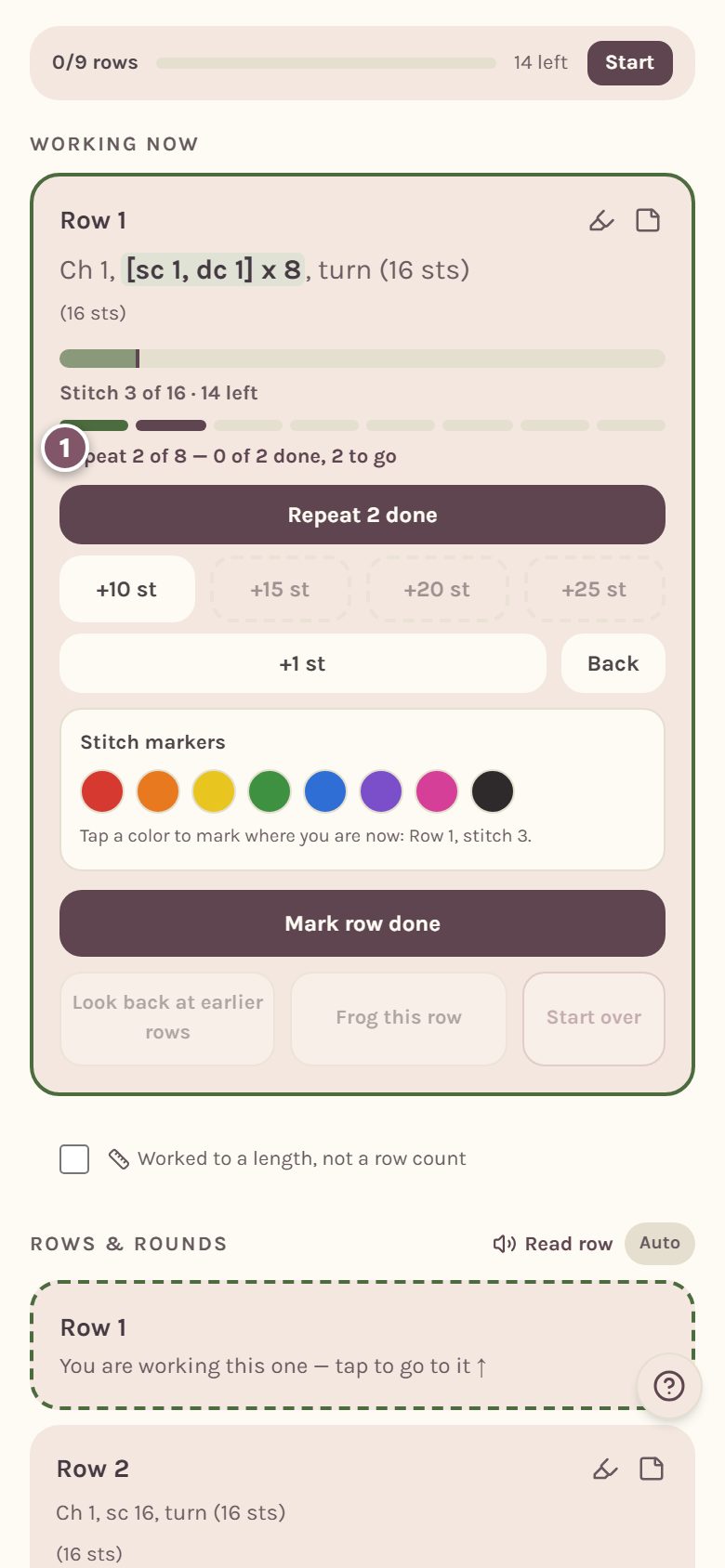
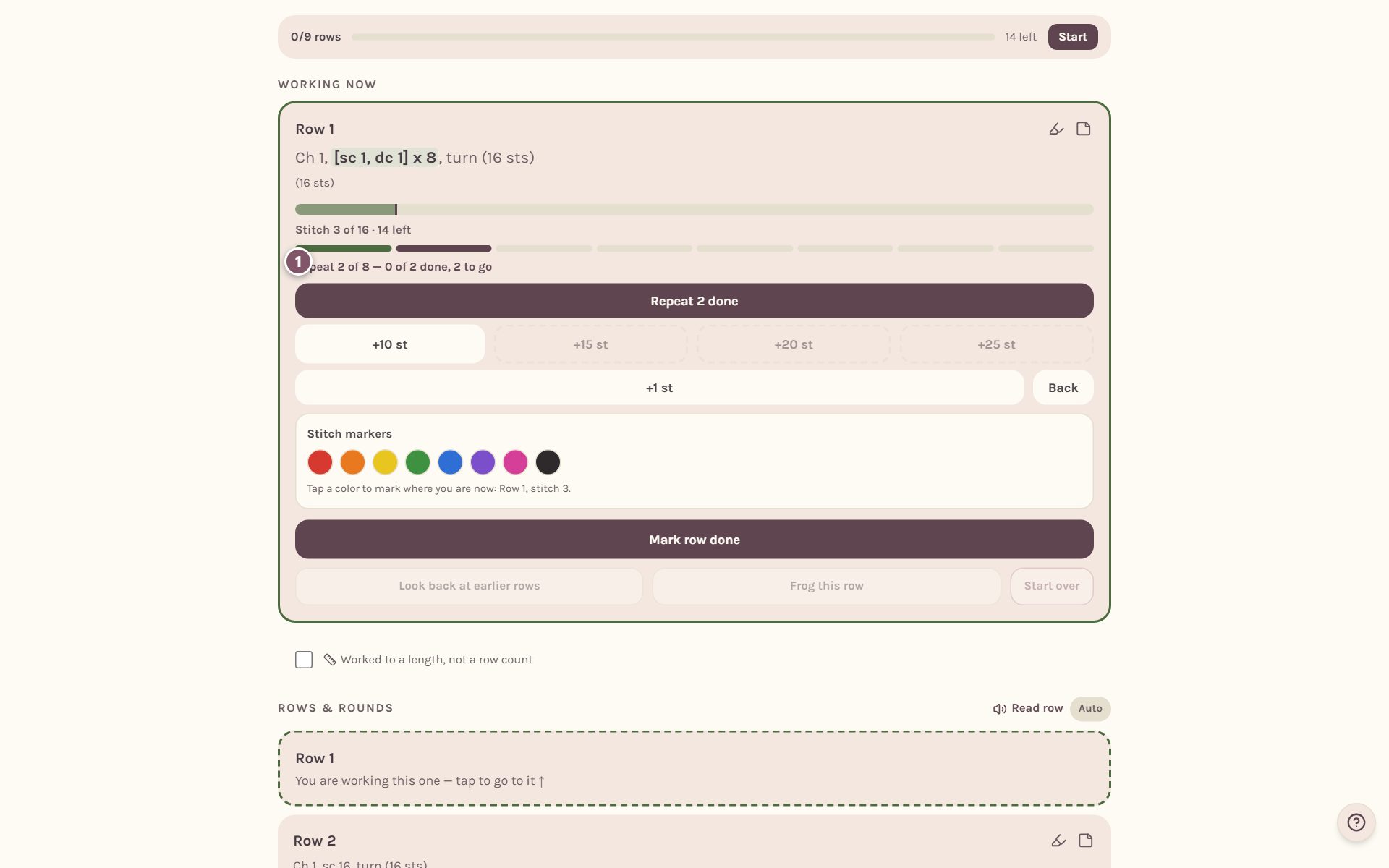
Step back without frogging
Back moves your place, never your stitches. After you tap it, the card tells you exactly what happened and offers Frog from here in case you really did pull stitches out.
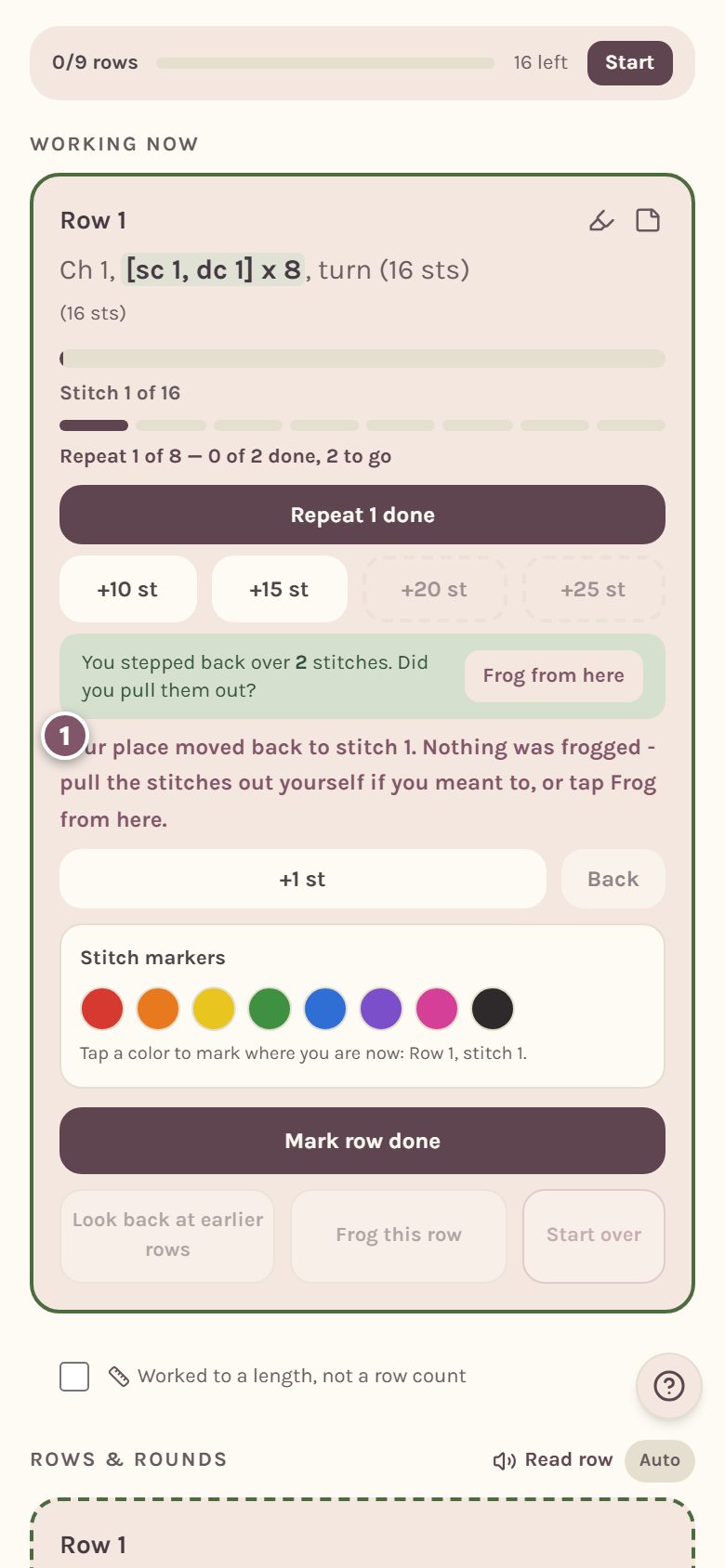
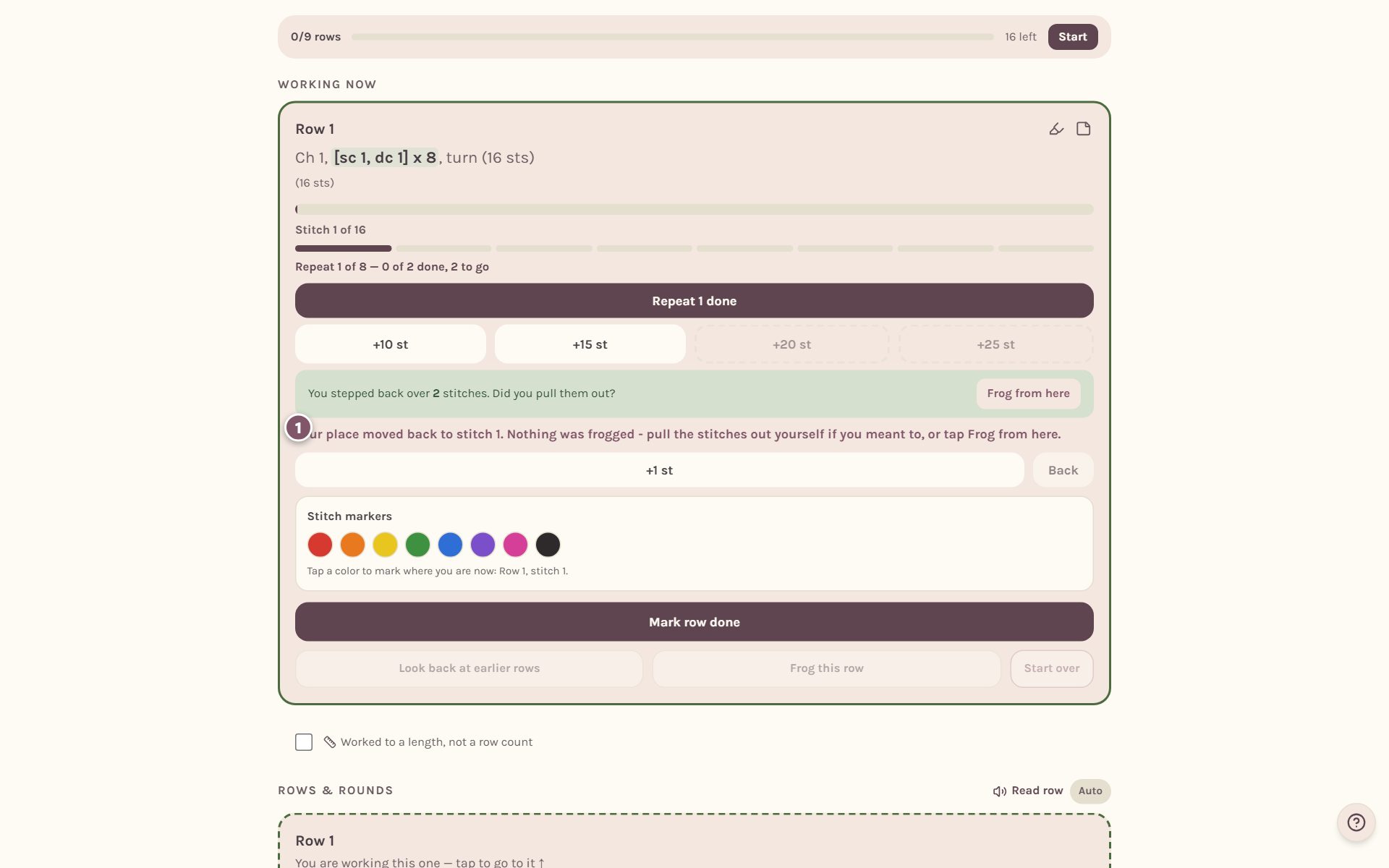
At the start of a row, Back keeps going into the row before, one section at a time.
Stop where the pattern asks you to
Some patterns ask you to stop and do something between rows: stuff a toy, check the width, add safety eyes. The tracker holds you at that spot until you say you've done it.
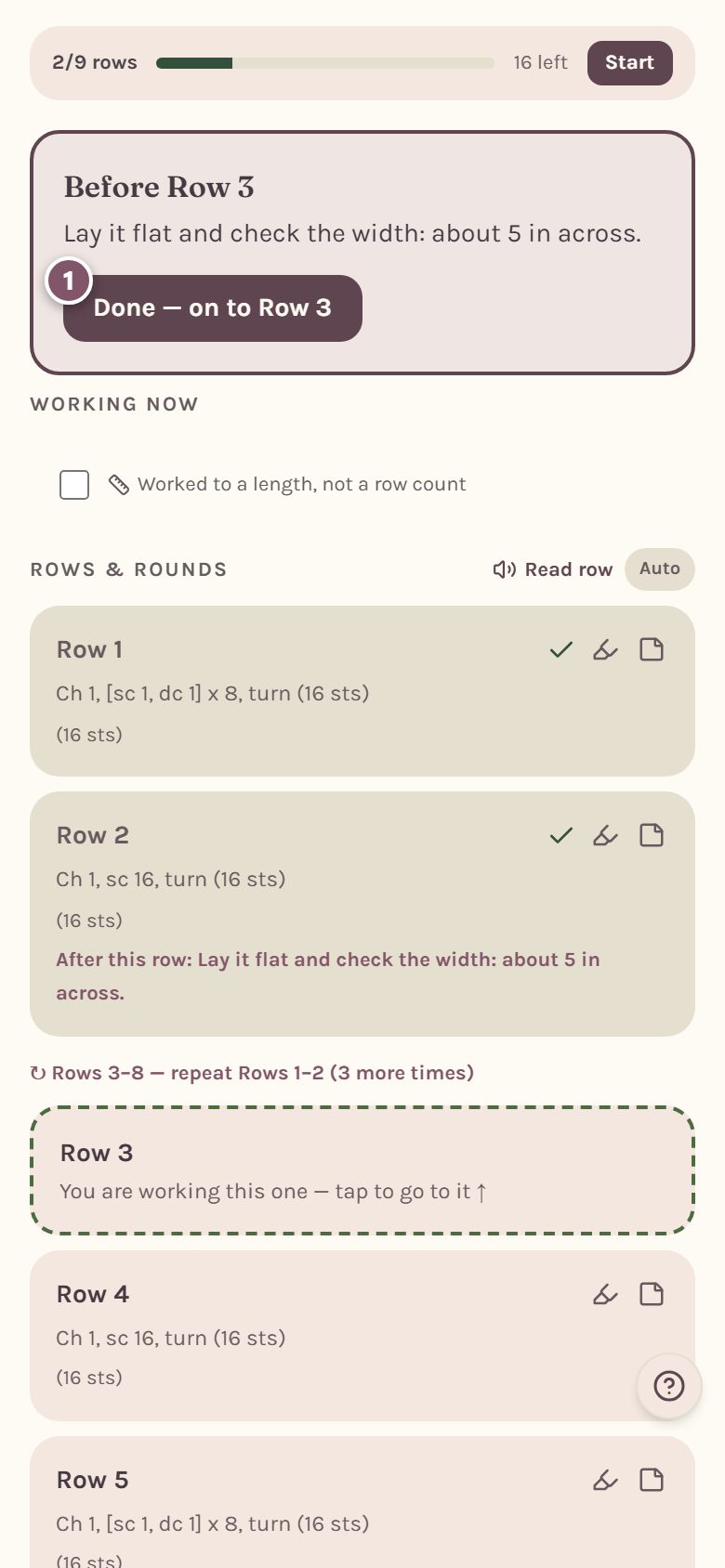
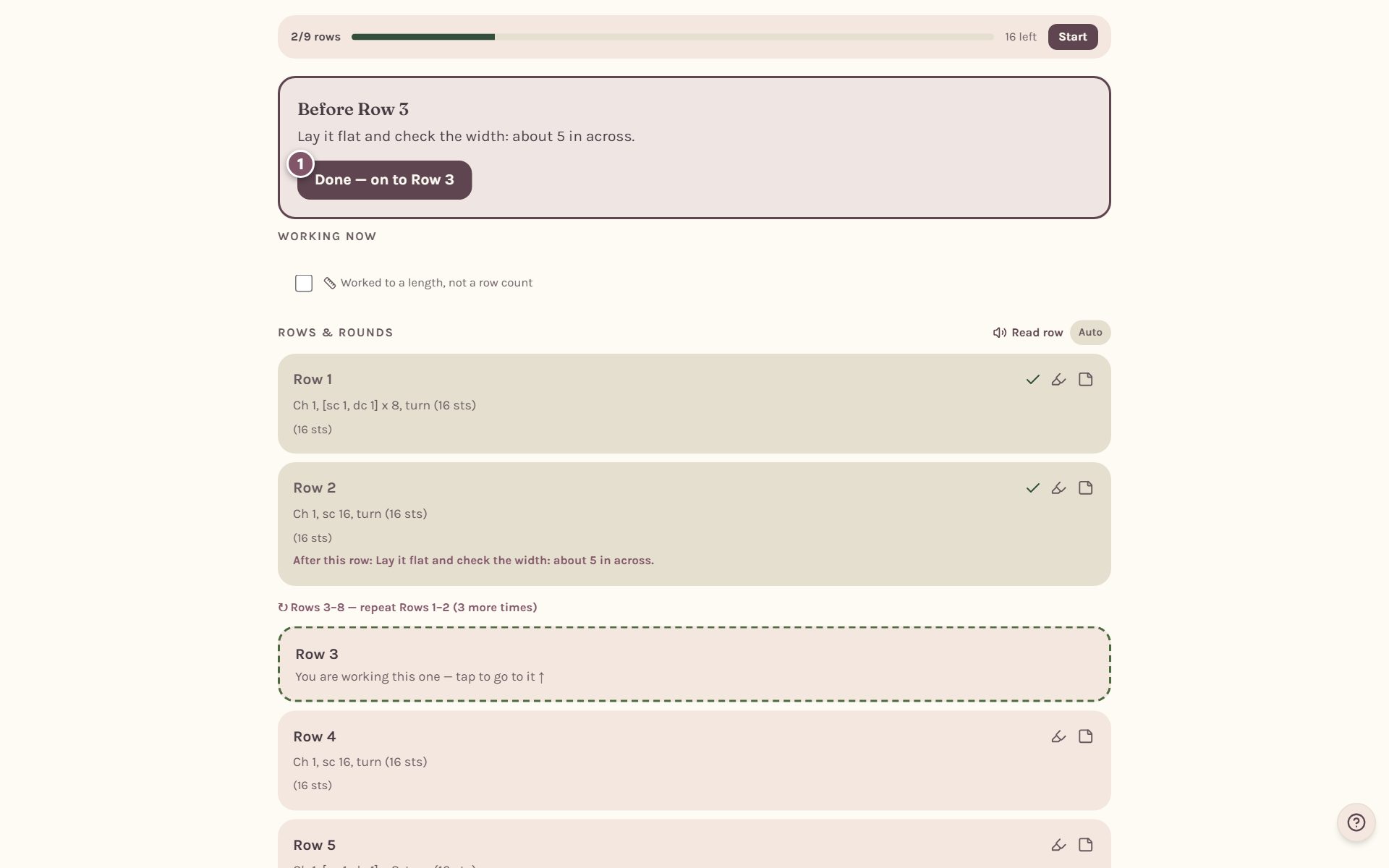
Tap Done — on to Row 3 to carry on. Once you've taken a stop, it won't ask again on that phone or computer.
Look back, frog a row, or start over
Once a row is done, three more buttons wake up under Mark row done.
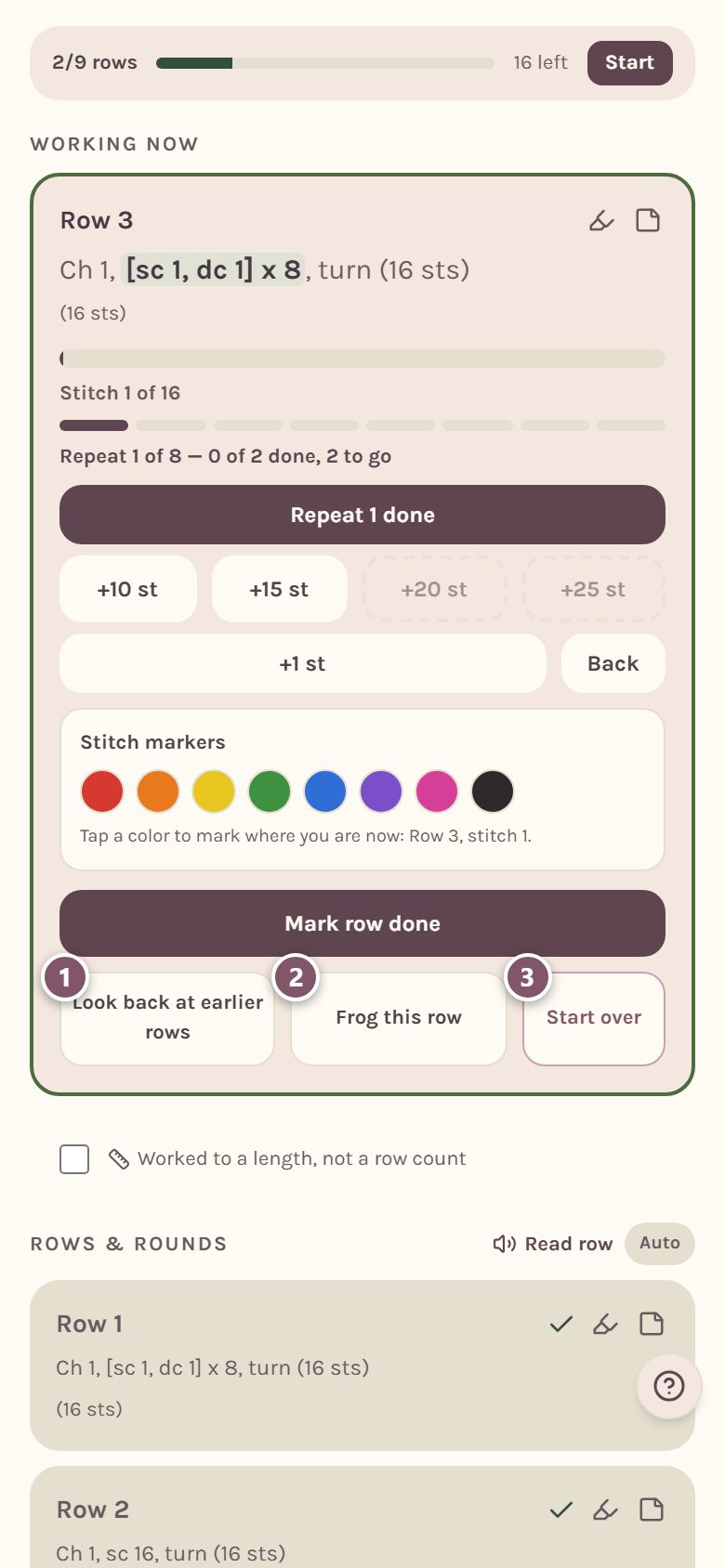
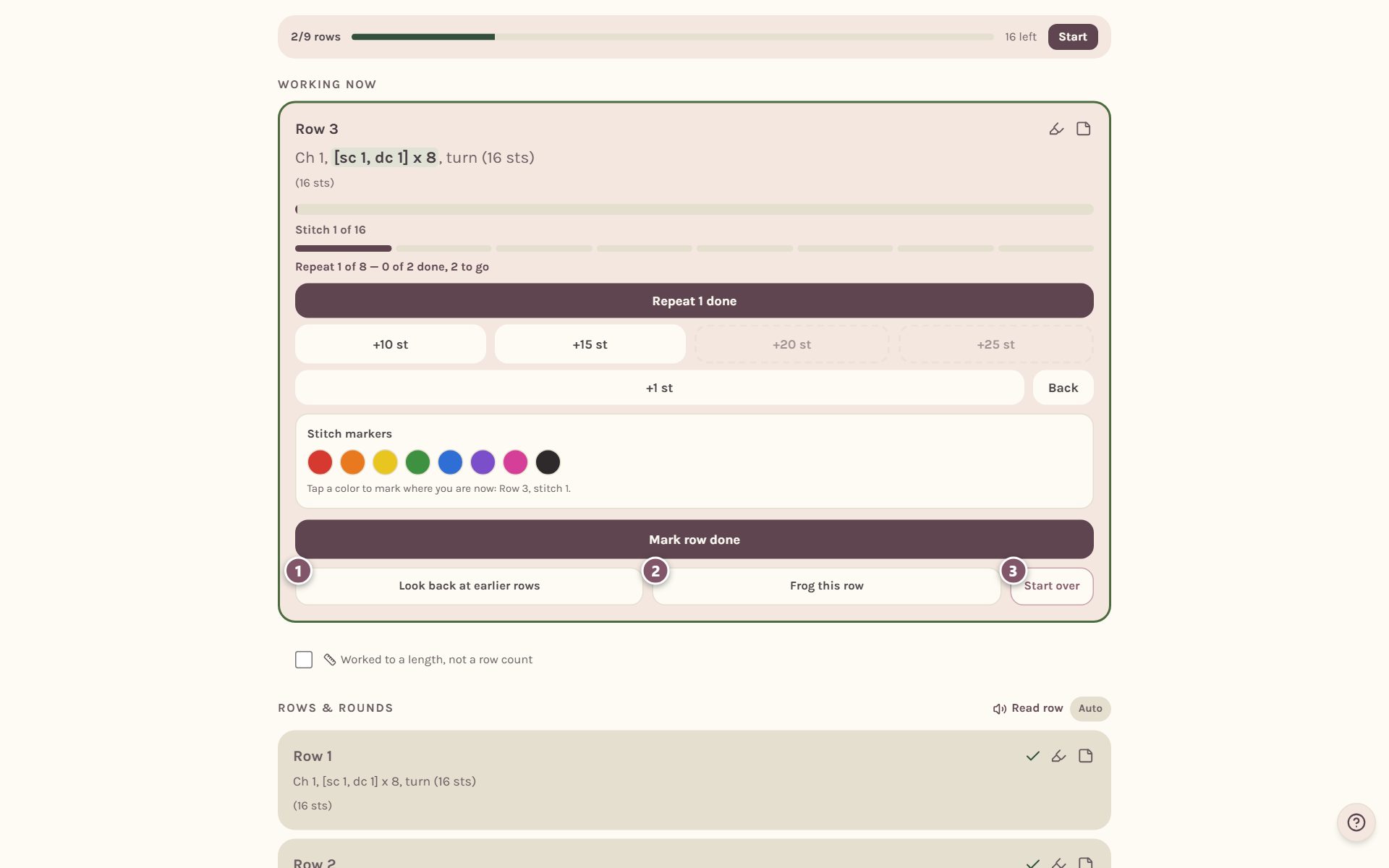
- Look back at earlier rows takes you up to the row before so you can read it. Your place stays put.
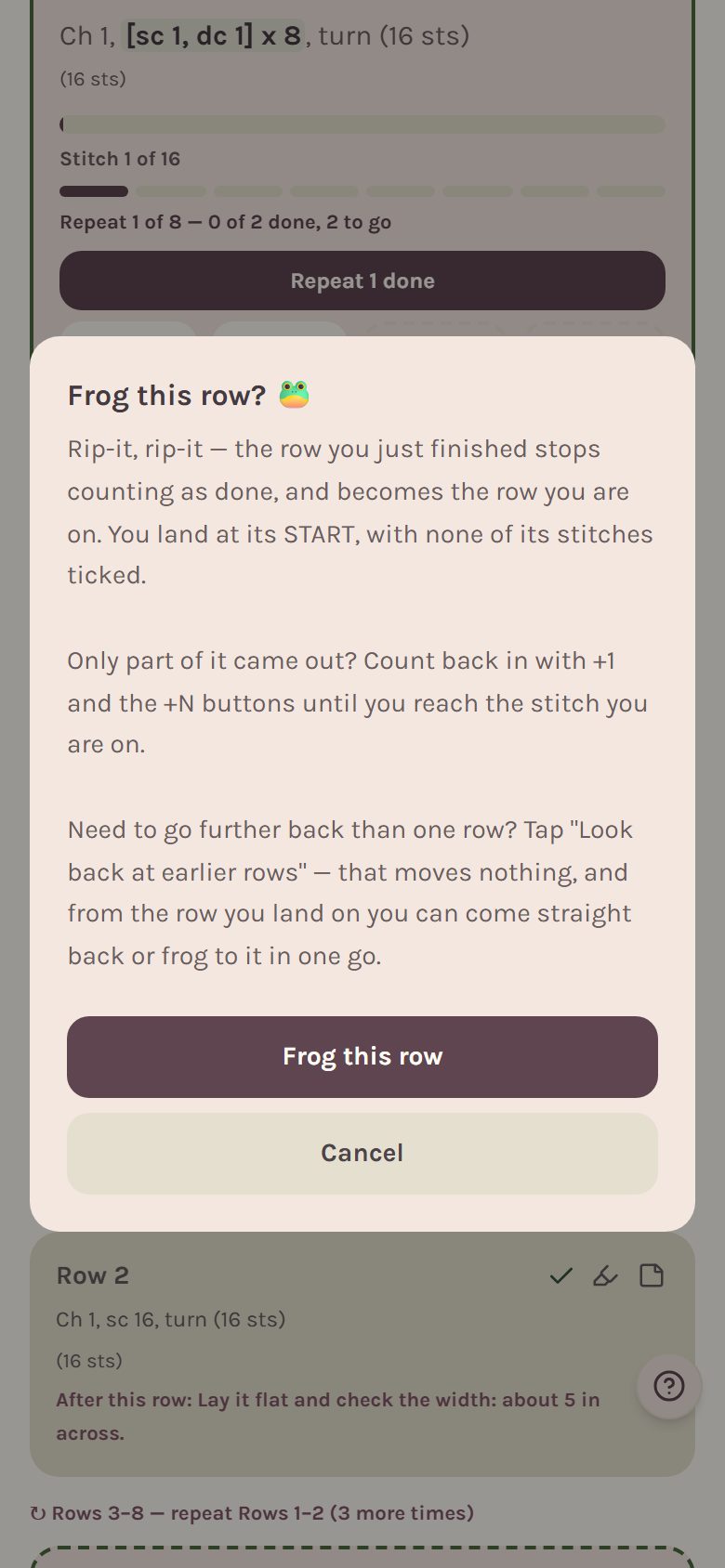
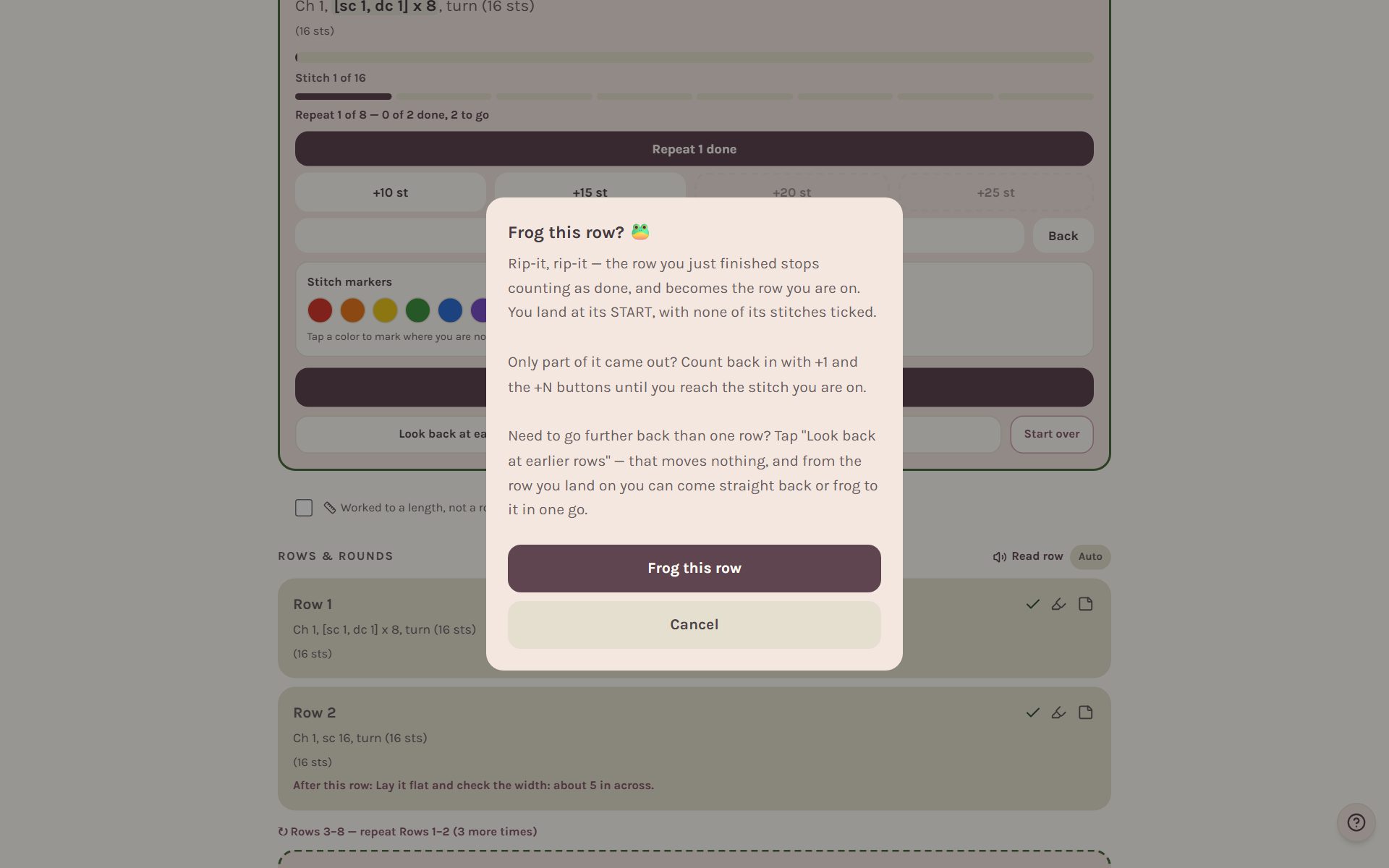
- Frog this row reopens the row you just finished and puts you at its start. It asks first.
- Start over clears your progress on this pattern, after asking.
When you look back, a green band sits on the row you're reading. Back to my place takes you home, and Frog to here frogs back to that row in one go, so it becomes the row you're on again. It asks first.
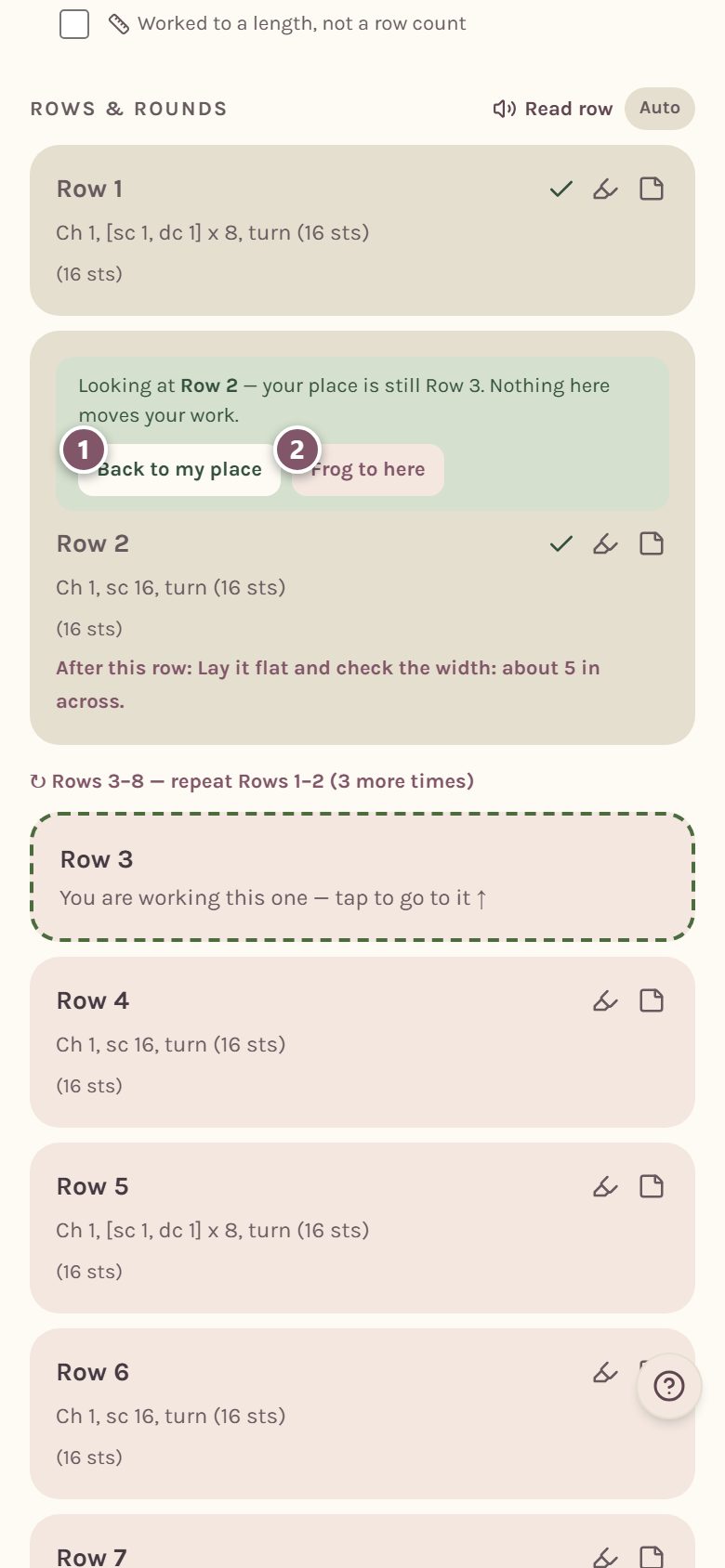
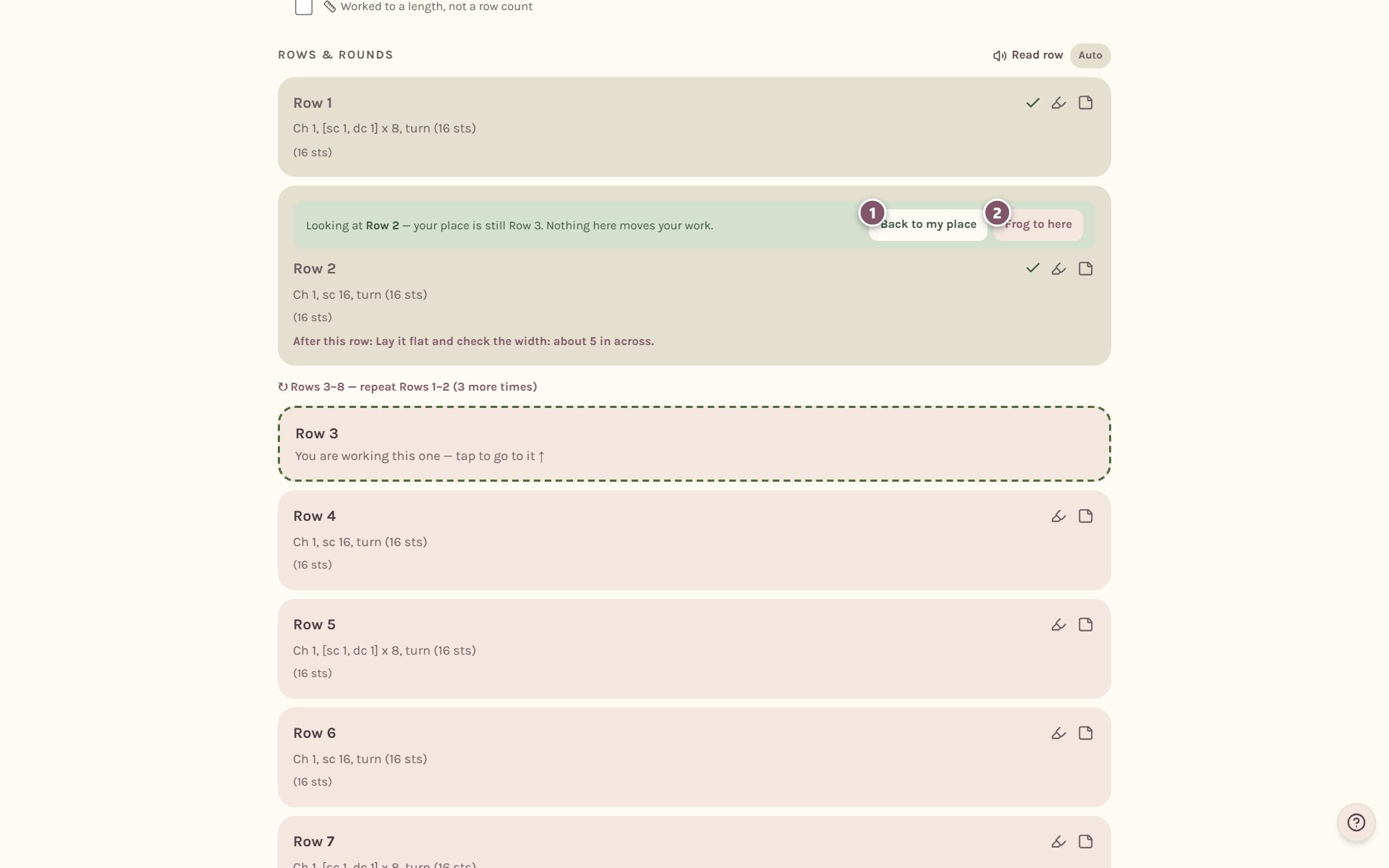
Frog this row explains itself before it does anything, so you never frog by accident.
Tip: frogging takes stitches off the row, but never off your lifetime stitch count. Work you had to redo still counts.
When the last row is done
Mark the last row done and the pattern is finished. Its last row stays on the page, full, with All N stitches done and a Back button. Spotted a mistake after all? Tap Back to step into the last row again: the WIP opens back up, and Frog from here is right there if you pulled stitches out.
Follow a repeated block of rows
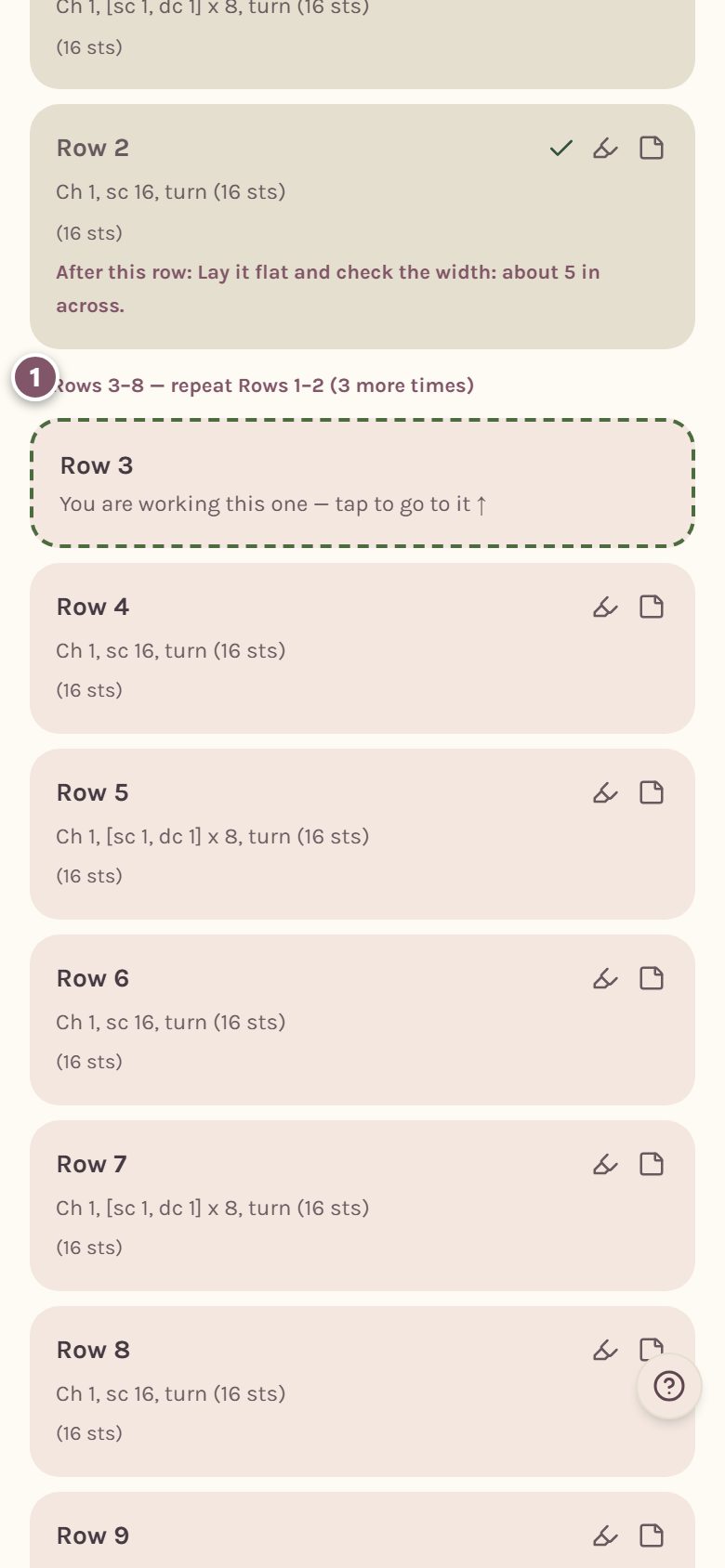
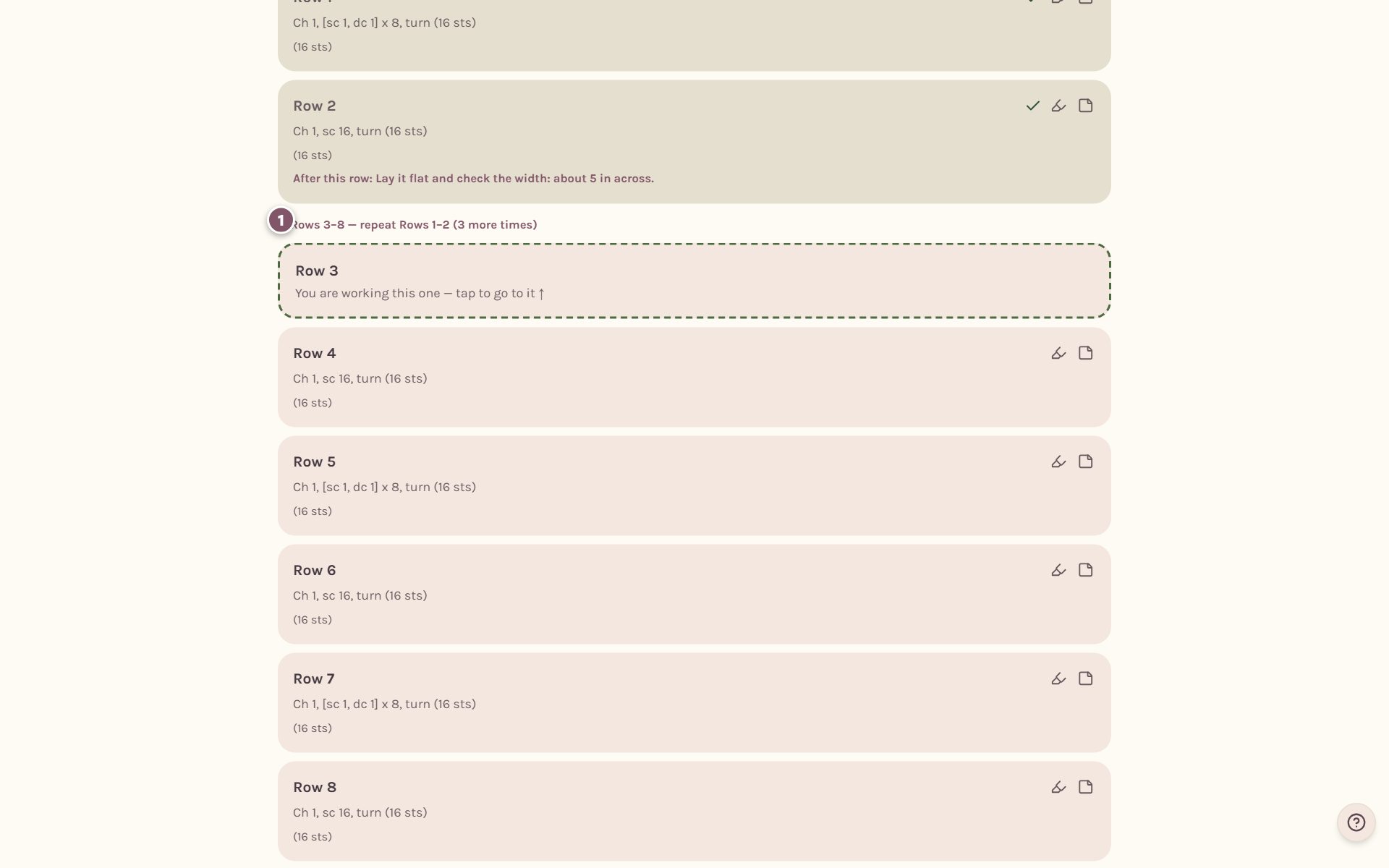
When a pattern says "repeat Rows 1–2 three more times", the list shows that as one line, and every repeated row gets its own card to tick off. You always know which pass of the repeat you're on.
A simple row counter for anything
Crocheting something without a pattern? Go to WIPs, type a name in the New WIP name box, add a target number of rows if you like, and tap Add. The card gets a big counter.
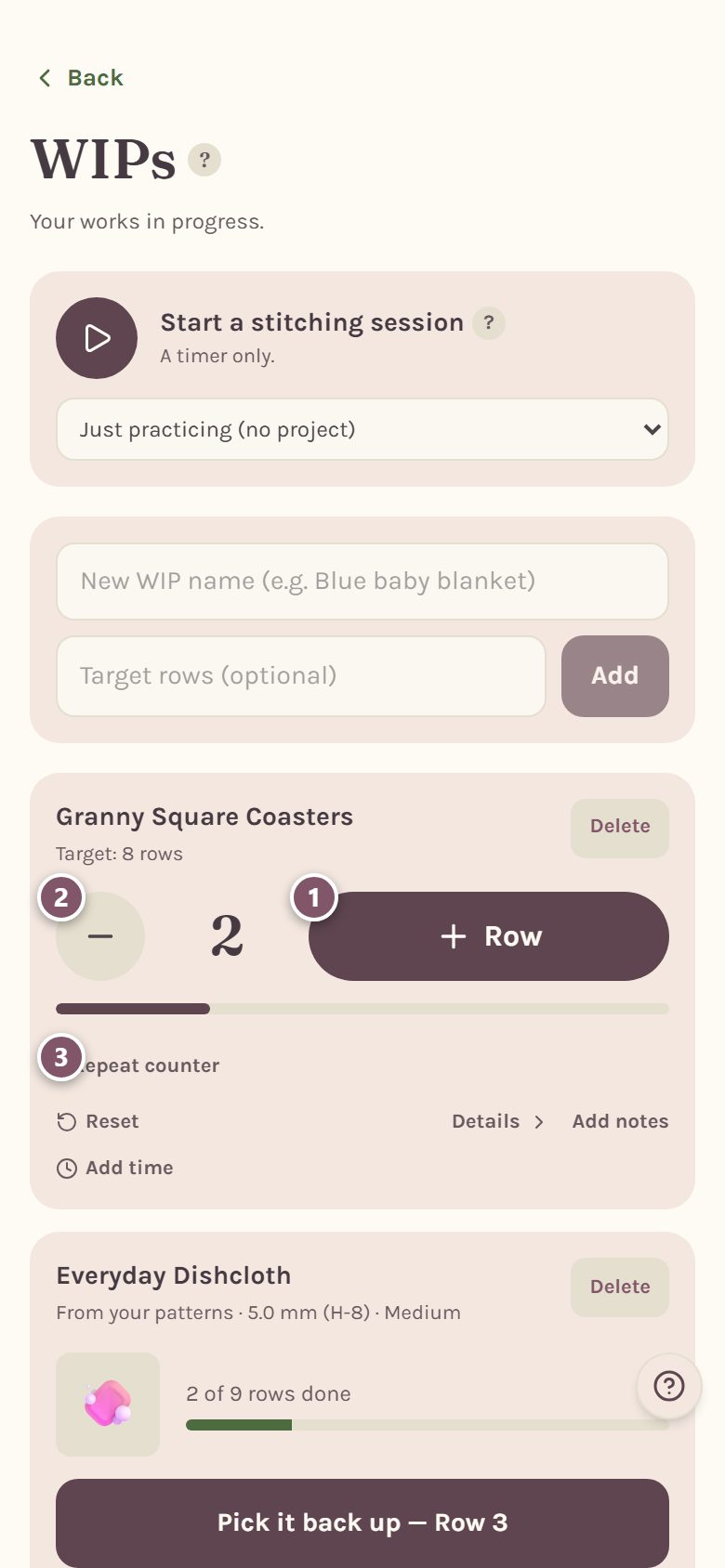
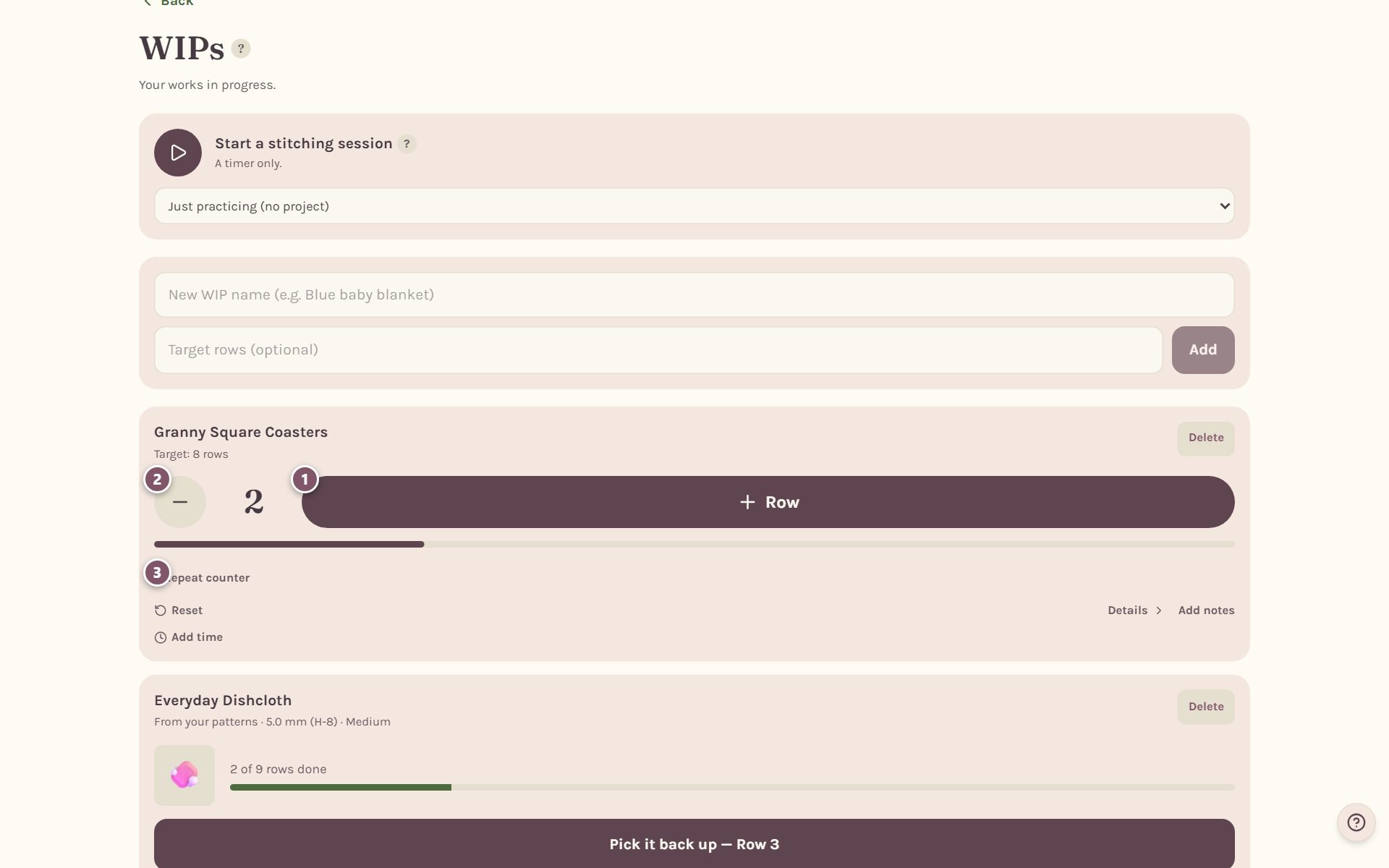
- + Row adds one row. The bar fills toward your target.
- − takes one row off.
- + Repeat counter adds a second, separate counter for something you need to count, like shell repeats.
You can also tap the number itself and type a new one. Reset sets the counter back to zero.
Frequently asked questions
Do I have to tick every stitch? No. Tick as much or as little as you like. Plenty of people only tap Mark row done. The stitch buttons are there for long rows where it's easy to lose count.
Does the tracker work without internet? Yes. Your taps are saved on your phone and sent along once you're back online.
Can I work to a length instead of a row count? Yes. Tick Worked to a length, not a row count under the tracker. See how to crochet until it measures.
Can it time my crocheting too? Yes. Tap Start on the progress bar above Working now. See the crochet project timer.
Ready to try it? Crochet Bobble opens right in your browser, on a phone or a computer.
Open Crochet Bobble