
Crochet Project Journal: Photos, Finished Makes, Share Cards and Gift Tags
Keep a journal of everything you crochet. Add progress photos, pick a main picture, share a card of your make, mark it finished, print gift care tags, and set a WIP aside without losing it.
Every WIP in Crochet Bobble keeps its own story: the photos you took along the way, who it's for, how long it took, and how big it came out. When it's done, it moves into your project journal, a dated list of everything you've finished.
Add photos of your make
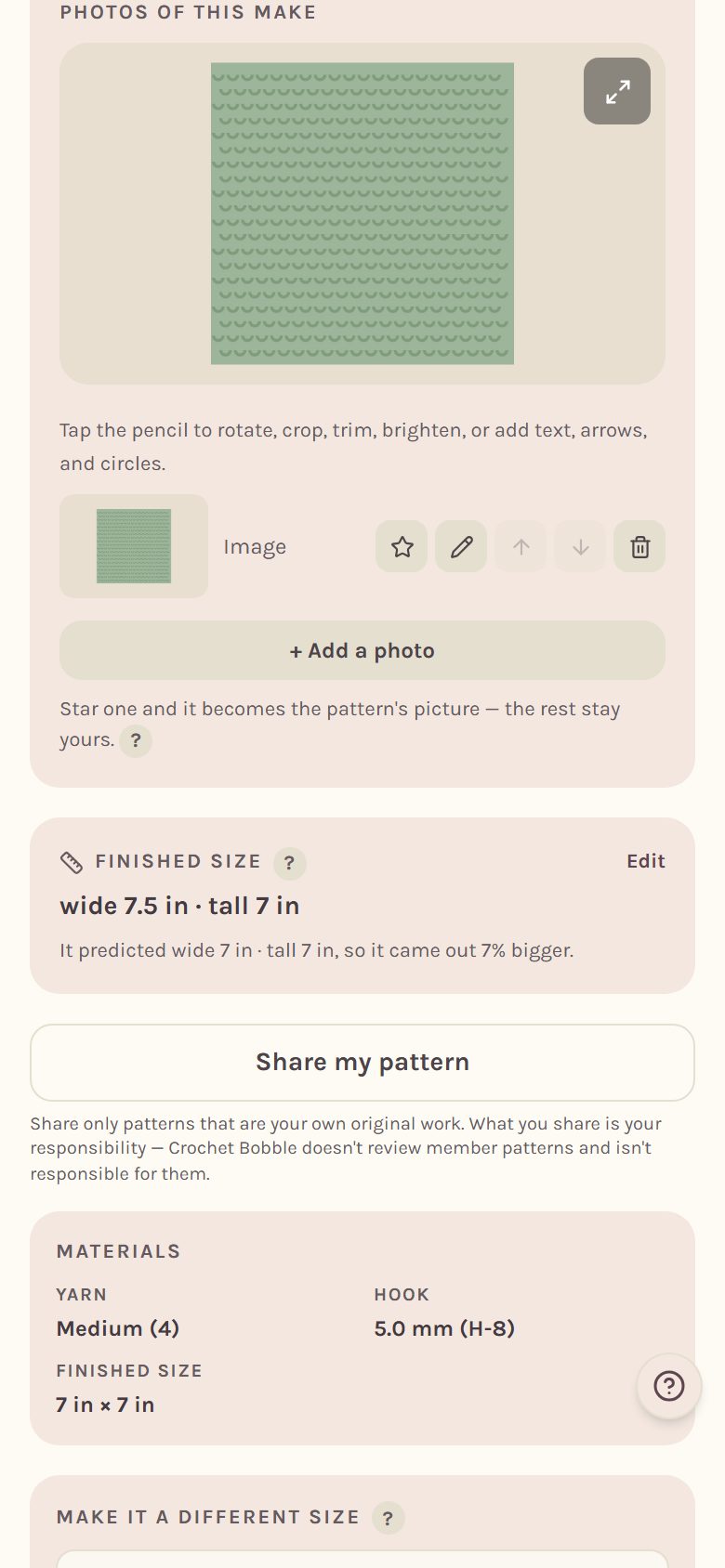
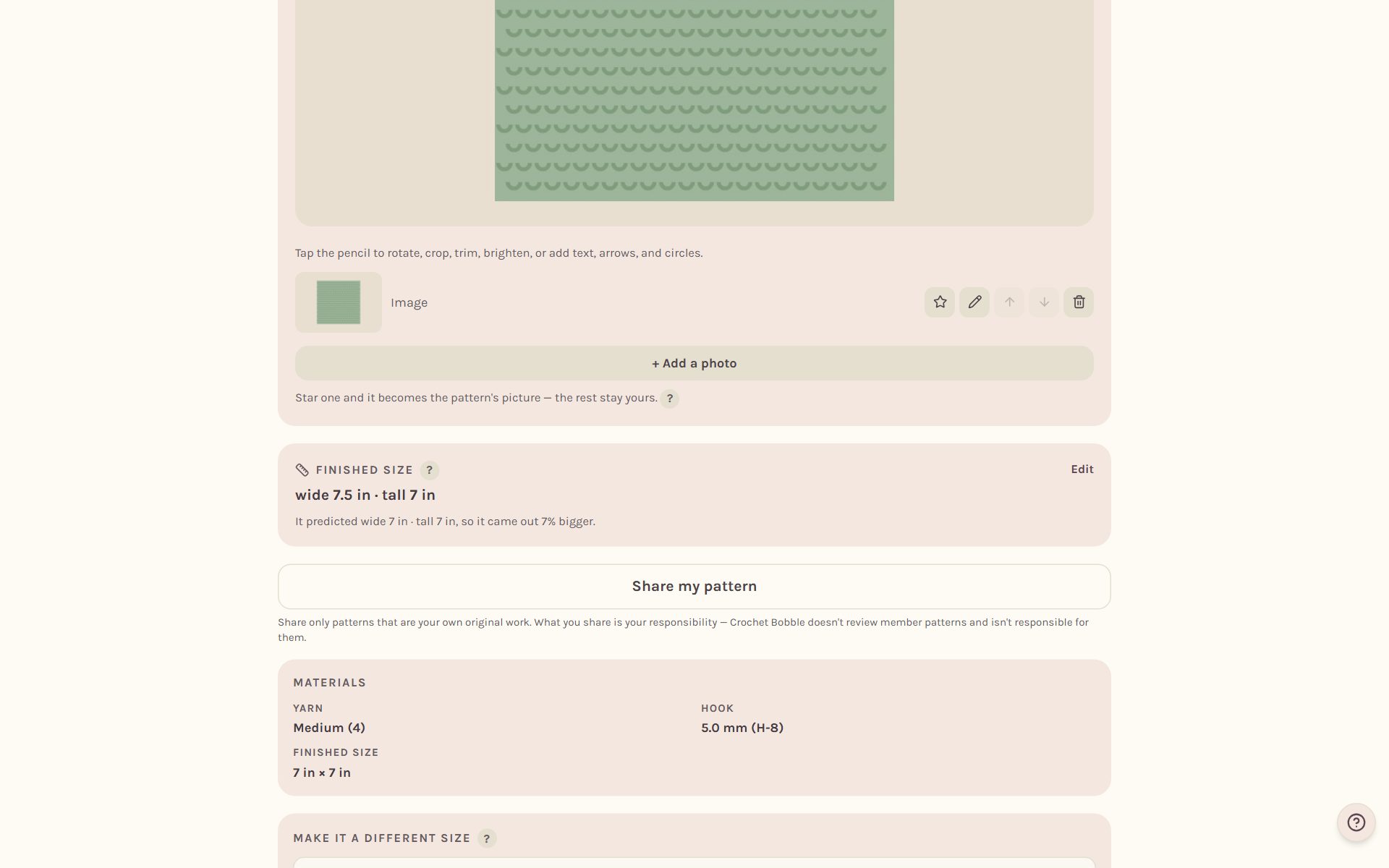
Open your WIP's tracker and scroll to Photos of this make. On a blanket it's called Photos of this blanket. Tap + Add a photo to take a picture or choose one. Add as many as you like: halfway photos are the ones you can never go back and take.
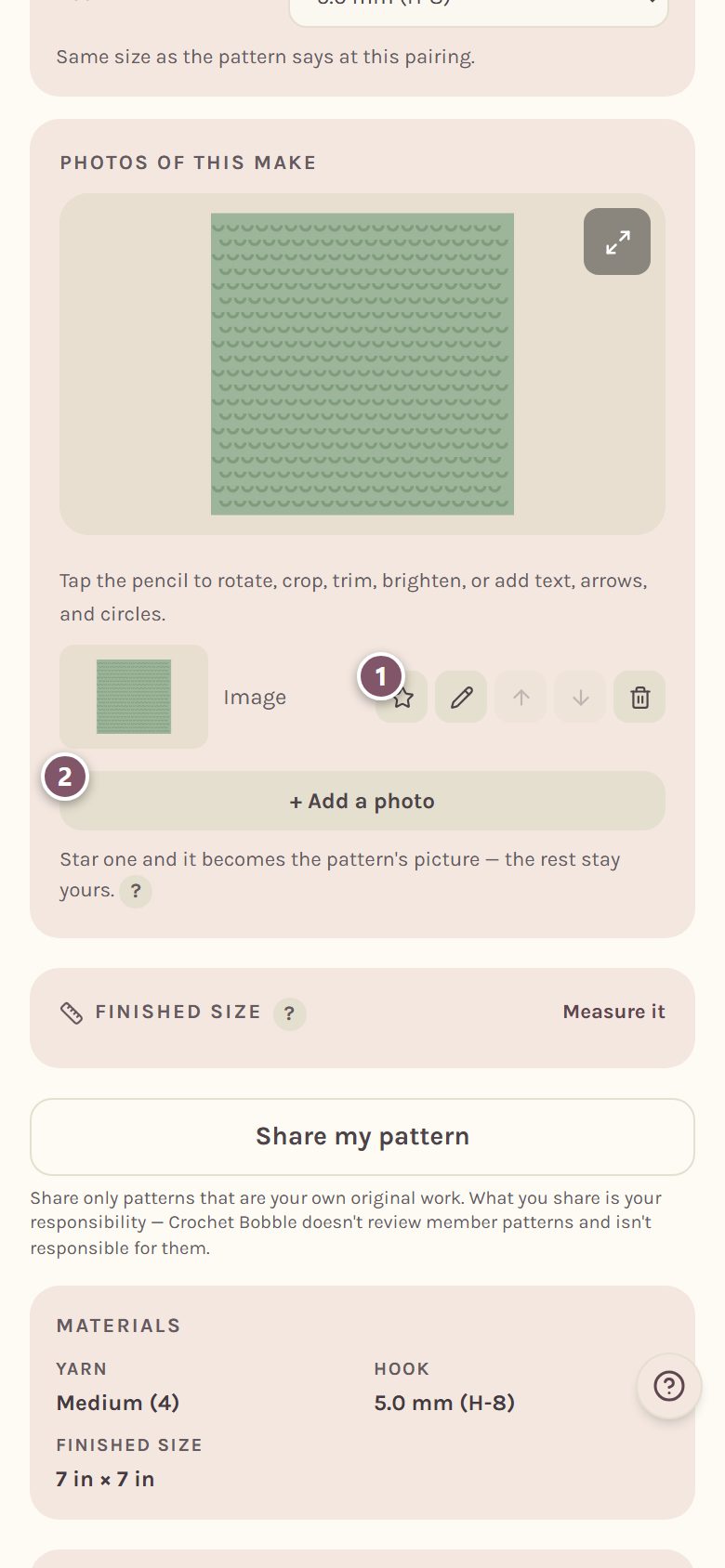
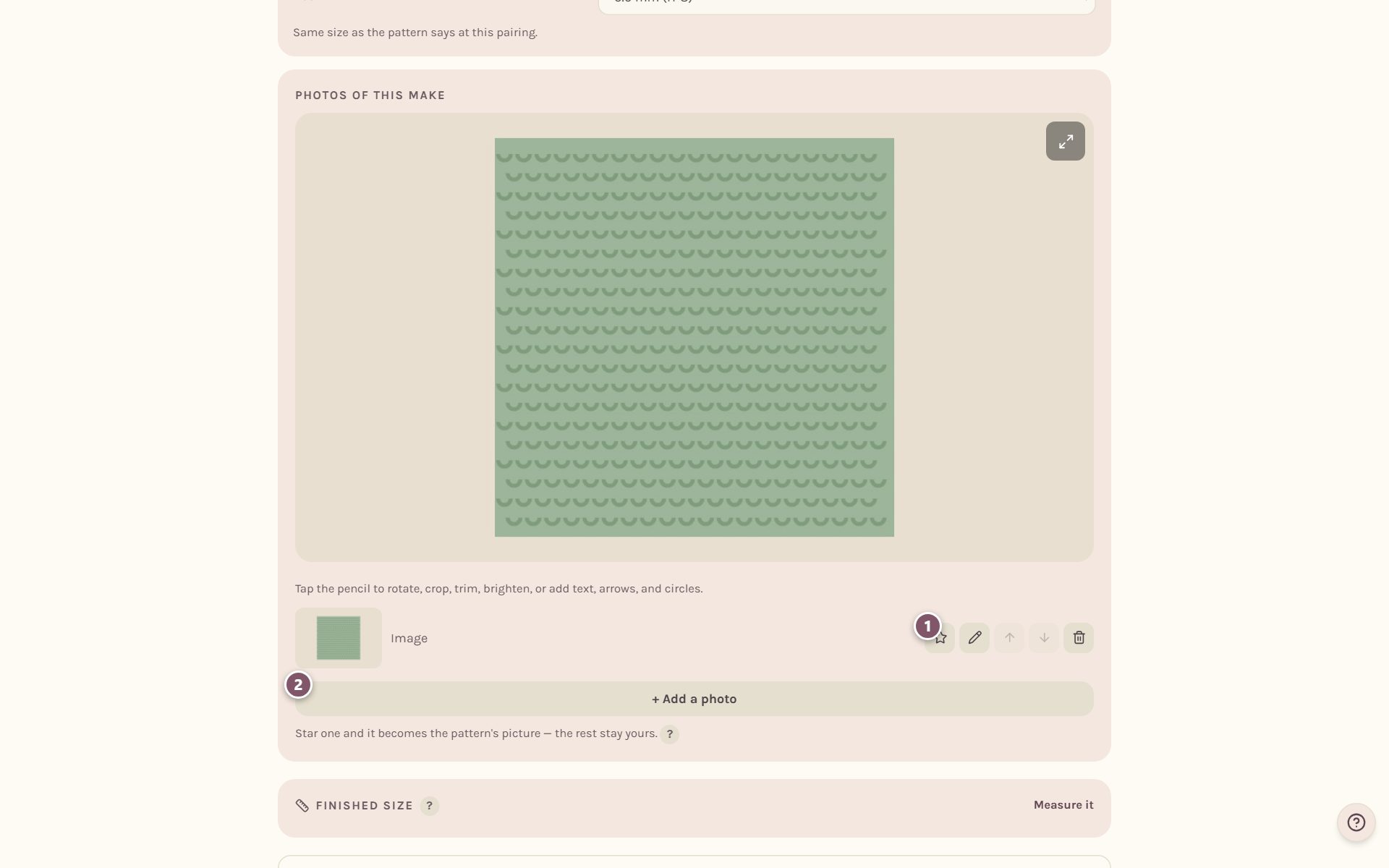
- The star picks your main picture. On a pattern you designed yourself, the starred photo becomes the pattern's picture. Anywhere else, it becomes your make's own main picture, which only you see.
- + Add a photo adds another.
Tap the pencil beside a photo to rotate, crop or brighten it, or to add text, arrows and circles. The bin removes it.
You can also add photos straight from your WIPs card. Open Details and tap Add beside the photos.
Measure what you made
When it's done, lay a tape across it. Under Finished size, tap Measure it, type what it measures, and tap Save what it measured. Leave a box blank if you didn't measure that way.
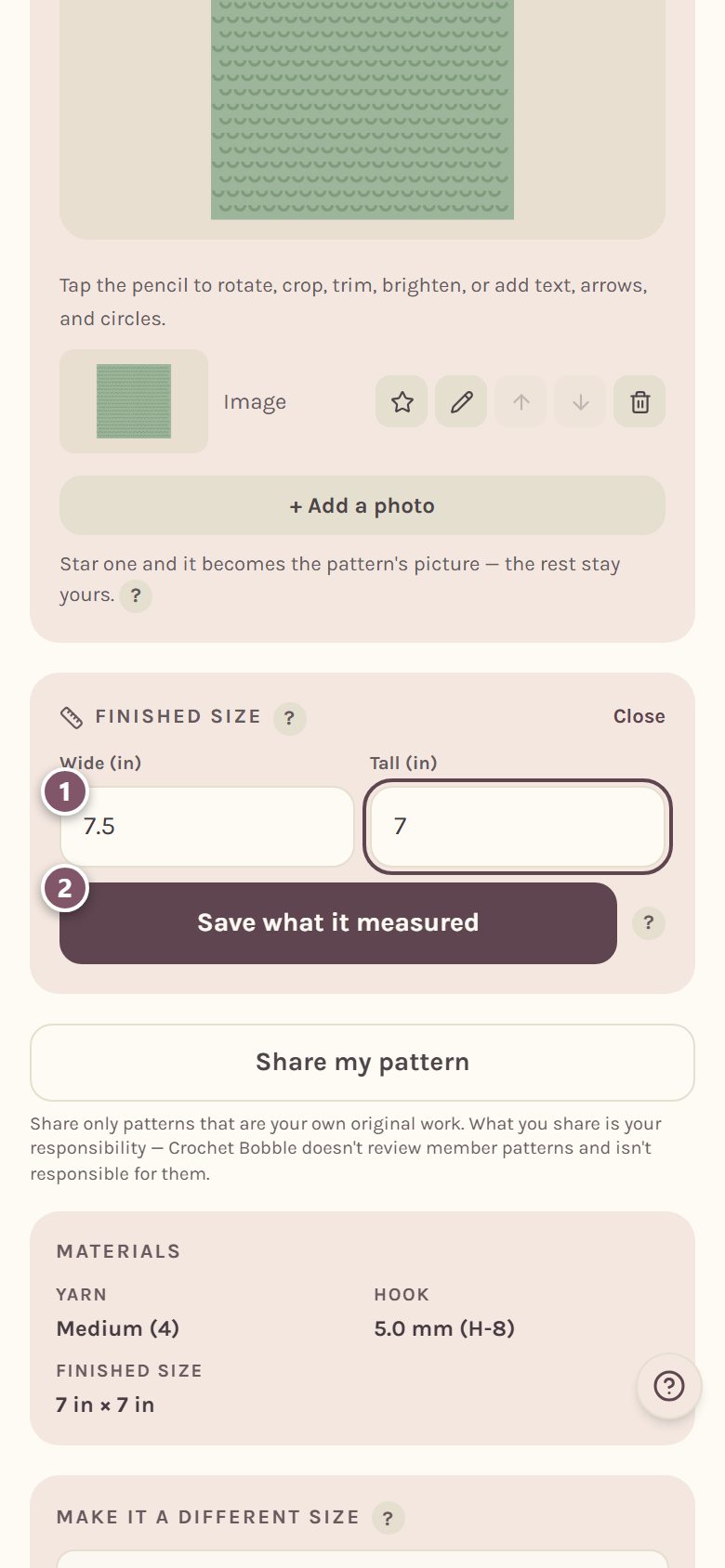
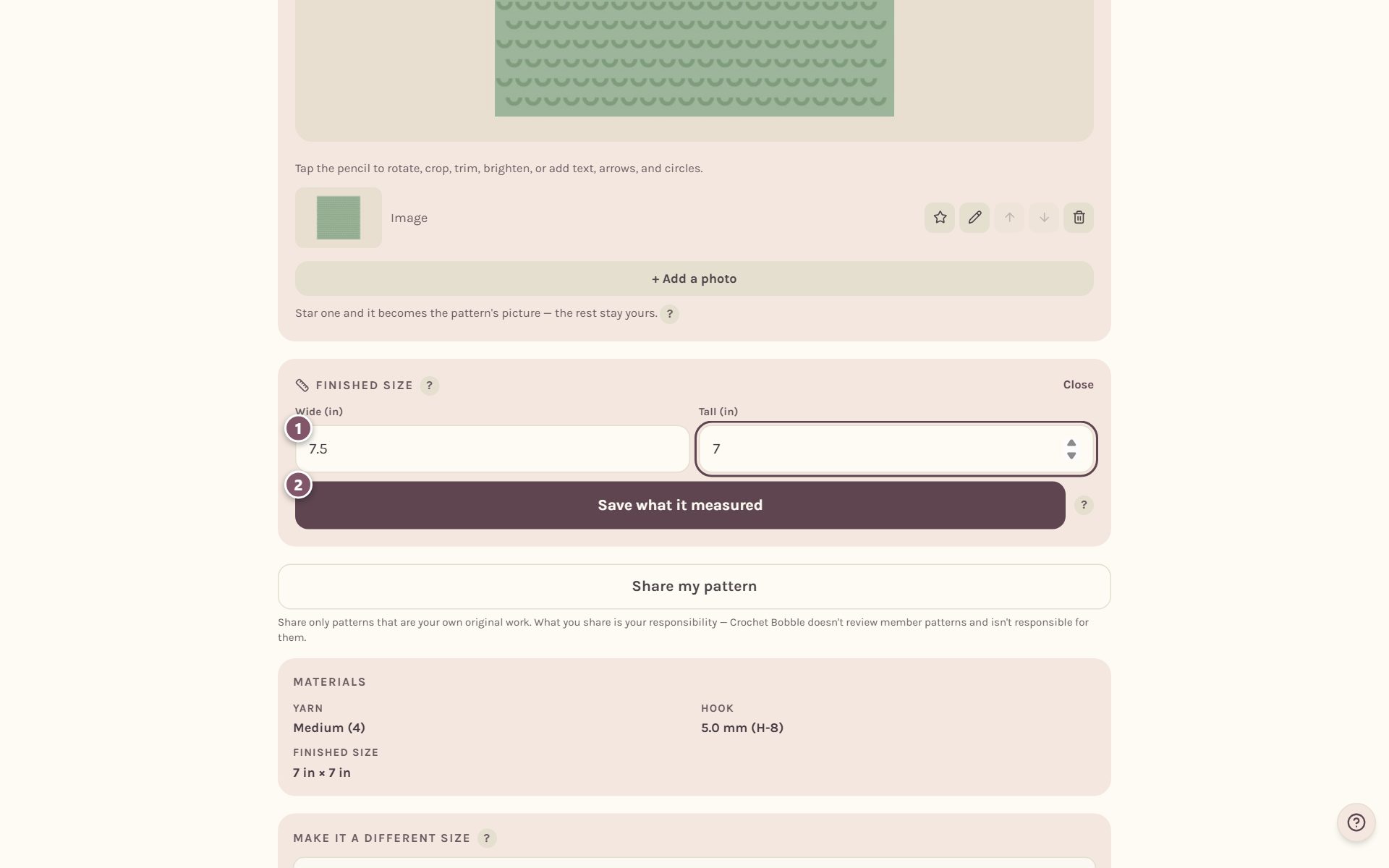
If the pattern gives a finished size, Crochet Bobble compares the two and tells you how close you came. That tells you your real gauge, so your next one comes out the size you meant.
Open your WIP's details
Every WIP card in WIPs has a Details button. It holds everything about the make that isn't the counting.
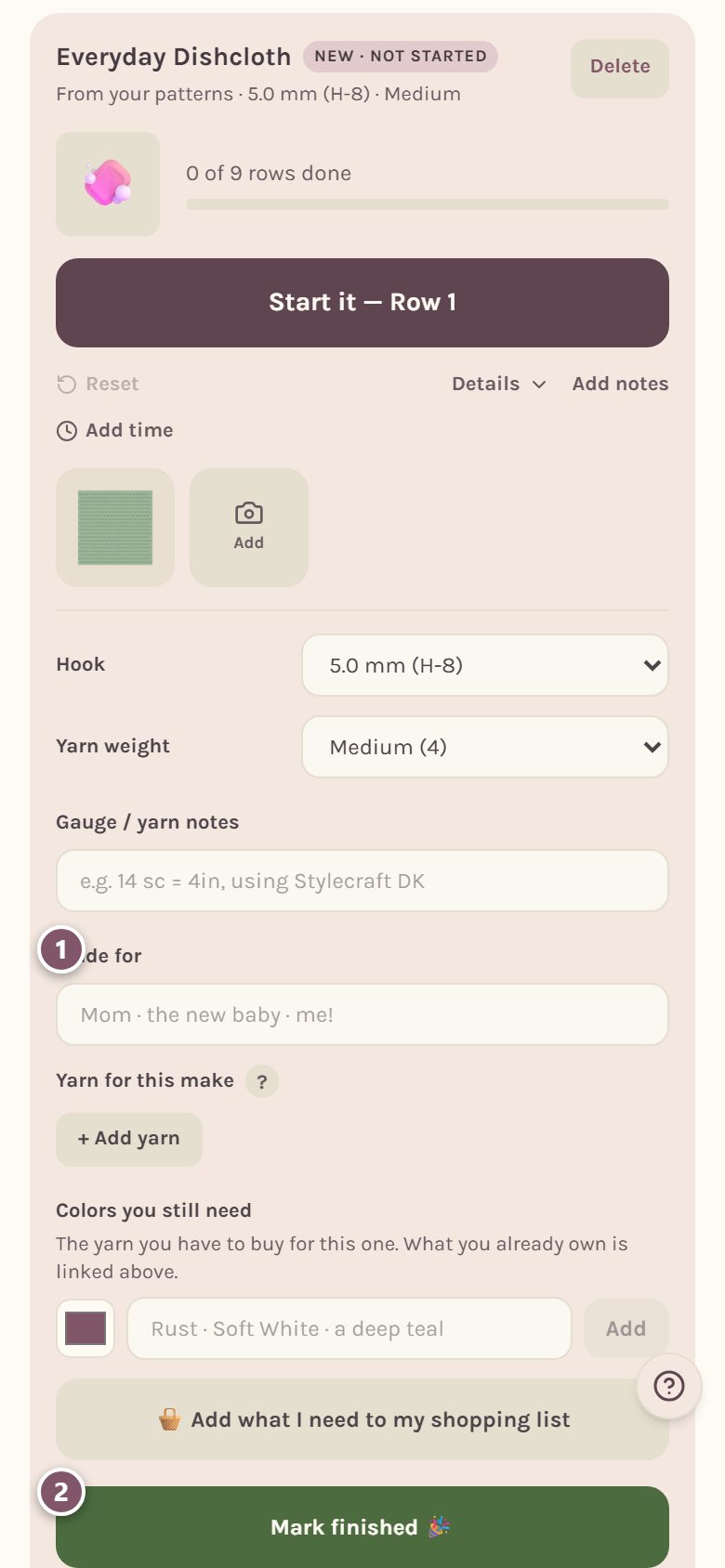
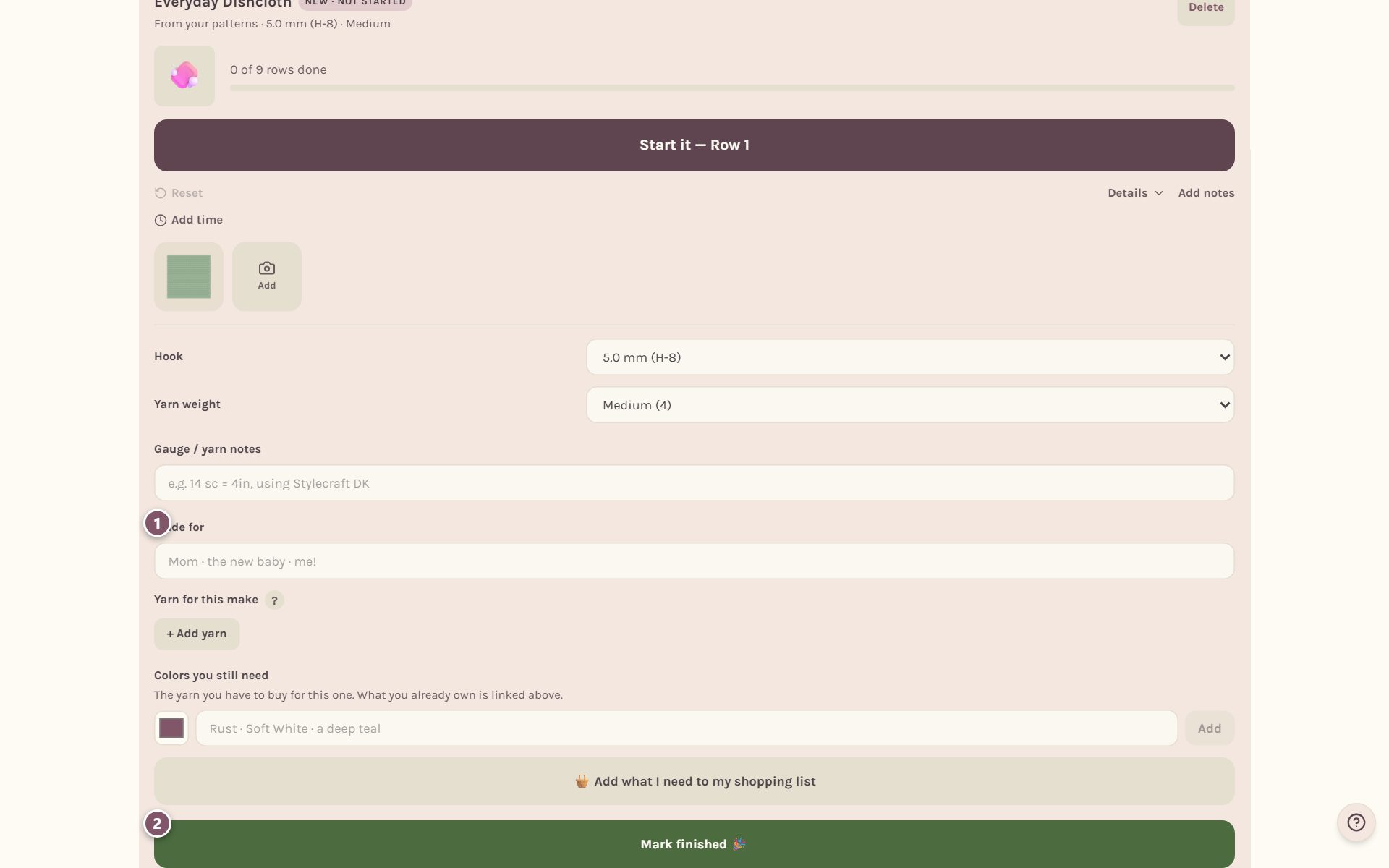
- Made for. Type who it's for: Mom, the new baby, or you. It shows on your finished make and on its share card.
- Mark finished 🎉 moves it into your journal. More on that below.
The drawer also holds your hook and yarn, gauge notes, the yarn from your stash for this make, and the colors you still need to buy.
Share a card of your make
In Details, tap Share my progress, or Share this finished make once it's done. If you have several photos, pick which to use. Then pick its shape: Whole photo, with nothing cut off, or Square, cropped for social.
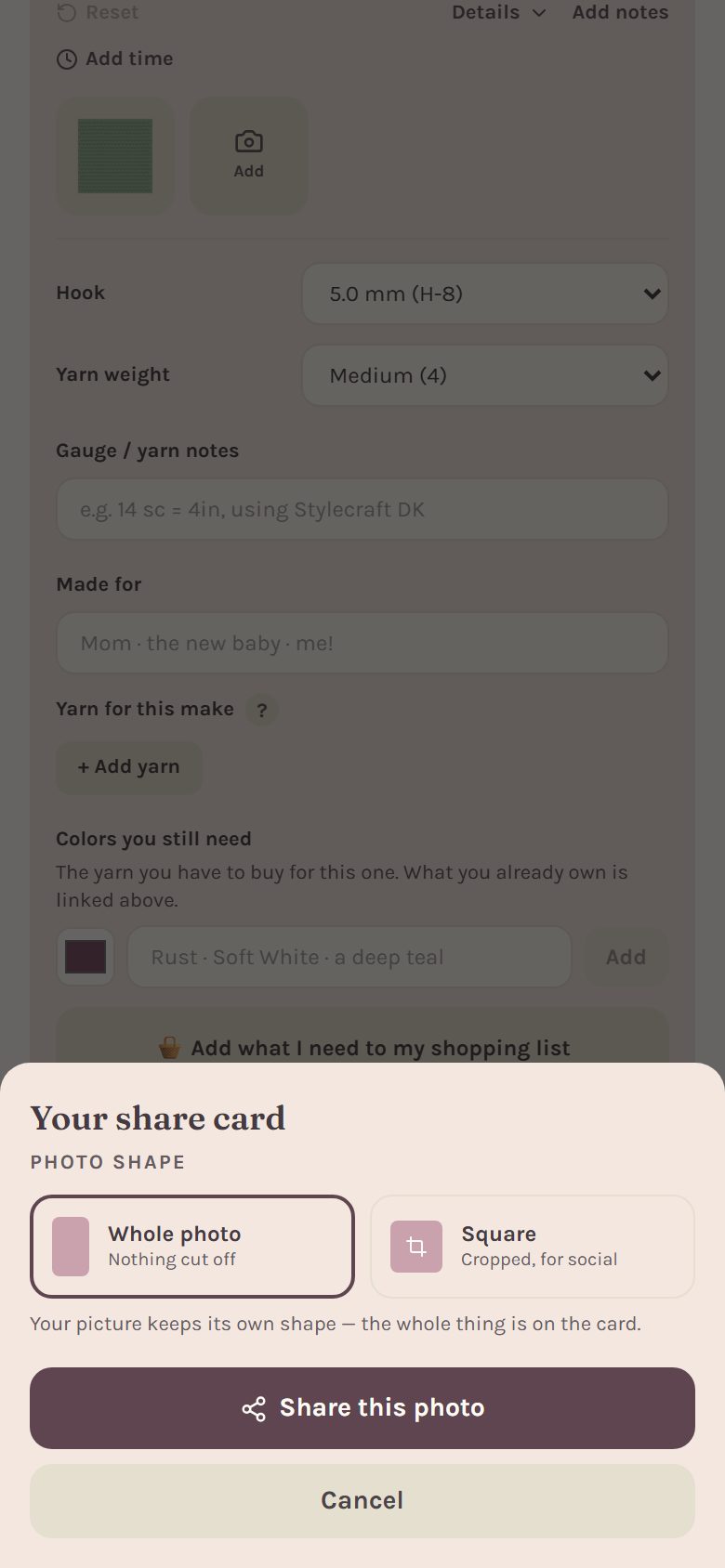
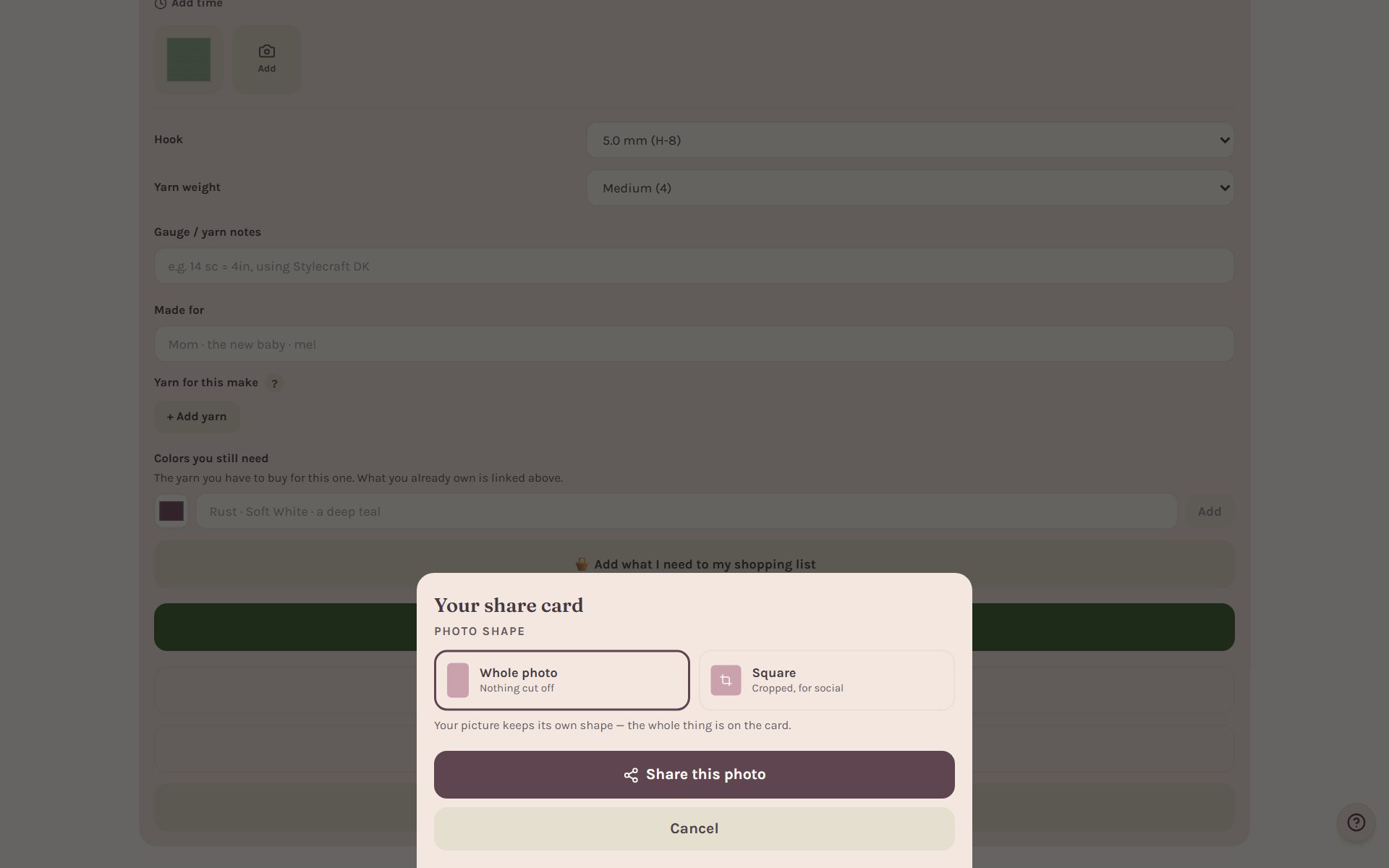
Tap Share this photo and Crochet Bobble makes a card with your photo and your stitch numbers, then opens your phone's share sheet. On a computer, it saves the picture instead. With no photo, the card uses an illustration of your project.
Print gift care tags
Making it as a gift? In Details, tap Print gift care tags (PDF)…. Crochet Bobble fills in the washing and drying words from the yarn you linked to the make, or gentle care words if it doesn't know the fiber. Every line is yours to change before you print.
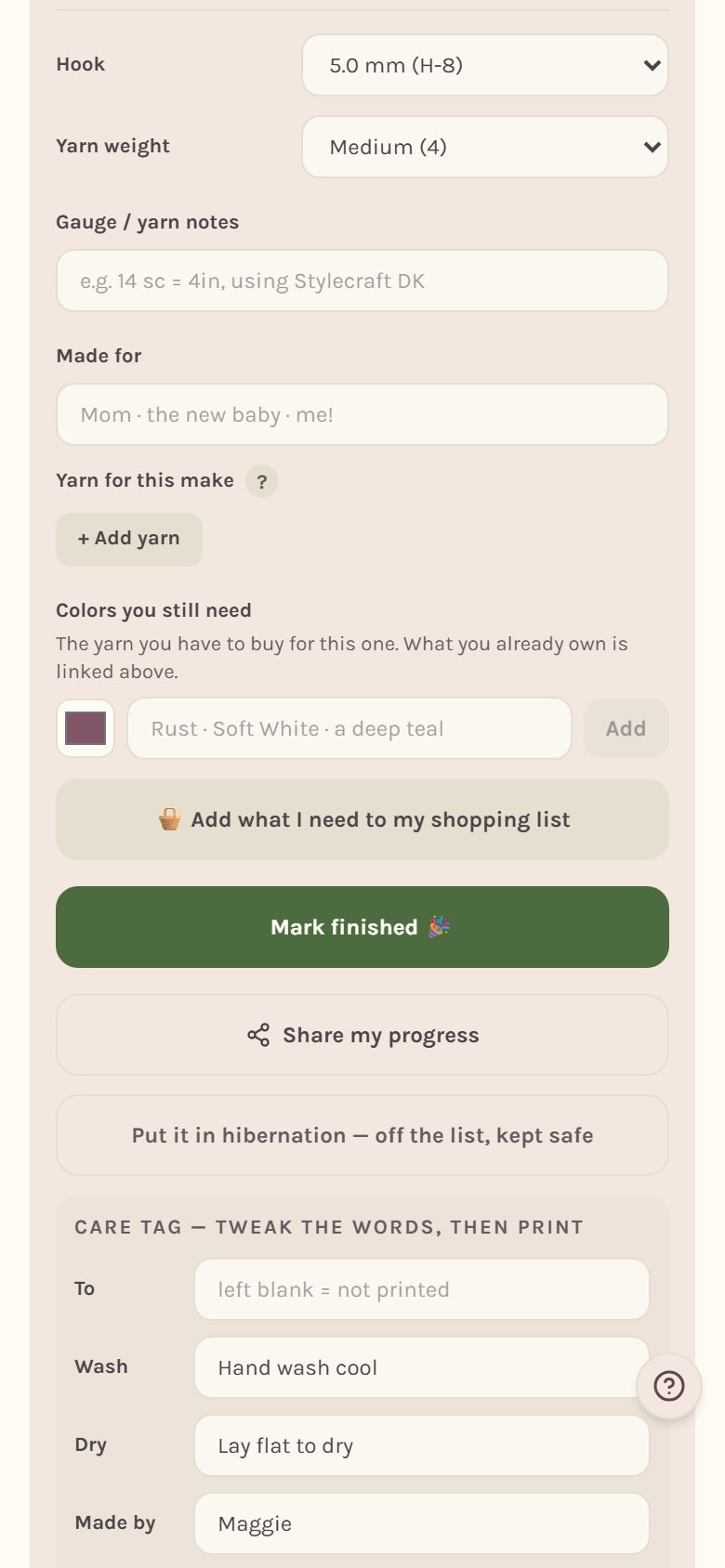
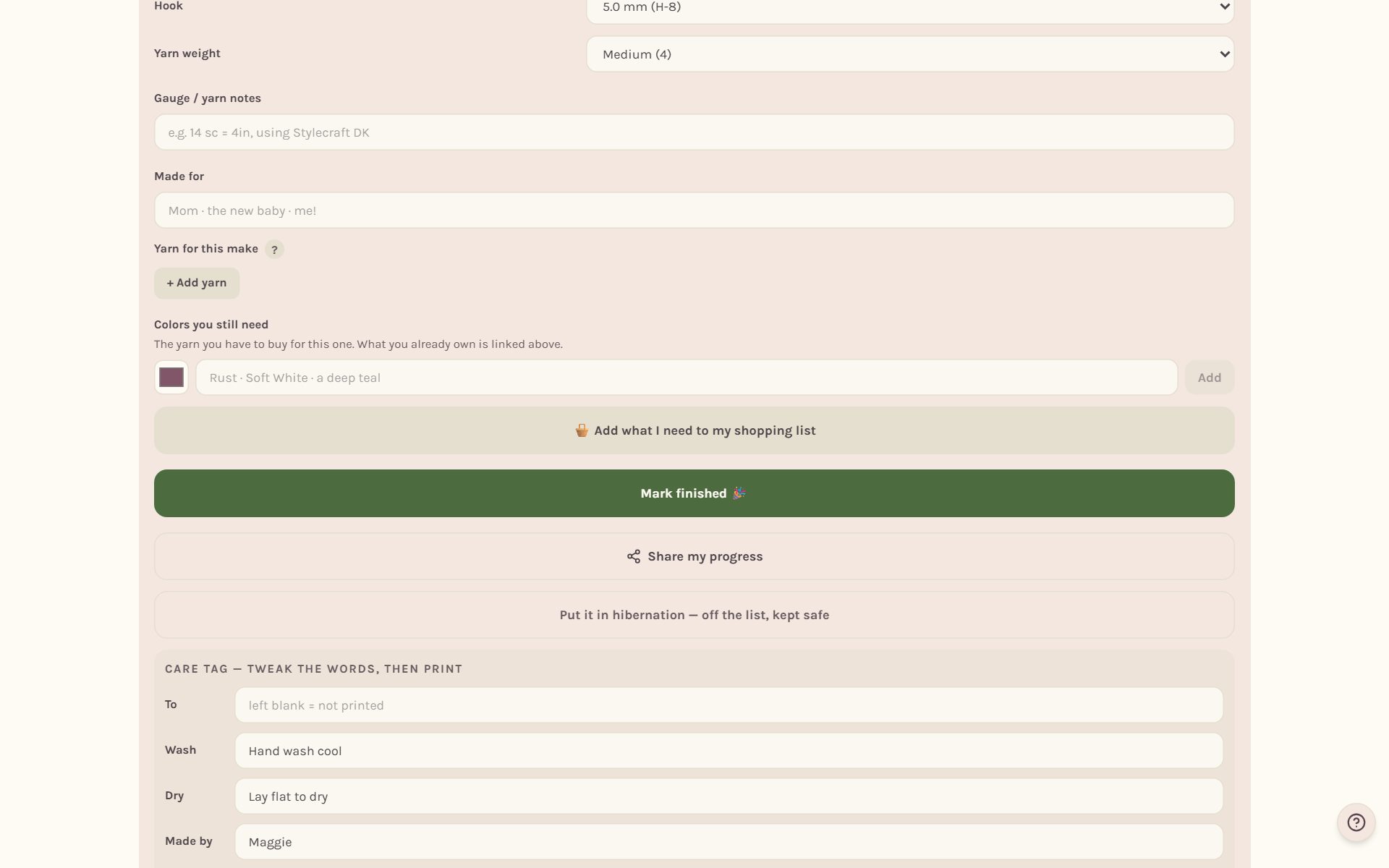
Leave To blank if you don't want a name on the tag.
Set a WIP aside without losing it
Not ready to work on something, but not ready to give up on it? In Details, tap Put it in hibernation — off the list, kept safe. It moves to its own section, Hibernating — set aside for now, with its place and photos kept.
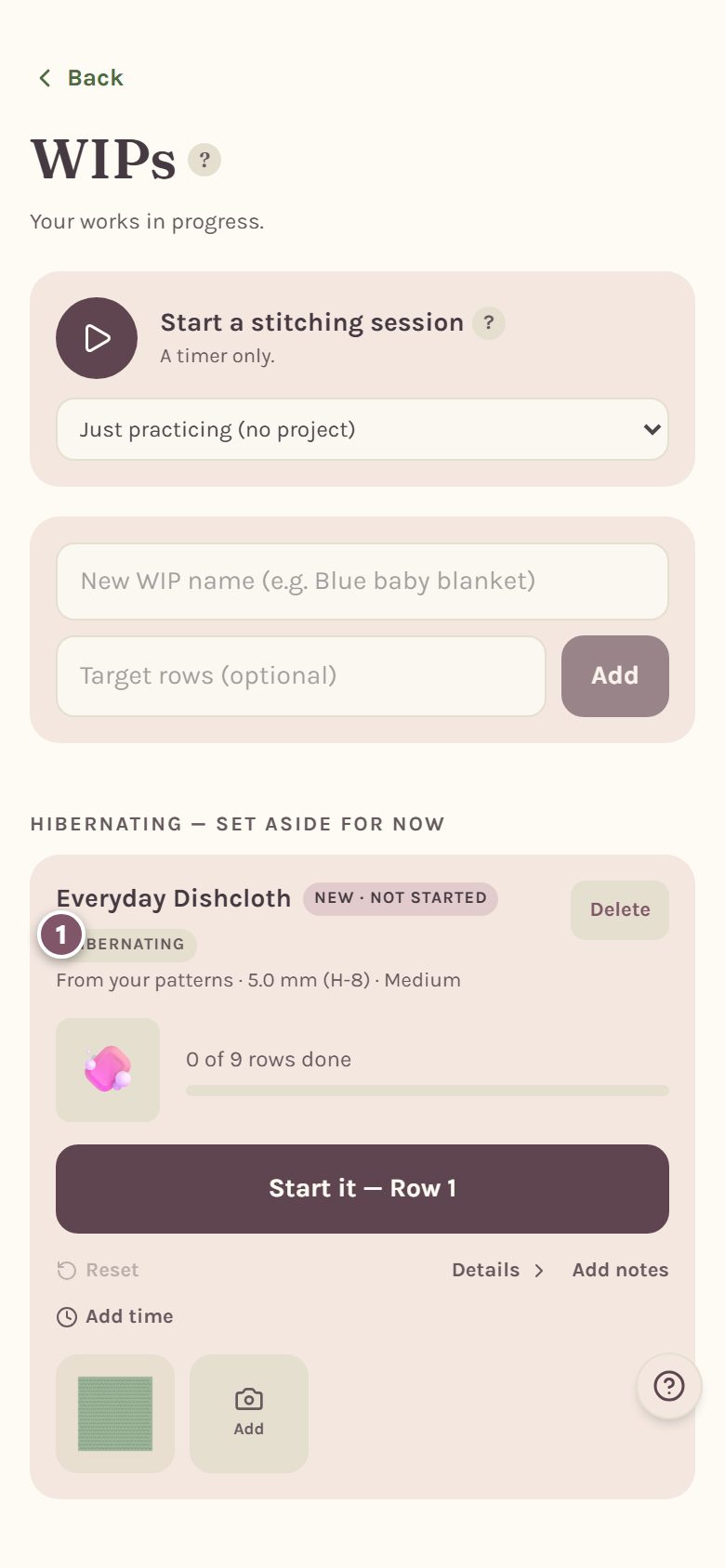
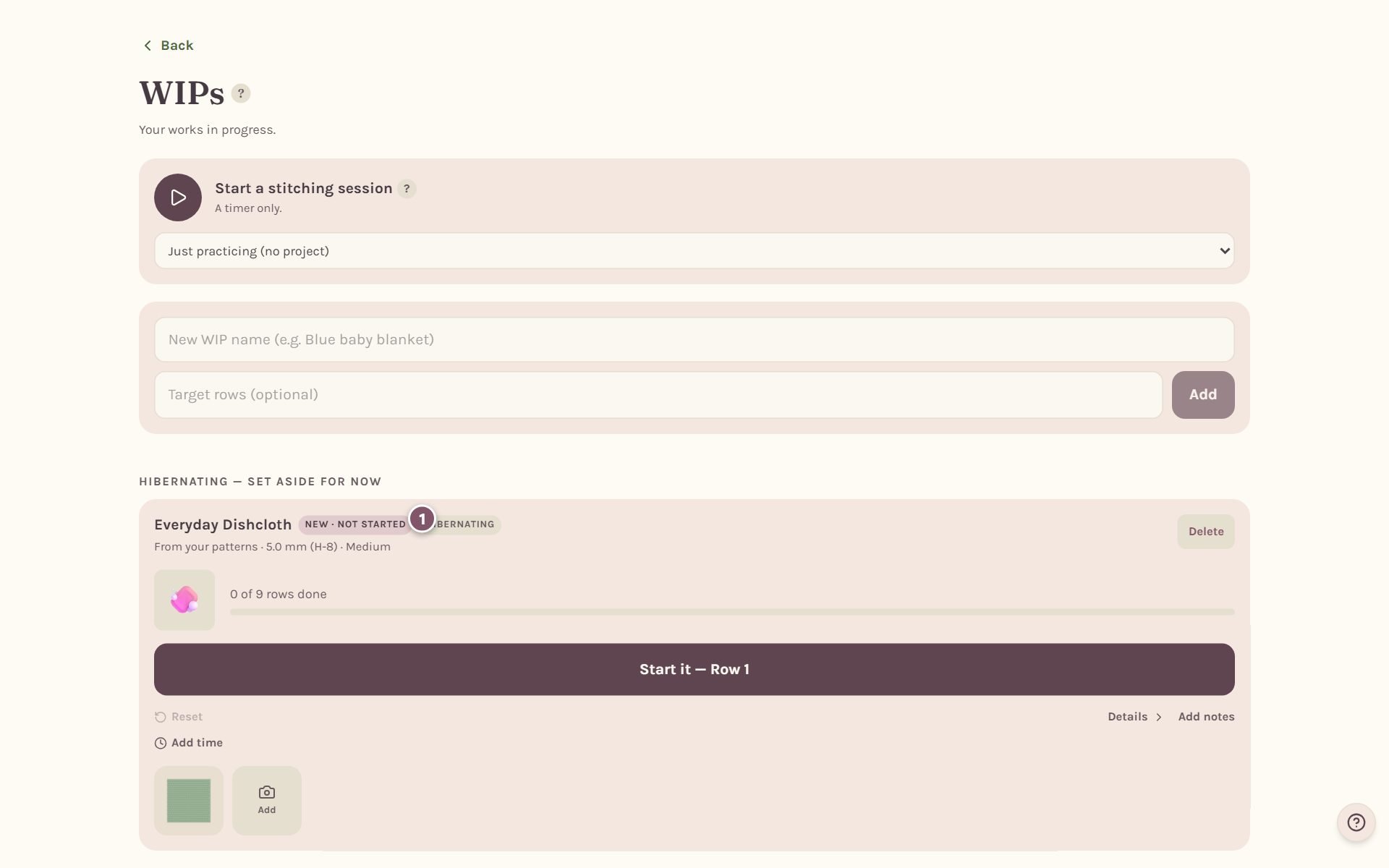
When you're ready again, open Details and tap Wake it up — back on the list.
Tip: hibernating isn't deleting. Delete is gone for good. Hibernating just moves the make out of your way until you want it back.
Mark it finished
When the ends are woven in, open Details and tap Mark finished 🎉. The first time you finish anything, Bobble throws a party and asks for a photo.
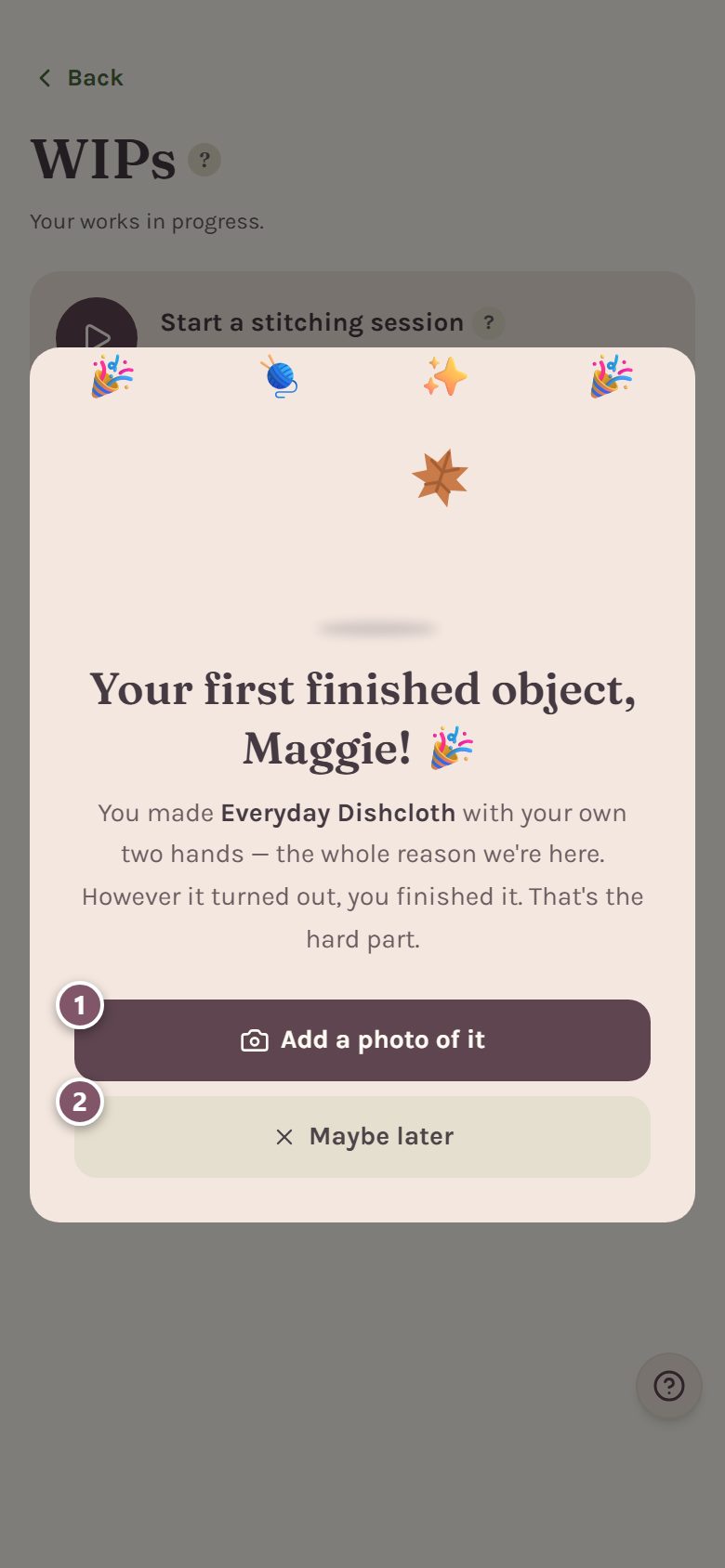
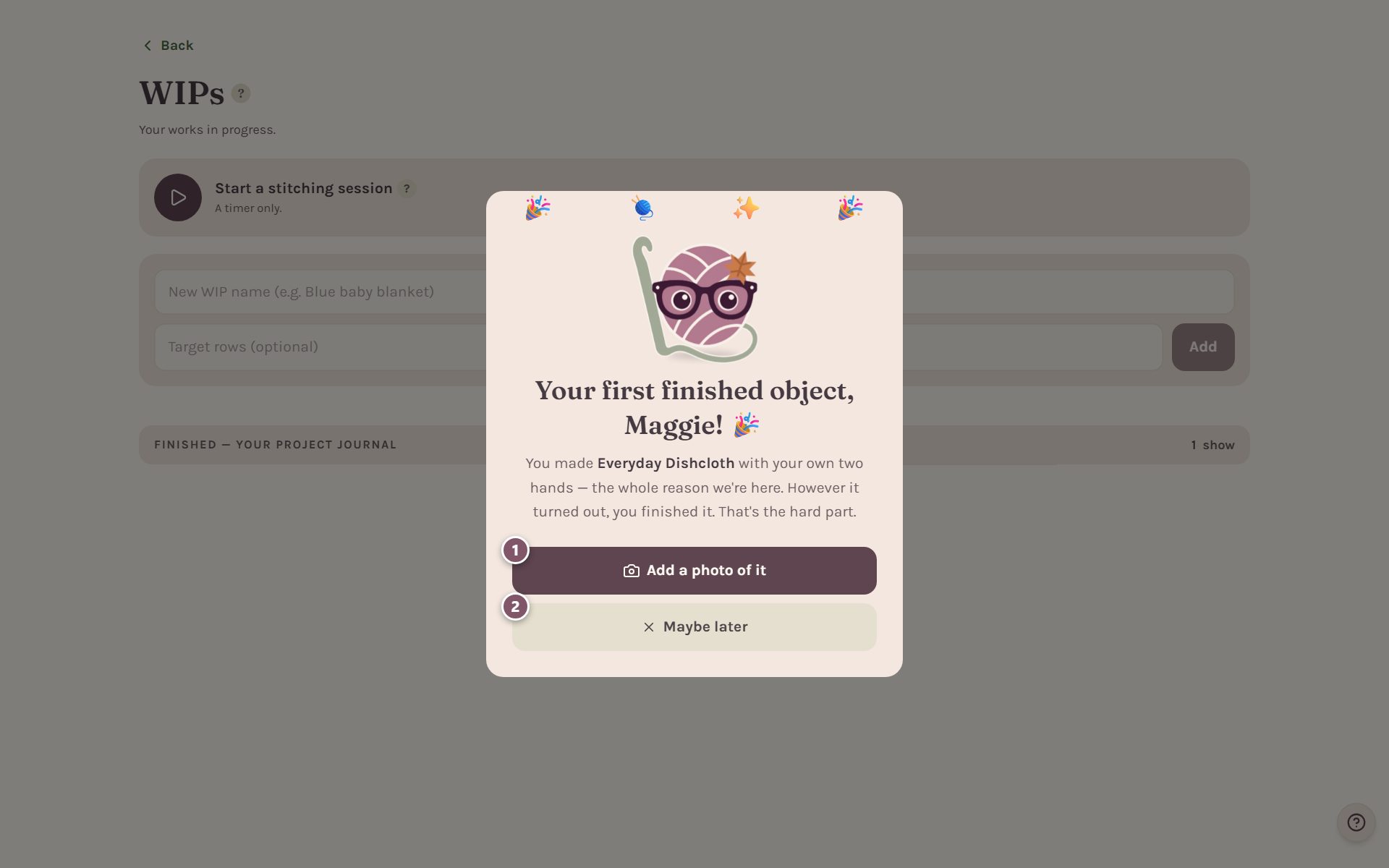
- Add a photo of it saves a picture of your finished make.
- Maybe later closes the celebration. You can add photos any time.
Every finish after that shows your stitch count and your time (when the make has them), with Share this make and Add a photo of it.
Look back through your project journal
Finished makes fold away under Finished — your project journal on the WIPs page, with the date you finished each one. Tap the heading to open it.
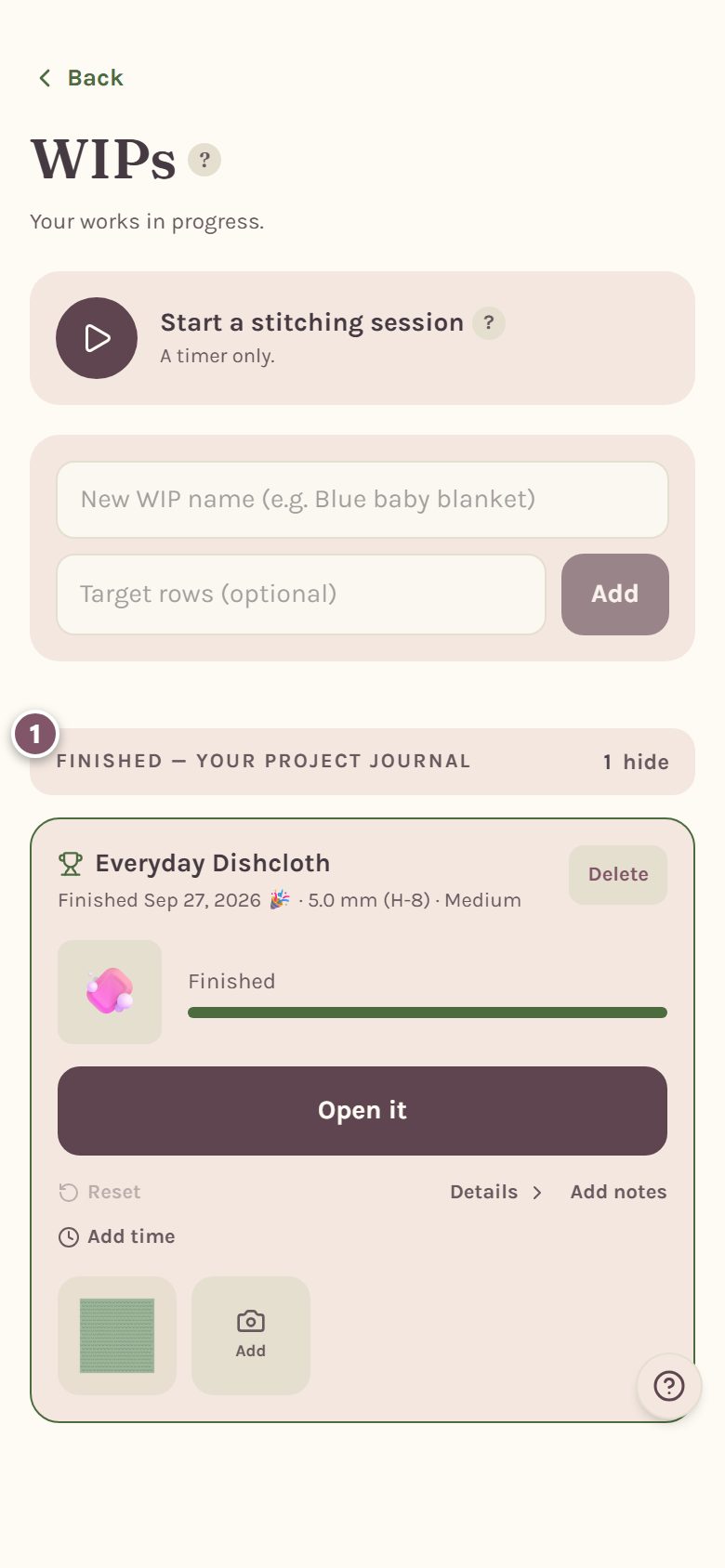
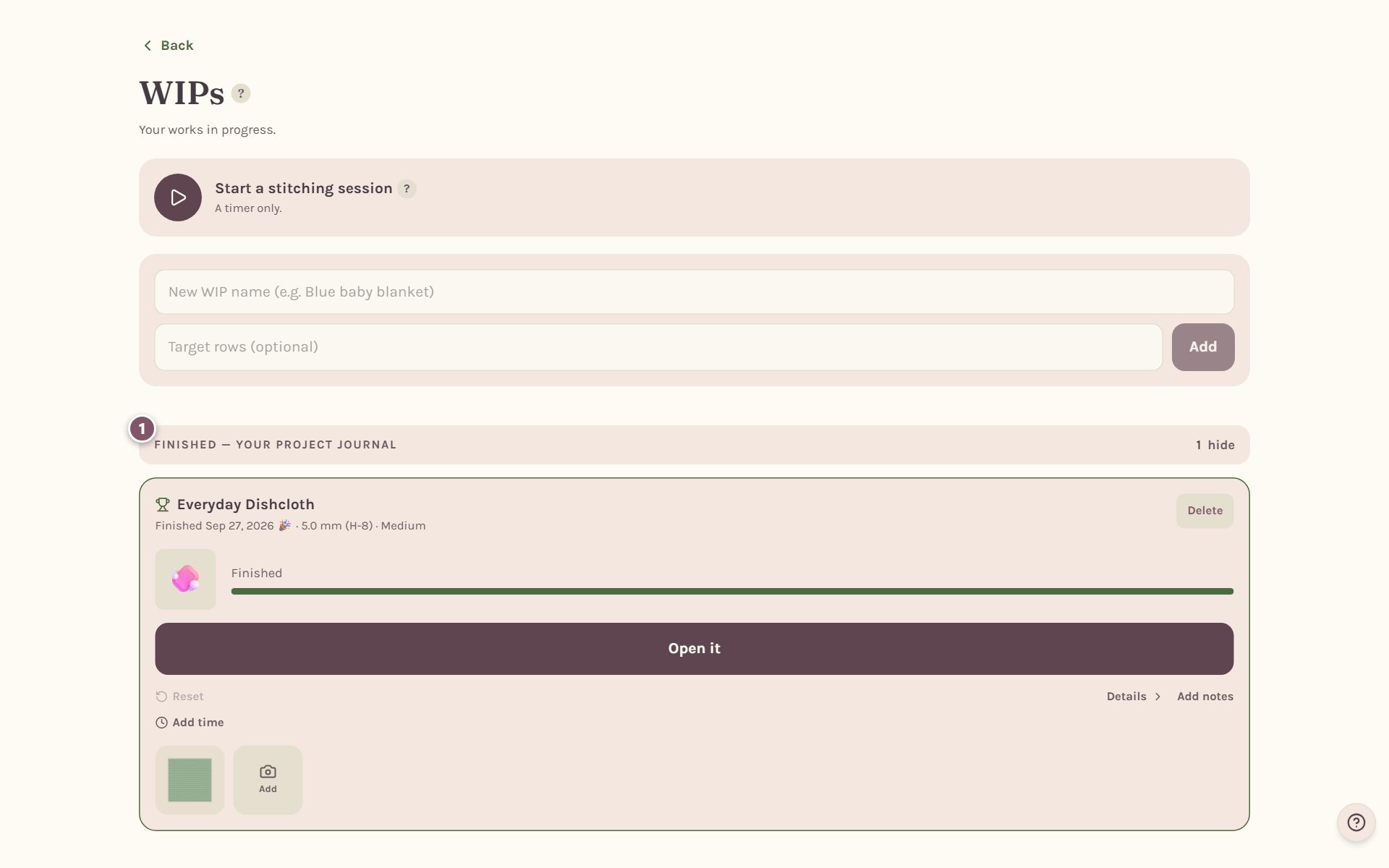
Changed your mind? Open the make's Details and tap Reopen project to put it back on your list.
Frequently asked questions
Who can see my photos? Only you, unless you star a photo on a pattern you designed yourself. That one becomes the pattern's picture.
Does marking it finished change my stitch count? No. Your stitches are already counted as you track them. Finishing just moves the make into your journal.
Can I finish a blanket from its tracker? Yes. When the last row is done, the blanket tracker offers It’s finished. See the blanket row counter.
Ready to try it? Crochet Bobble opens right in your browser, on a phone or a computer.
Open Crochet Bobble