
Crochet Until It Measures: Work to a Length Without Guessing
When a pattern says "work until it measures 20 inches", Crochet Bobble tracks your measurements, estimates how many rows are left, and tells you when to measure again so you never work an extra row.
Lots of patterns don't give you a row count. They say "repeat Rows 1–2 until it measures 6 in", and you're left guessing when to stop. Crochet Bobble does the math for you. Measure your work now and then, and it tells you about how many rows are left and when to measure again, so you don't end up frogging a row you didn't need.
What you need
- A pattern in your WIPs, open in its tracker. See the crochet row counter if you haven't started one yet.
- A tape measure, and a row or two already worked.
Turn on work to a length
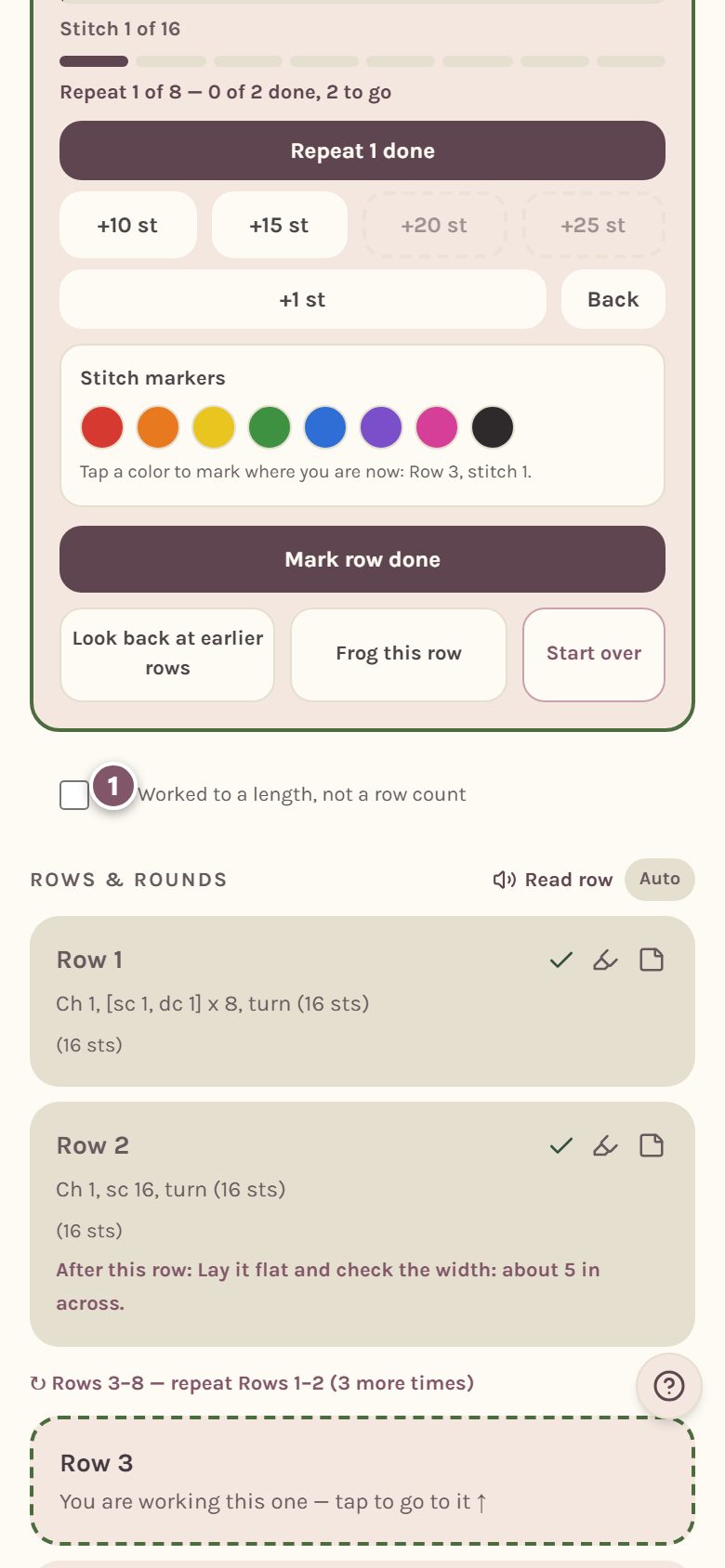
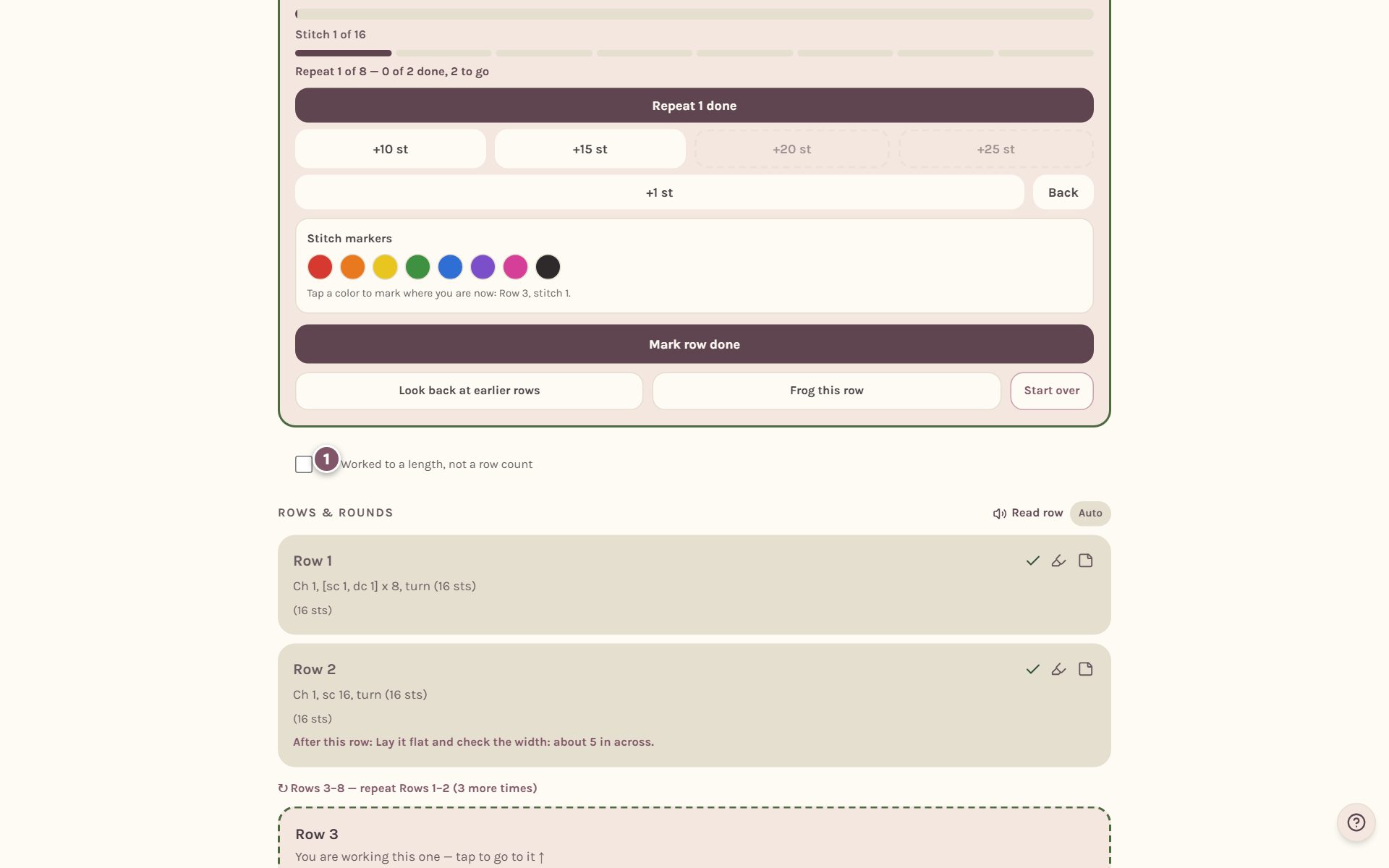
Under the tracker, tick Worked to a length, not a row count. Crochet Bobble remembers your answer for this pattern on this device, and once you set a length it stays on everywhere.
Set the length you're working to
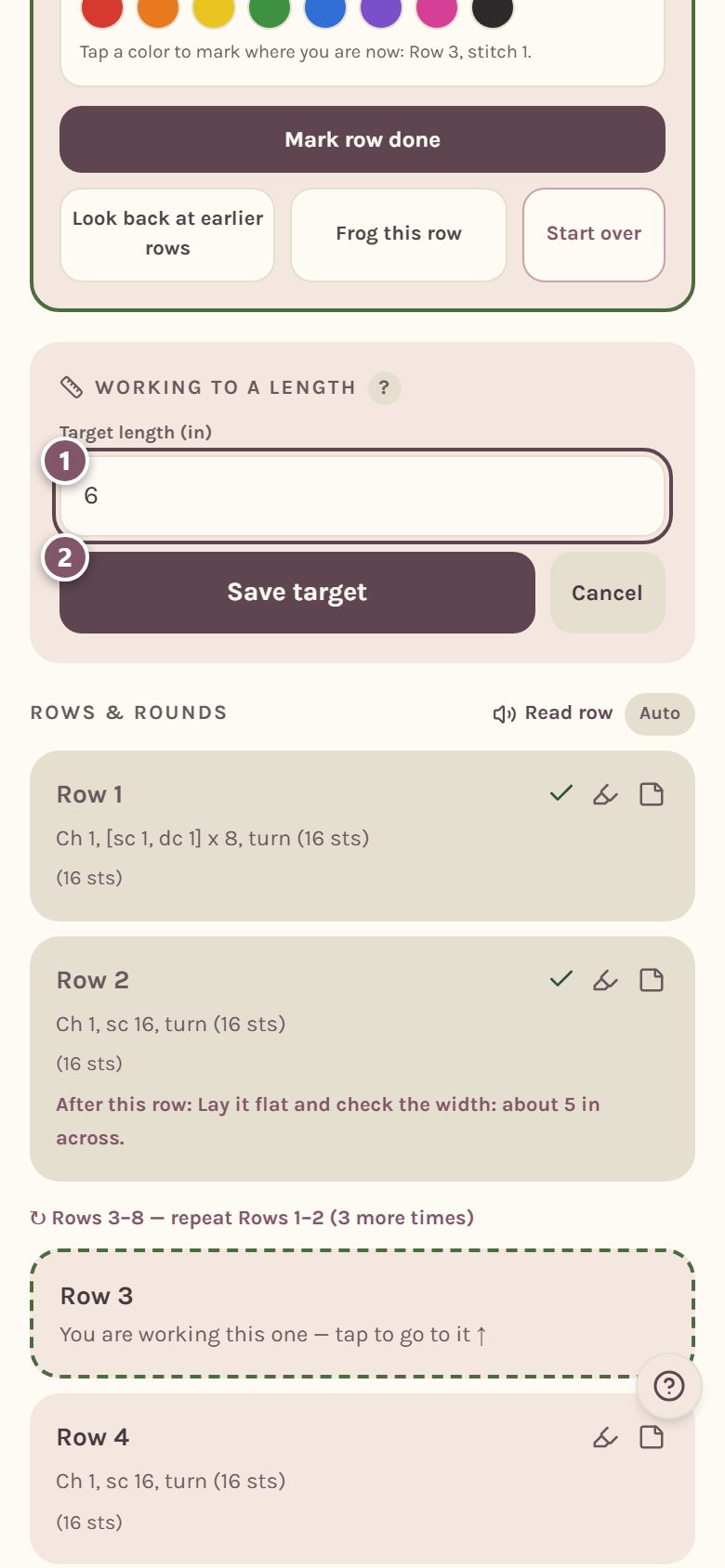
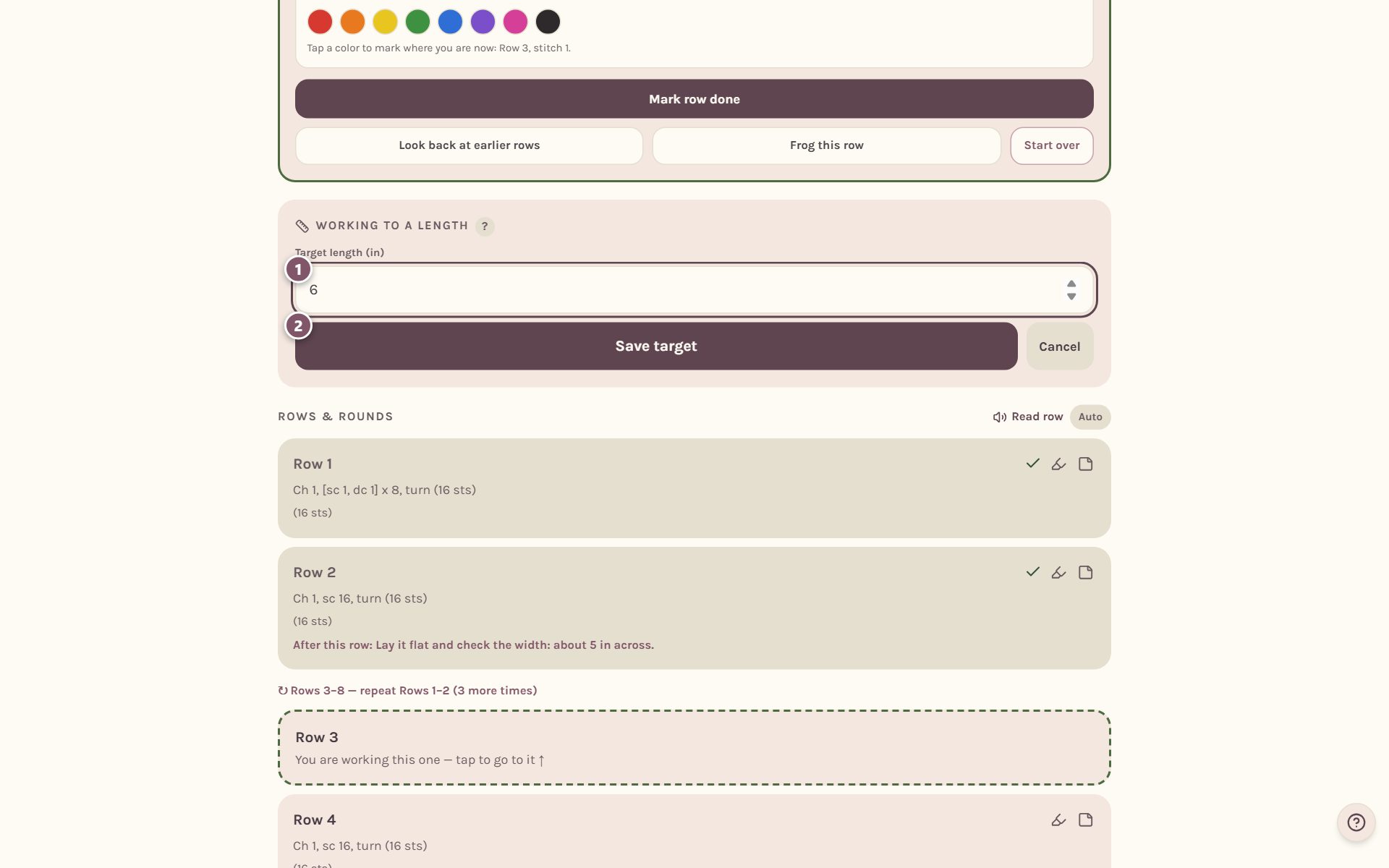
Type the length your pattern asks for and tap Save target. It uses inches or centimeters, whichever you picked in your settings.
Measure your work
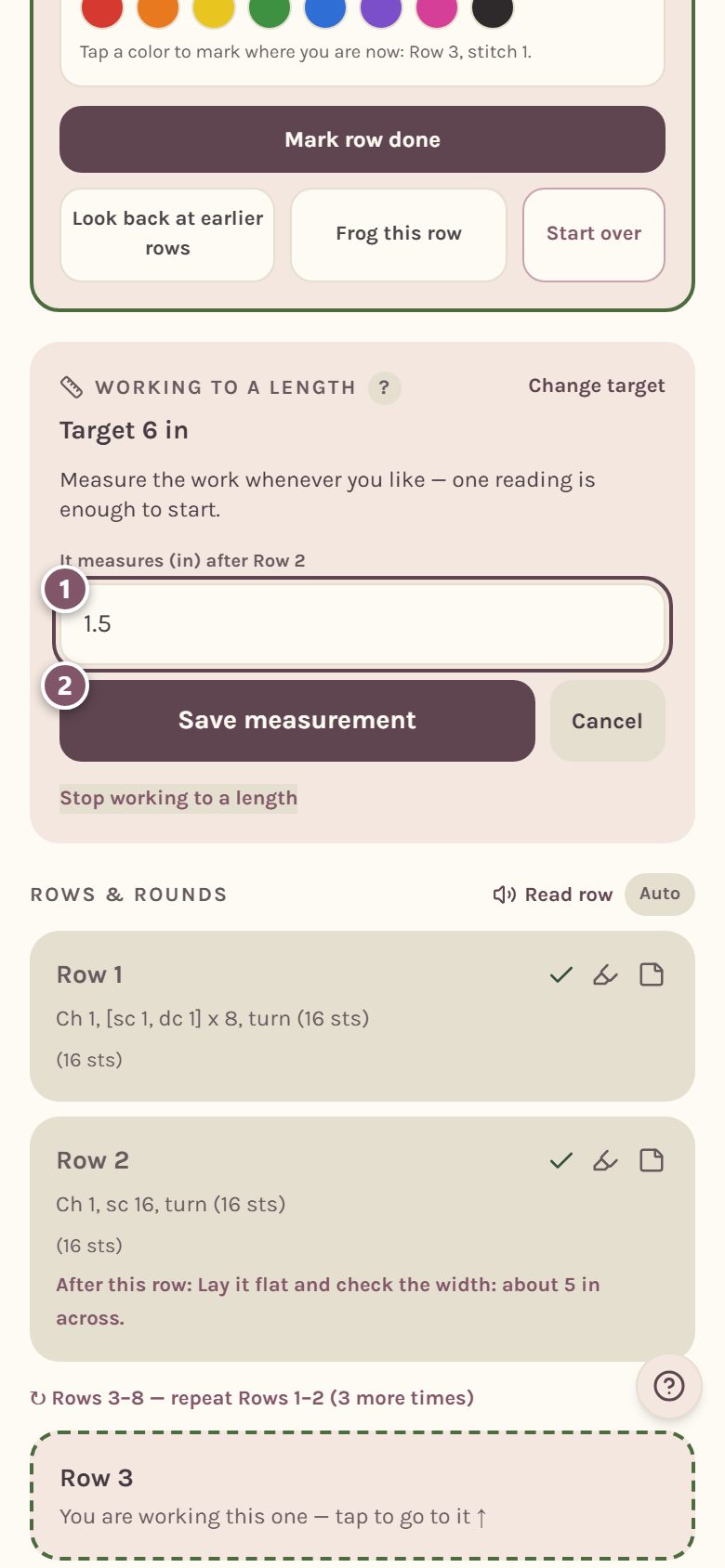
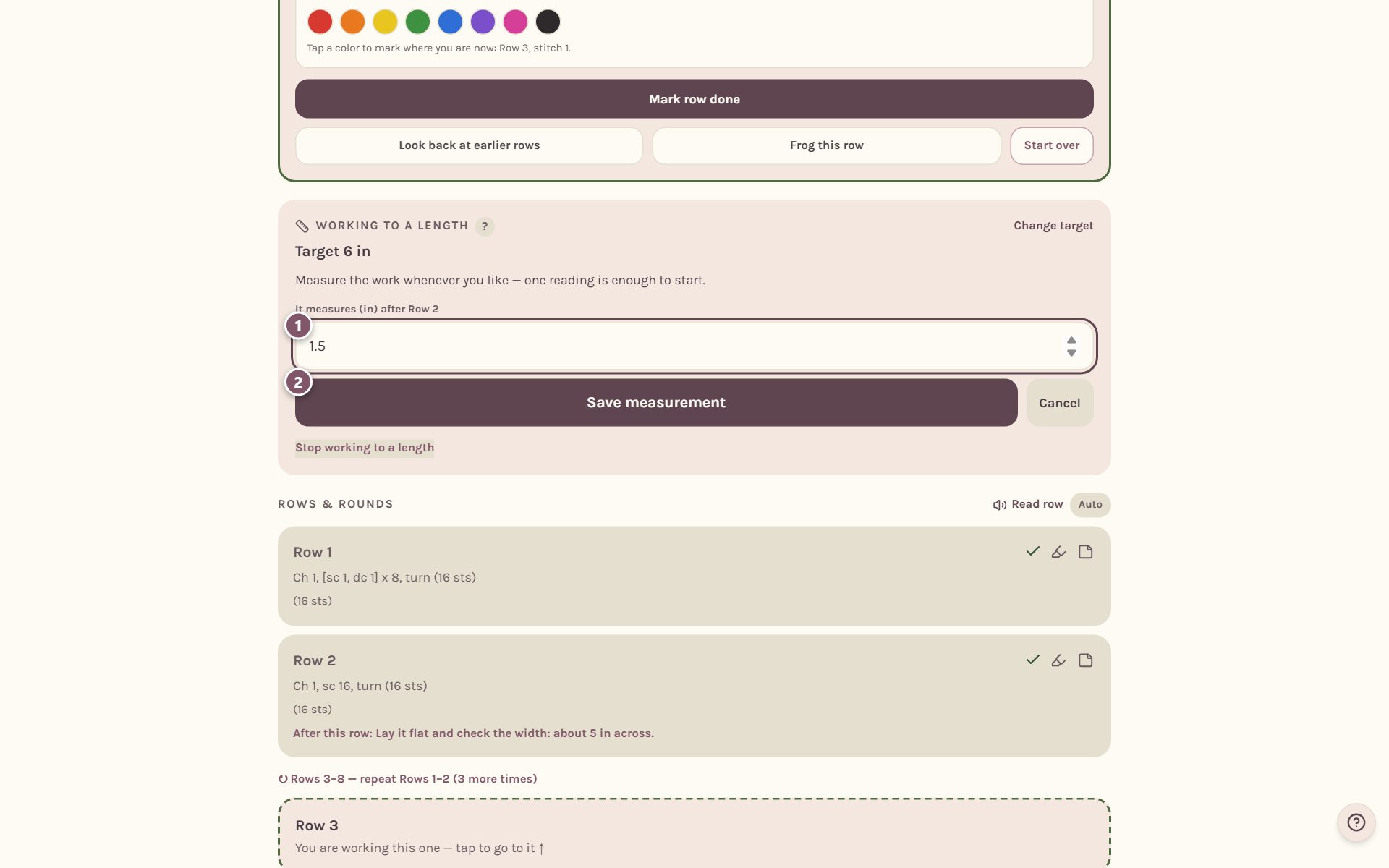
Lay your work flat, measure it, then tap Measure now. Type what the tape says and tap Save measurement. The measurement is saved against the row you've just finished, so it always matches the tracker.
See how many rows are left
Now the card does the math. It tells you about how many rows to go and which row you should reach your length around. If your pattern repeats a block of rows, it tells you which repeat to finish, and it reminds you that the finishing rows add a little length too. Best of all, it tells you when to measure again, before you'd work a row too many.
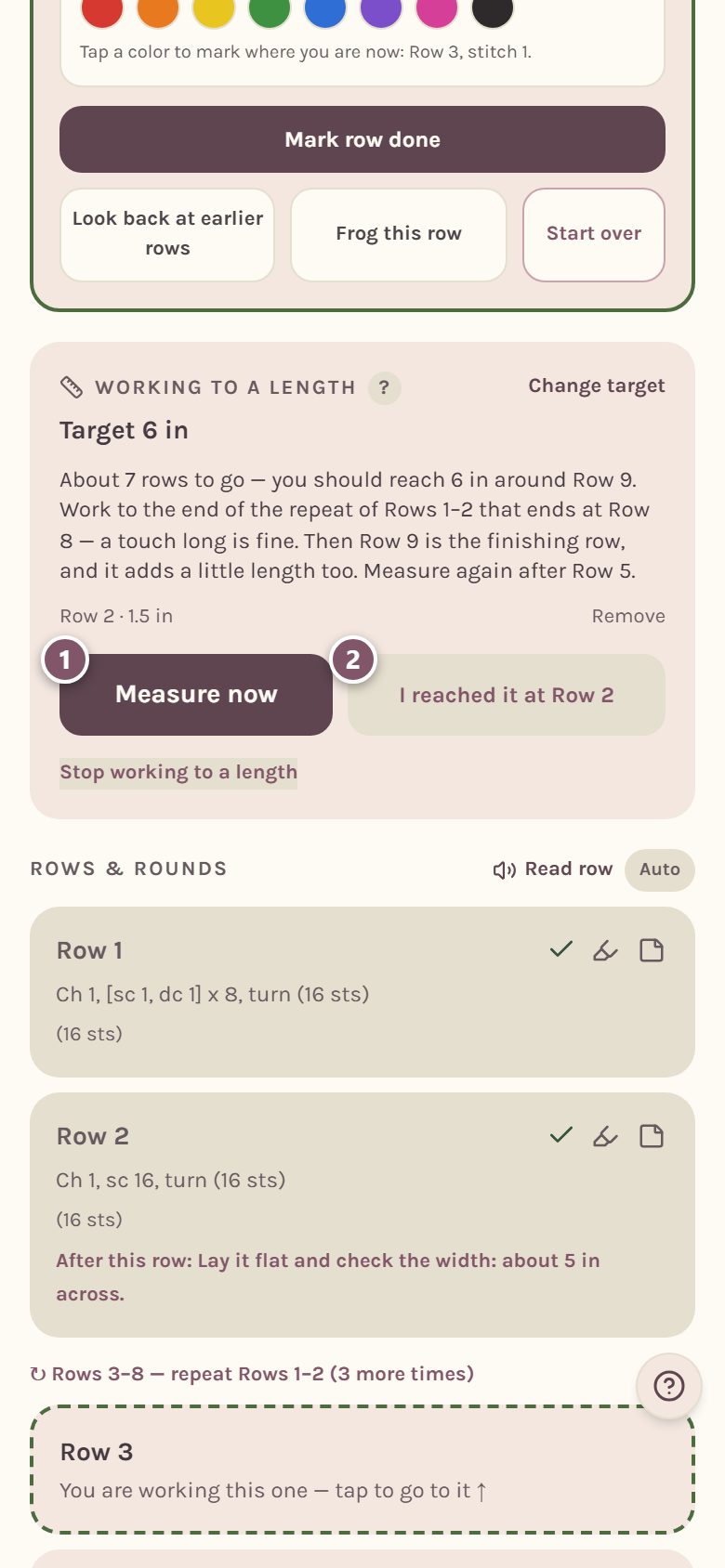
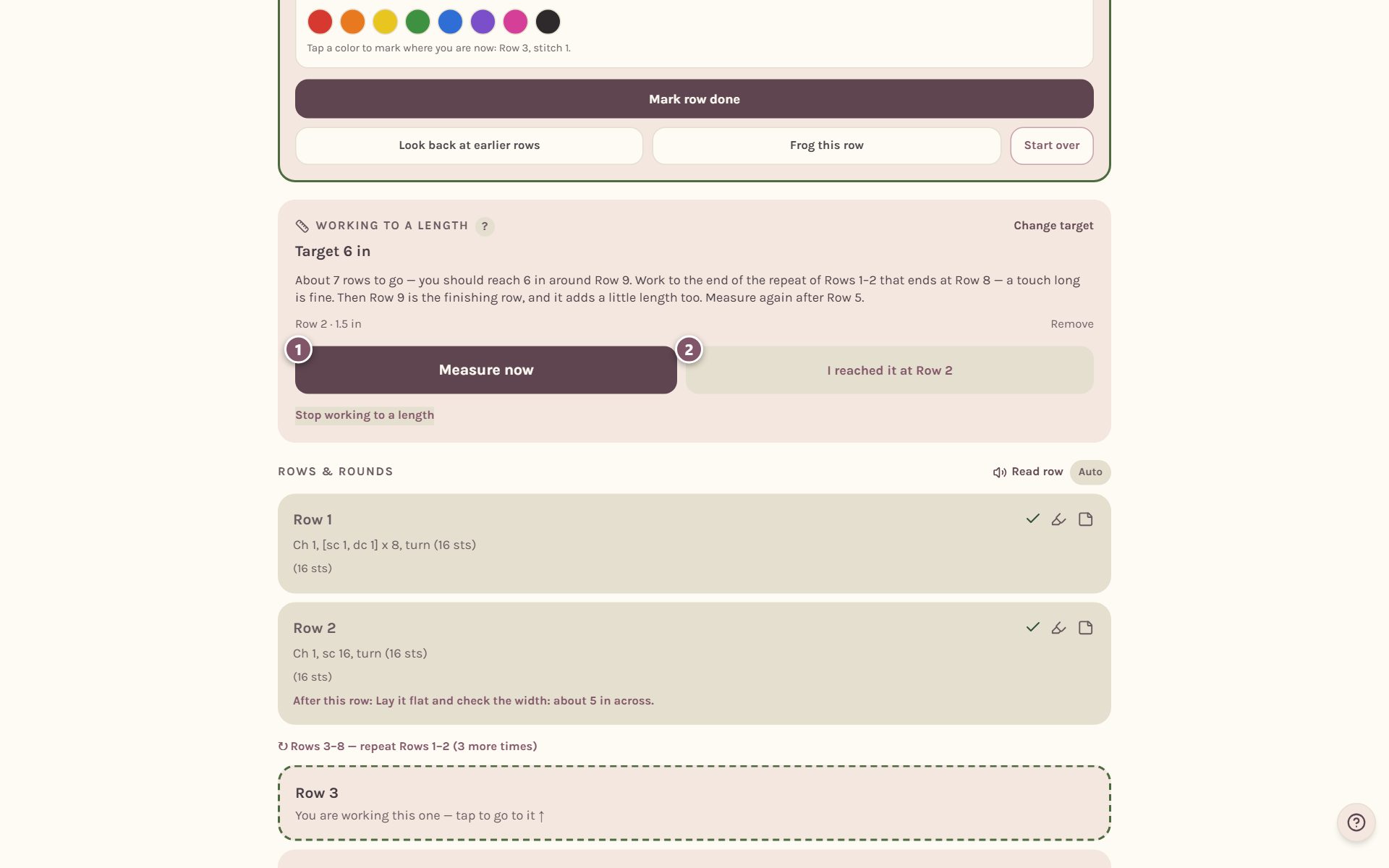
- Measure now adds another reading. With two readings or more, the estimate uses how fast your fabric is actually growing.
- I reached it at Row 2 says you're done working to length, at the row you just finished. The button always names the row you're on, and it asks you to tap again to be sure.
Your measurements are listed on the card. Tap Remove beside one to take it back. Change target edits the length, and Stop working to a length clears it all.
Tip: measure the same way every time: flat, not stretched, from the foundation edge to the top of your last row. Consistent measuring gives you a steady estimate.
Skip straight to the finishing row
Many patterns worked to a length end with a finishing row, like a last row of sc across. Once you tell the card you've reached your length, it offers to take you straight there, with your pattern's own row number:
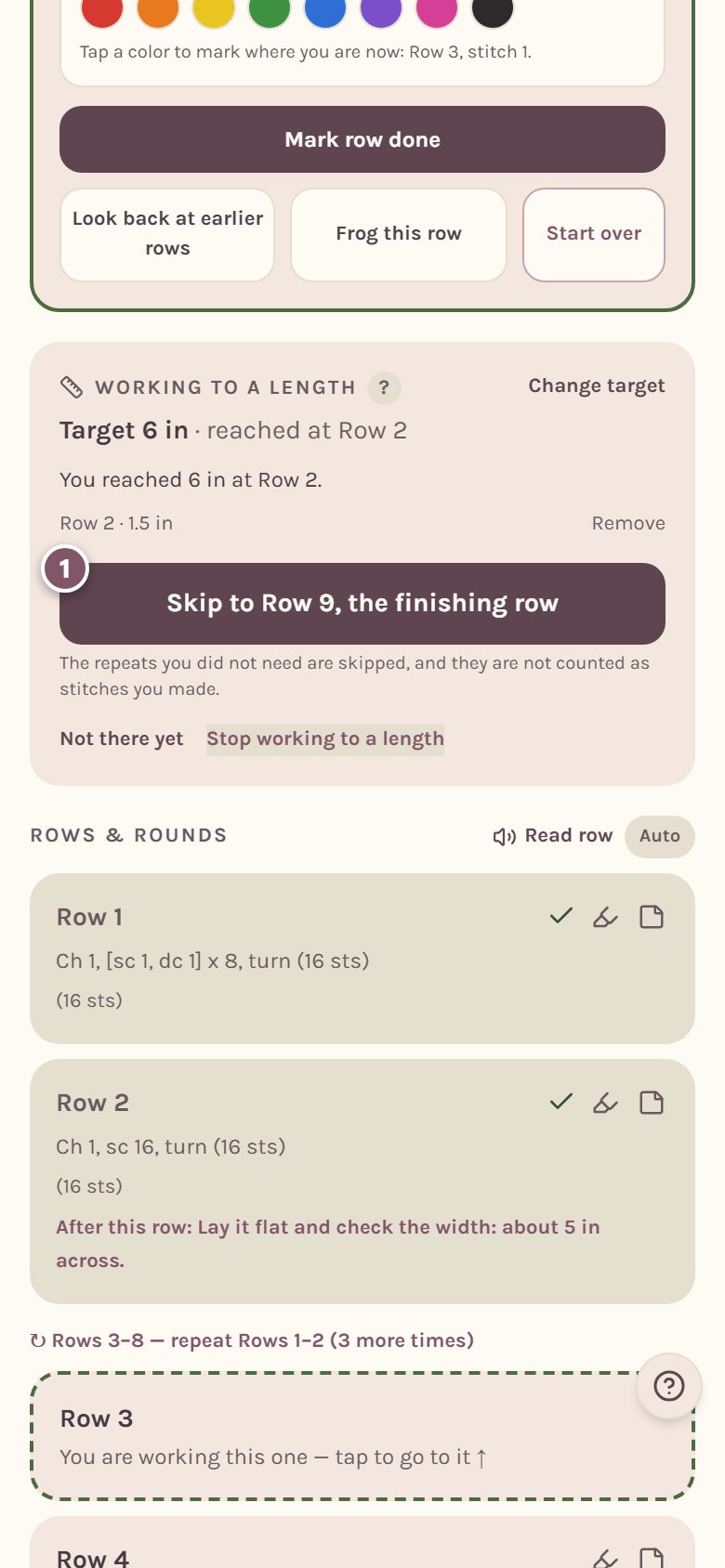
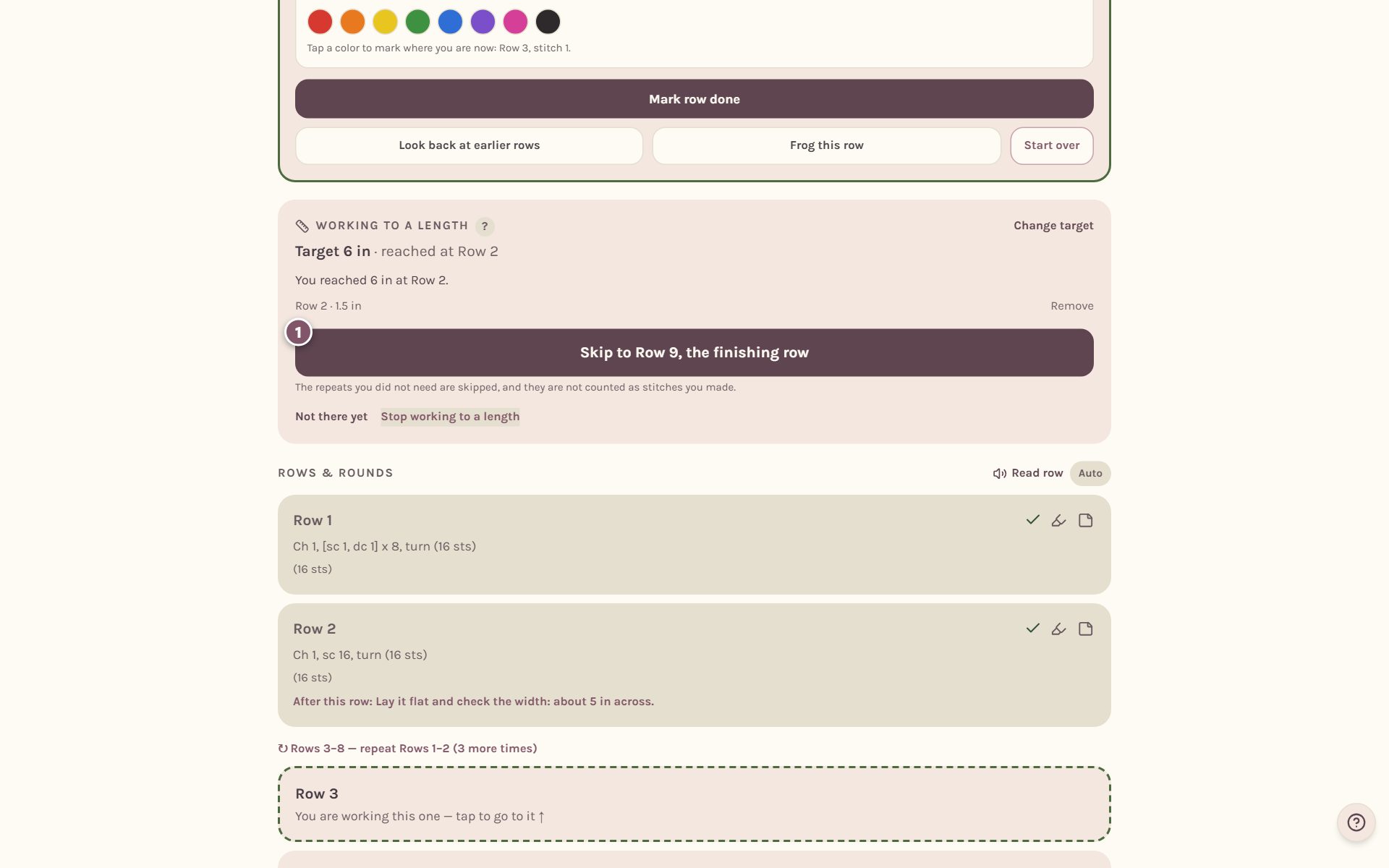
Tap it and your place jumps to the start of the finishing row. The repeats you didn't need are skipped, and they don't count as stitches you made. If you step back into them later, the app counts them as you work them.
Working one piece of a make with several pieces, like a scarf that goes with a toy? Each piece keeps its own length and its own skip. See tracking amigurumi piece by piece.
Frequently asked questions
How many measurements do I need? One is enough to get an estimate. Each new reading makes it better, because the card uses how much your last two readings grew.
What if it says I'm past the last row of the pattern? Keep repeating the pattern's repeat until it measures right. The card says so when the estimate runs past the rows written in the pattern.
Does working to a length change my row counter? No. The tracker still counts rows and stitches as usual. The length card only adds the measuring and the estimate.
Ready to try it? Crochet Bobble opens right in your browser, on a phone or a computer.
Open Crochet Bobble