
How to Install the Crochet Bobble App on Android, iPhone or a Computer
Crochet Bobble installs straight from your browser, no app store needed. Here is how to put it on your home screen in about ten seconds.
Crochet Bobble is a web app. You install it from your browser instead of an app store, and once it's on your home screen it opens full screen, just like any other app. Everything you make is saved to your account, so you can use it on your phone and your computer and see the same projects on both.
What you need
- A phone, tablet or computer with a web browser. On Android that's Chrome, on an iPhone or iPad it's Safari, and on a computer Chrome or Edge.
- A Crochet Bobble account. If you don't have one yet, open app.crochetbobble.com and sign up first.
Install it on an Android phone
- Open app.crochetbobble.com in Chrome.
- Tap the ⋮ menu in the top corner.
- Tap Install app. On some phones it says Add to Home screen instead.
- Tap Install to confirm. The Crochet Bobble icon lands on your home screen.
From now on, open Crochet Bobble from that icon rather than from a browser tab. That's what lets reminders reach you and keeps your offline downloads safe.
Install it on an iPhone or iPad
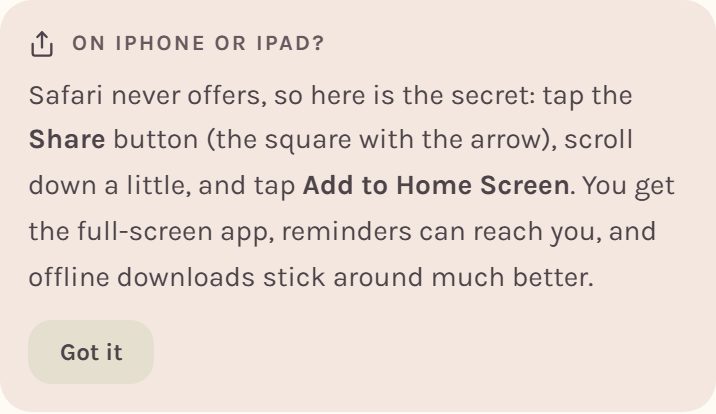
Safari never offers to install a web app on its own, so Crochet Bobble shows you this reminder on Home the first time you open it in Safari:
- Open app.crochetbobble.com in Safari.
- Tap the Share button, the square with an arrow pointing up.
- Scroll down a little and tap Add to Home Screen.
- Tap Add. Open Crochet Bobble from its new icon from now on.
Tip: on an iPhone, installing matters more than anywhere else. Apple clears saved files for websites you only visit in a browser tab, and it only lets notifications reach an app you've added to your home screen.
Install it on a computer
- Open app.crochetbobble.com in Chrome or Edge.
- Click the small install icon at the right end of the address bar. It looks like a screen with a down arrow.
- Click Install. Crochet Bobble opens in its own window, and you can pin it to your taskbar or dock.
What you'll see when it opens
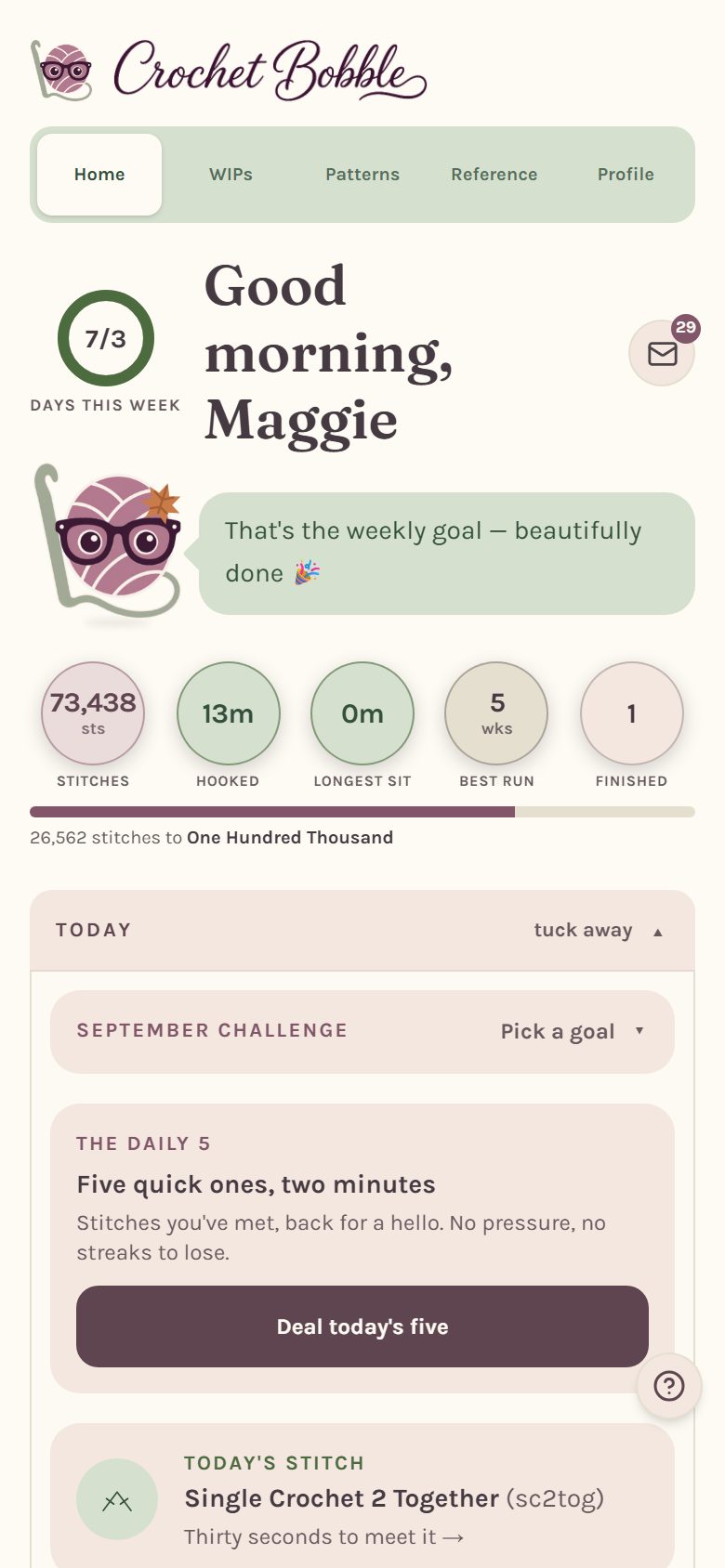
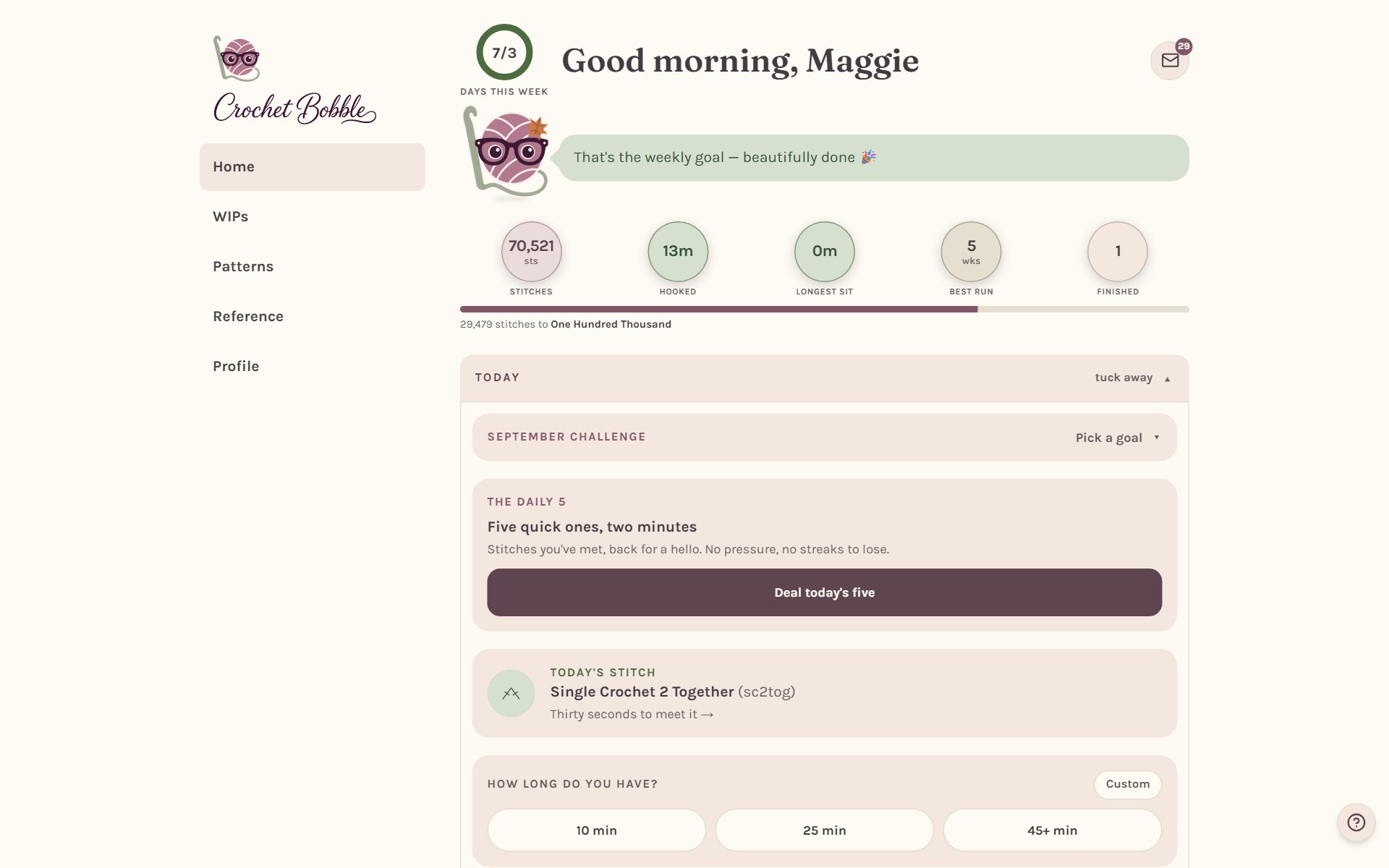
Crochet Bobble opens on Home, your starting point every day. Your weekly goal, your stitch count and what's on your hook all live here.
Frequently asked questions
Is there a Crochet Bobble app in the Google Play Store or Apple App Store? Not yet. It installs from your browser as shown above. It's the same app either way, and when store versions arrive, you'll sign in with the same email and everything will be there.
Does it work without internet? Yes. Patterns, charts and your row counters keep working with no signal, and anything you tick off syncs once you're back online. See Using Crochet Bobble offline.
Where do I go next? Set it up your way in Crochet app settings, then take a look at getting around the app.
Ready to try it? Crochet Bobble opens right in your browser, on a phone or a computer.
Open Crochet Bobble