
Make a Yarn Color Palette From a Photo
Pull the colors out of any photo and match each one to yarn, from your own stash or from yarn you can buy. Get the hex codes, add the yarn to your shopping list, and plan your next project's colors.
Found a photo with colors you love, like a sunset, a nursery wall or a favorite mug? The palette tool pulls those colors out of the picture and finds yarn to match each one, starting with the yarn you already own.
What you need
- A photo on your phone or computer. It never leaves your device.
- Your yarn stash with colors saved, if you want matches from yarn you already have.
Open the palette tool
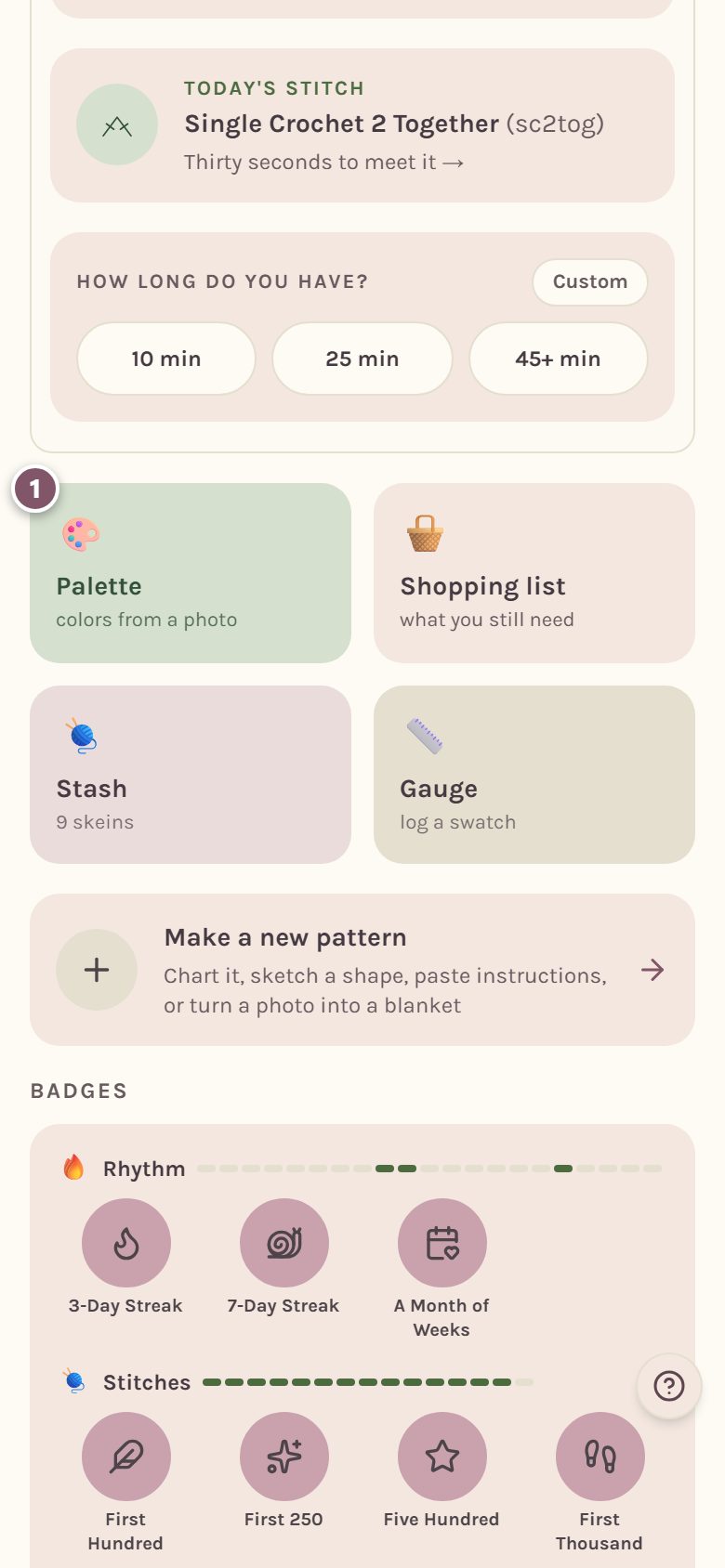
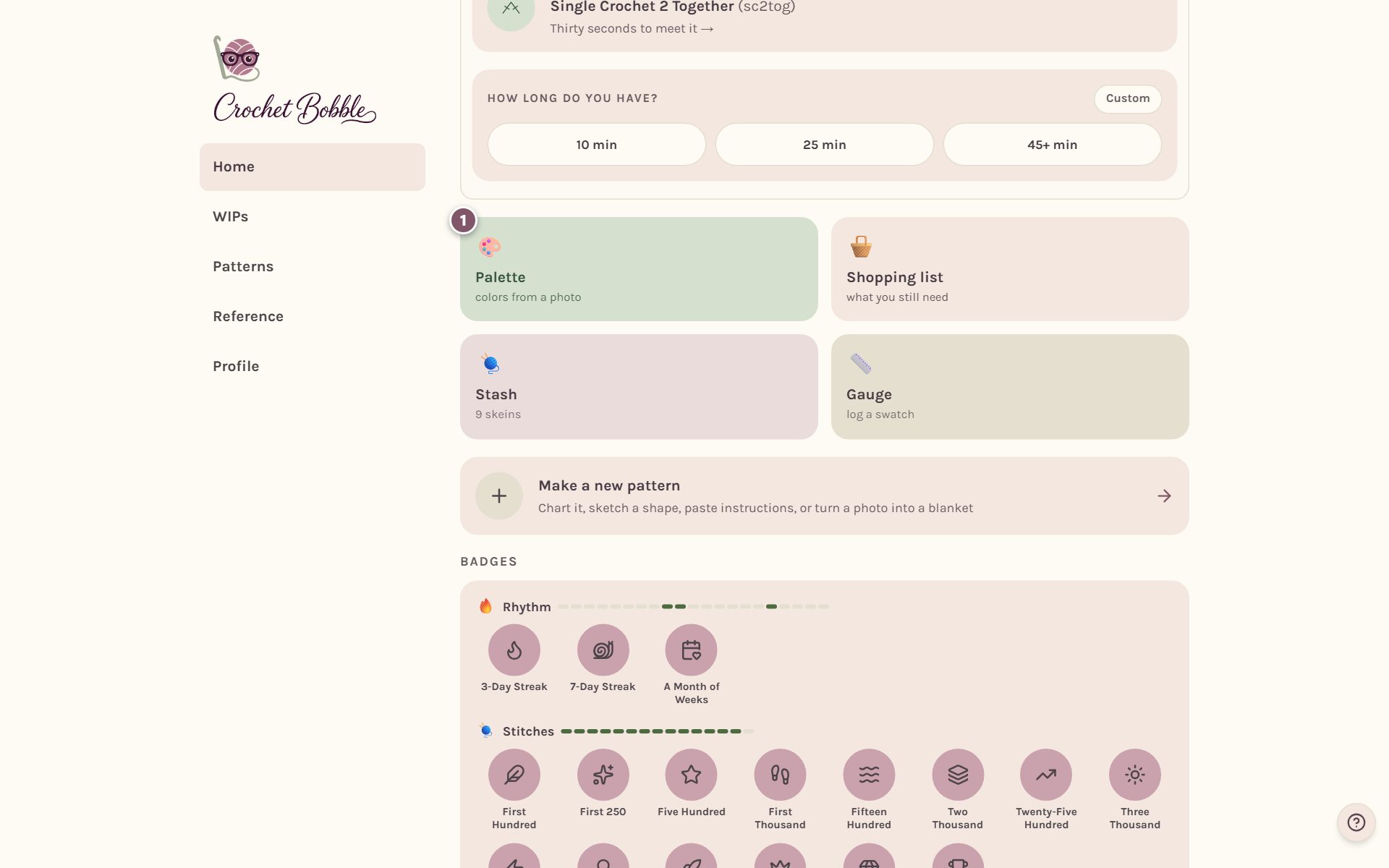
On Home, tap the Palette tile. You can also get there from the top of your Stash page: Pull a color palette from a photo.
Choose a photo
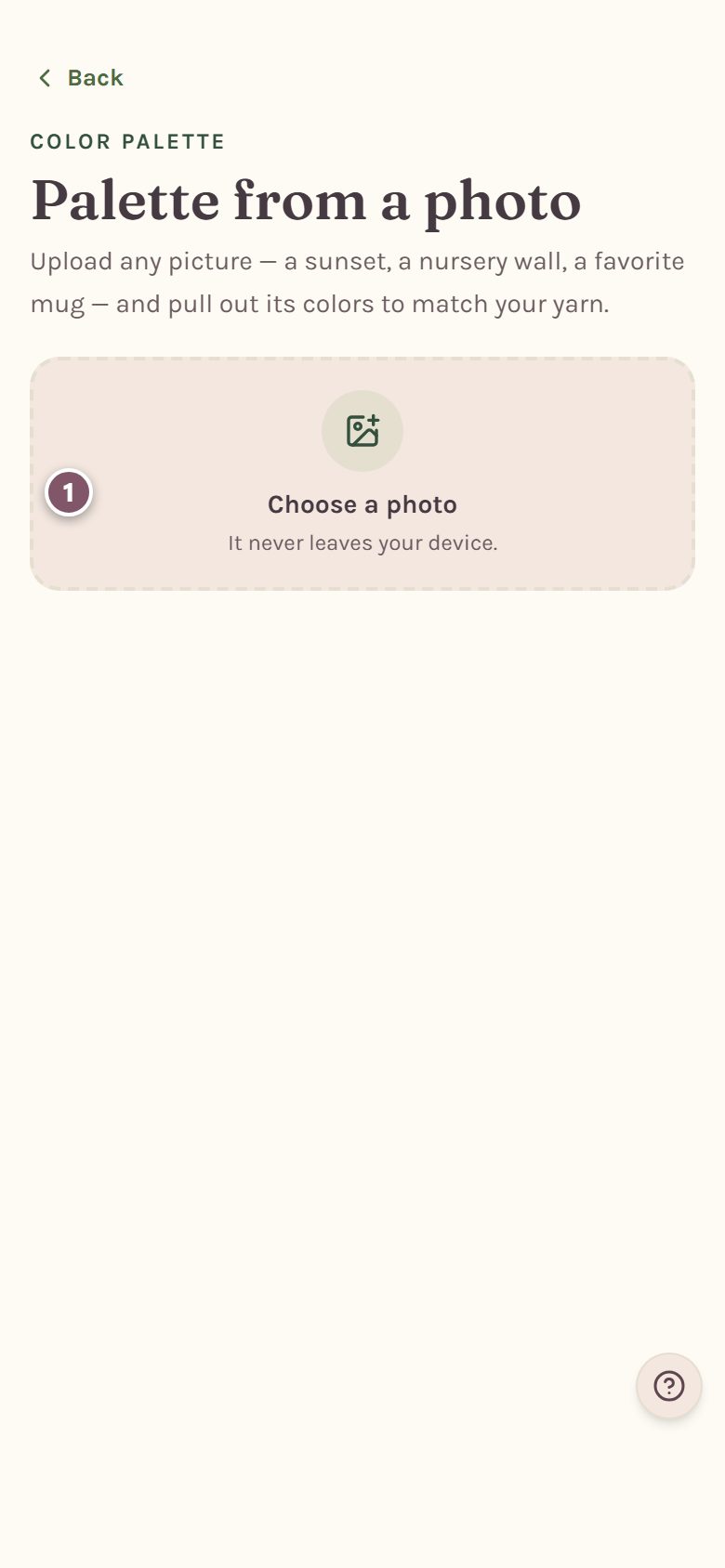
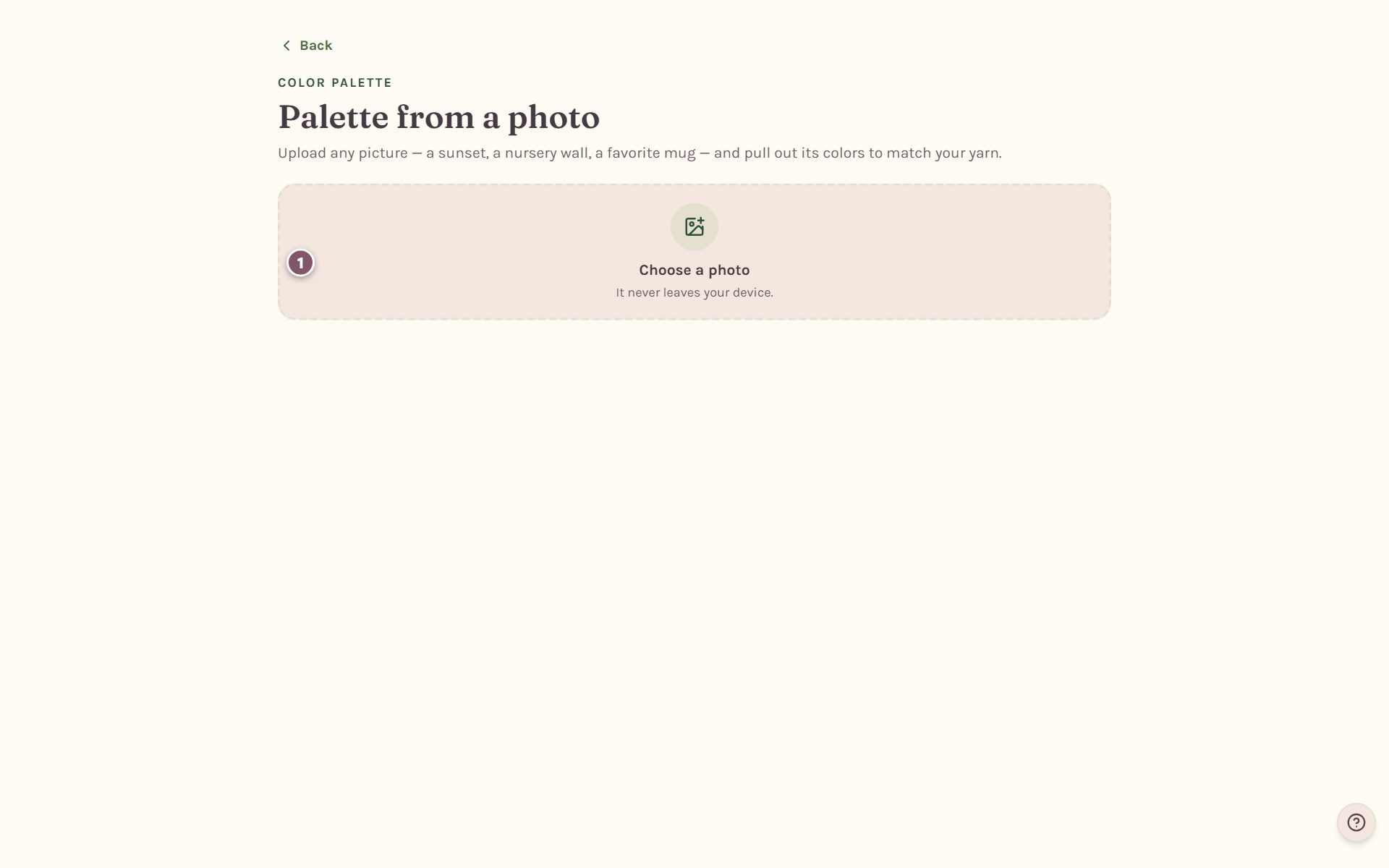
Tap Choose a photo and pick the picture.
Pick how many colors you want
The app shows your photo and the main colors in it.
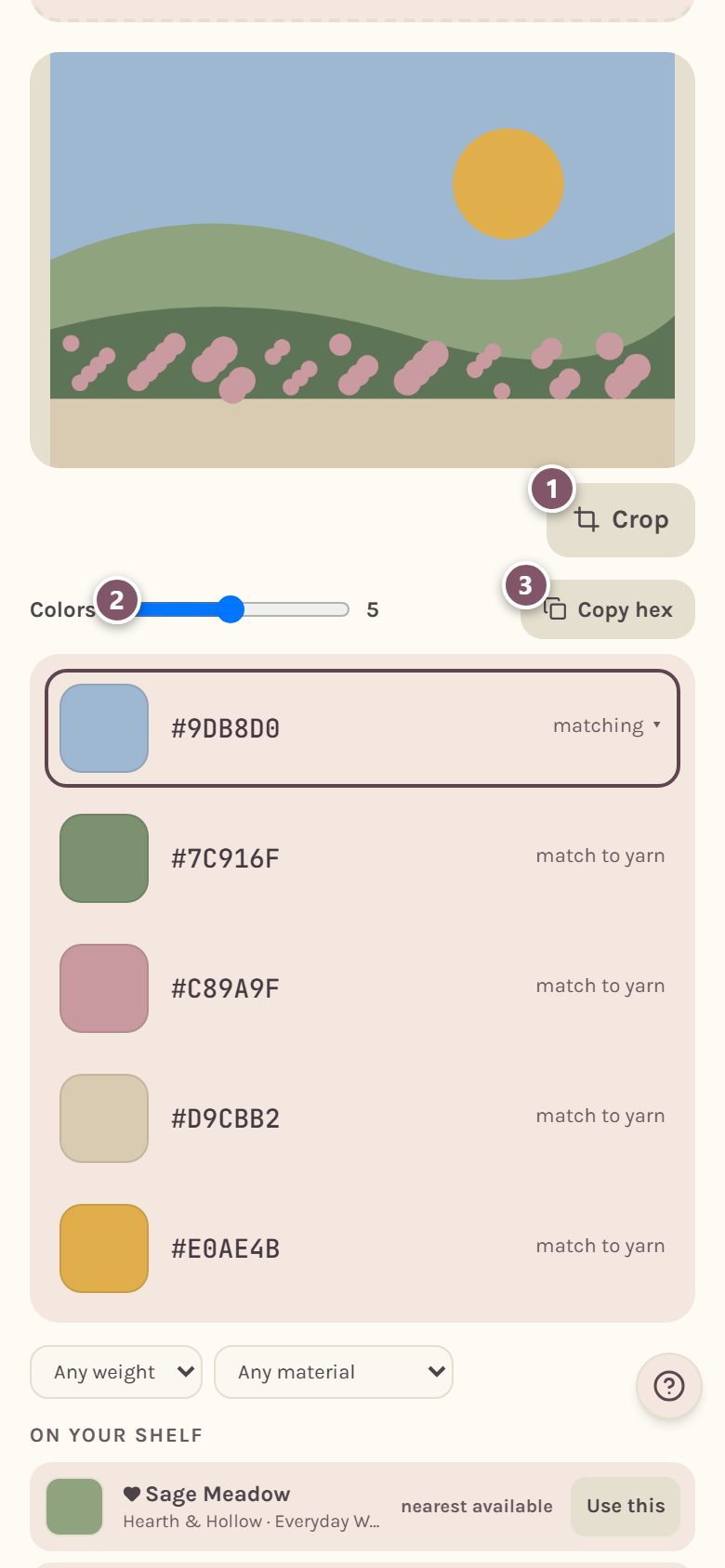
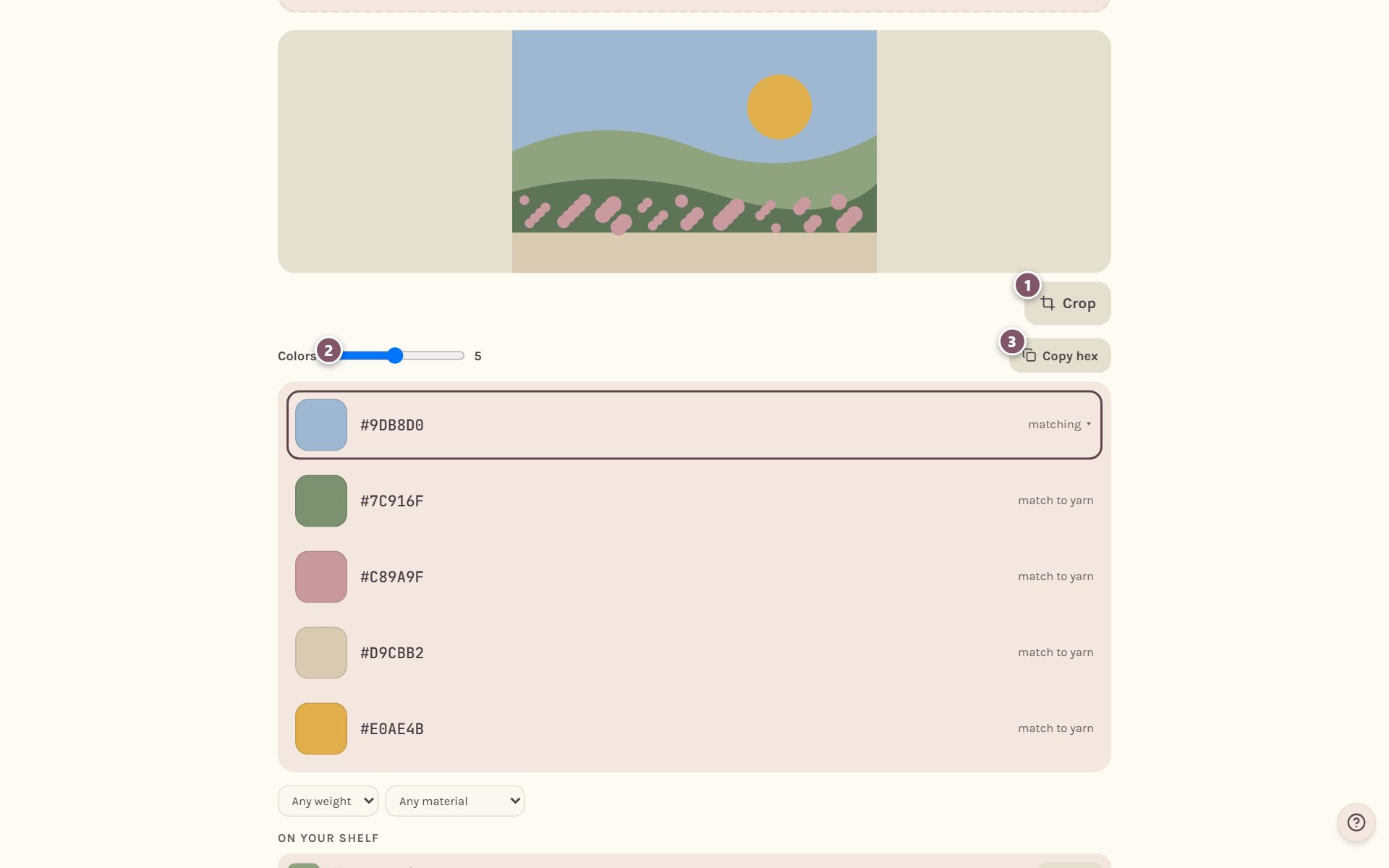
- Crop narrows the photo to the part you care about, so the sky doesn't crowd out the flowers. Drag to frame it, then close the crop.
- Colors sets how many colors to pull out, from 2 to 8.
- Copy hex copies all the color codes at once, to paste anywhere you like.
Match each color to yarn
Tap a color to see yarn that matches it.
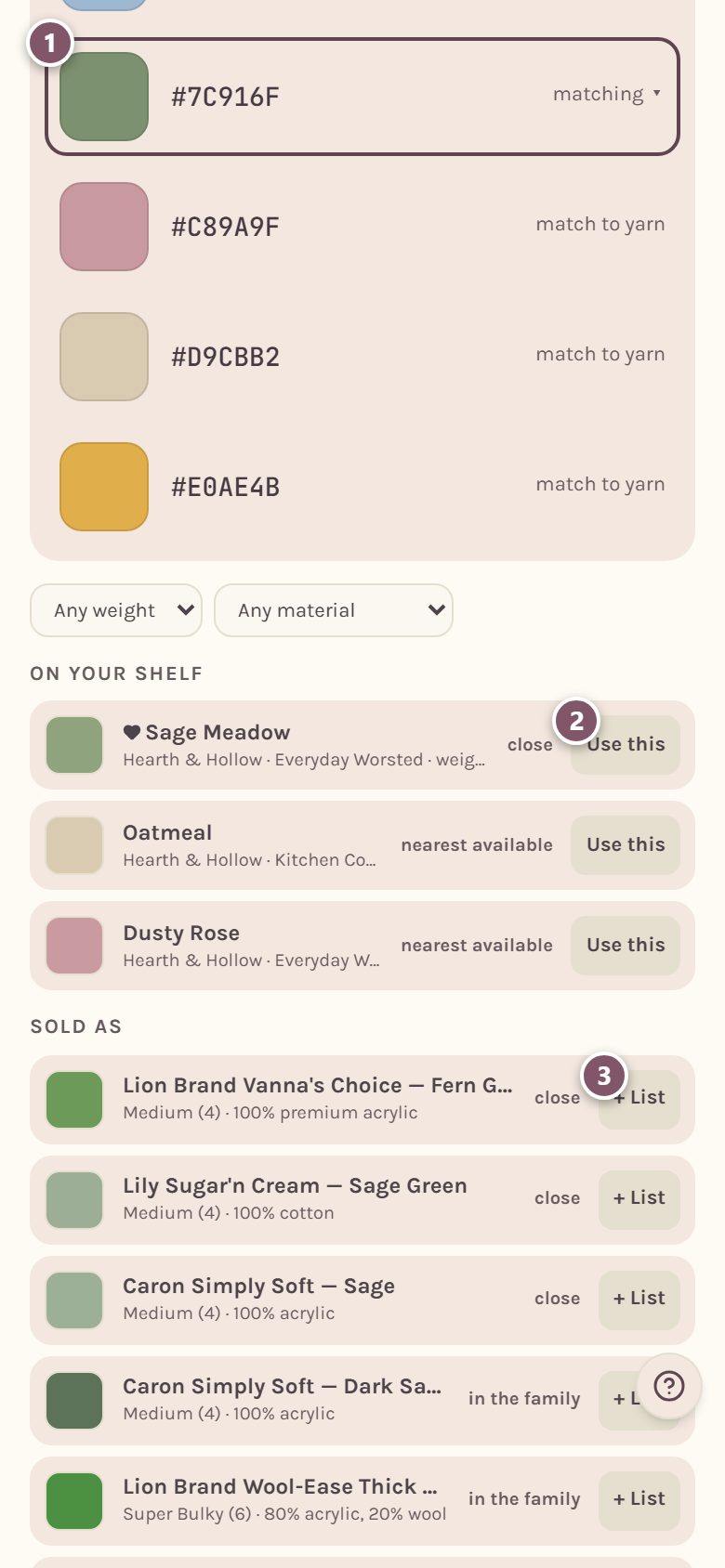
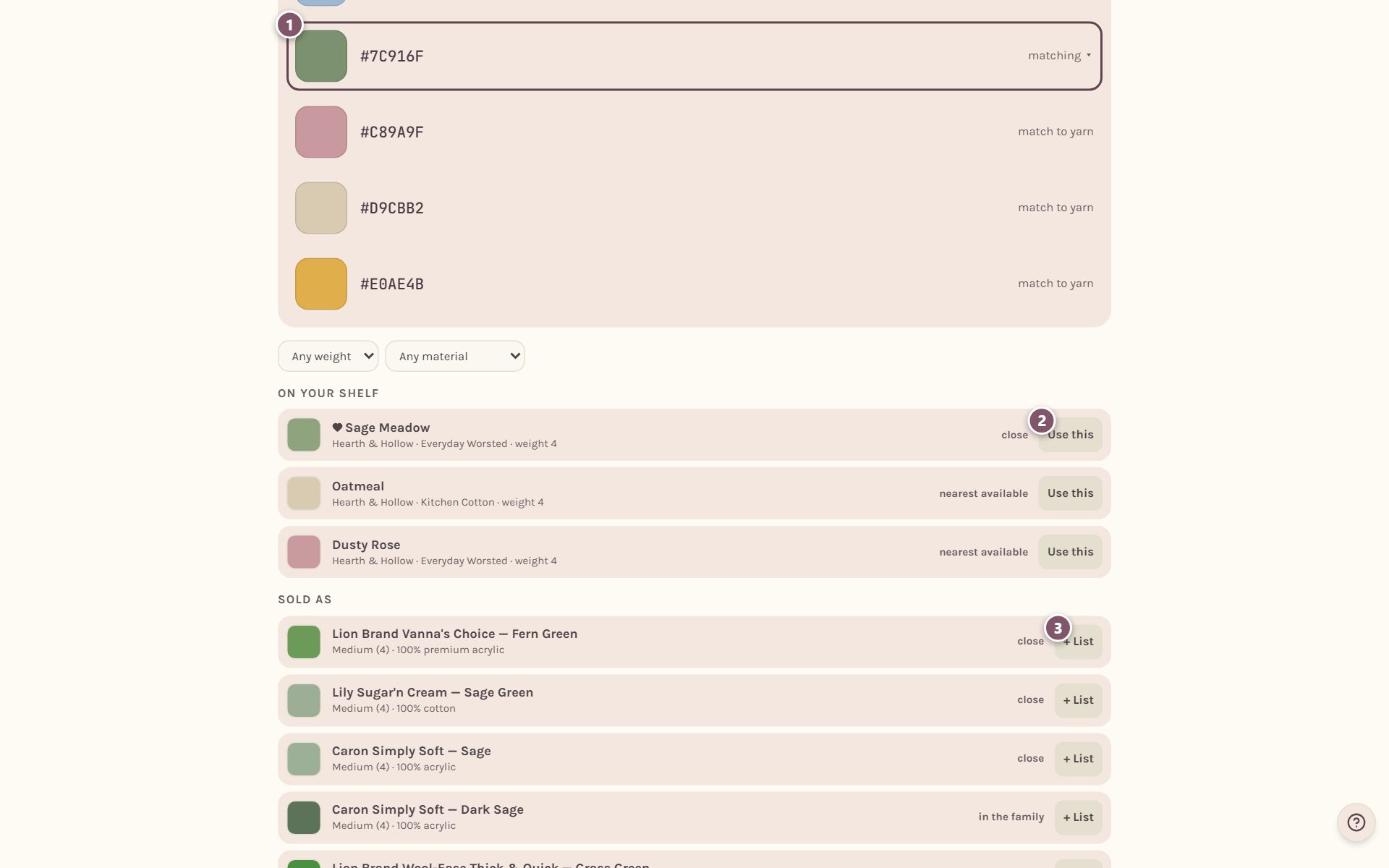
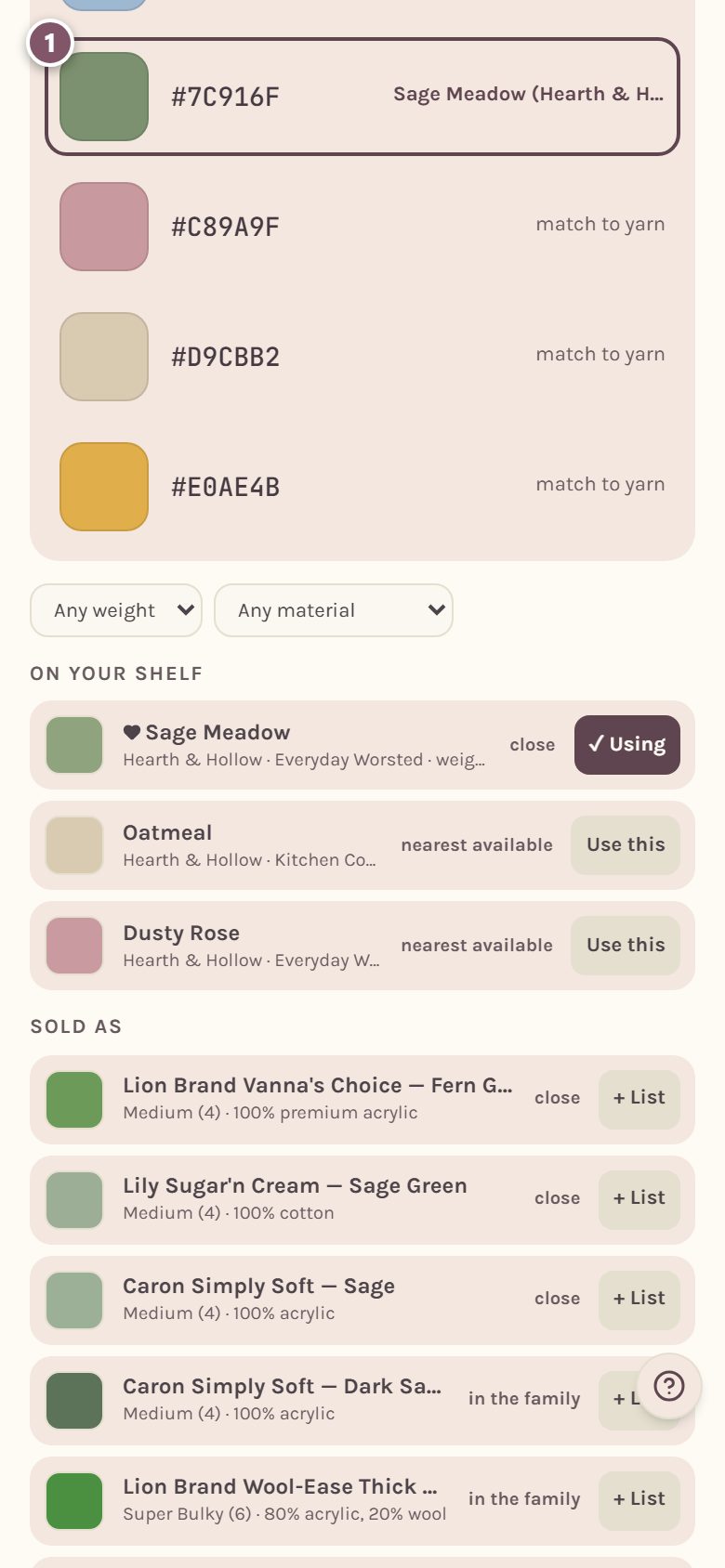
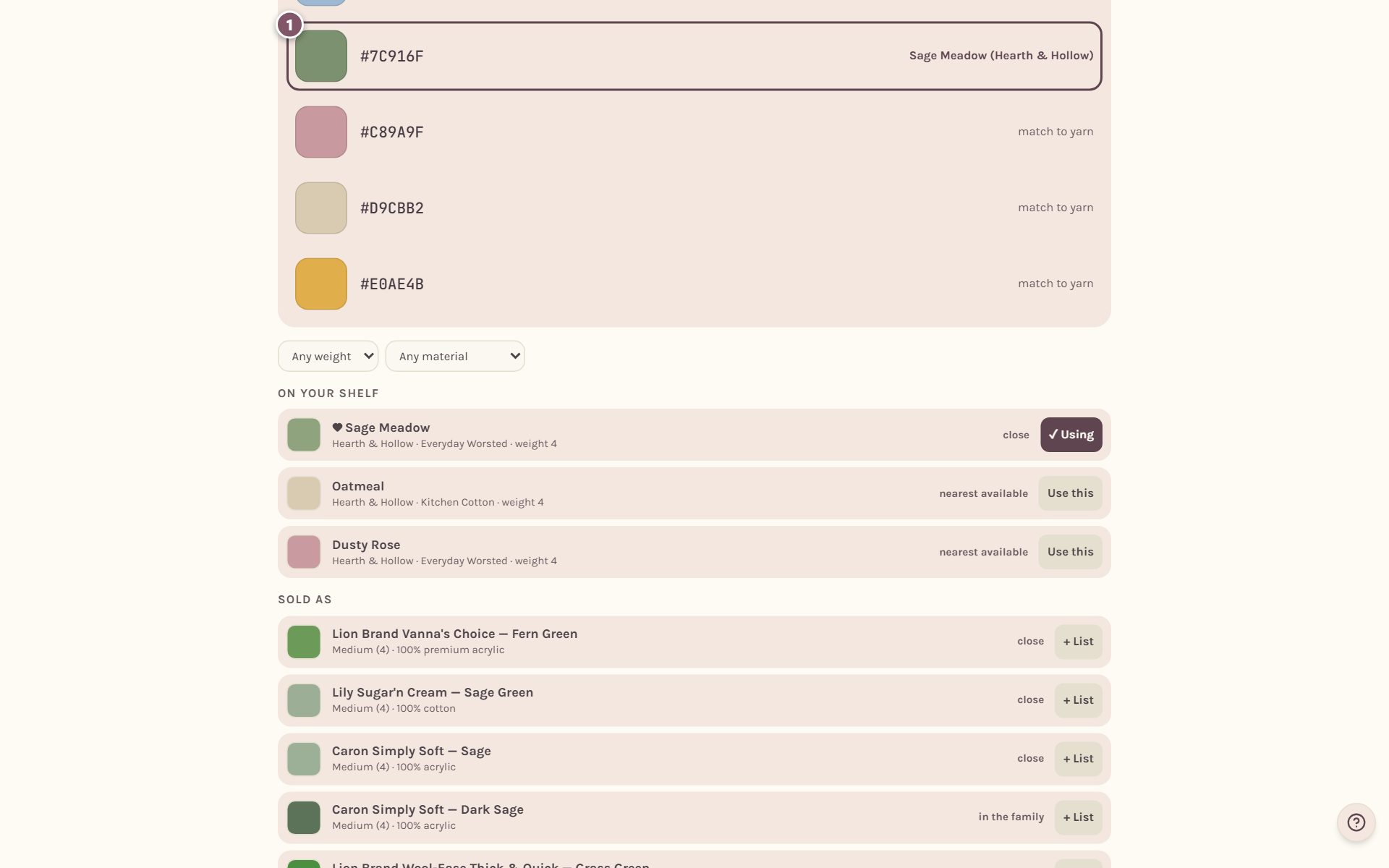
- The color you picked is outlined, and the matches open below it.
- On your shelf lists yarn from your stash, closest first. Each one says how close it is. Tap Use this to choose it for this color.
- Sold as lists yarns you can buy in that color. Tap + List to add one to your shopping list.
Use Any weight and Any material to only see, say, medium (4) cotton.
Once you choose a yarn, the color shows its name instead of "match to yarn", so you can see at a glance which colors are decided.
Tip: your stash only shows up here once your yarns have a color. Add a photo to each yarn in your stash, or set its color by hand, and it will start appearing as a match.
Turn the whole photo into a blanket
If you want the photo itself as a crochet chart, not just its colors, use the photo blanket maker instead. See turning a photo into a crochet pattern.
A note on yarn names: Crochet Bobble names real yarns so you can find a match at the store. We aren't connected with, sponsored by or endorsed by any yarn company, and every brand name belongs to its owner.
Frequently asked questions
Is my photo uploaded anywhere? No. The colors are worked out on your own phone or computer, and the photo never leaves it.
Does the palette save? No. It's a planning tool for the moment. Keep what you decide by adding the yarn to your shopping list, or copy the hex codes before you leave the page.
Why doesn't my stash yarn show up? A yarn needs a color saved before it can be matched. Open your stash and add a photo, or tap color? on the yarn and set the color.
Ready to try it? Crochet Bobble opens right in your browser, on a phone or a computer.
Open Crochet Bobble