
Crochet Gauge Tracker: Log Your Swatches and See How a Pattern Will Fit
Log your crochet gauge swatches in Crochet Bobble, watch your tension settle over time, and find out whether a pattern will come out the right size for you, with the hook change or stitch count that fixes it. Resize a blanket pattern too.
Gauge is how tightly you crochet. Two people with the same yarn and the same hook can make pieces of different sizes, and your gauge is yours. My Gauge keeps a record of your swatches, and the app uses your real numbers to tell you how a pattern will come out for you.
What you need
- A small swatch, about 4 inches (10 cm) square, crocheted in the yarn, hook and stitch you plan to use.
- A tape measure or ruler.
Open My Gauge
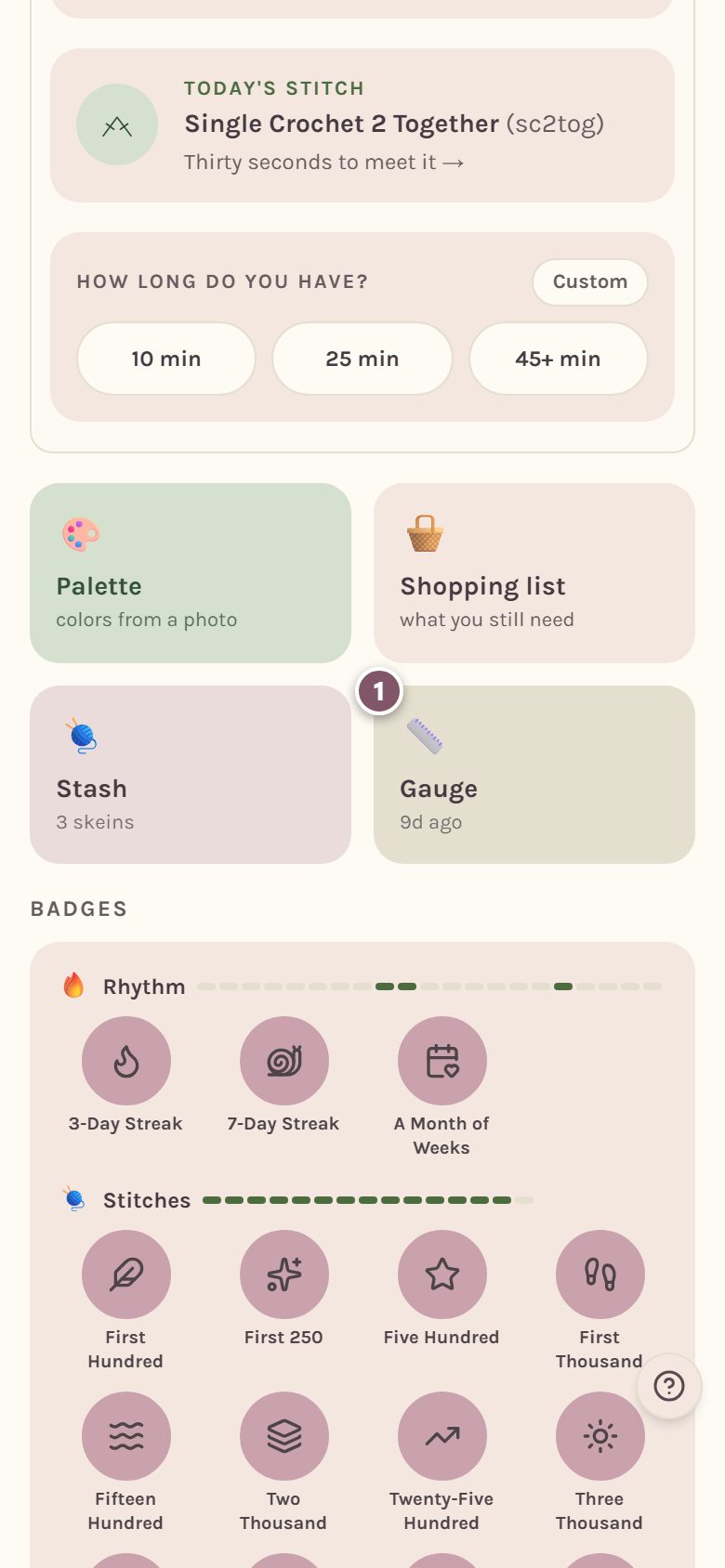
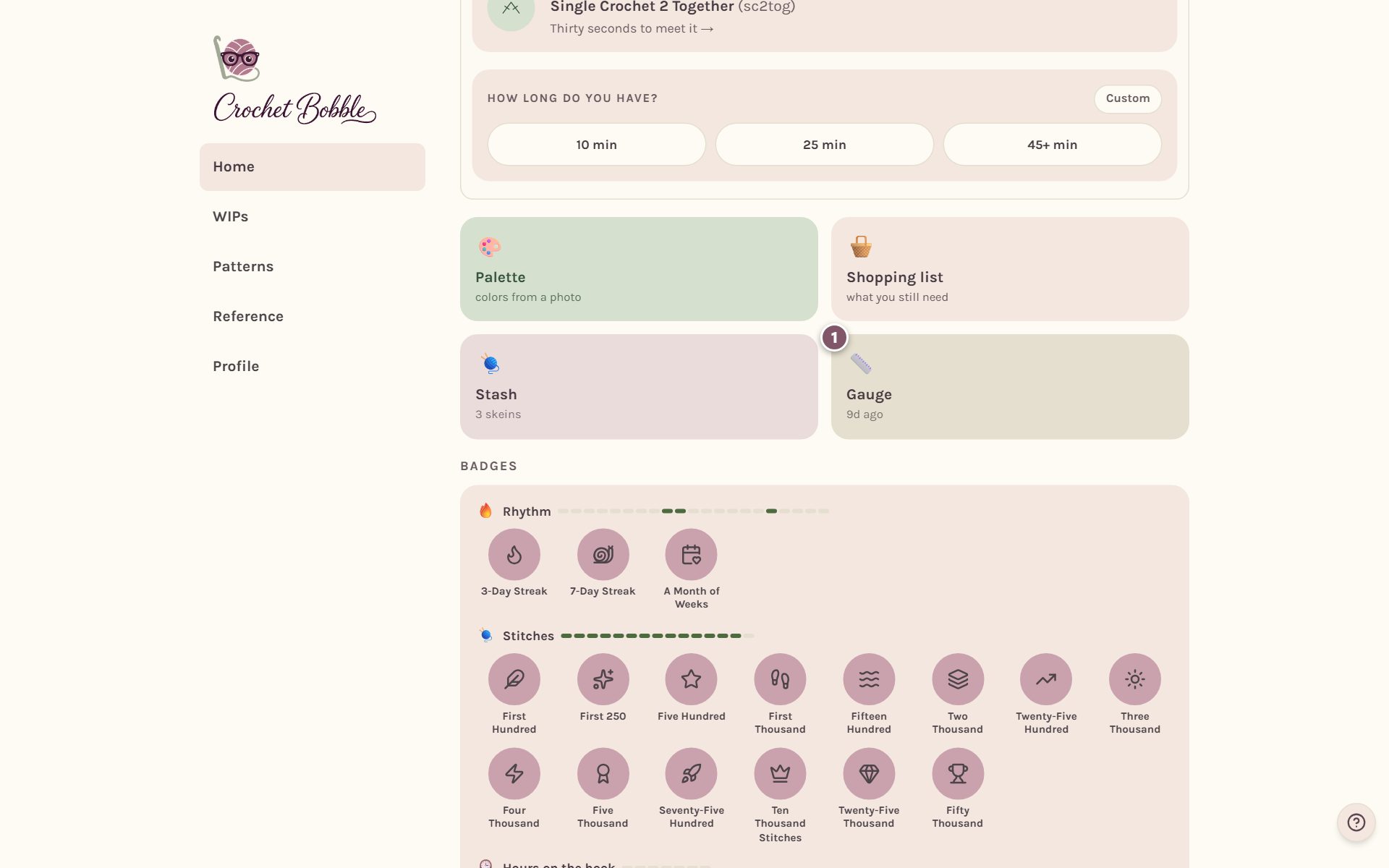
On Home, tap the Gauge tile. It shows how long ago you last logged a swatch.
Log a gauge swatch
Tap Log a Gauge Check-In, lay your swatch flat, and fill in the form.
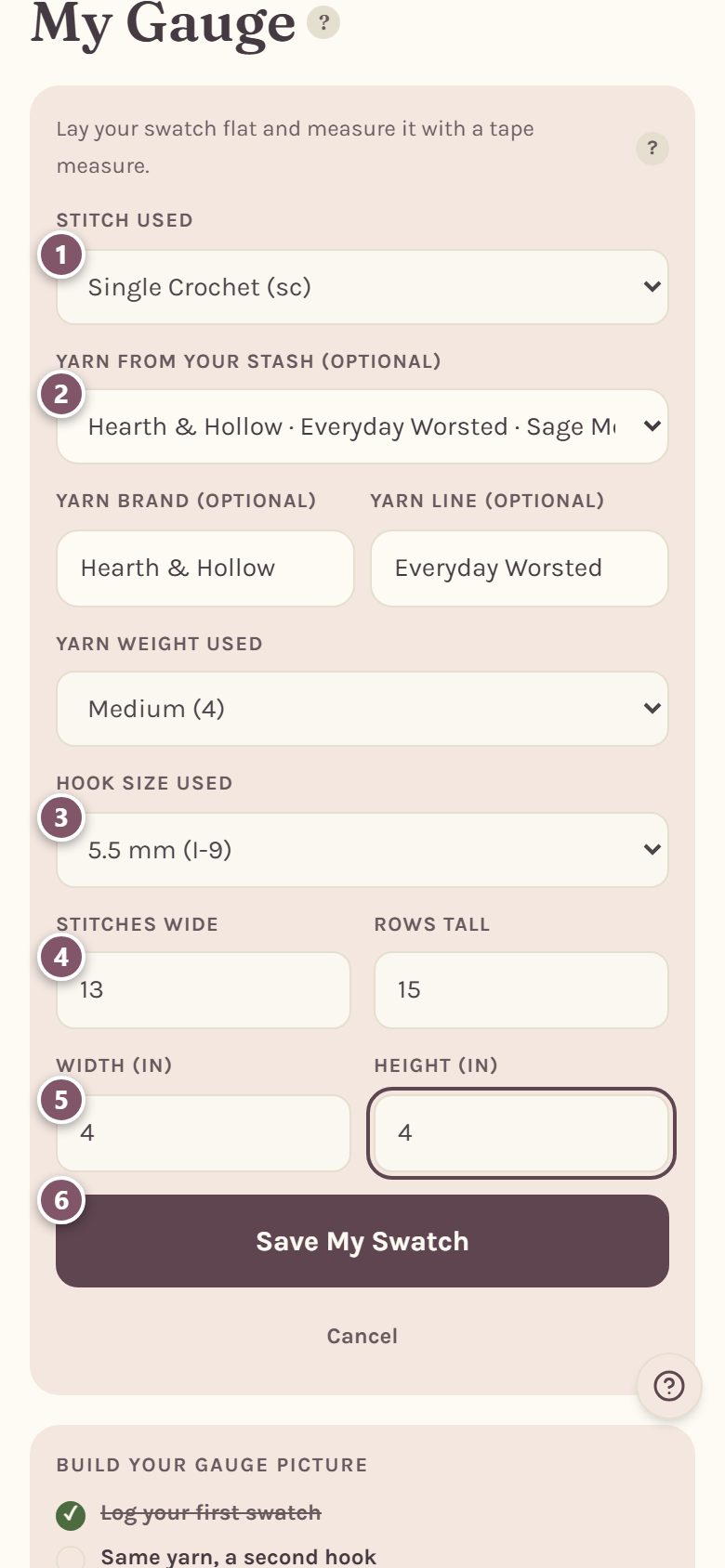
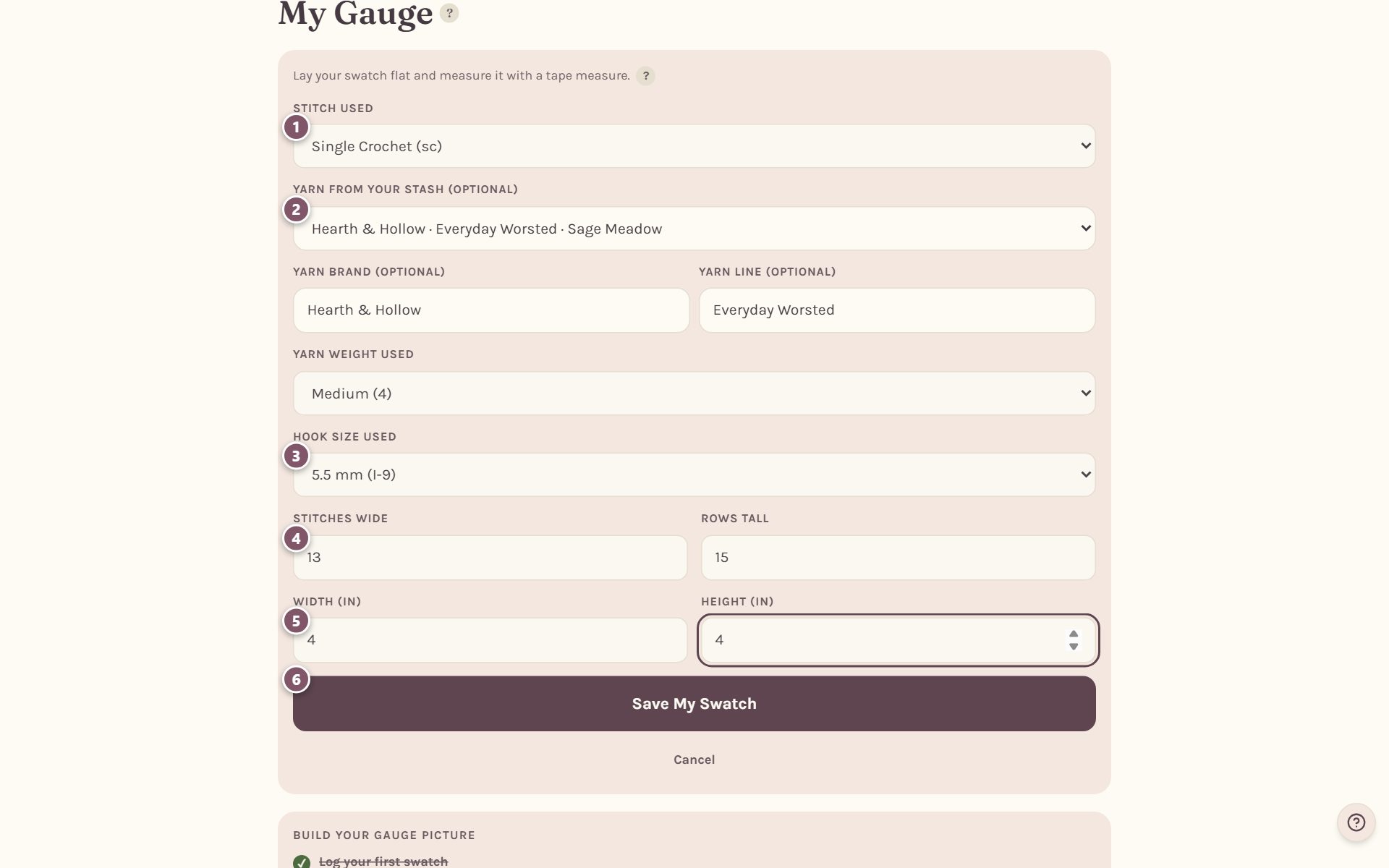
- Stitch used. The stitch your swatch is made of, like Single Crochet (sc).
- Yarn from your stash (optional). Pick the yarn from your stash and the brand, line and weight fill themselves in. Otherwise, type the Yarn brand and Yarn line and pick the Yarn weight used.
- Hook size used. Hooks are listed by millimeters, like 5.5 mm (I-9).
- Stitches wide and Rows tall. Count the stitches across and the rows up your swatch.
- Width and Height. Measure the swatch. The app uses inches or centimeters, whichever you picked in your settings.
- Tap Save My Swatch.
Tip: name the yarn itself, not just its weight. Two medium (4) yarns can give quite different gauges, and the app can only compare swatches it knows are the same yarn.
Build your gauge picture
Once you've logged a swatch, Build your gauge picture suggests what to swatch next: the same yarn on a second hook, then a third, then a different yarn.
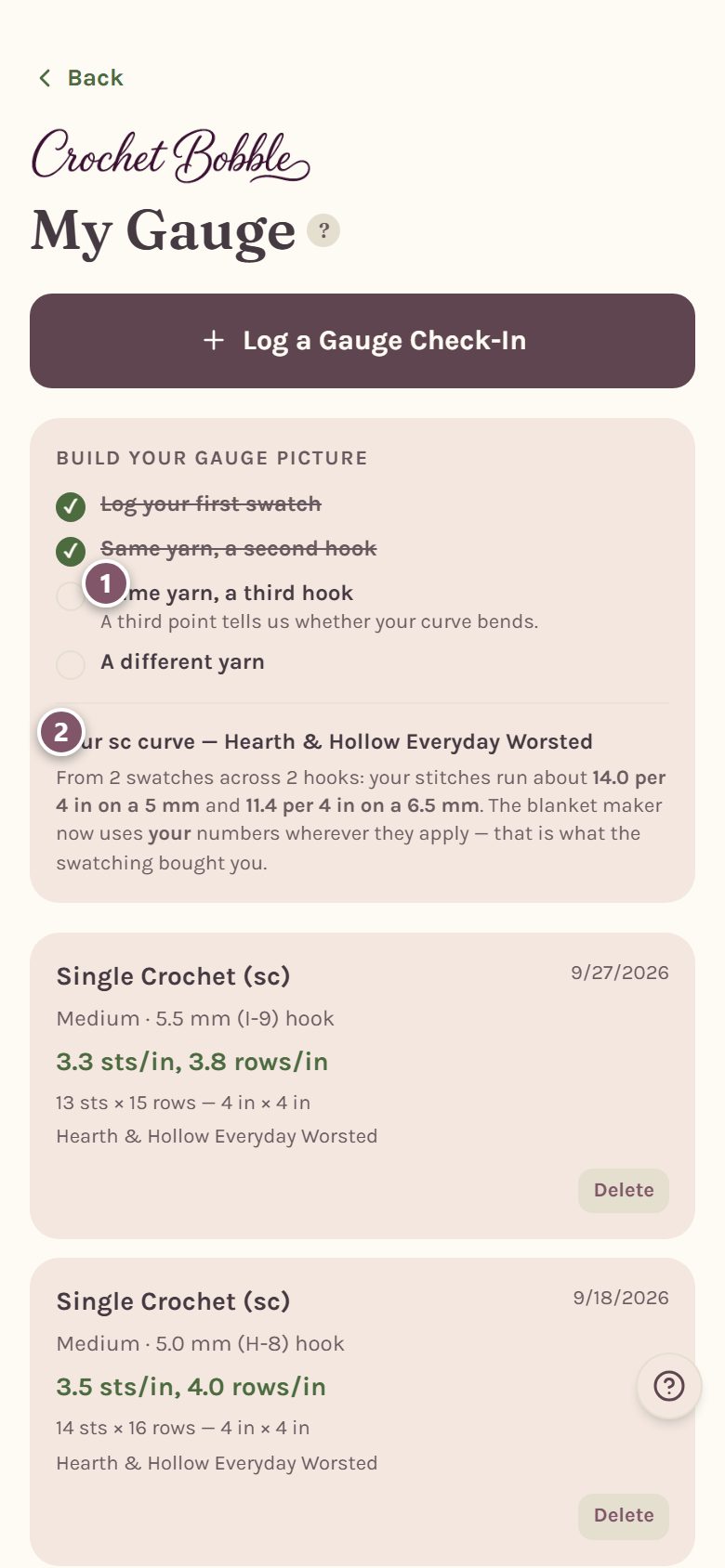
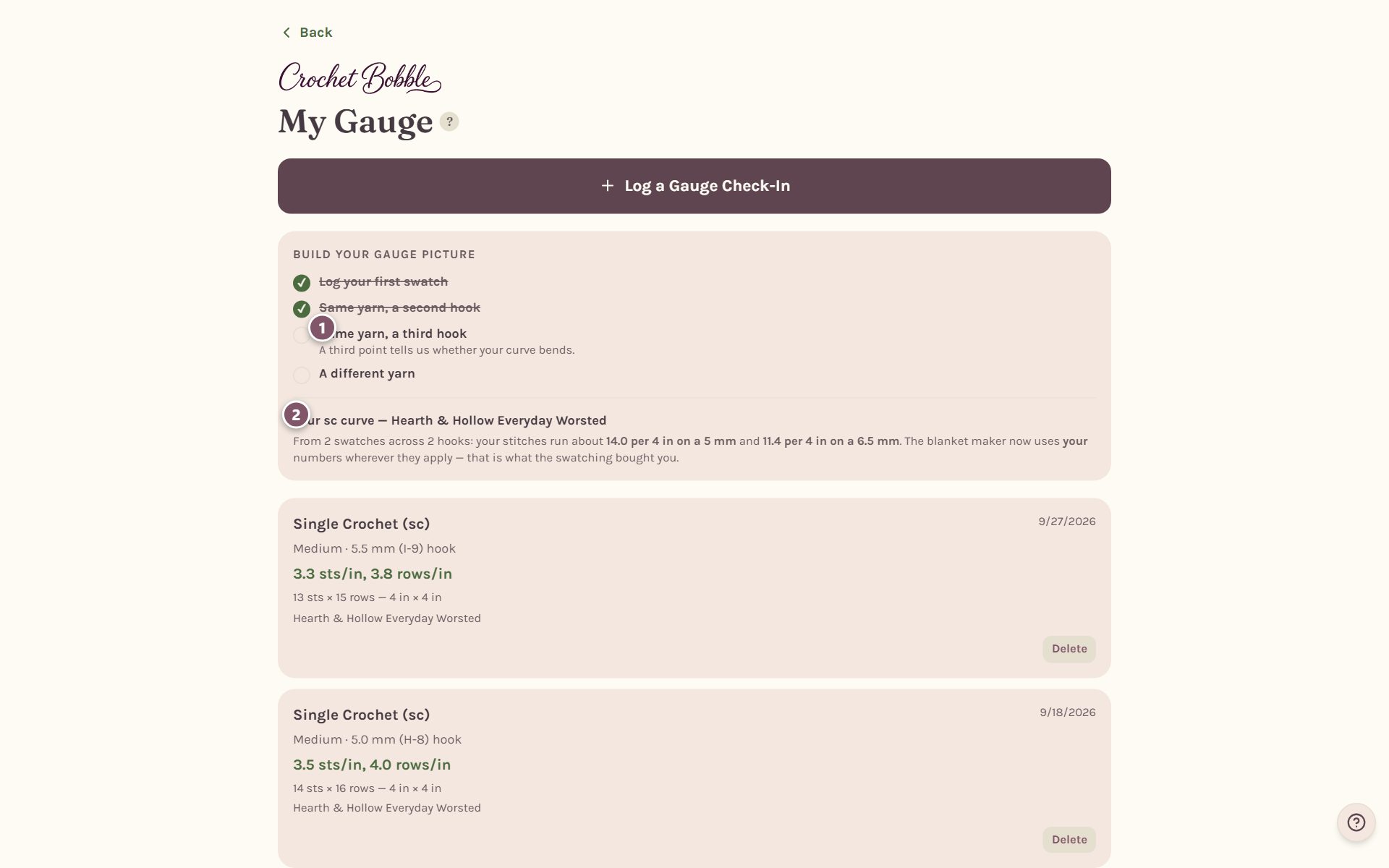
- The next step has a short hint under it.
- Your curve. After two hooks with the same yarn and stitch, the app works out your own gauge curve and tells you how many stitches you make per 4 inches on different hooks. The photo blanket maker then uses your numbers instead of an average.
Every swatch you log is listed below with its stitches and rows per inch and its measurements. To remove one, tap Delete, then tap again to confirm.
Will this pattern fit? Check your gauge against it
Open a pattern that lists its gauge. If you've logged a swatch in the same stitch, yarn weight and hook, a Gauge fit card tells you how the pattern will come out for you.
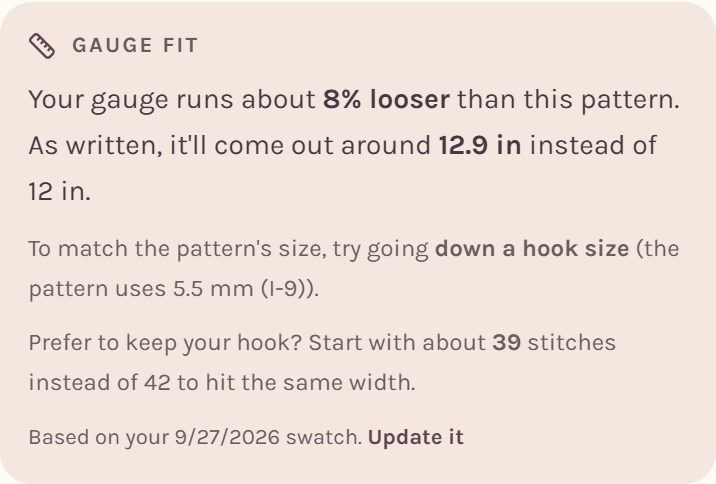
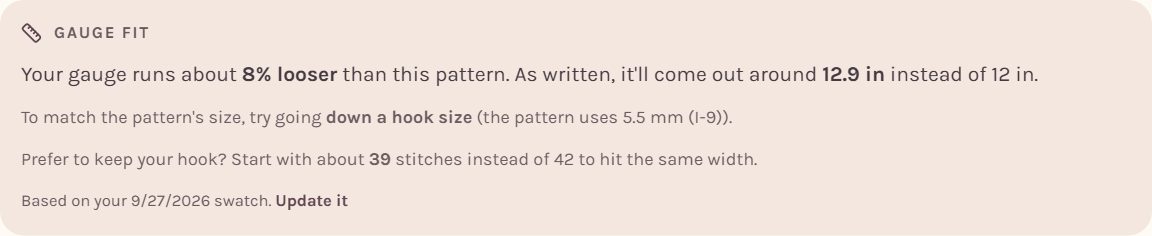
It tells you:
- whether your gauge runs looser or tighter than the pattern, and by how much,
- how big the piece will come out as written,
- whether to go up or down a hook size to match,
- and, if you'd rather keep your hook, how many stitches to start with instead.
No matching swatch yet? The card reads Will this fit your gauge? Tap it to go to My Gauge and log one.
When you track a pattern as a WIP, the Your yarn and hook card lets you pick the yarn weight and hook you're actually using, and tells you how much bigger or smaller the piece will be and how much yarn it will take.
Resize a blanket pattern
For a blanket pattern worked in rows with its finished size listed, Make it a different size does the math for a bigger or smaller blanket. Pick a size, from a lovey to a queen.
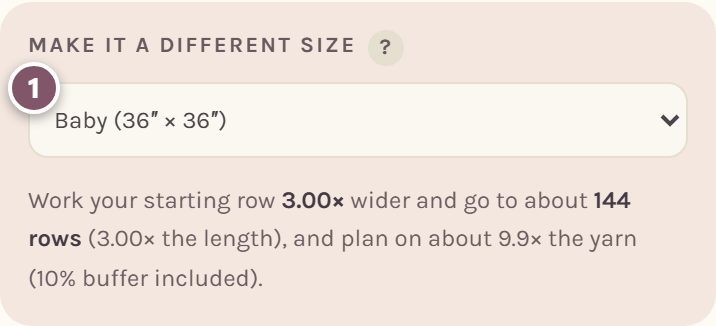

It tells you how much wider to make your starting row, about how many rows to work, and how much more yarn to buy, with 10% extra included.
Tip: if the pattern has a stitch repeat, like "multiple of 6 + 1", round your new starting chain to the nearest number that fits the repeat, so the stitch pattern still works.
Frequently asked questions
Why log gauge at all? It's the difference between a blanket that comes out the size you planned and one that's a foot short. Logging your real gauge lets the app size patterns and yarn amounts for you, not for an average crocheter.
My swatches don't agree with each other. Is that normal? Yes, especially early on. Tension settles with practice, so log a new swatch now and then and watch your numbers get steadier.
Can I work out gauge without the app? Yes. There's a free crochet gauge calculator on our website.
Ready to try it? Crochet Bobble opens right in your browser, on a phone or a computer.
Open Crochet Bobble