
See Your Crochet Pattern in 3D and Make a 3D Print File (STL)
Crochet Bobble shows your amigurumi or shaped pattern in 3D, stitch by stitch, and turns it into an STL file you can 3D print. Here is how to use the 3D view.
Every 3D pattern in Crochet Bobble comes with a live 3D view. It's built from your actual rounds, stitch by stitch, so it shows the shape your stitch counts really make, not just the shape you drew. You'll find it in the Shape Studio, under the drawing or under your typed rounds.
Look at it from any side
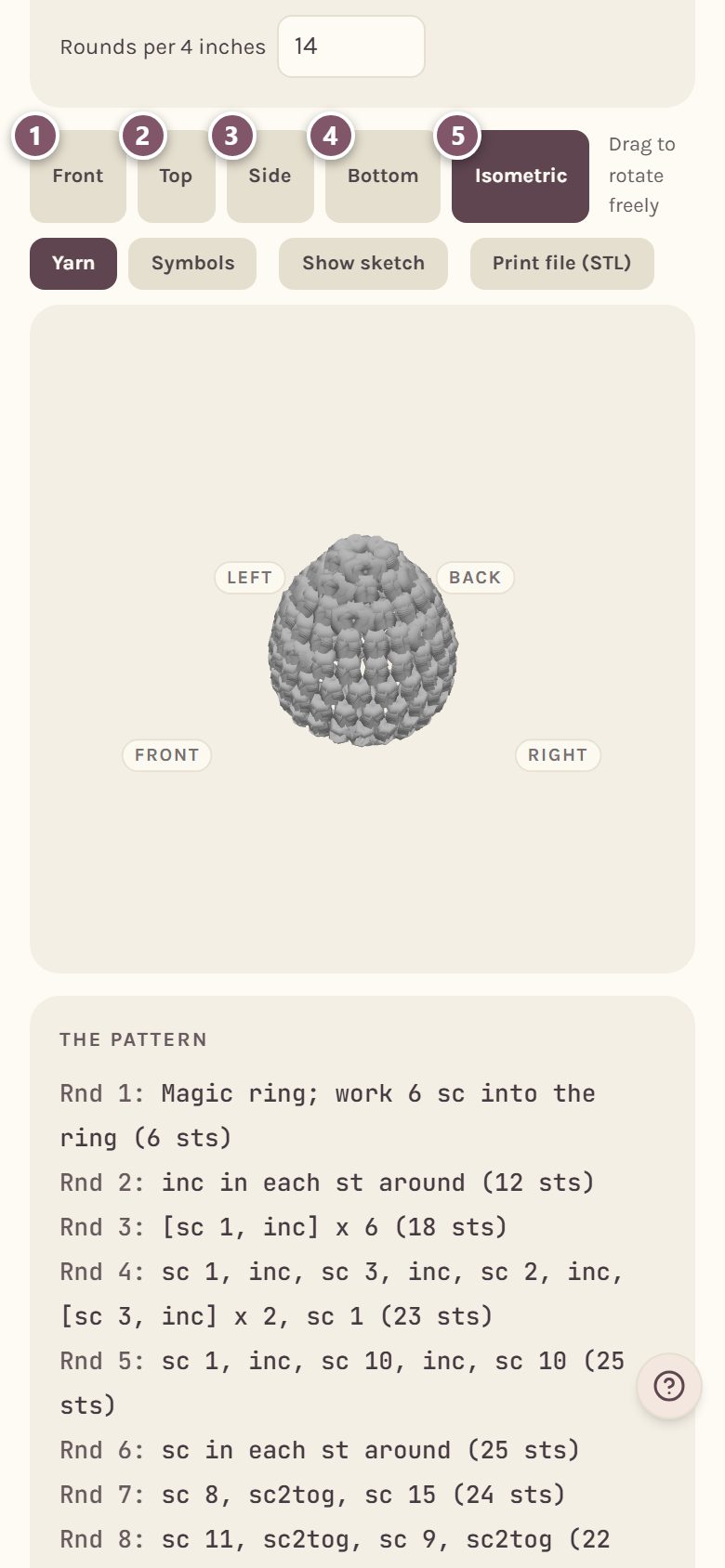
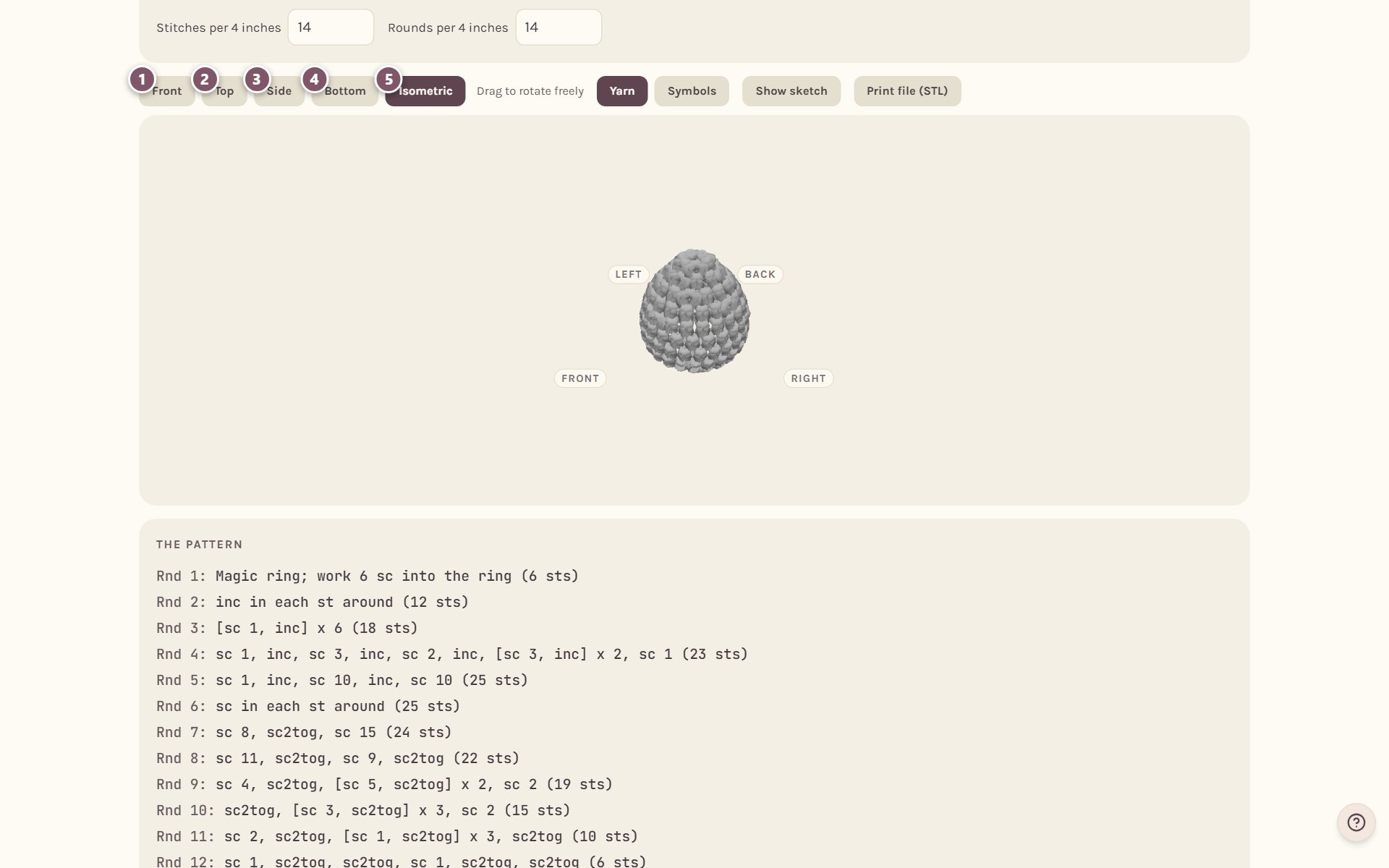
- Front
- Top
- Side
- Bottom
- Isometric, an angle from above and to the side.
To turn it any way you like, drag the shape with your finger or mouse.
Yarn or symbols
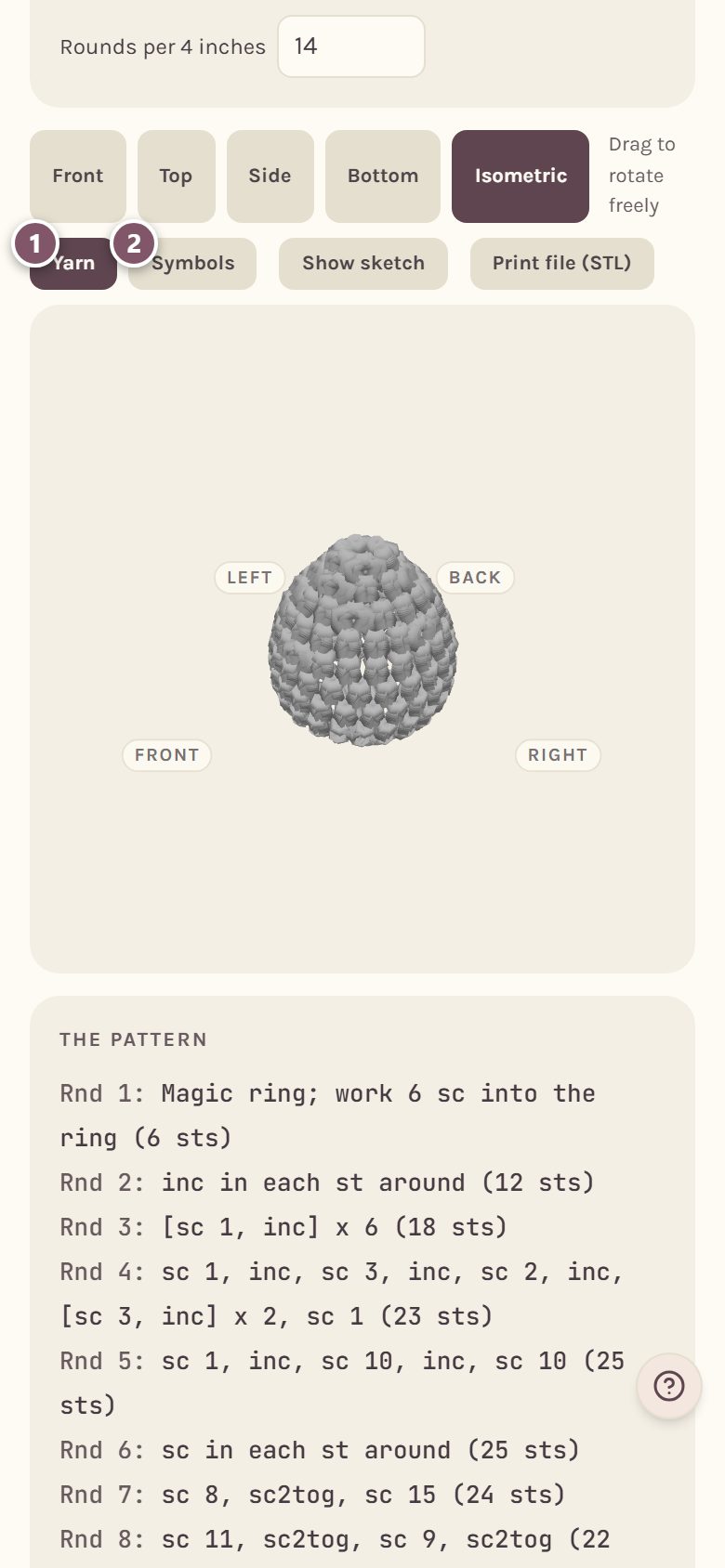
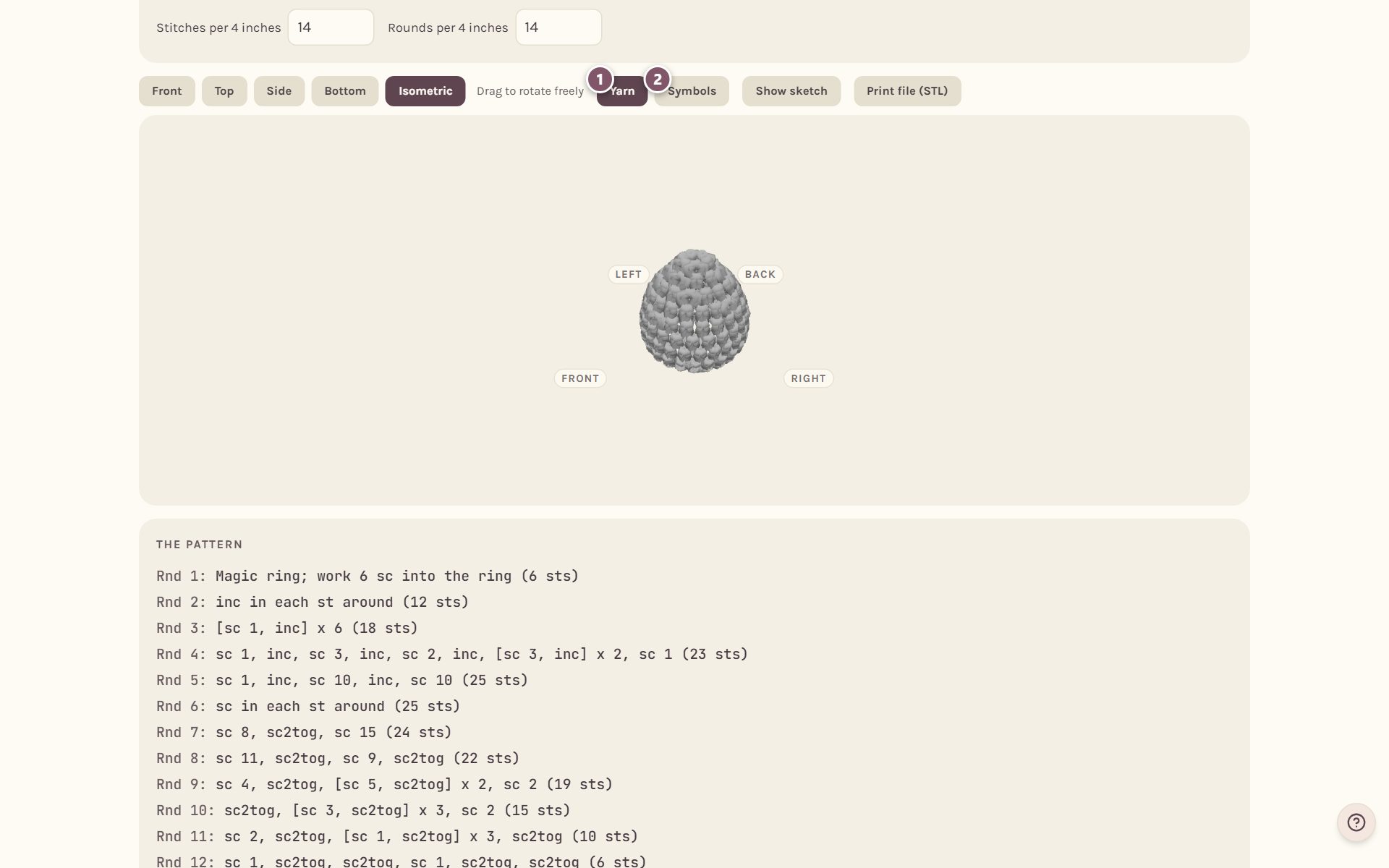
- Yarn draws every stitch as yarn, so you can see the texture and the finished shape.
- Symbols draws every stitch as a block with its chart symbol on it, which is handy for seeing where the increases and decreases fall.
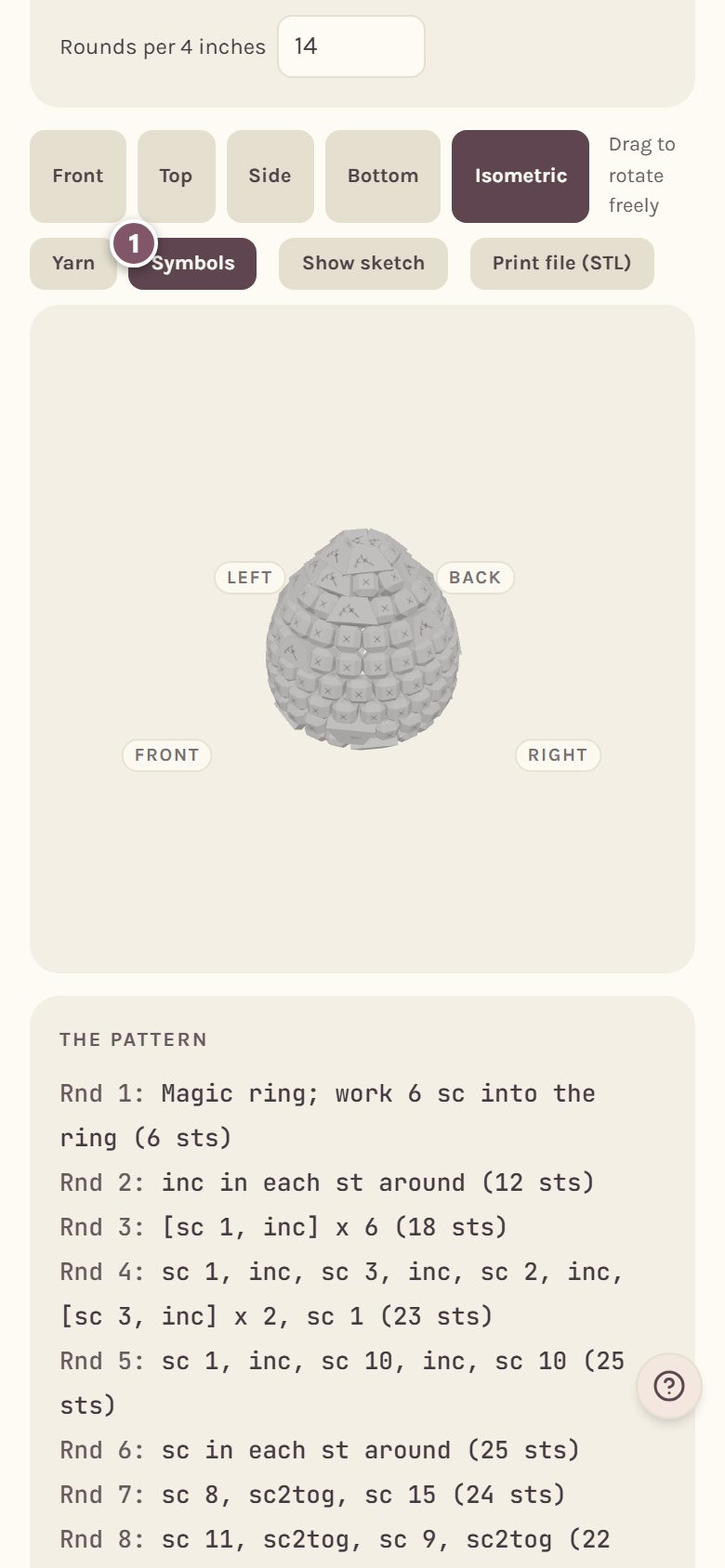
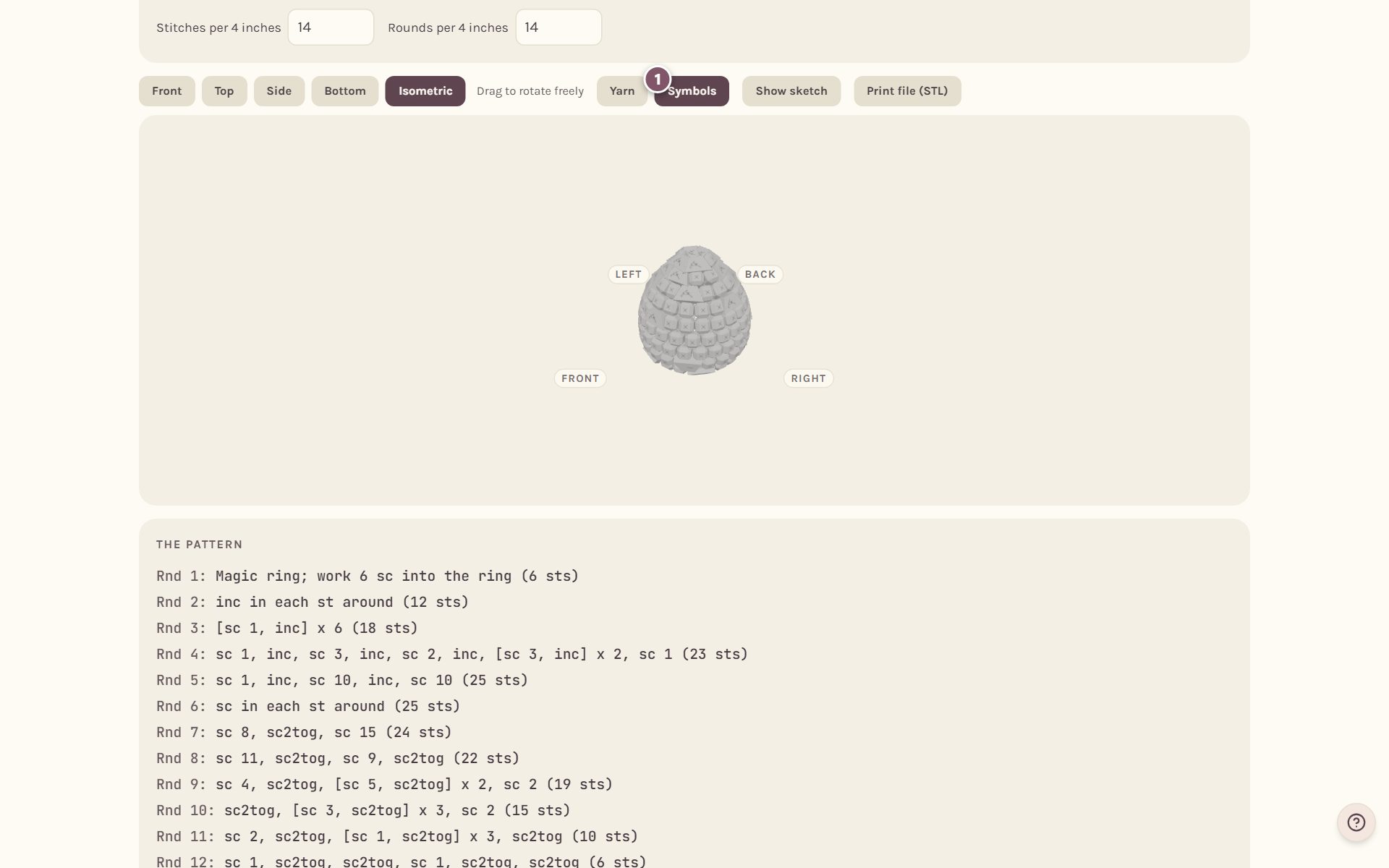
Compare it with your drawing
Tap Show sketch to lay your drawing over the 3D shape as a see-through outline. It shows how closely whole stitches follow the shape you drew. Tap Hide sketch to take it away.
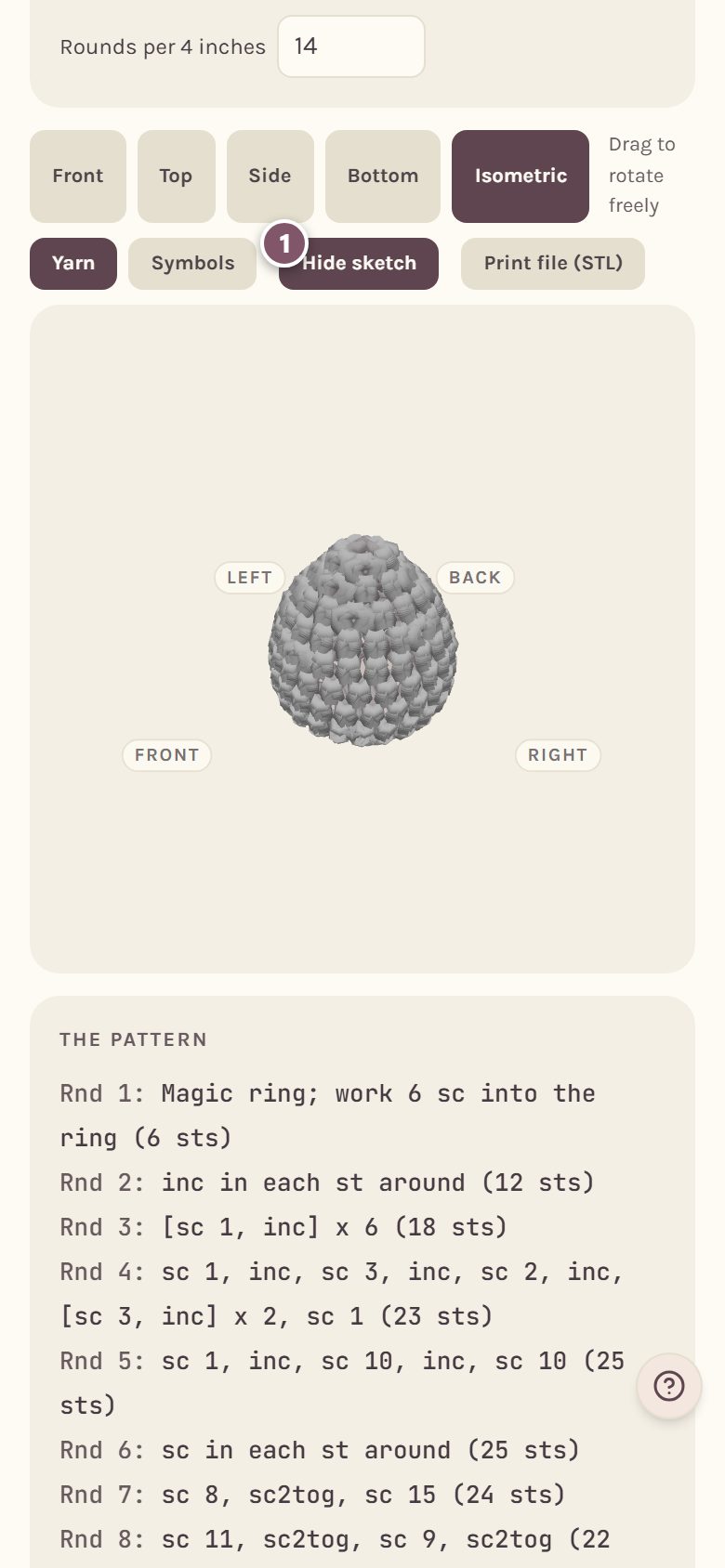
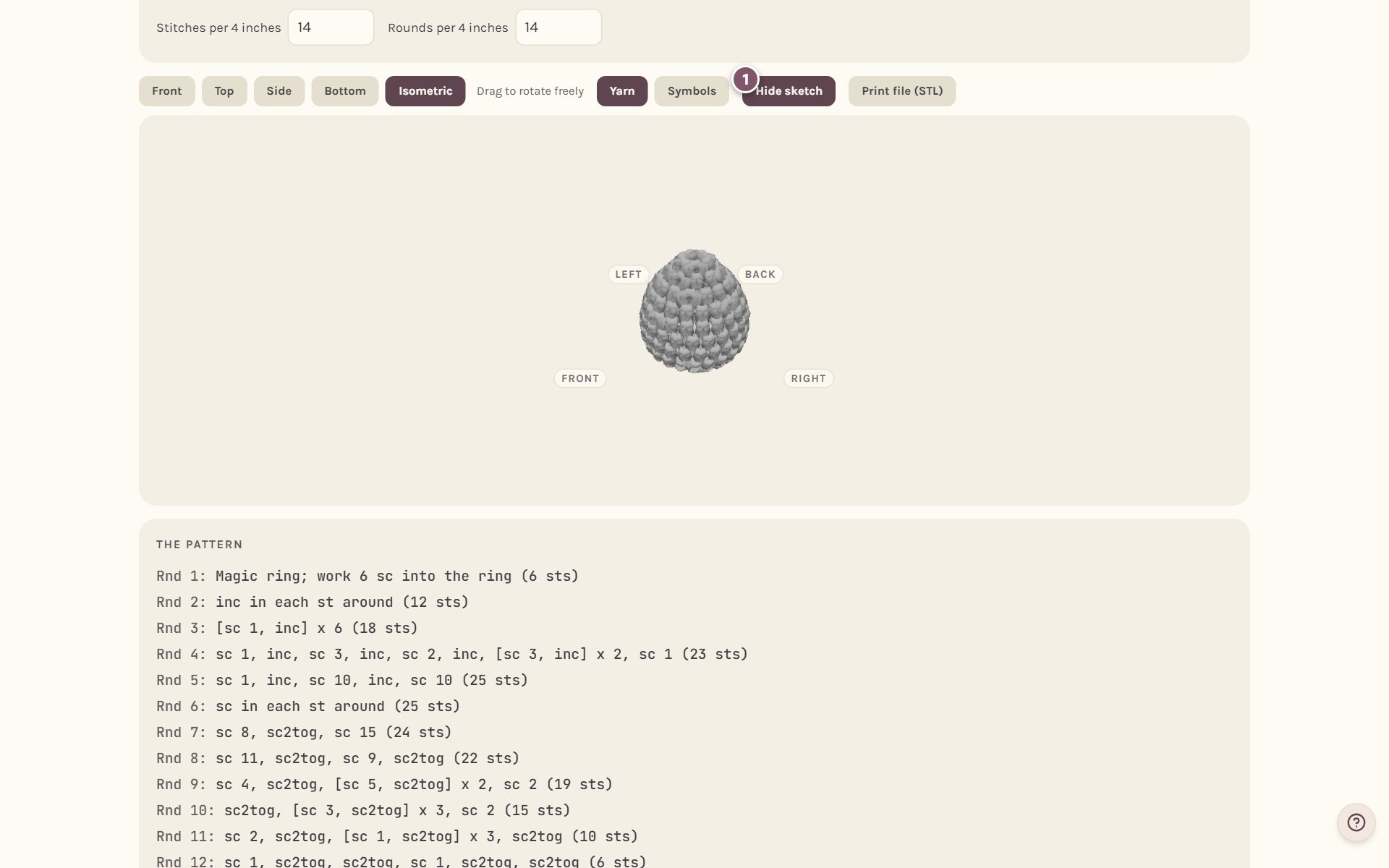
Tip: if the 3D shape doesn't match your drawing as closely as you'd like, try a different gauge or a shorter stitch in Size and gauge. Shorter stitches follow curves more closely.
Make a 3D print file (STL)
Tap Print file (STL) to download the shape on screen as an STL file, the kind every 3D printer's slicer opens. It prints what you see, in yarn or in symbols.
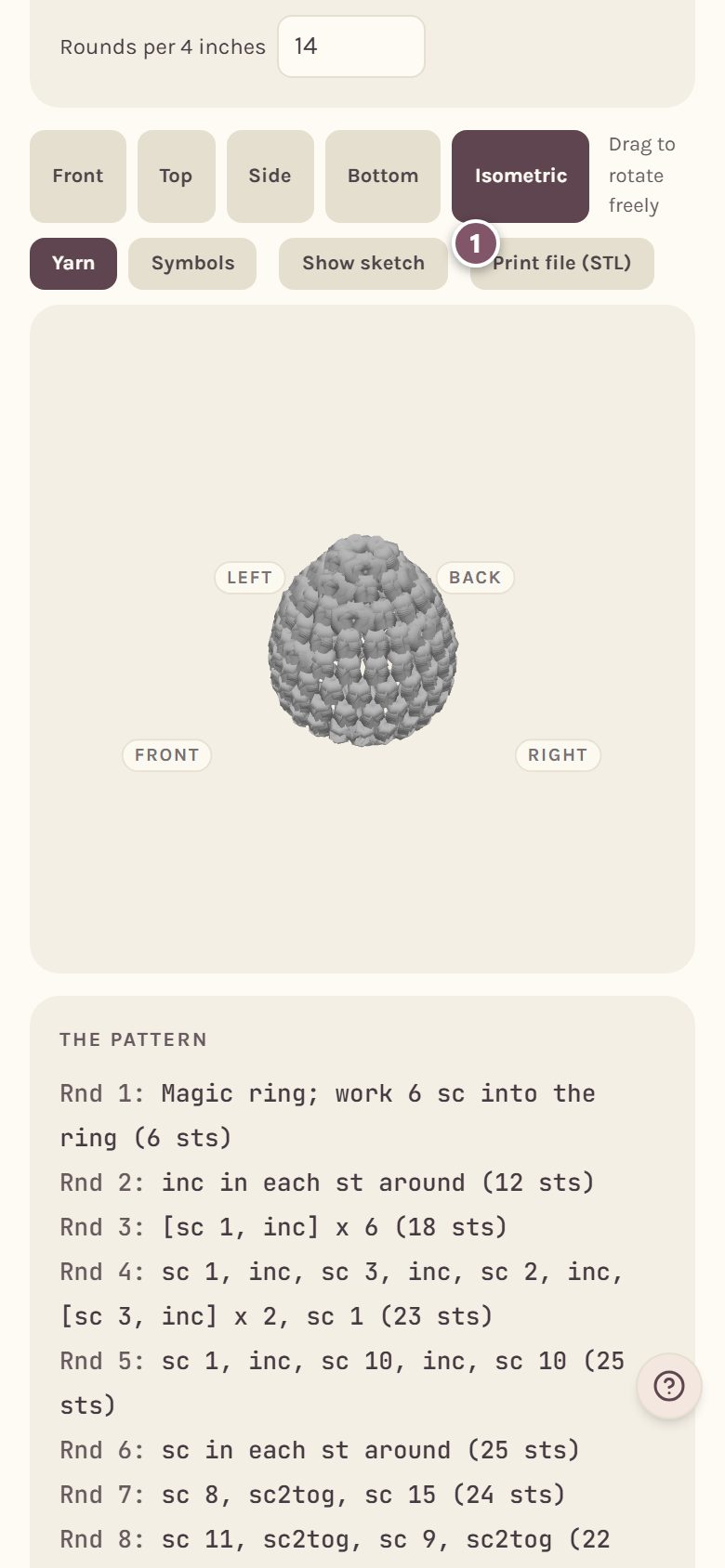
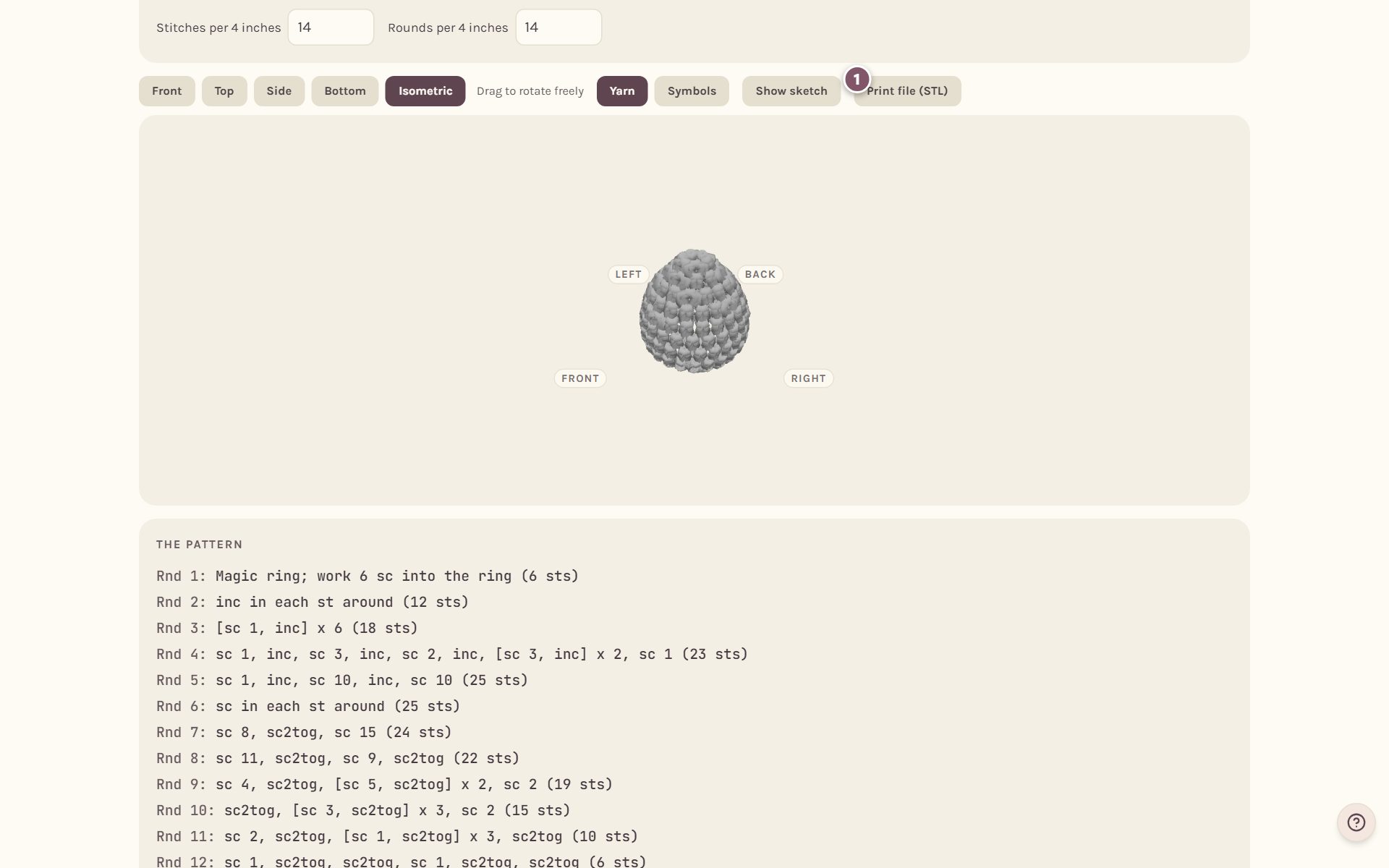
In the file, one stitch is about 5 mm. Scale it up or down in your slicer to the size you want. The stitches are made solid so the print comes out as one closed piece.
Frequently asked questions
Does my flat chart have a 3D view? Not on its own. Flat patterns, like coasters and doilies, are drawn on a chart instead. The 3D view is for 3D patterns made in the Shape Studio, though a flat piece of one, like a scarf, shows in its All together view.
Can I see the whole toy in 3D, not just one piece? Yes. On a pattern with several pieces, the pieces view shows All together in 3D, and that view has its own Print file (STL) button. See amigurumi assembly.
Why does the 3D look a little different from my drawing? The 3D view is built from whole stitches. A drawing can curve anywhere, but crochet can only grow or shrink a stitch at a time.
Start a shape in the amigurumi pattern generator.
Ready to try it? Crochet Bobble opens right in your browser, on a phone or a computer.
Open Crochet Bobble