
Type or Paste a Crochet Pattern and Check the Stitch Counts
Paste a whole amigurumi or in-the-round pattern into Crochet Bobble's Shape Studio, or type it round by round, and every line's stitch math is checked as you go.
Already have the rounds of a pattern written down, or want to write one yourself? In the Shape Studio you can paste the whole thing in one go or type it line by line. Crochet Bobble reads every line, counts the stitches it makes, and tells you when a count doesn't add up.
Make a 3D pattern
- Open the Patterns tab and tap Chart it, or open a pattern you've already made in the Shape Studio.
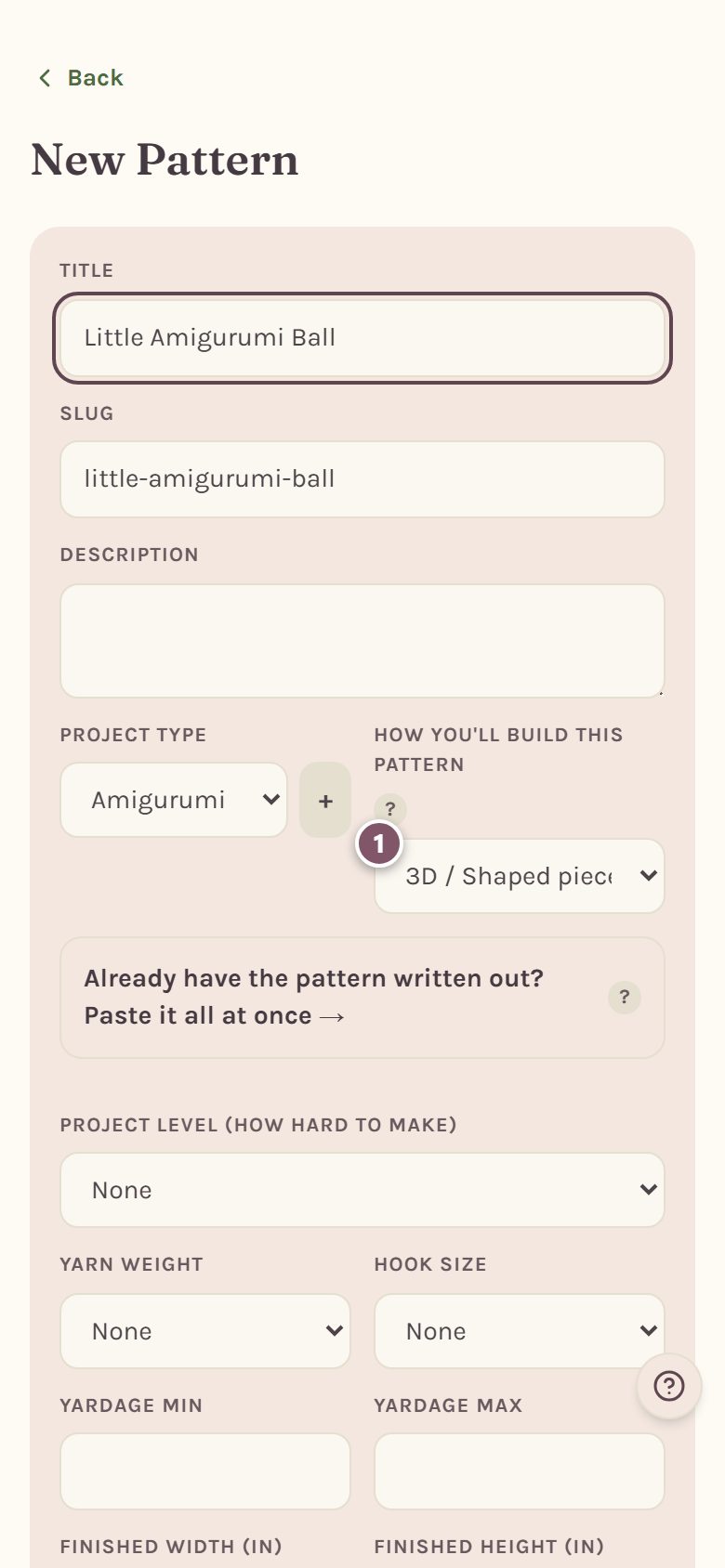
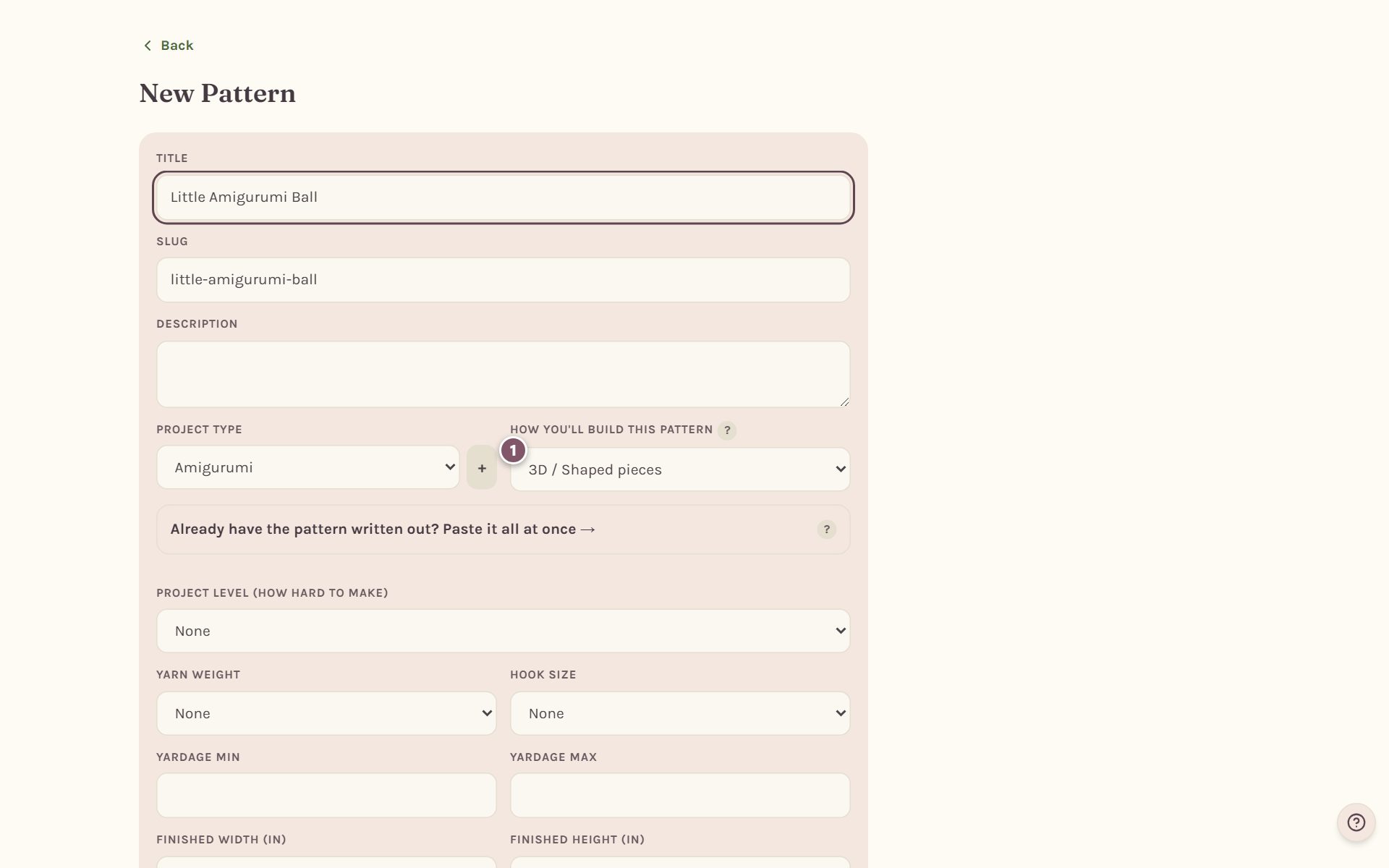
- On the New Pattern form, type a title and choose 3D / Shaped pieces under How you'll build this pattern.
- Tap Create & continue to Shape Studio.
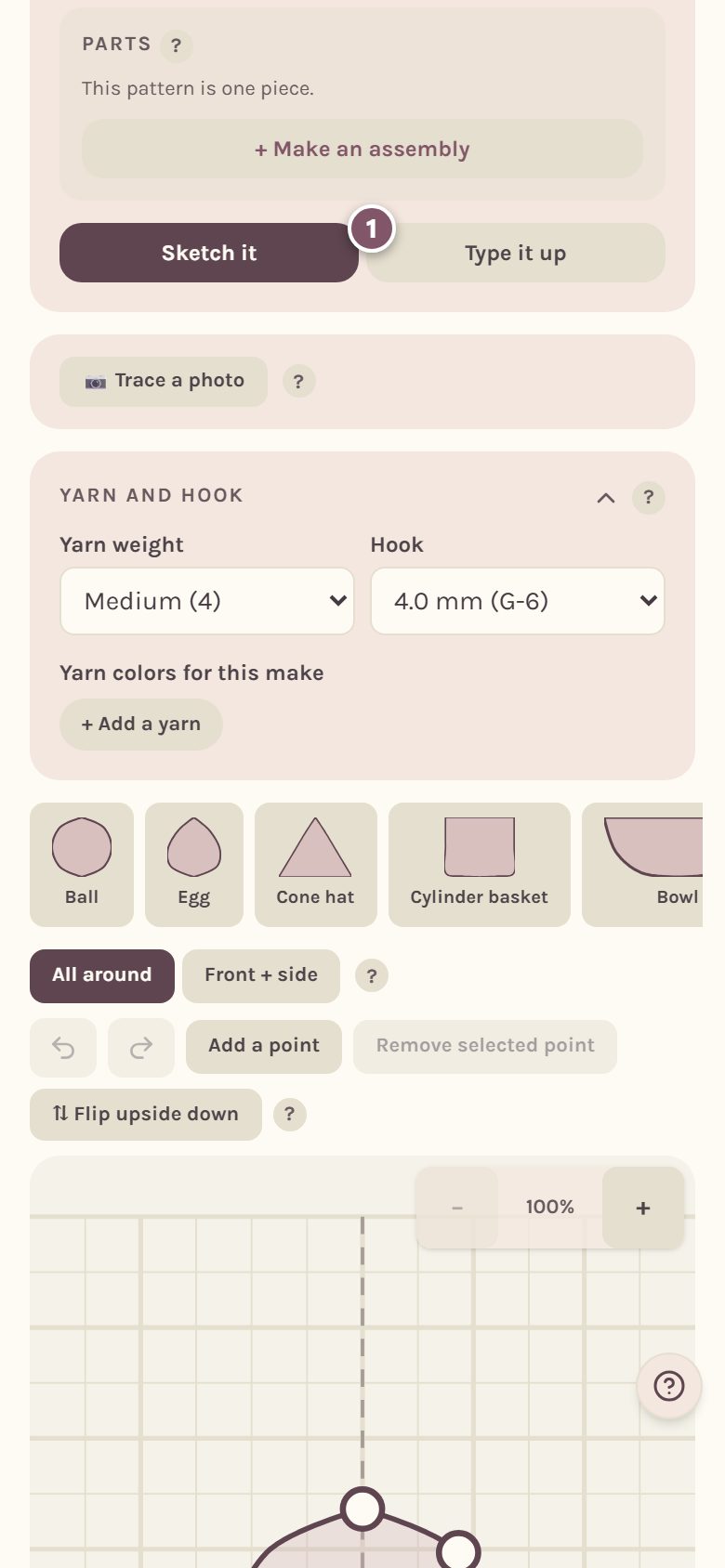
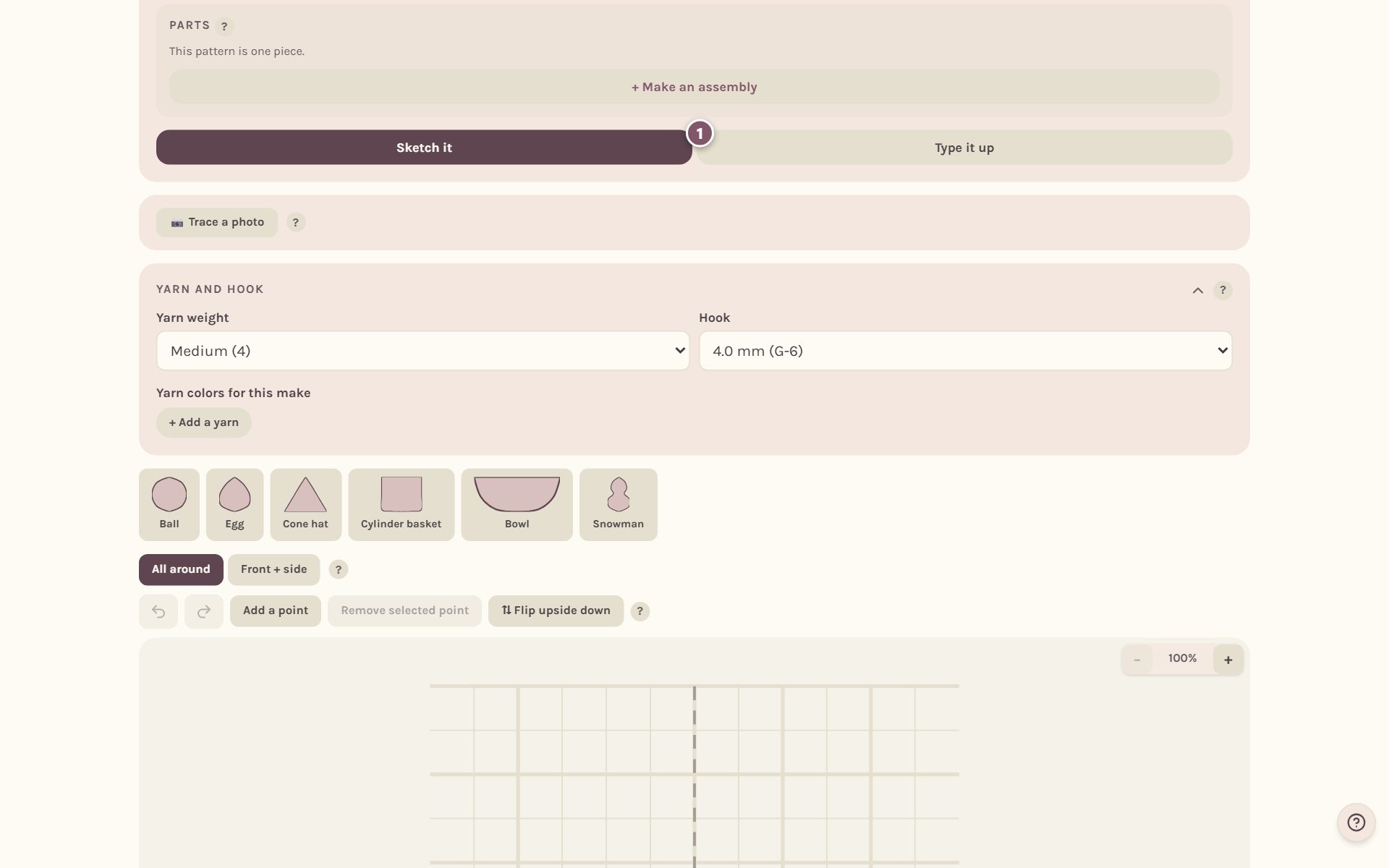
Switch to Type it up
The studio opens on Sketch it. Tap Type it up to write the rounds instead of drawing them.
Paste a whole pattern
- Paste your pattern into Paste your pattern here. Paste the whole page if you like, title, materials and all.
- The app says how many rounds it found, and which lines it left out because they aren't rounds.
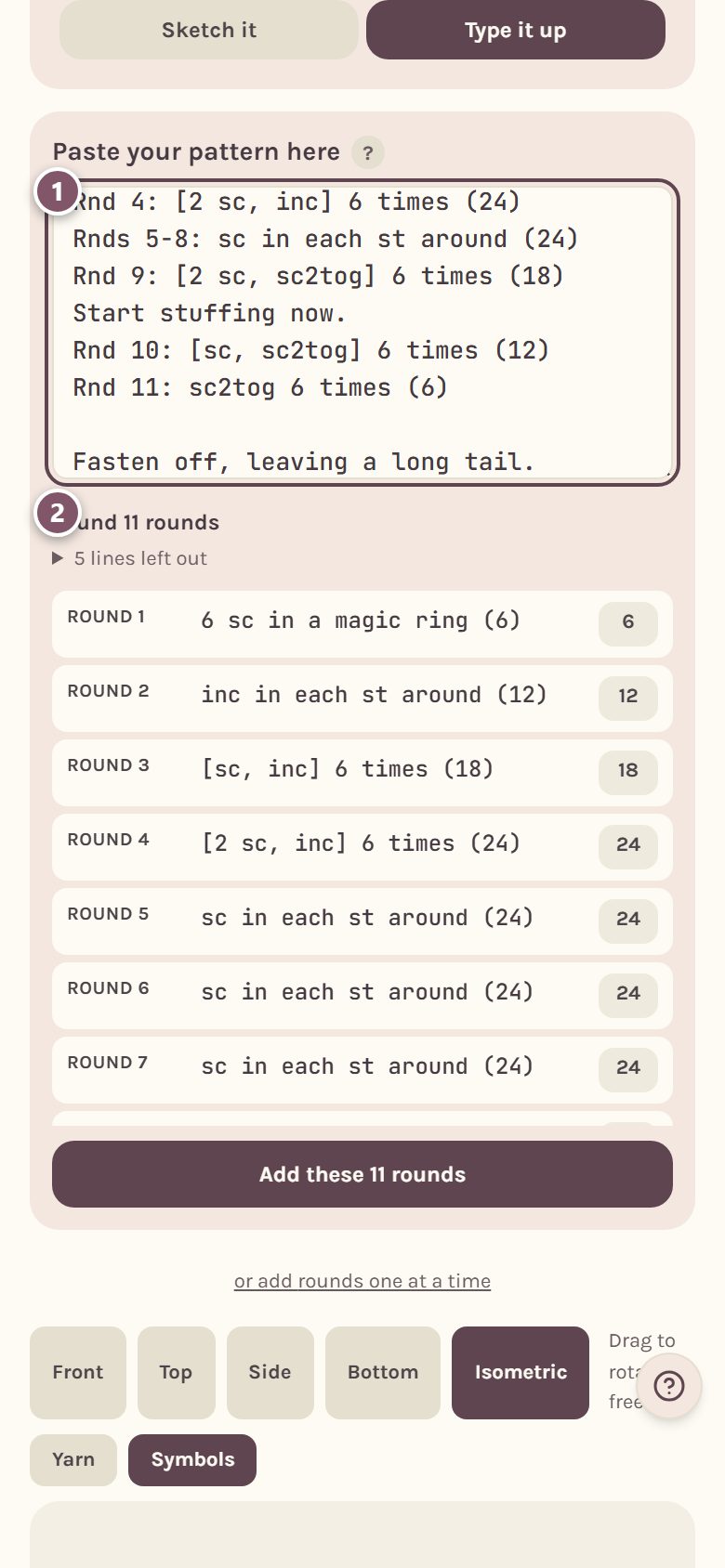
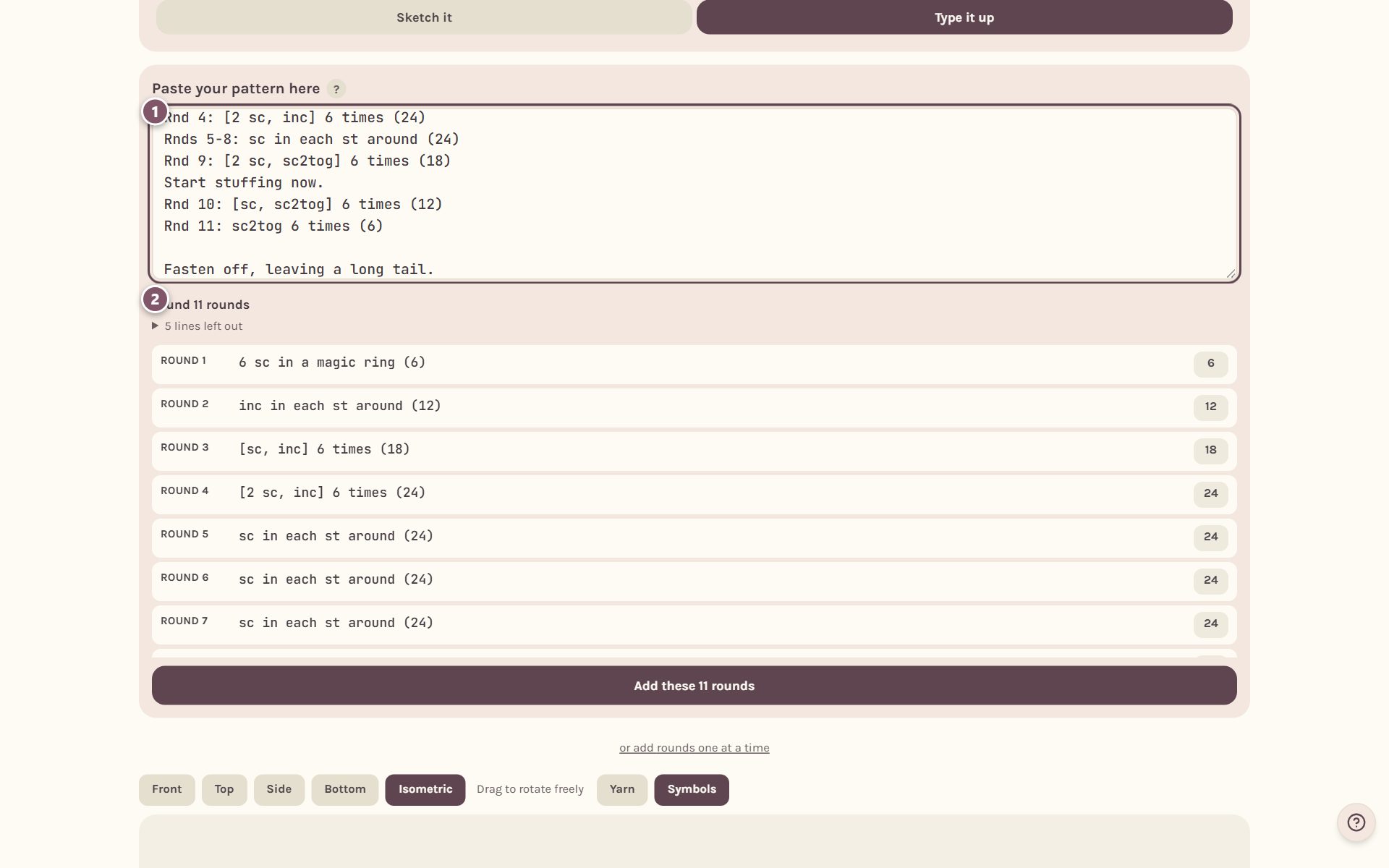
Below that is a preview of every round it read, with its stitch count on the right. A tip inside the pattern, like "Start stuffing now", becomes that round's note. Ranges like "Rnds 5-8" become one line per round.
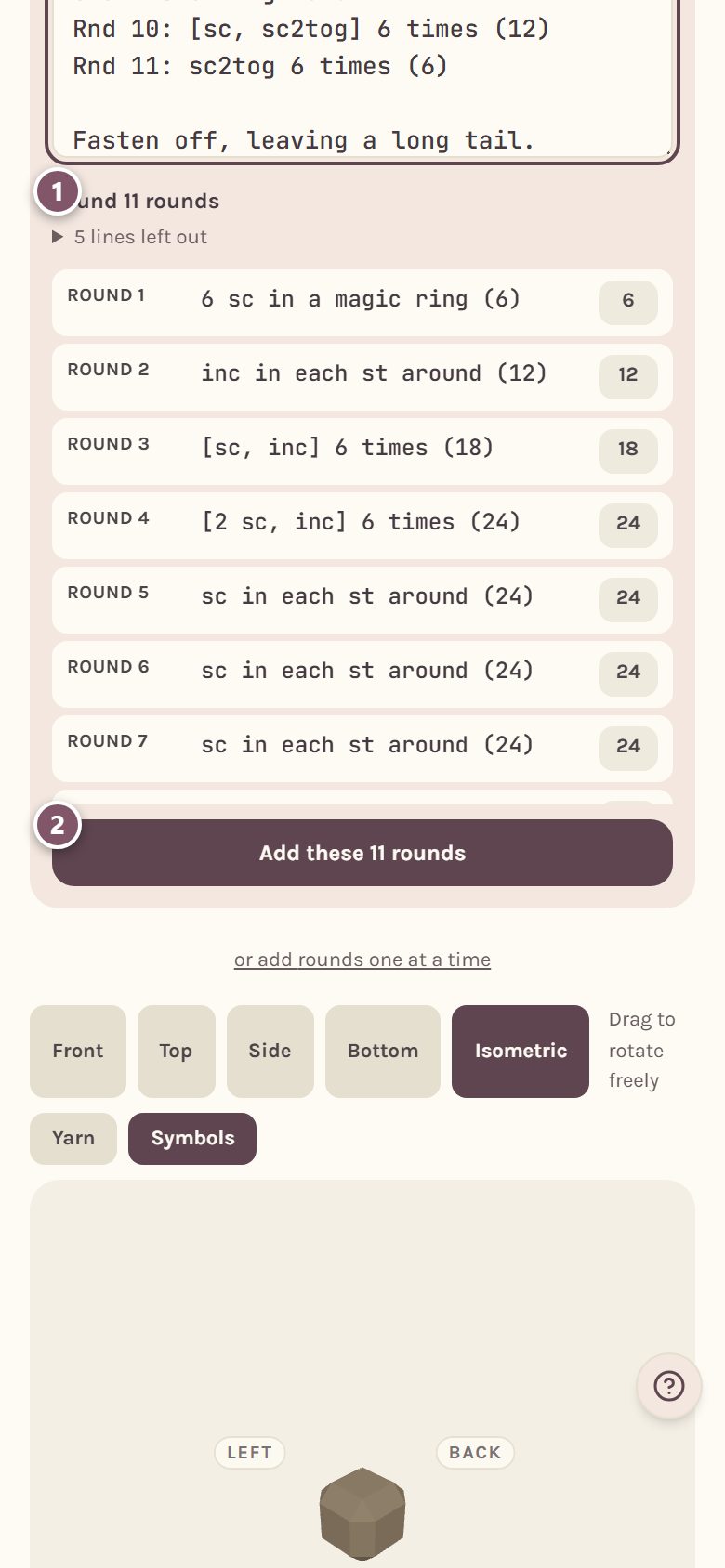
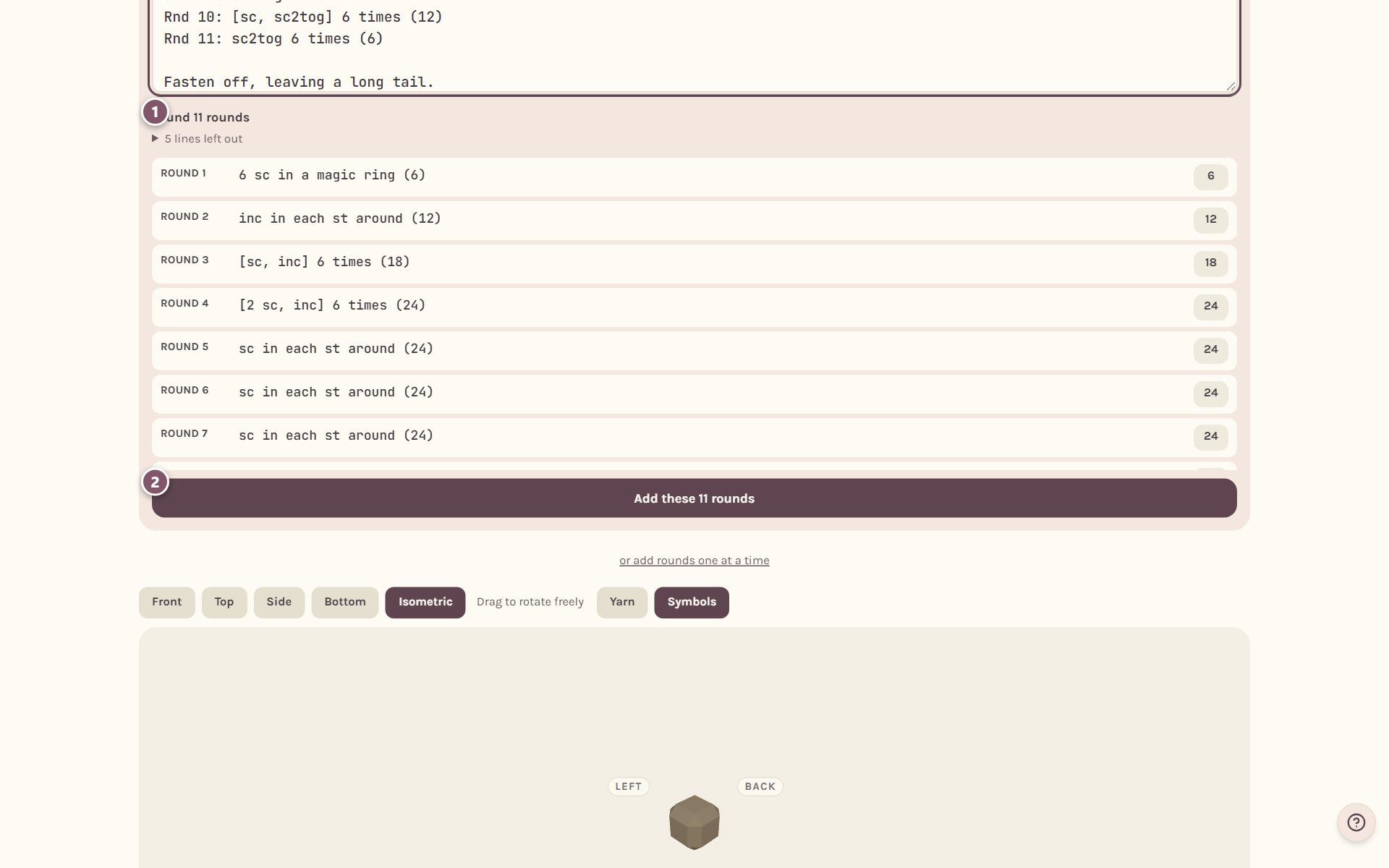
- Read through the preview.
- Tap Add these rounds (it says how many). Nothing is saved until you do.
Check the math on every line
Each round now has its own line.
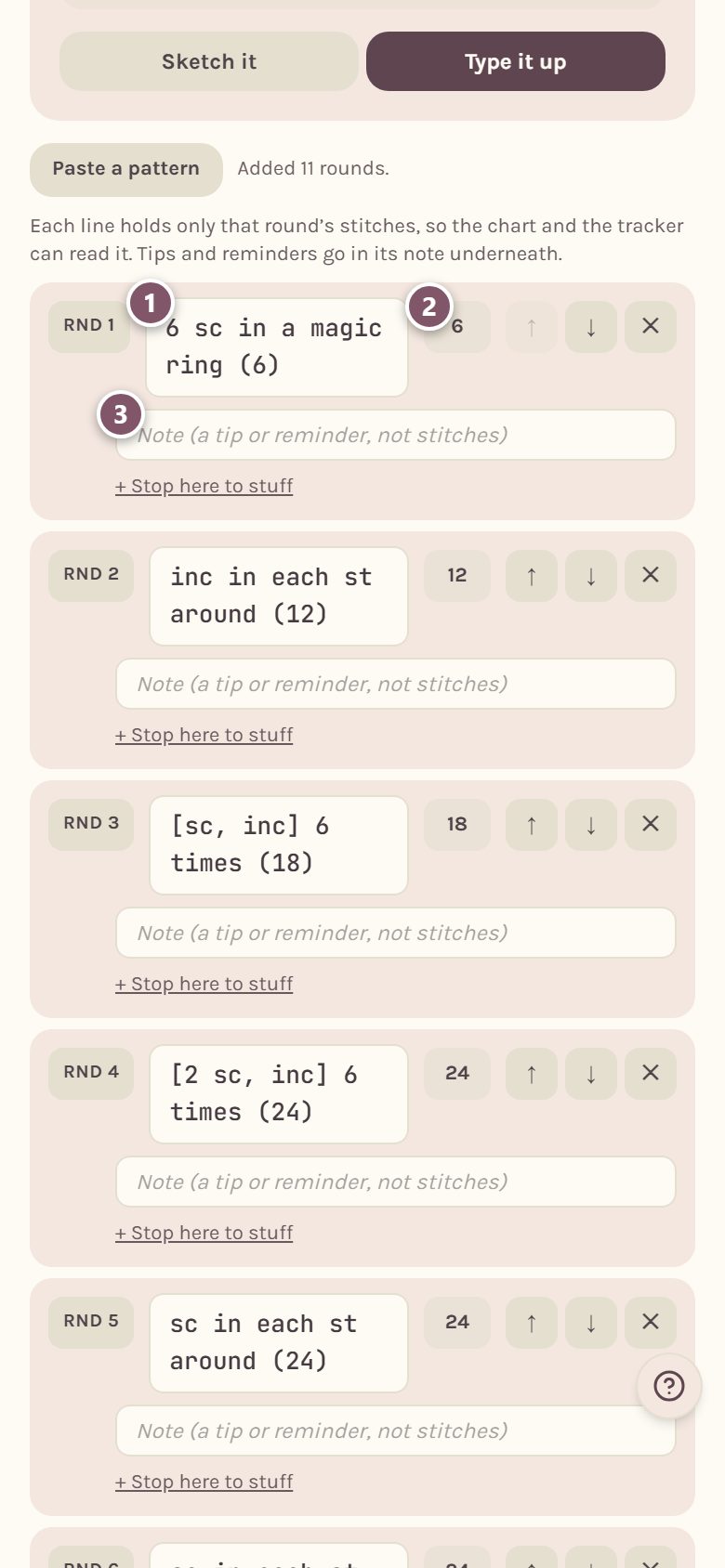
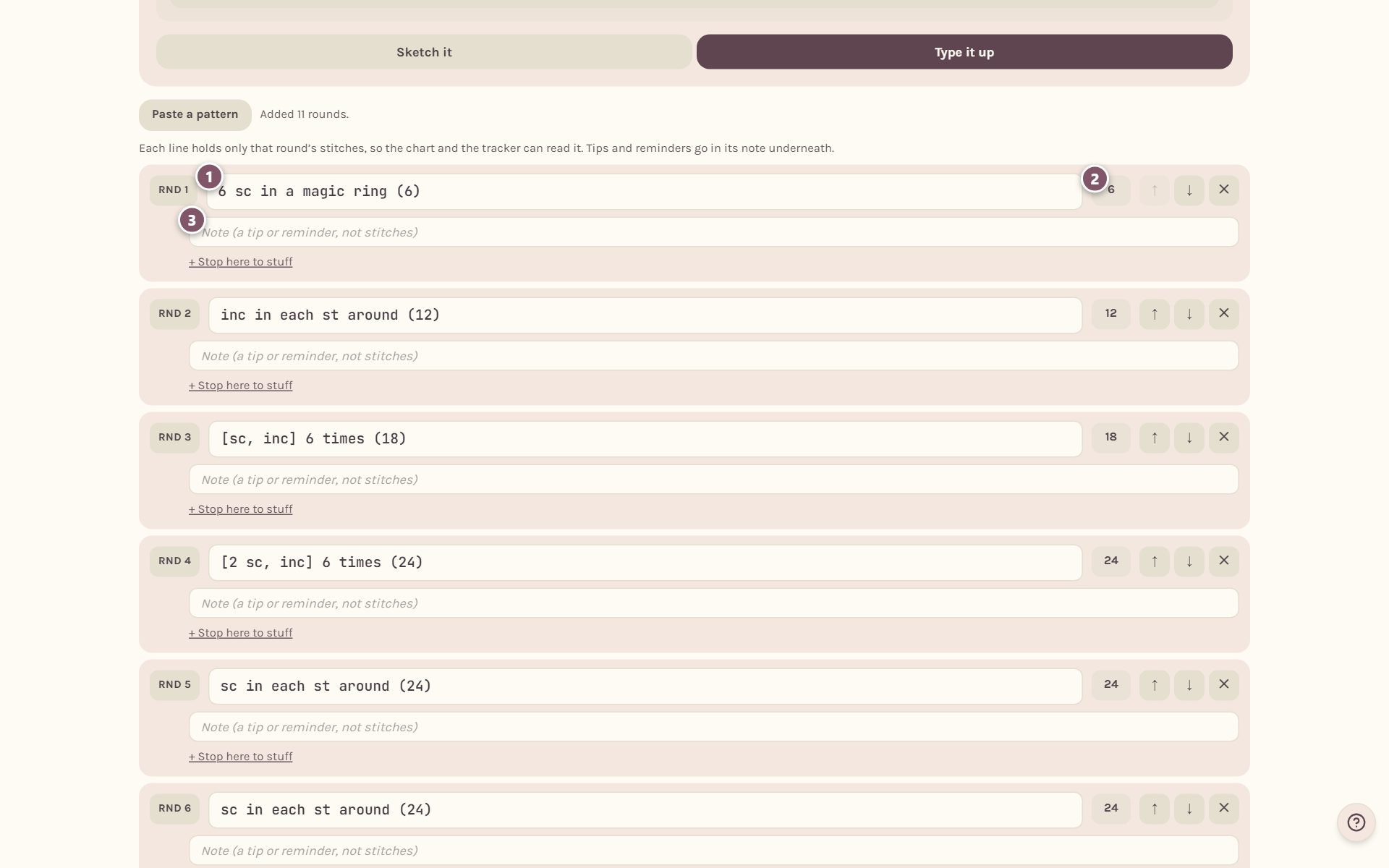
- The round's words. Tap to edit them.
- The number on the right is how many stitches the line ends with.
- The note is for tips and reminders, so the line itself holds only stitches.
When a line doesn't add up, it turns red and says why. Here Round 3 says 17 stitches, but "[sc, inc] 6 times" makes 18:
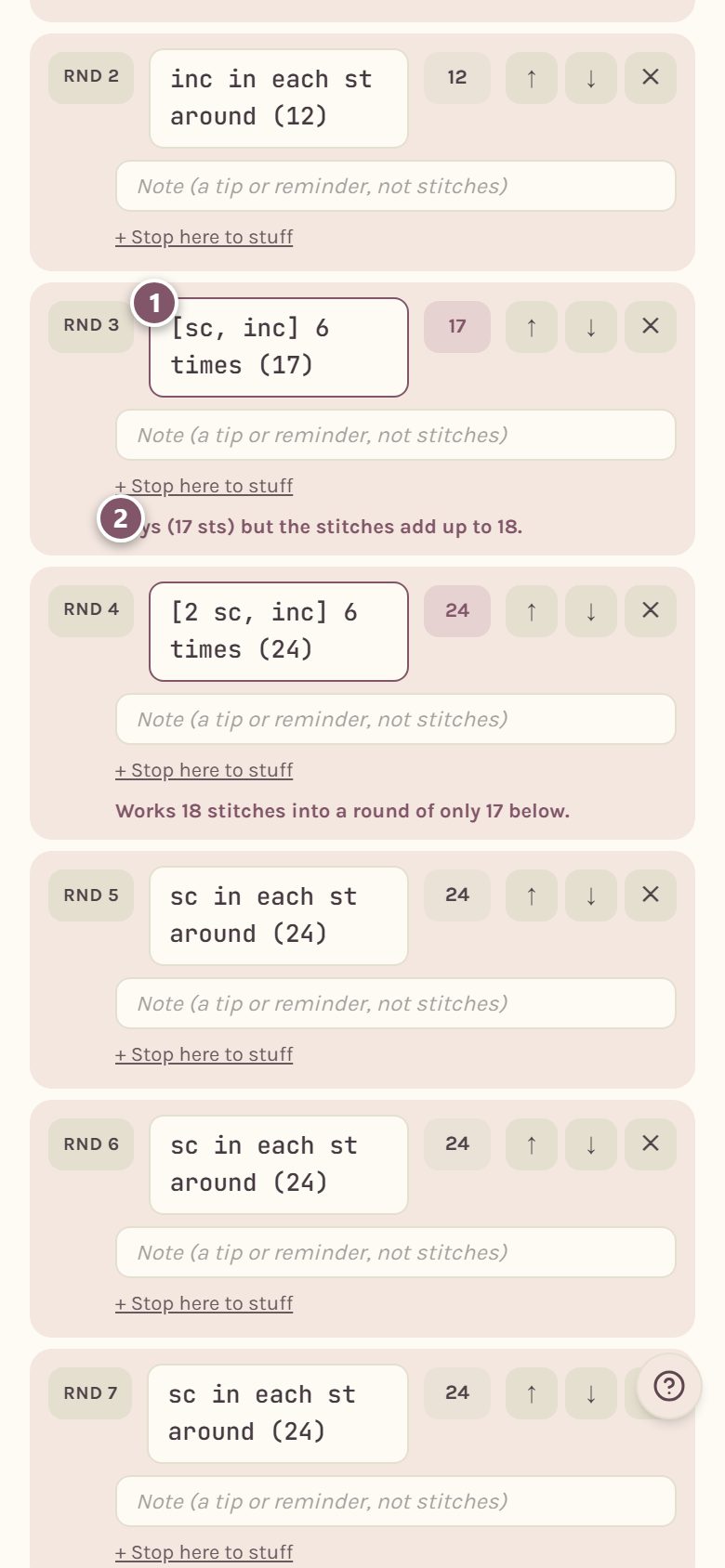
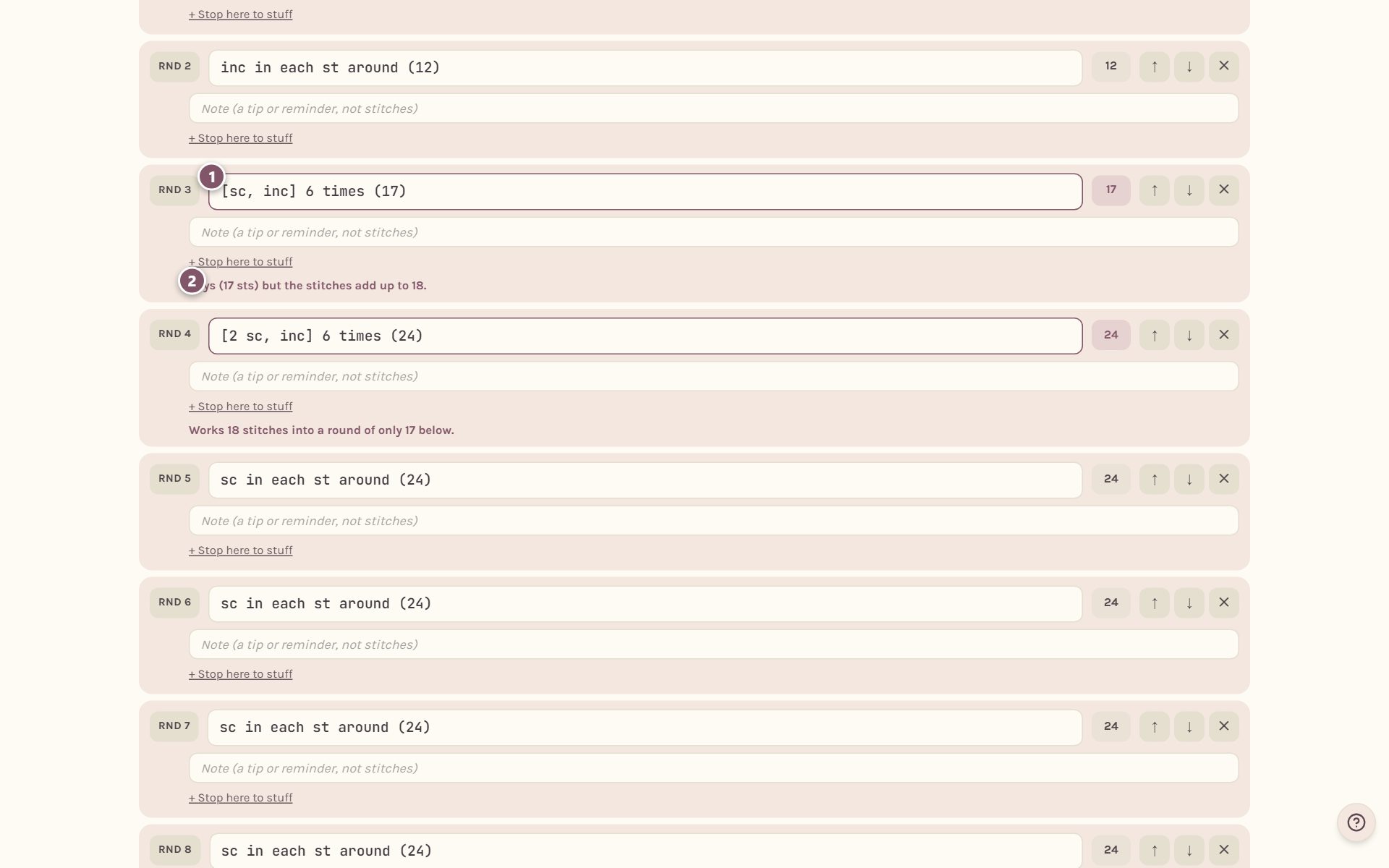
- The line with the mistake.
- What's wrong. The next round is checked against it too, so one wrong count can show up twice.
If the checker can't read a line, it says so and uses the count you wrote, and you can type the count by hand.
Tip: the checker reads standard abbreviations like sc, hdc, dc, inc, sc2tog and "[ ] 6 times". The more your lines look like that, the more it can check.
Add rounds one at a time
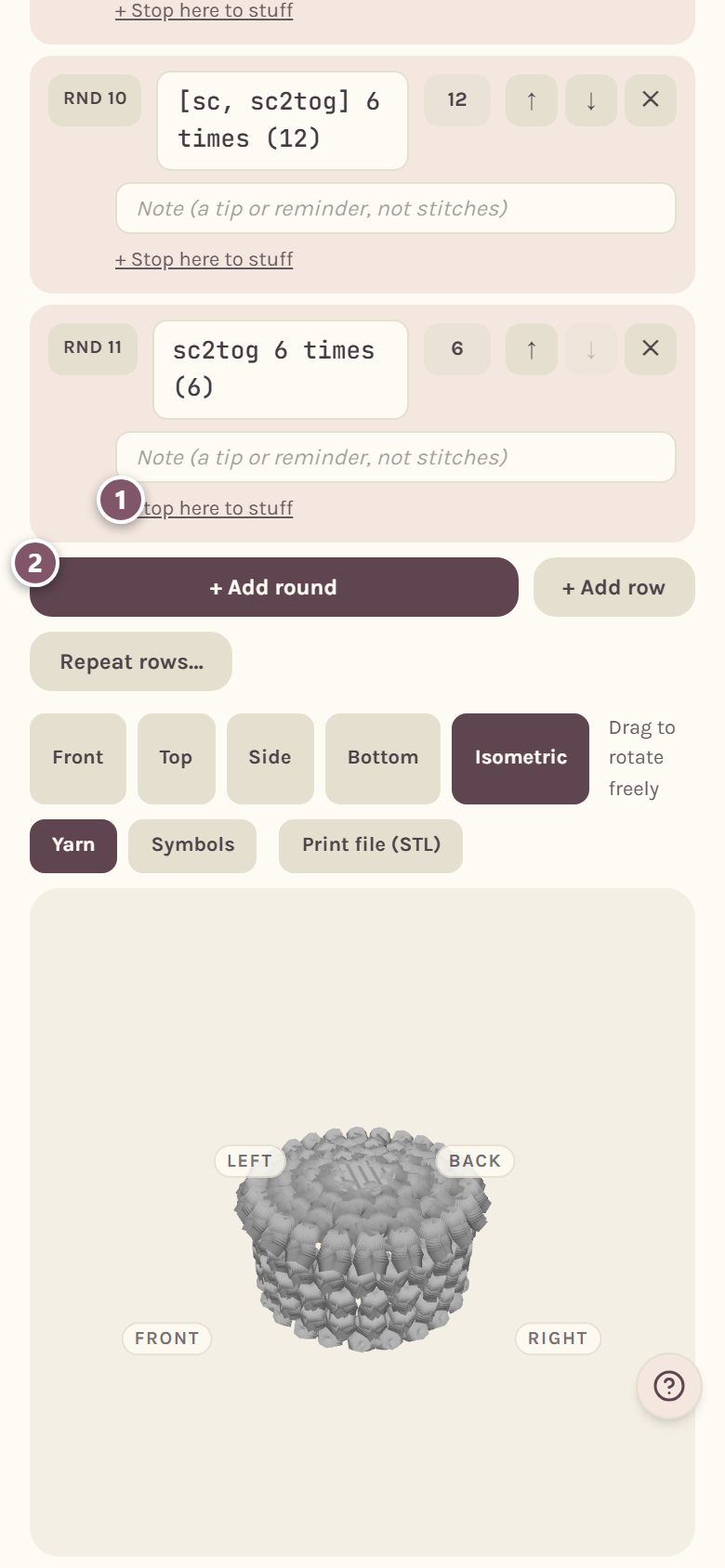
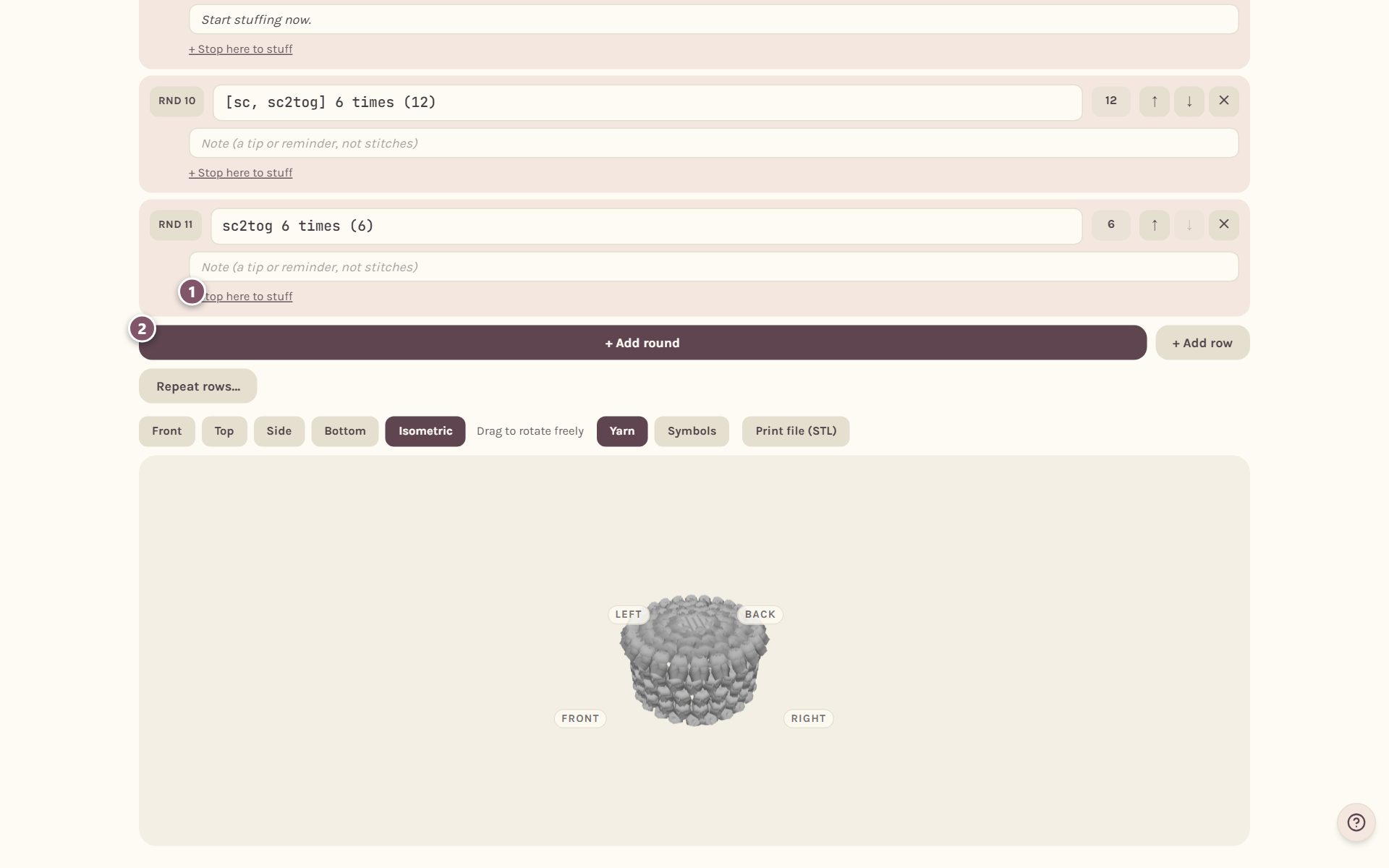
- + Stop here to stuff adds a reminder after that round, and the tracker stops you there.
- + Add round adds an empty line at the end. + Add row adds a row instead.
Paste a pattern, at the top of the rounds, pastes more rounds after the last one, or replaces them all.
Every change saves as you go, and the 3D view below shows the shape your rounds make.
Frequently asked questions
Can I paste a pattern that's written in rows? Yes. Rows come in as rows.
What happens to the materials and the title I pasted? They're left out of the rounds. The preview tells you how many lines it skipped.
Can I draw the shape after typing it? Tap Sketch it. The studio draws an outline from your rounds' stitch counts, and your typed rounds stay as they are until you change the drawing and save.
To paste a pattern and get a symbol chart instead, see import a crochet pattern from text.
Ready to try it? Crochet Bobble opens right in your browser, on a phone or a computer.
Open Crochet Bobble