
Your Crochet Designs: Edit, Print, Export and Make Your Own Pattern
Everything you can do with a pattern you designed in Crochet Bobble. Mark it Draft or Ready to Make, edit it, download it as a PDF, Word file or chart image, and start making it as a WIP.
Every chart you draw, shape you sketch and pattern you paste in lands in Your designs on the Patterns tab. Each one has its own page where you can edit it, print it, export it and start making it.
Find your designs
Open the Patterns tab. Your designs lists everything you've made, and the search box and filters at the top help you find one when the list grows.
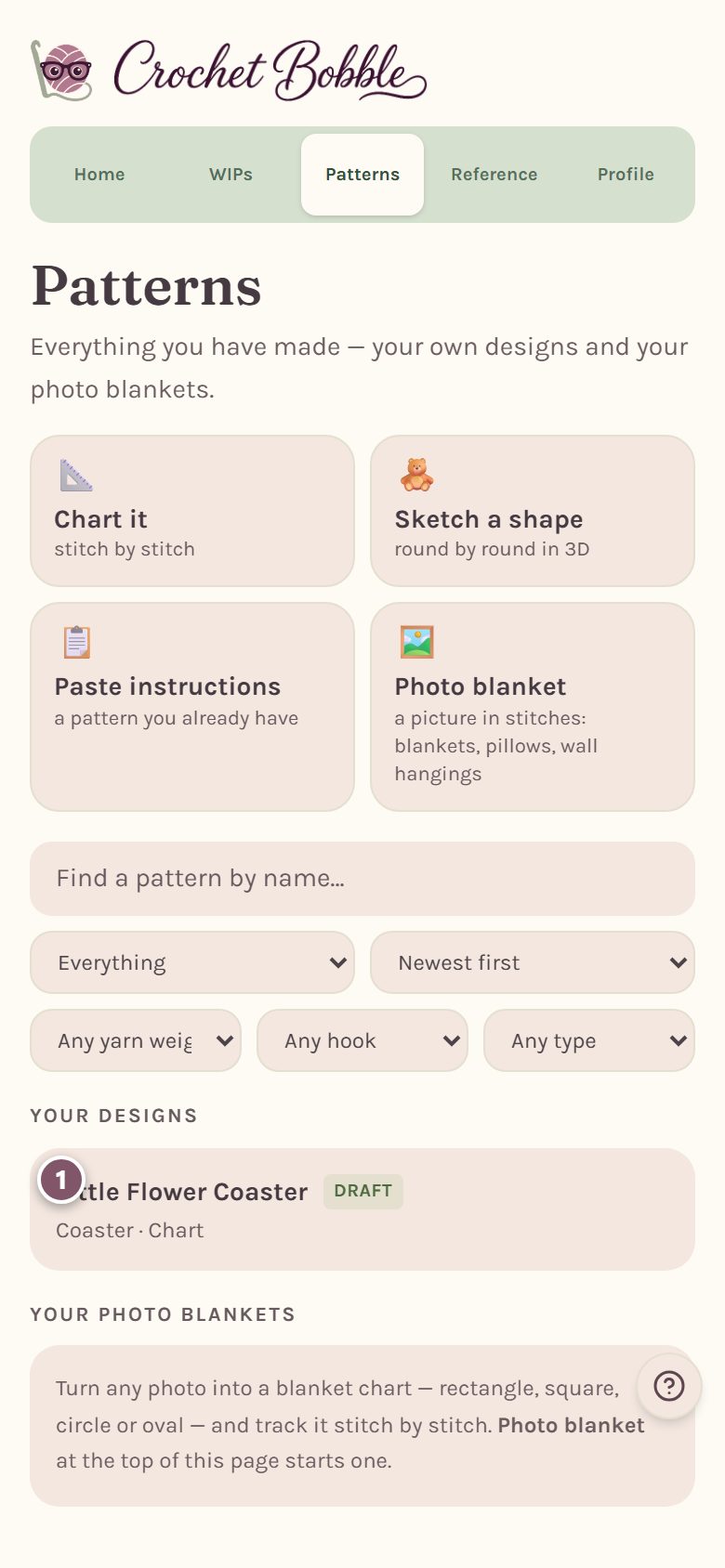
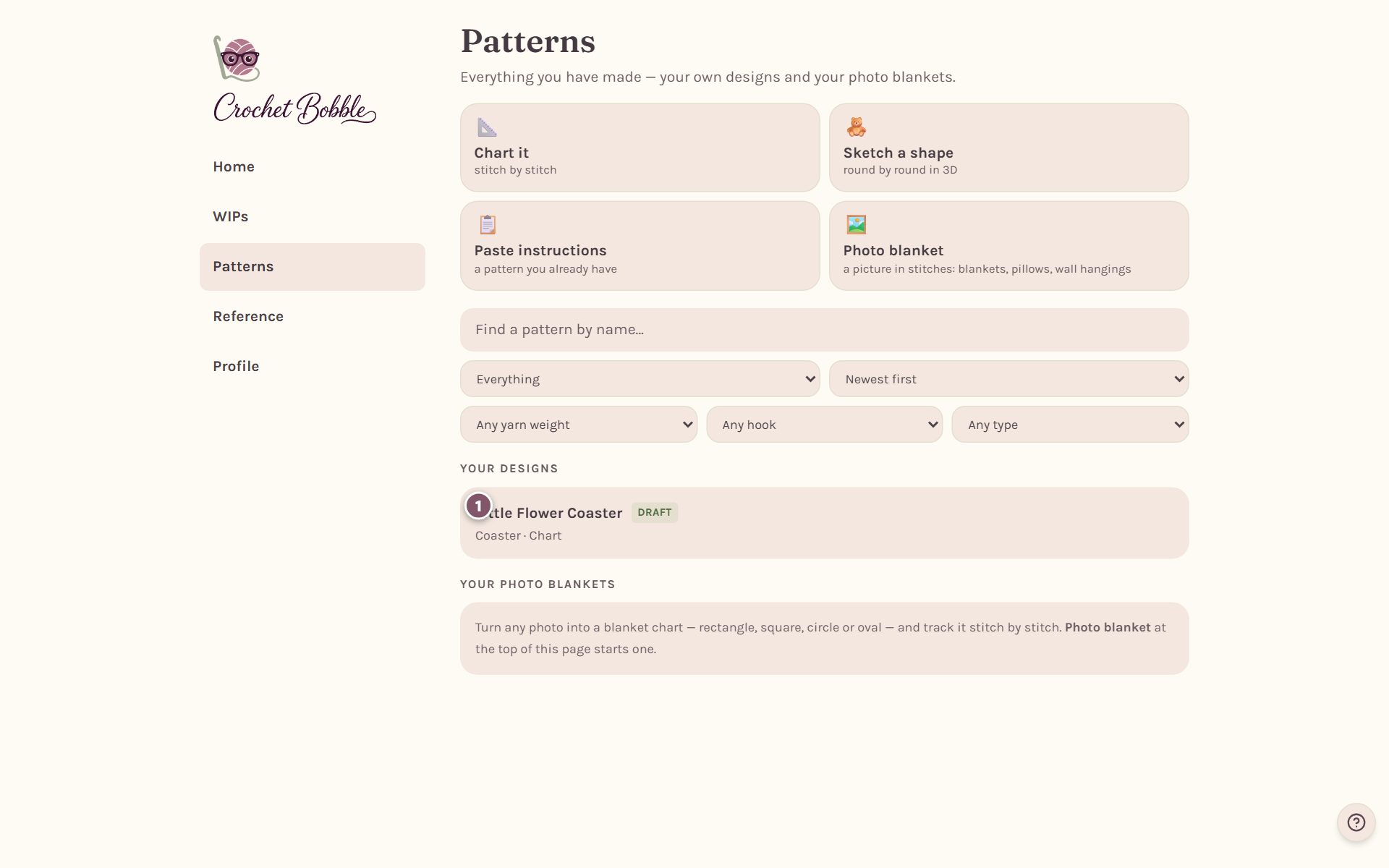
Tap a design to open its page.
Your design's page
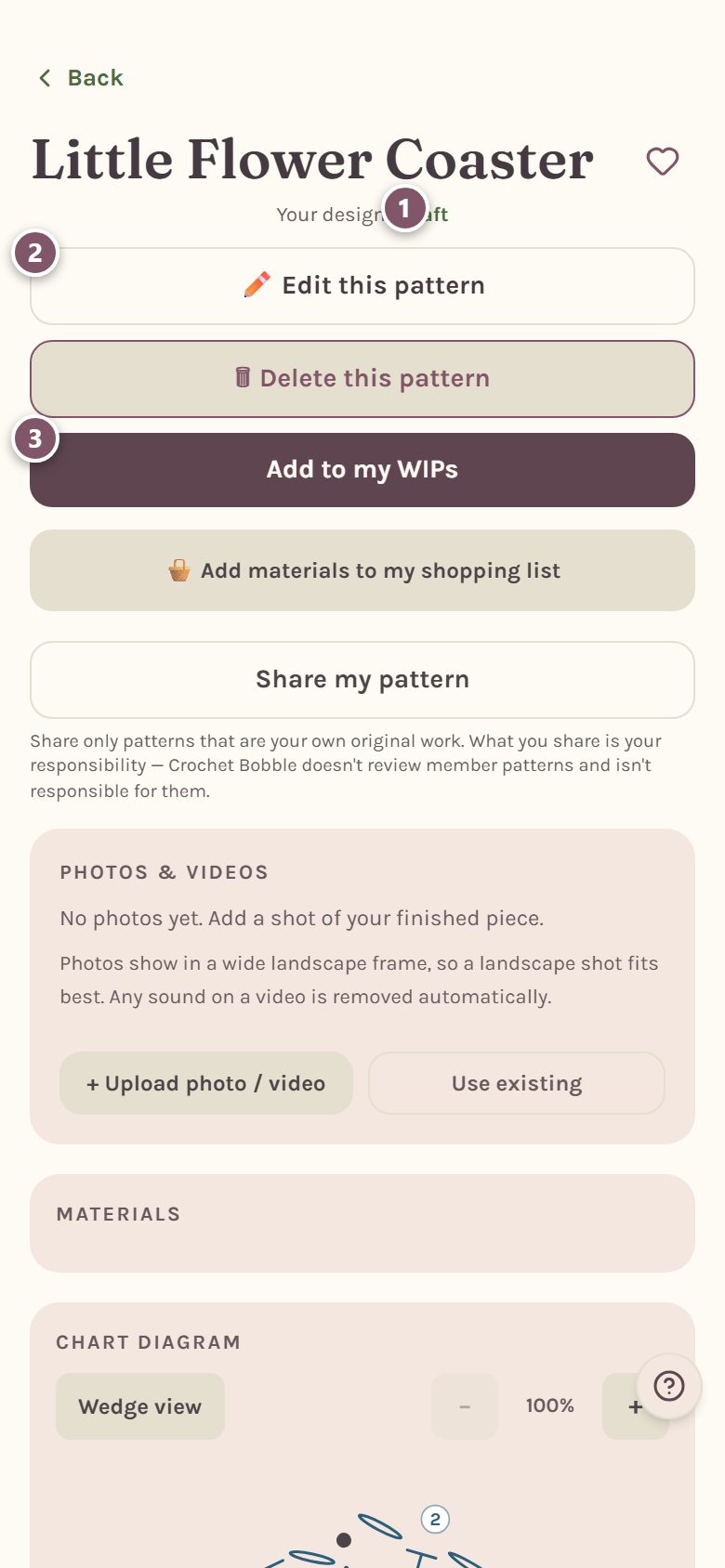
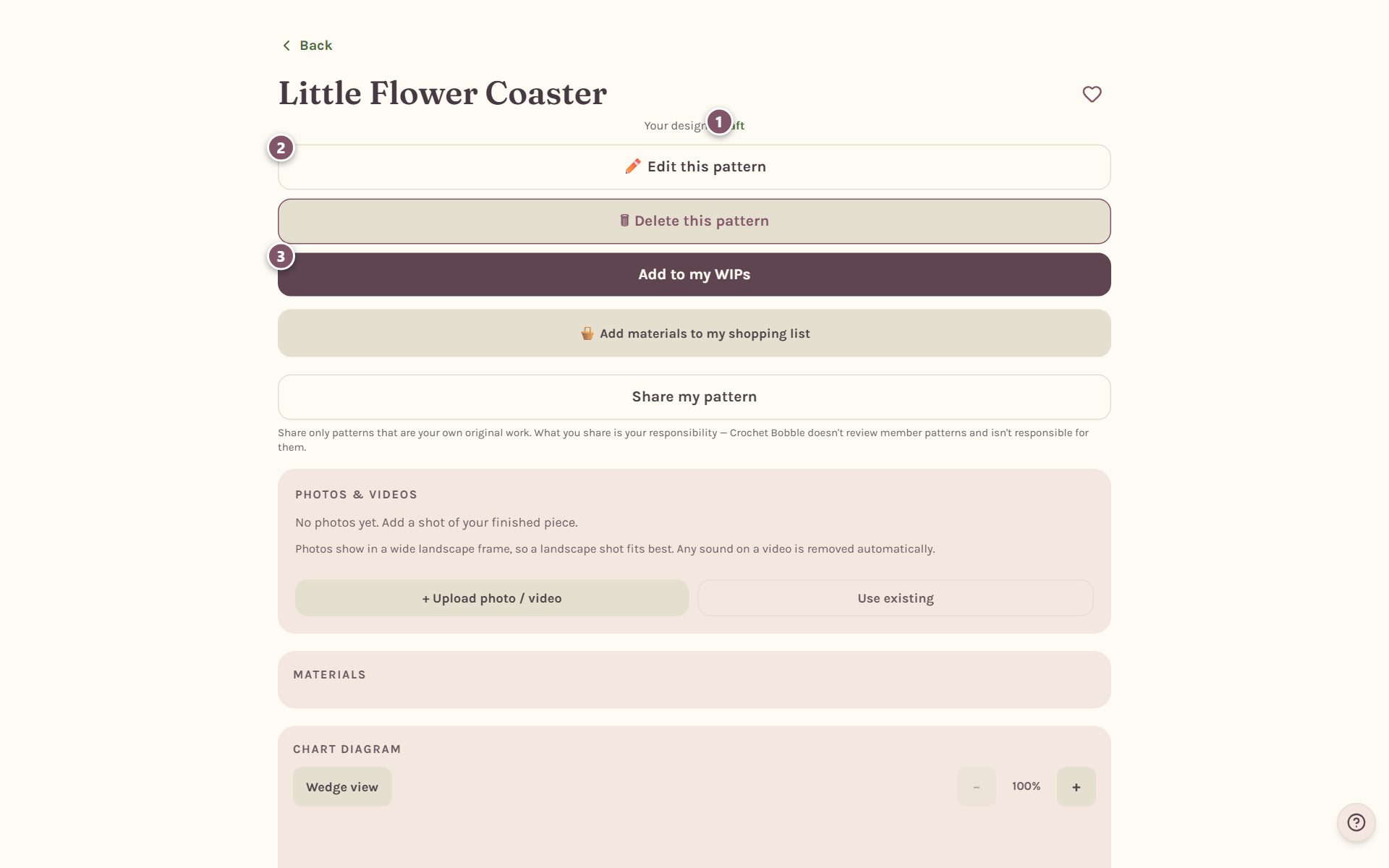
- Your design · Draft says where the design stands. It shows Ready to Make once you mark it done.
- Edit this pattern opens its details, like the name, the yarn and the hook.
- Add to my WIPs starts making it. See start it as a WIP, below.
🗑 Delete this pattern deletes it. Tap twice to confirm. Share my pattern makes a picture card of your design to send from your phone's share sheet.
Further down, Photos & Videos holds pictures of your finished piece, and the page shows the chart (or the 3D pieces) and every round's words.
Mark it Draft or Ready to Make
- Tap Edit this pattern.
- Under Design status, tap In progress or Ready to Make. The status is private to your account.
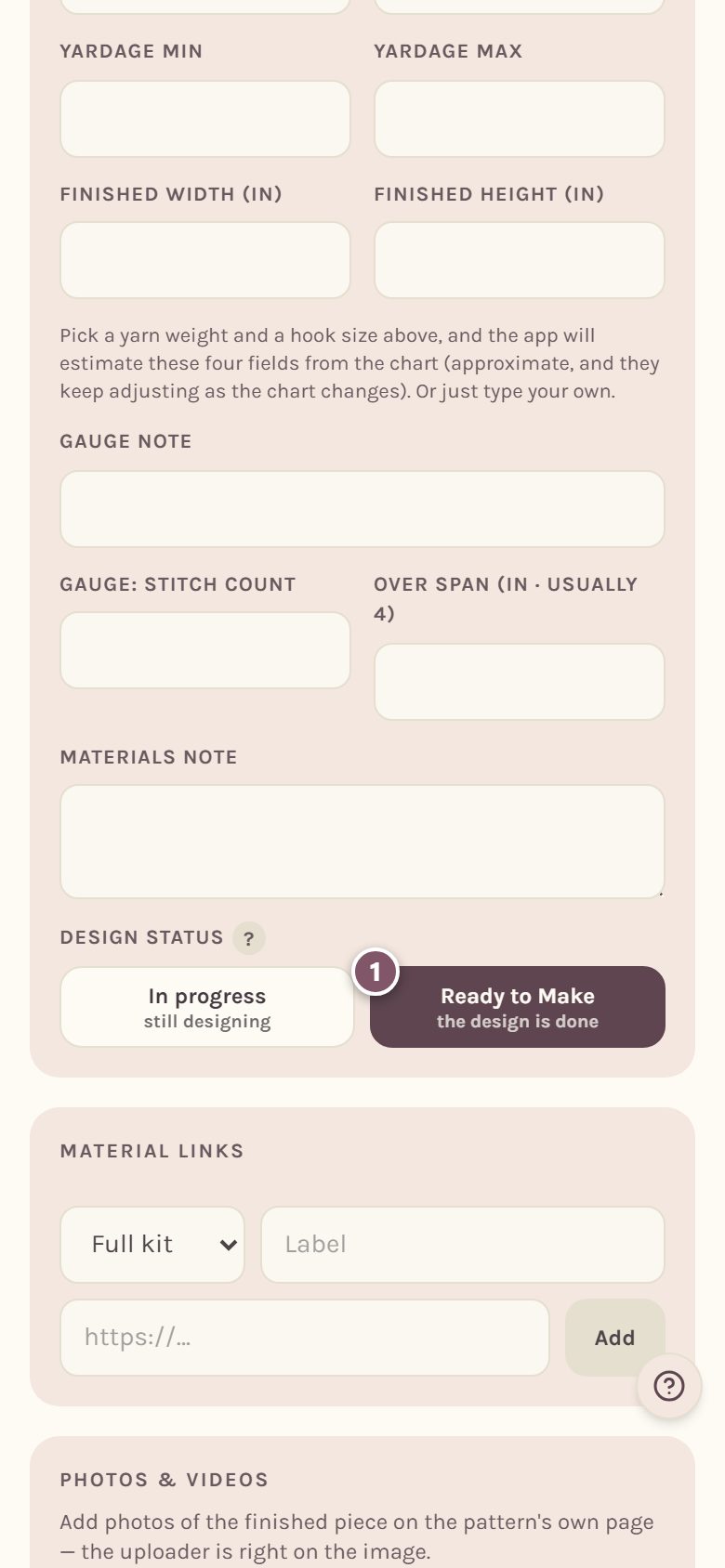
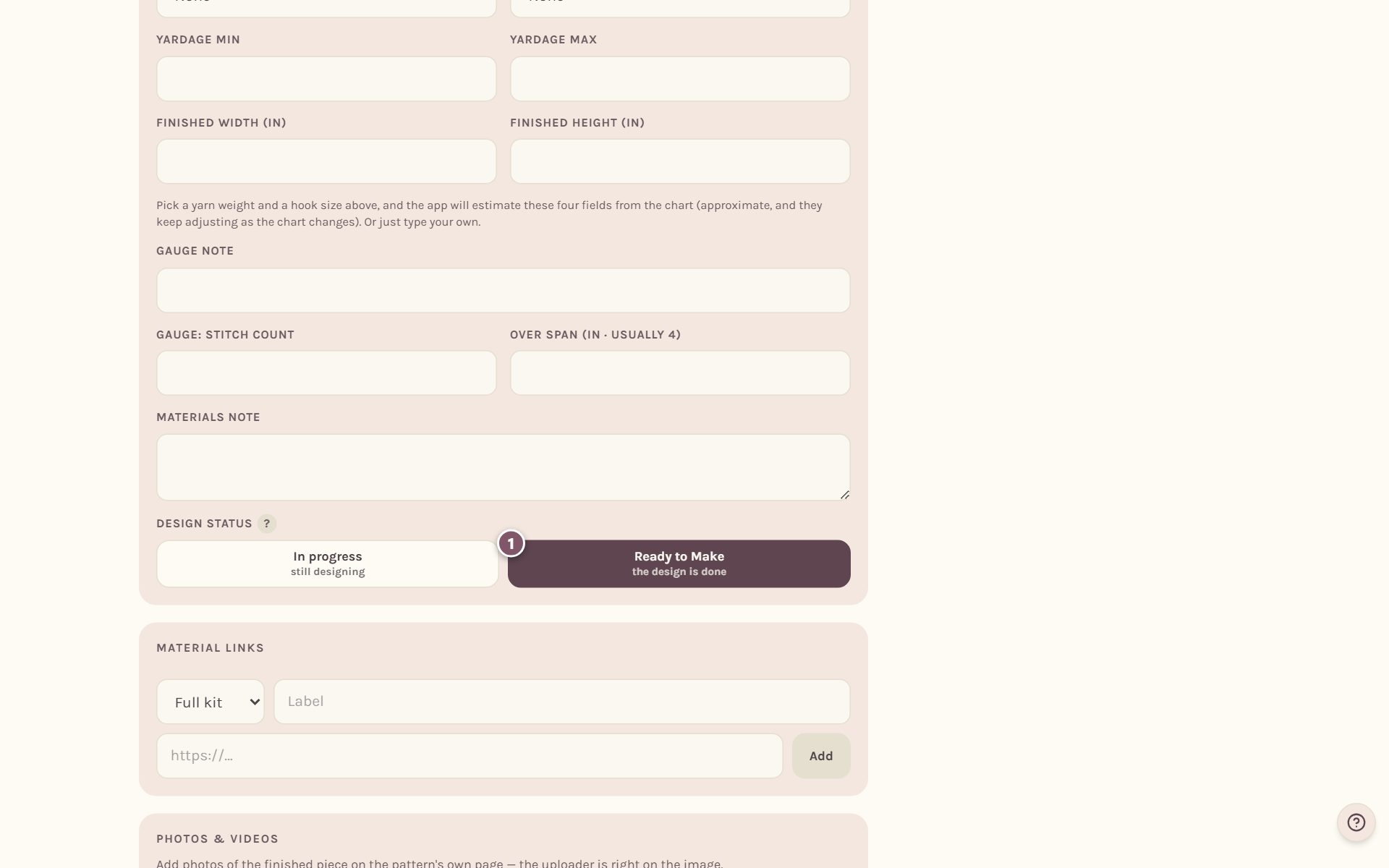
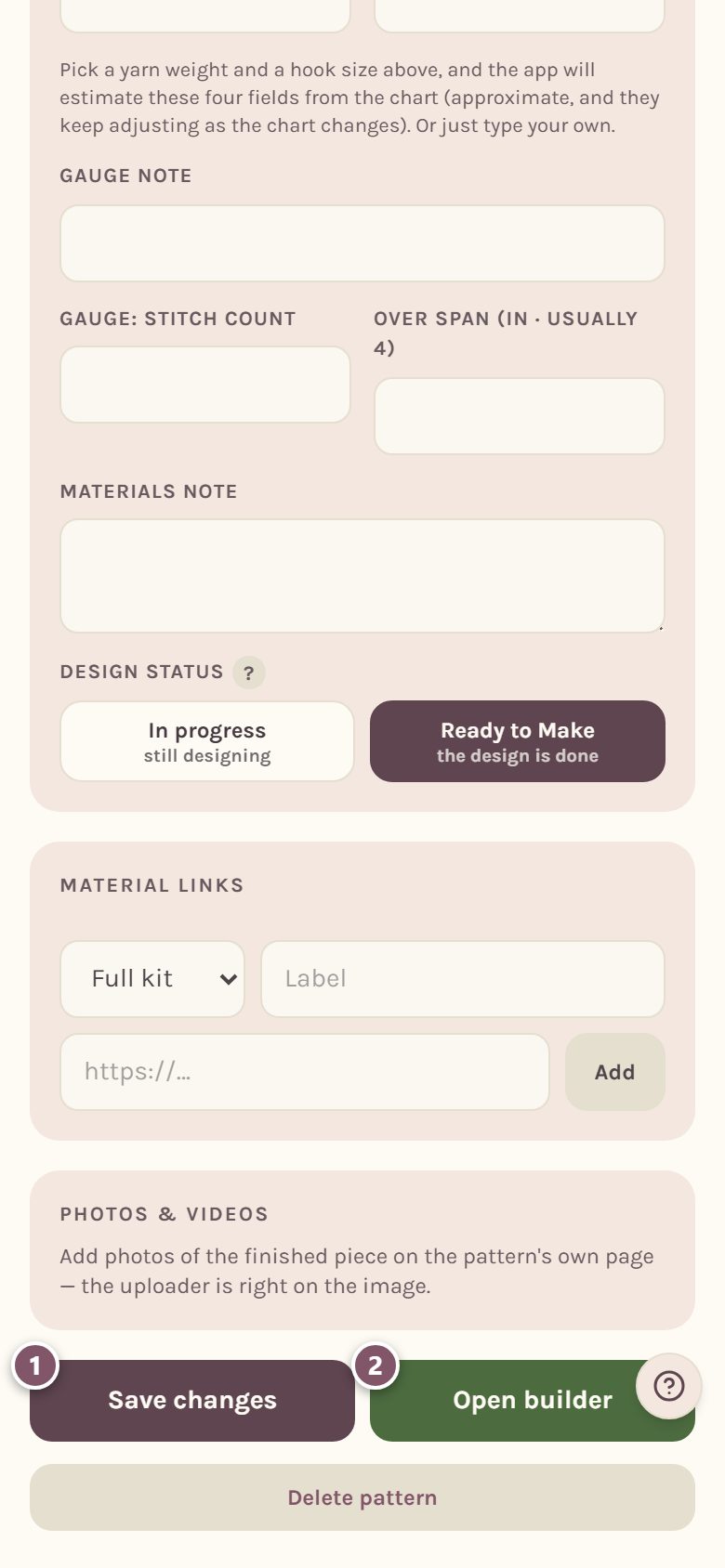
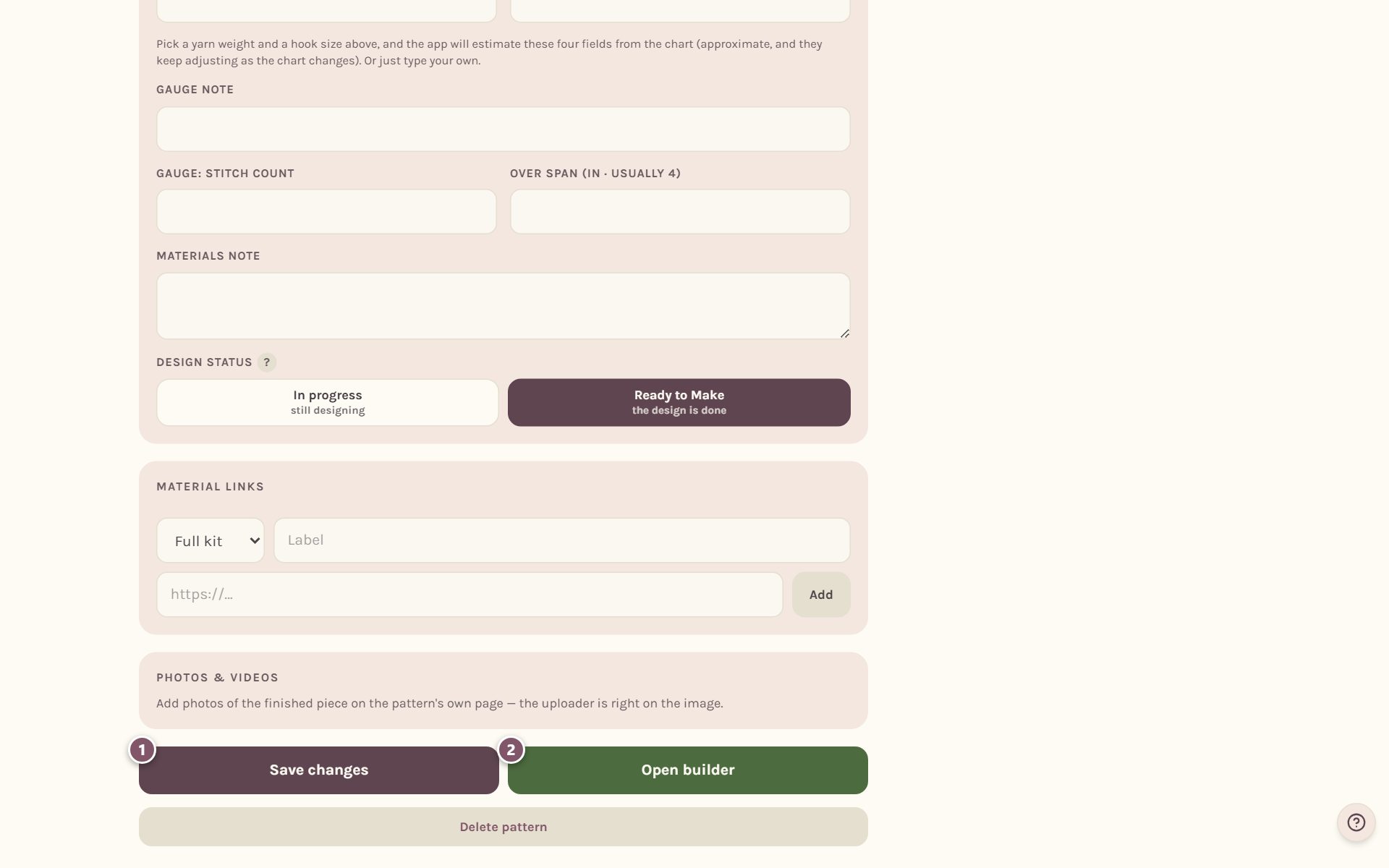
- Tap Save changes to keep your edits. Open builder (or Open Shape Studio for a 3D pattern) takes you back to the chart or the shape.
Download it as a PDF, Word file or image
At the bottom of the page:
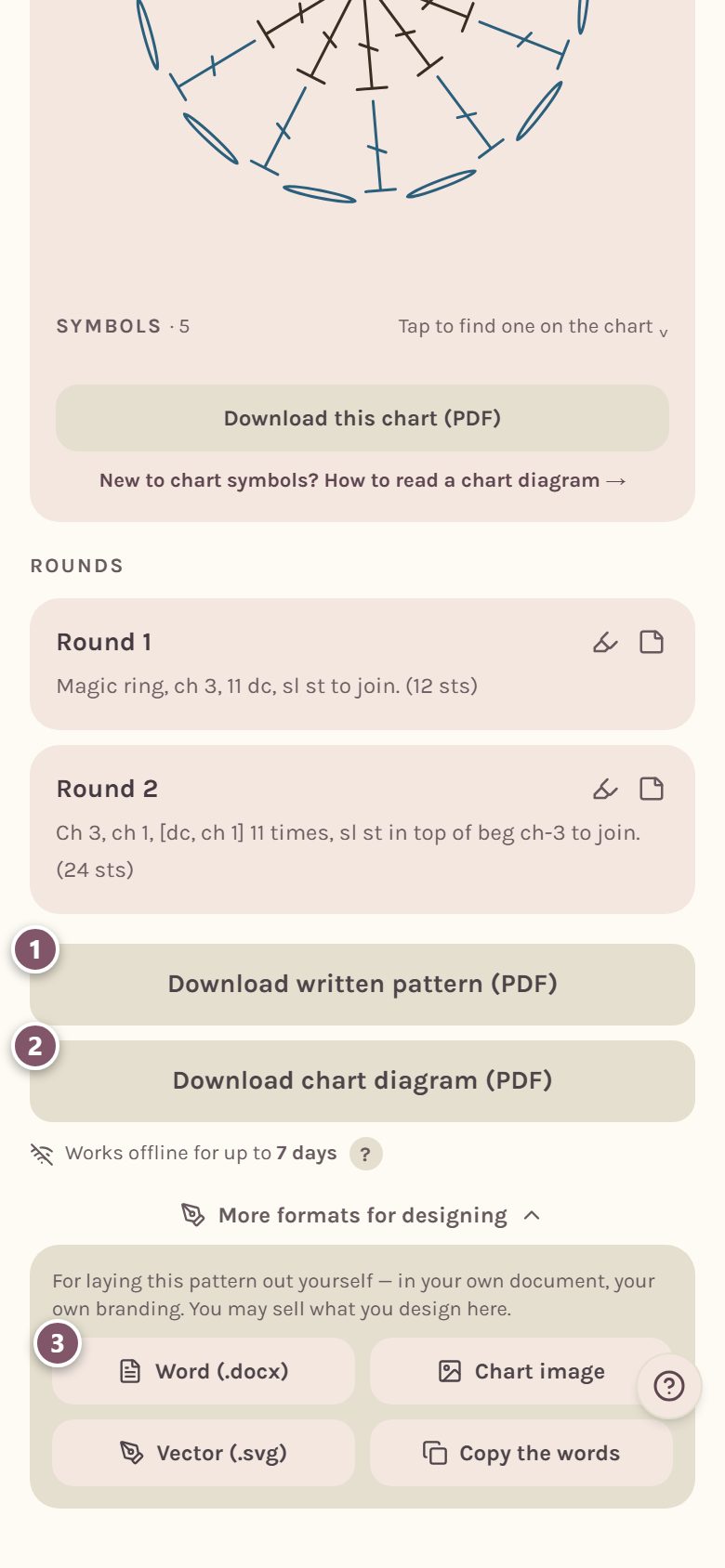
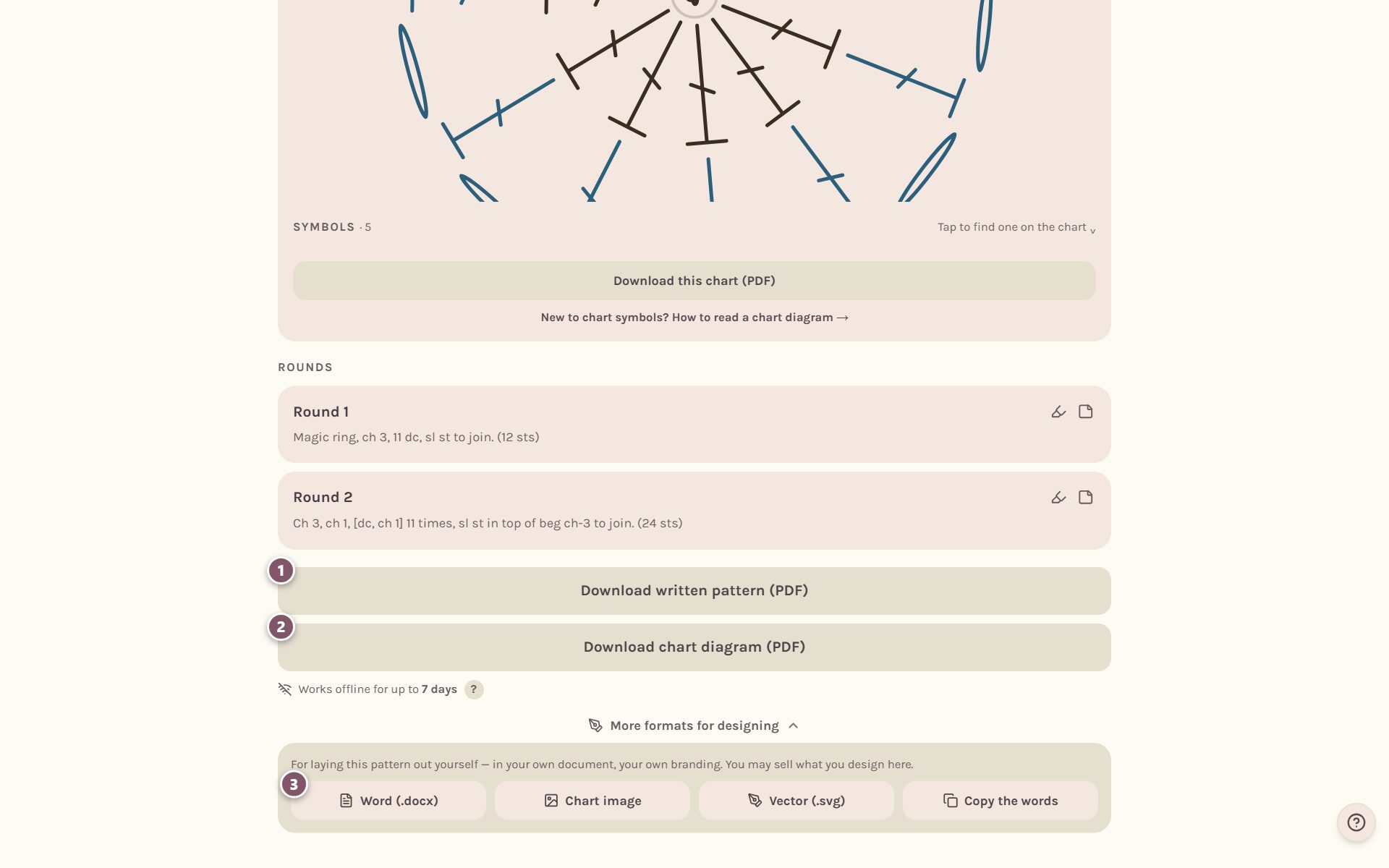
- Download written pattern (PDF) is the pattern in words, ready to print.
- Download chart diagram (PDF) is the chart with its symbol key.
- More formats for designing opens the files for laying the pattern out yourself, in your own document with your own branding: Word (.docx), Chart image, Vector (.svg) and Copy the words.
Tip: you may sell patterns you design in Crochet Bobble. The designer formats are there so you can lay them out your way.
Start making it as a WIP
Tap Add to my WIPs. The pattern becomes a work in progress in the WIPs tab, with its own row counter, timer, notes and photos.
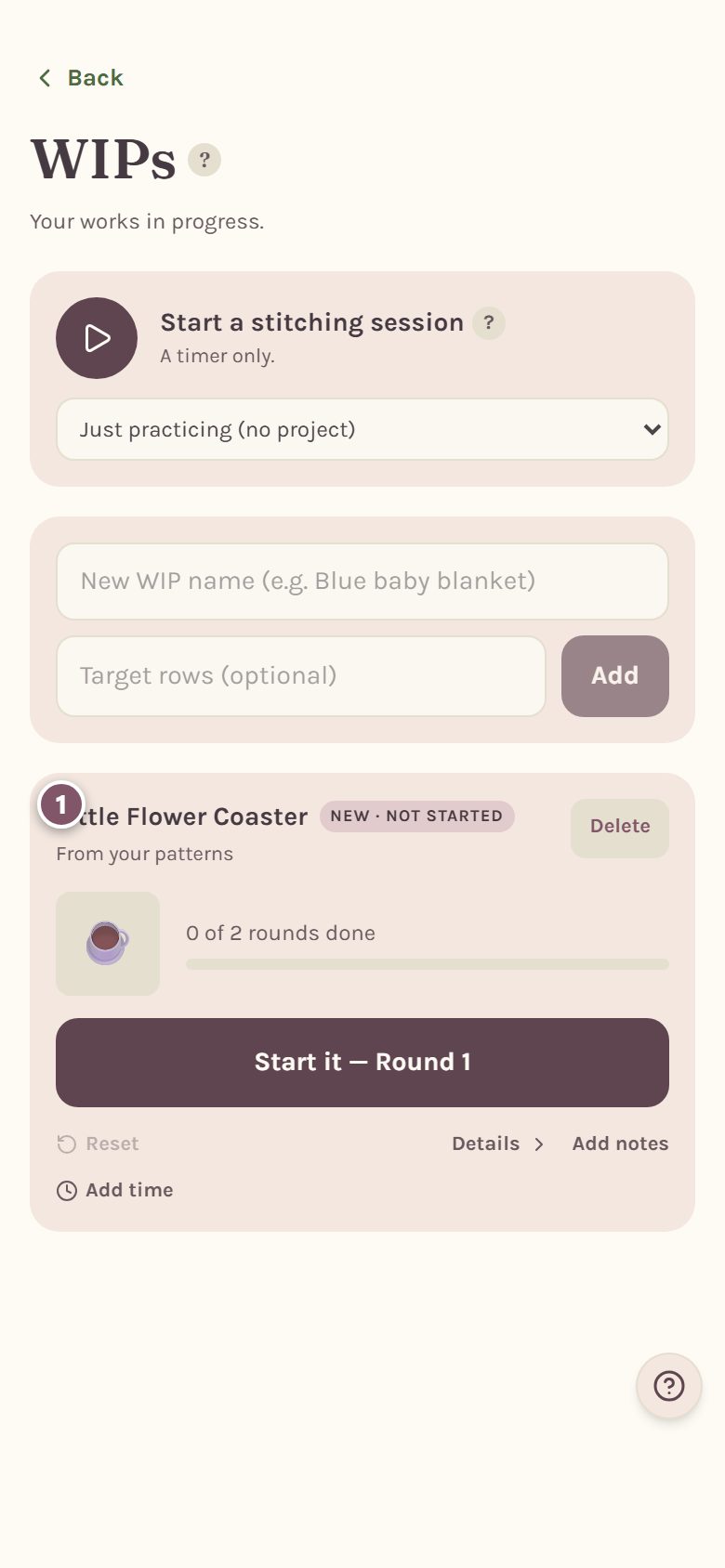
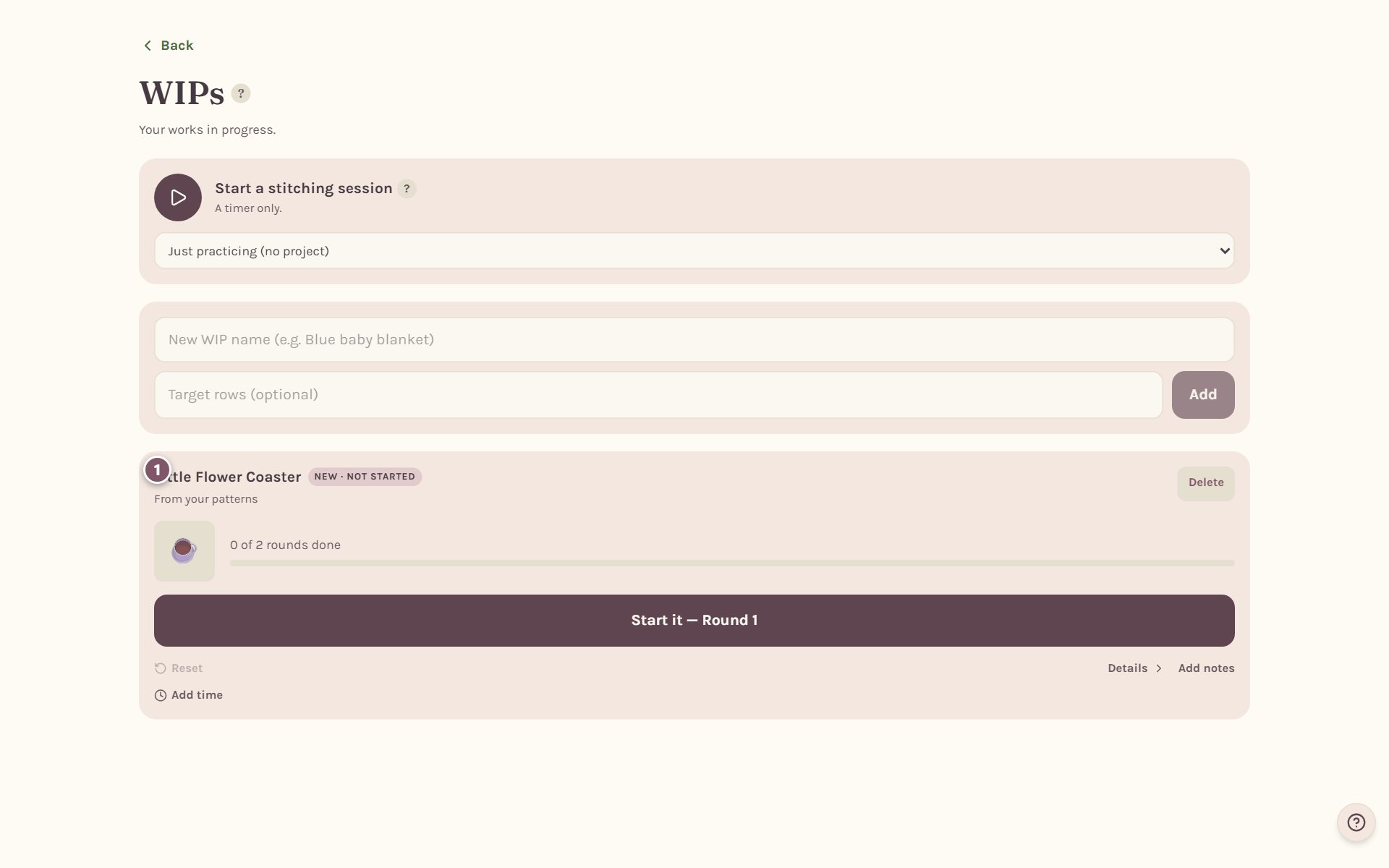
Once it's a WIP, the button on the pattern's page changes to Open my WIP and track it. See track your crochet pattern row by row.
Make your own copy of a library pattern
Want to change a pattern from the library instead of one of your own? Open it and tap Edit this pattern. Crochet Bobble asks Edit this library pattern?, because the library copy stays as written. Tap Save as a new pattern and every row, stitch and chart comes with it into your own copy, which lands in Your designs.
Frequently asked questions
Can anyone else see my designs? No. Your designs are private to your account.
Can I change a design after I've started making it? Yes. Edit it any time. The app tells you in the Shape Studio if a change rewrites rounds you've already worked.
Where did my photo blankets go? They're on the same Patterns tab, under Your photo blankets. See turn a photo into a crochet blanket pattern.
Ready to try it? Crochet Bobble opens right in your browser, on a phone or a computer.
Open Crochet Bobble