
Amigurumi Pattern Generator: Draw a Shape and Get the Rounds
Sketch the outline of a ball, egg, hat, bowl or basket in Crochet Bobble's Shape Studio and the round-by-round crochet pattern writes itself, with the stitch counts and a live 3D preview.
Working out the increases and decreases for a shape in the round usually means a lot of math. In Crochet Bobble's Shape Studio you draw the outline instead, and the app works out every round for you: where the increases and decreases go and how many stitches each round ends with. A 3D preview shows what the shape will look like as you draw.
What you need
- Your yarn weight and hook size.
- Your gauge, if you've made a swatch. If not, the app starts from your yarn and hook.
Open the Shape Studio
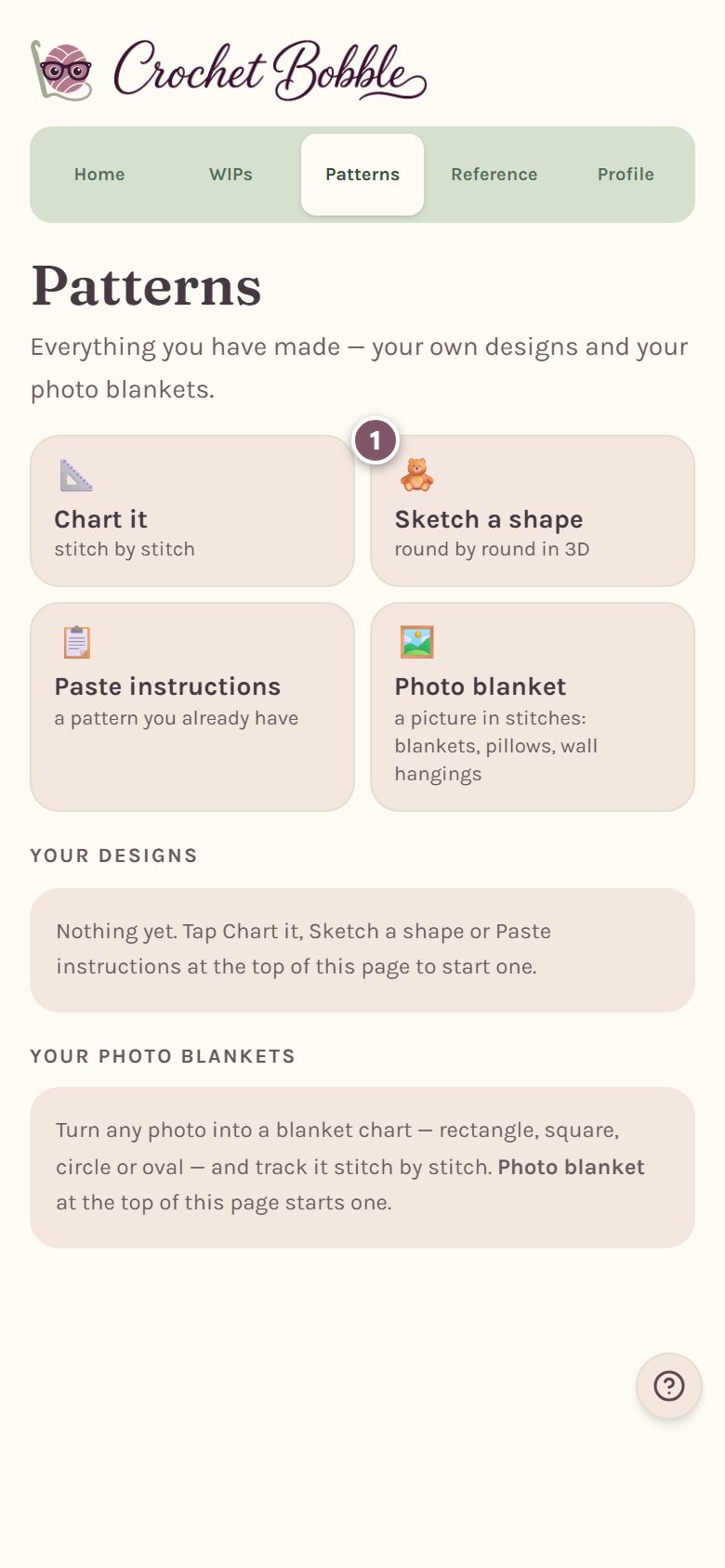
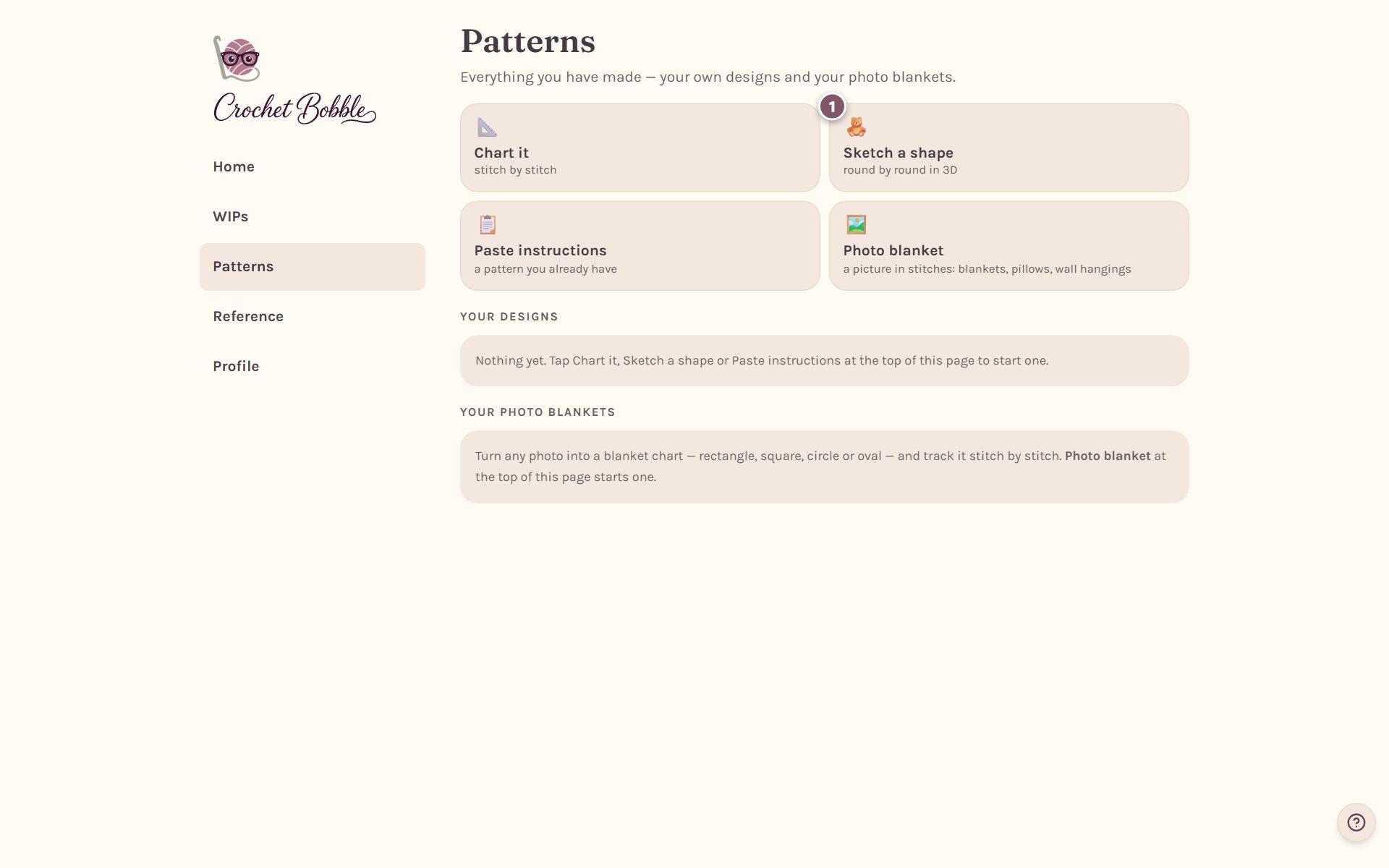
- Open the Patterns tab.
- Tap Sketch a shape.
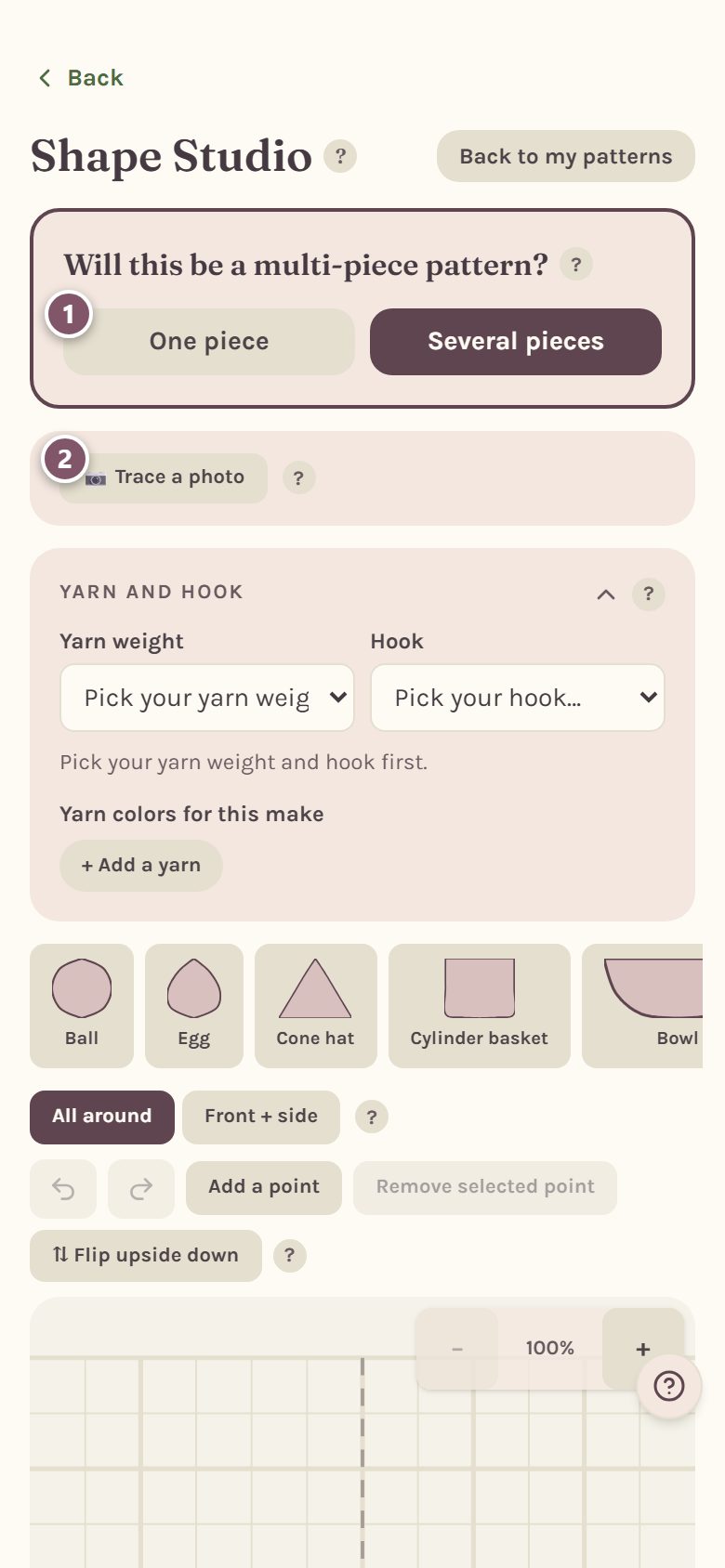
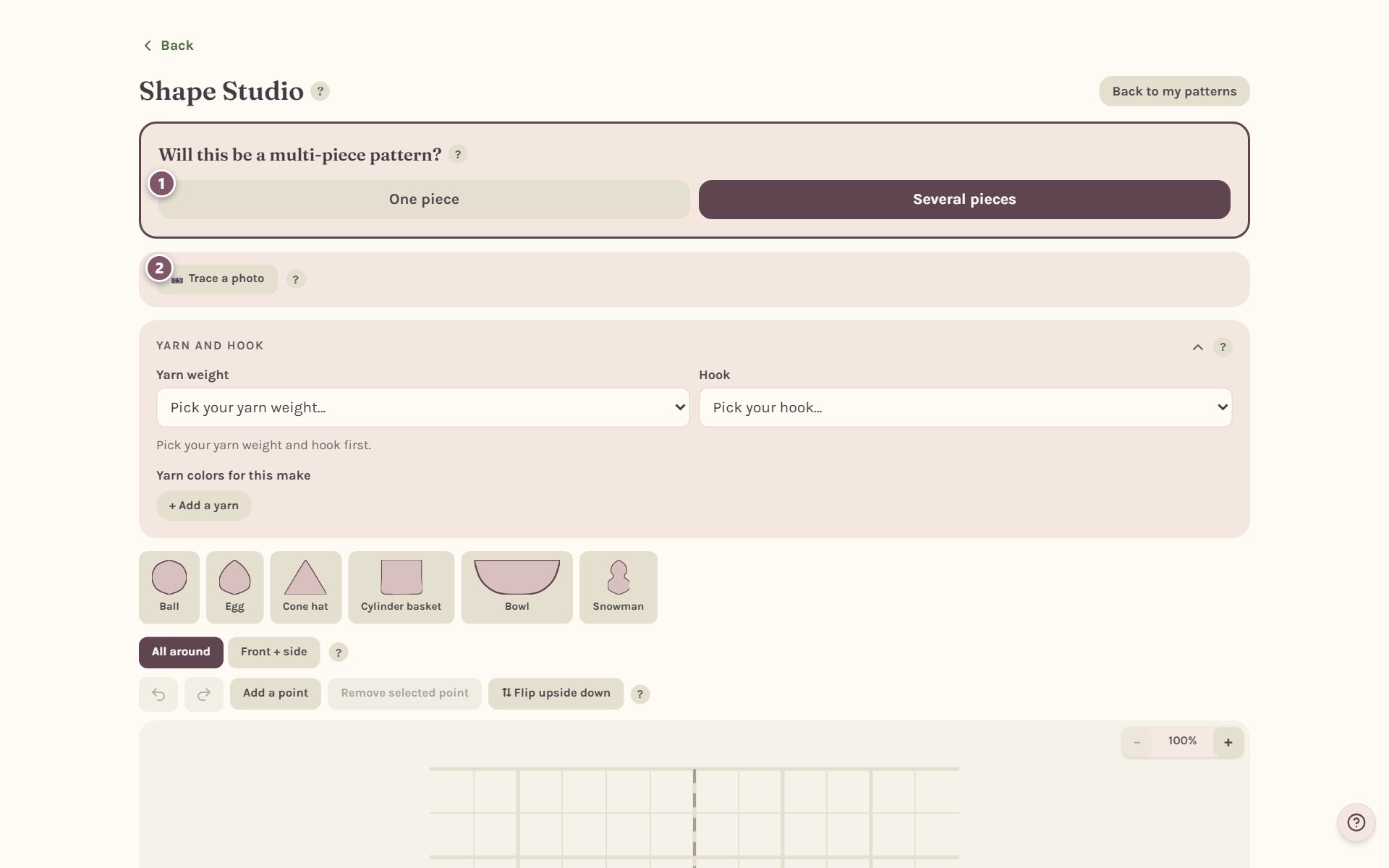
The studio first asks Will this be a multi-piece pattern?
- Tap One piece for a single shape, like a ball, a hat or a basket. (For a toy made of several pieces, see amigurumi assembly.)
- Trace a photo puts a photo behind the grid so you can trace its outline. The photo stays on your device and is never uploaded.
Pick your yarn and hook first
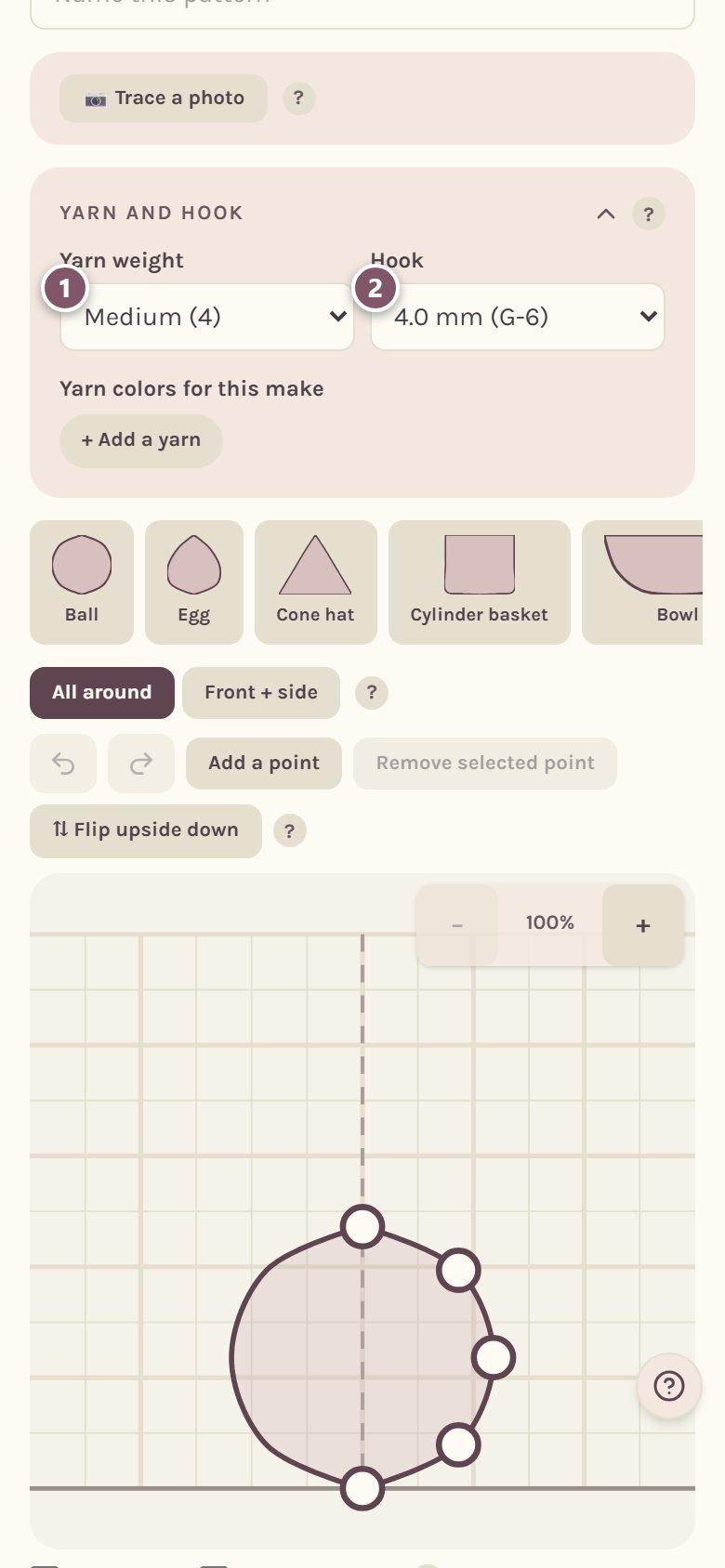
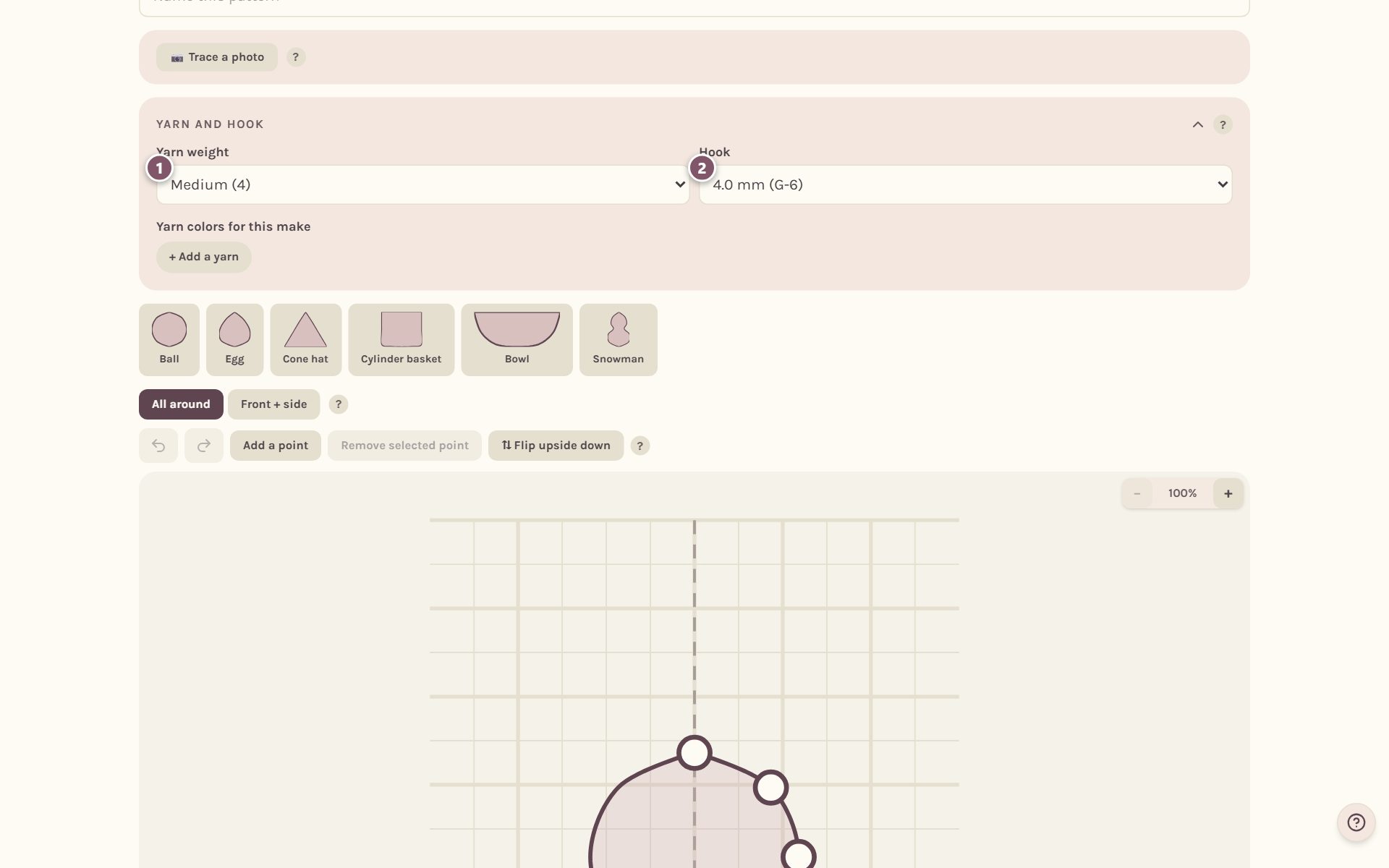
The rounds, the gauge and the 3D view all come from your yarn and hook, so the studio asks for them first.
- Pick your Yarn weight, like Medium (4).
- Pick your Hook, like 4.0 mm (G-6).
Start from a template, then shape it
Tap a starting shape: Ball, Egg, Cone hat, Cylinder basket, Bowl or Snowman. Then make it your own.
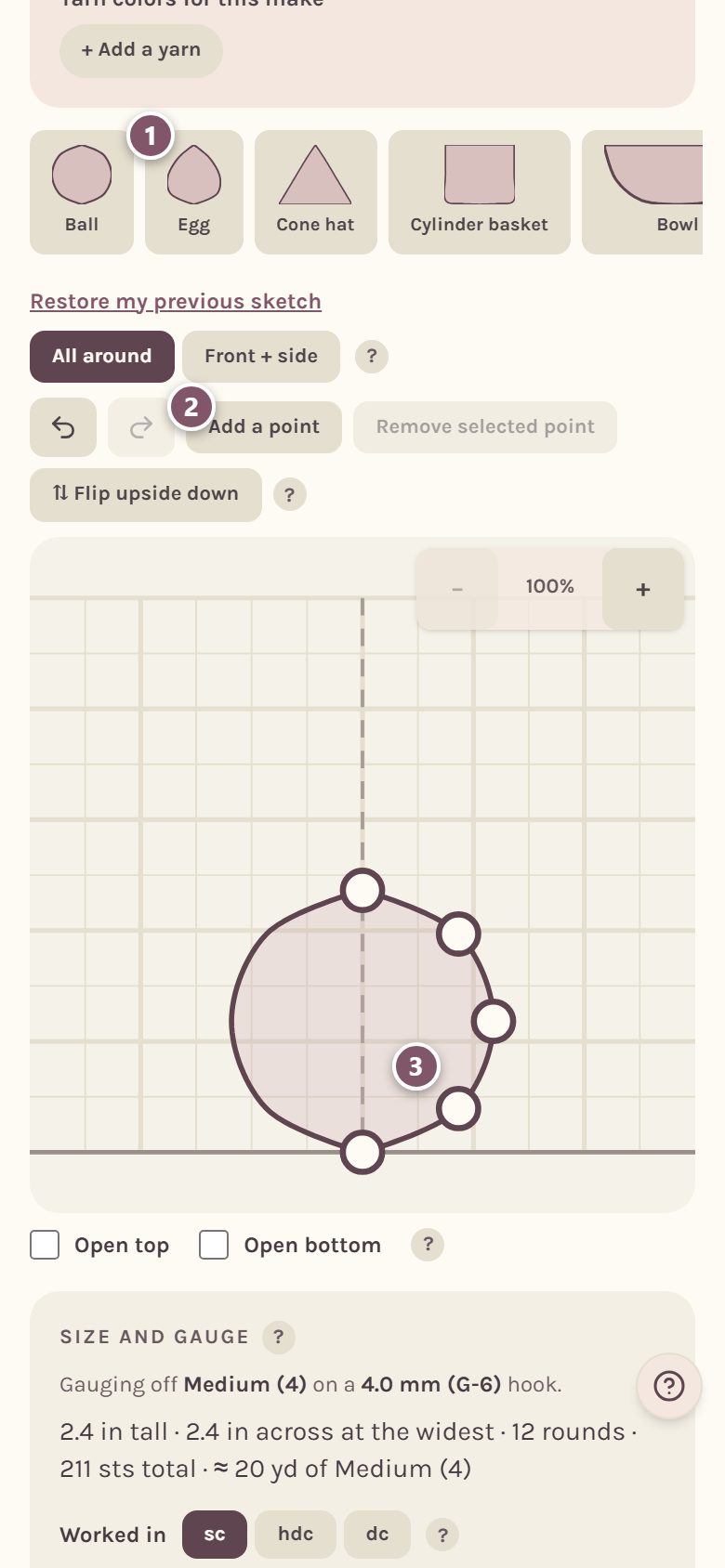
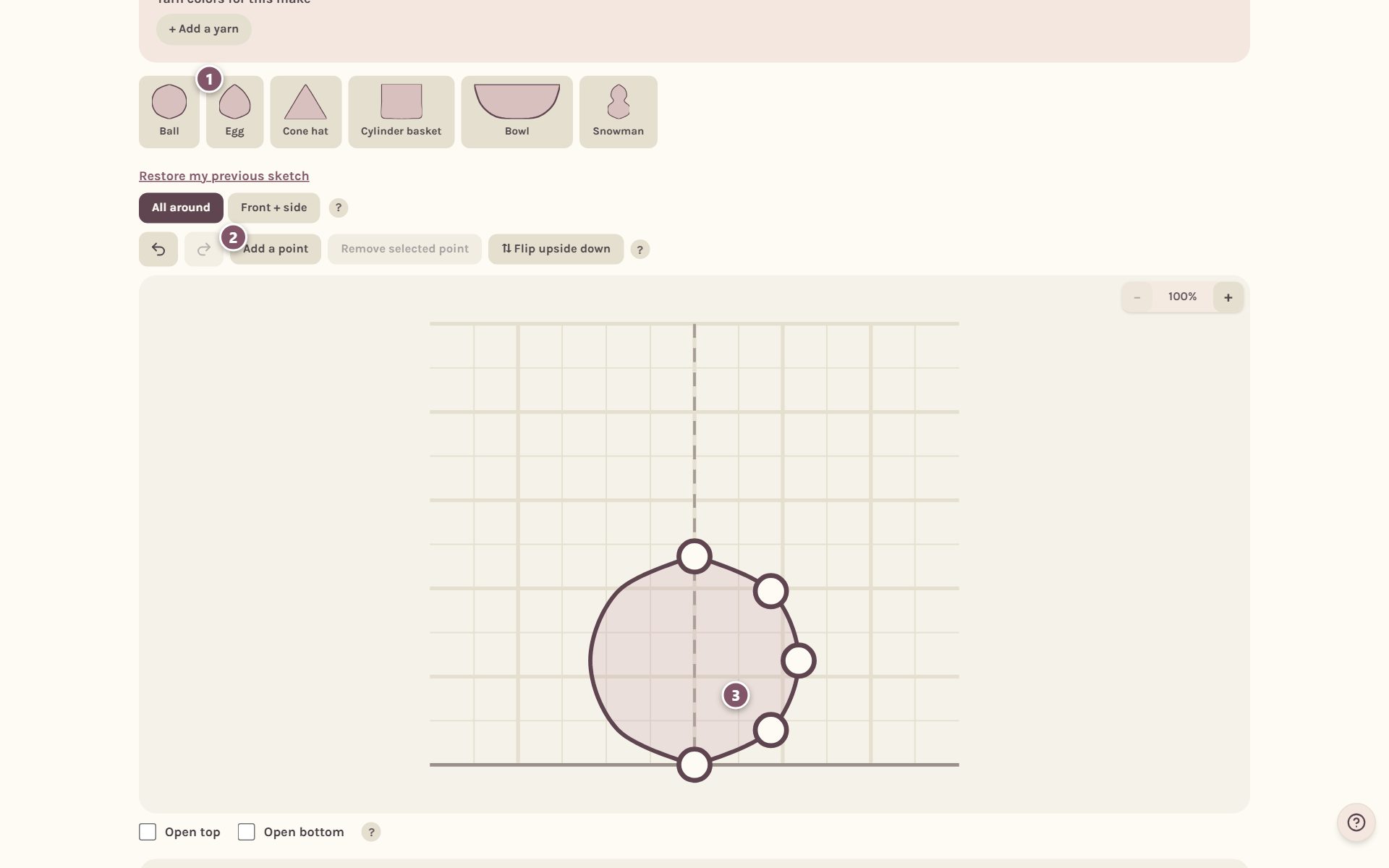
- Tap a template to start from it.
- Add a point adds another dot, and Remove selected point takes one out.
- Drag the dots to change the shape. Bold grid squares are 1 inch.
The rounds are written from the bottom of the drawing up. Flip upside down starts them from the other end. Tick Open top or Open bottom for a hat brim, a basket or a tube. A closed bottom starts with a magic ring, and an open one starts with a chain joined into a ring.
Tip: All around means every round is a circle, like a ball. Front + side gives you two outlines, for a shape that's flatter one way than the other, like a body.
Choose sc, hdc or dc and set the size
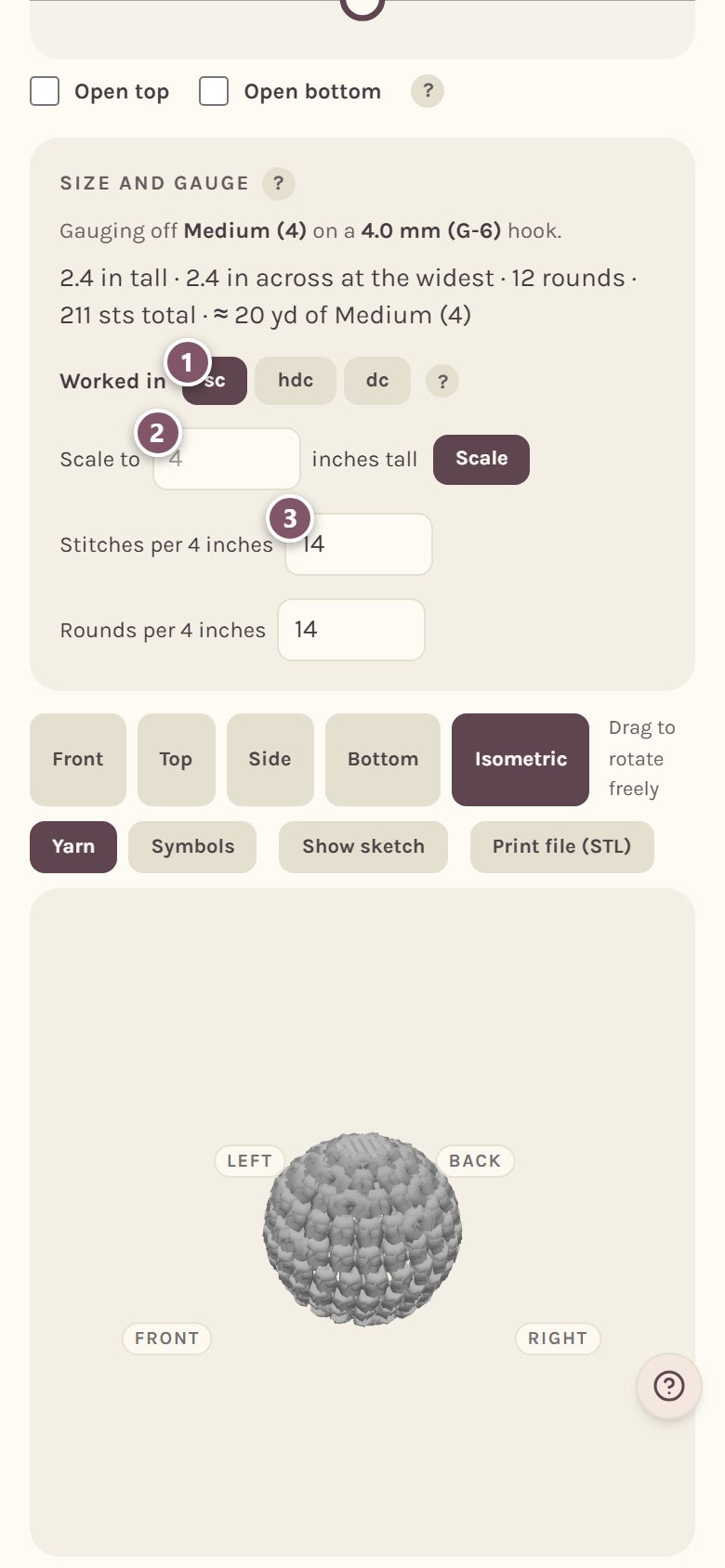
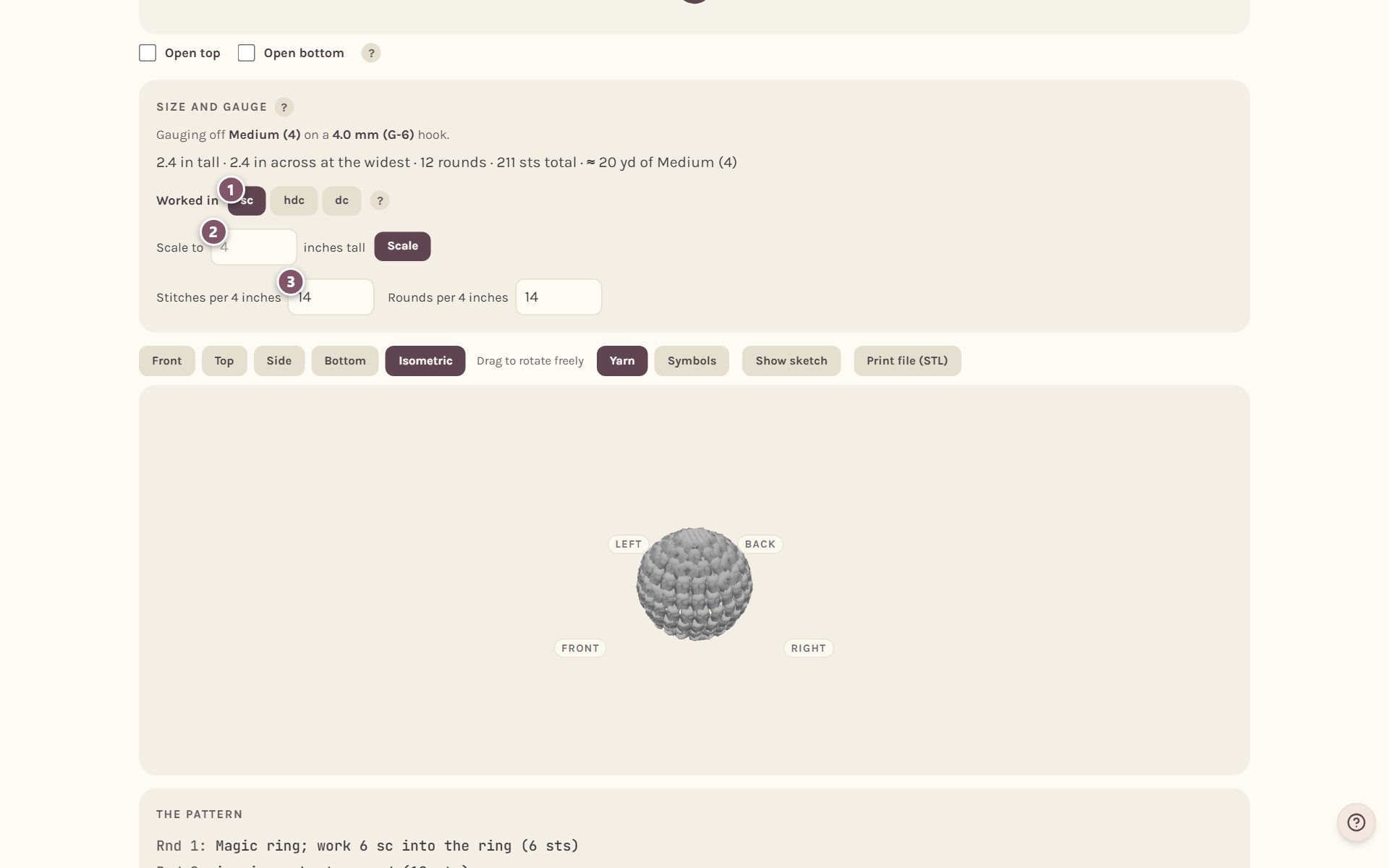
- Worked in picks the stitch: sc, hdc or dc. Taller stitches make taller rounds, so the same drawing takes fewer of them.
- Scale to resizes the whole shape to a height you type.
- Stitches per 4 inches and Rounds per 4 inches are your gauge. Type your own swatch's numbers for the truest pattern.
The line at the top tells you how tall and wide it will be, how many rounds and stitches it takes, and about how much yarn.
Read the rounds
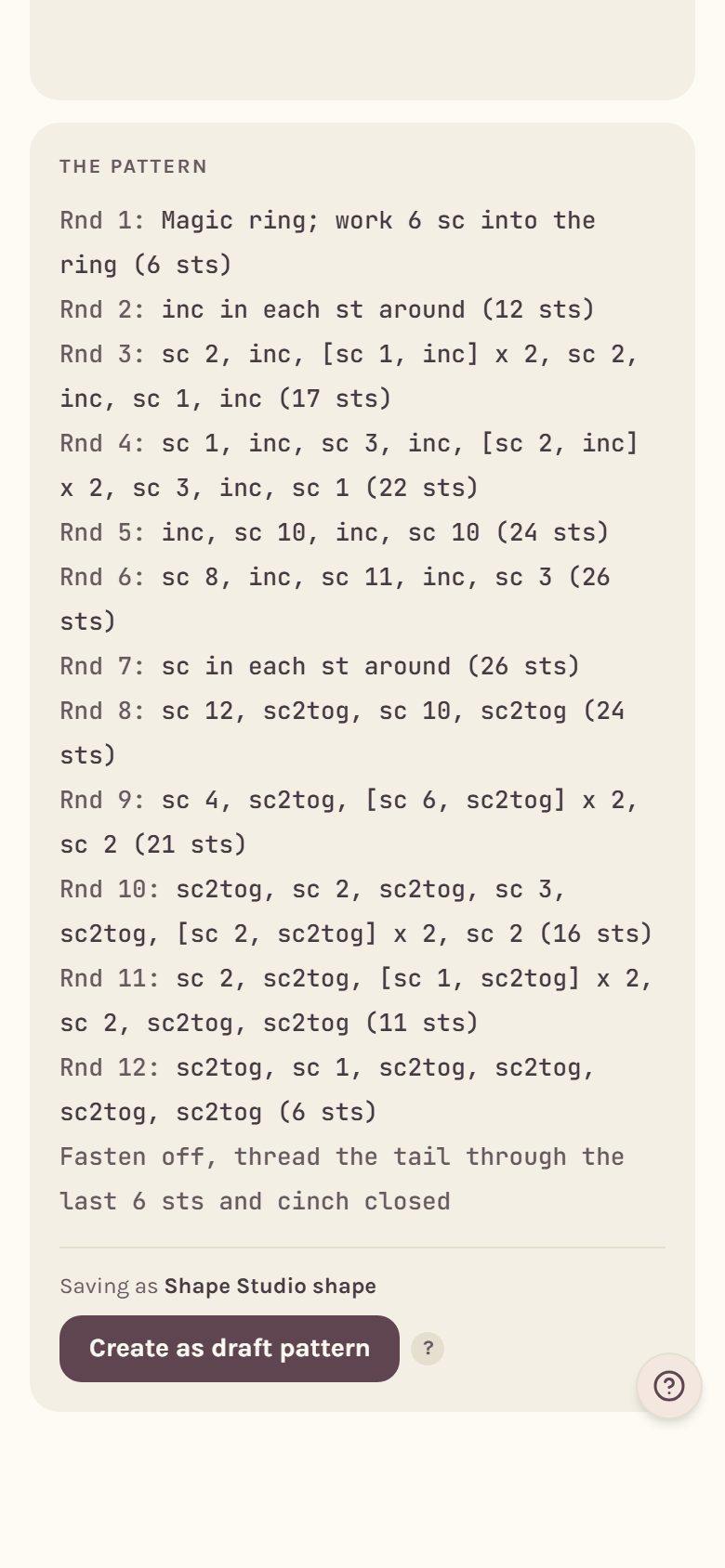
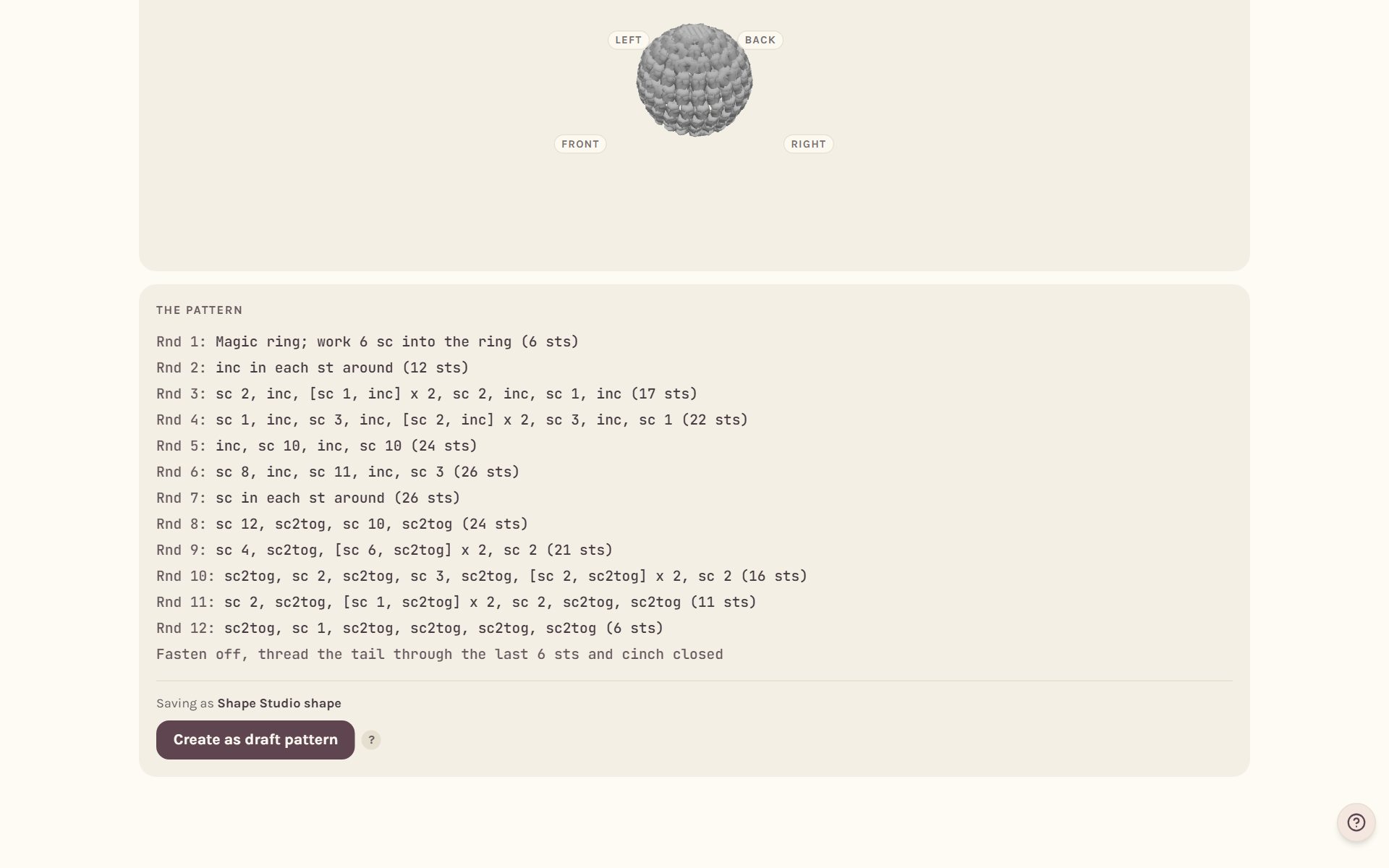
Scroll down to The pattern. Every round is written out with its stitch count, starting with the magic ring and ending with how to close it. Change the drawing and the rounds change with it.
Turn it around in 3D
The 3D view shows the shape your rounds make, stitch by stitch.
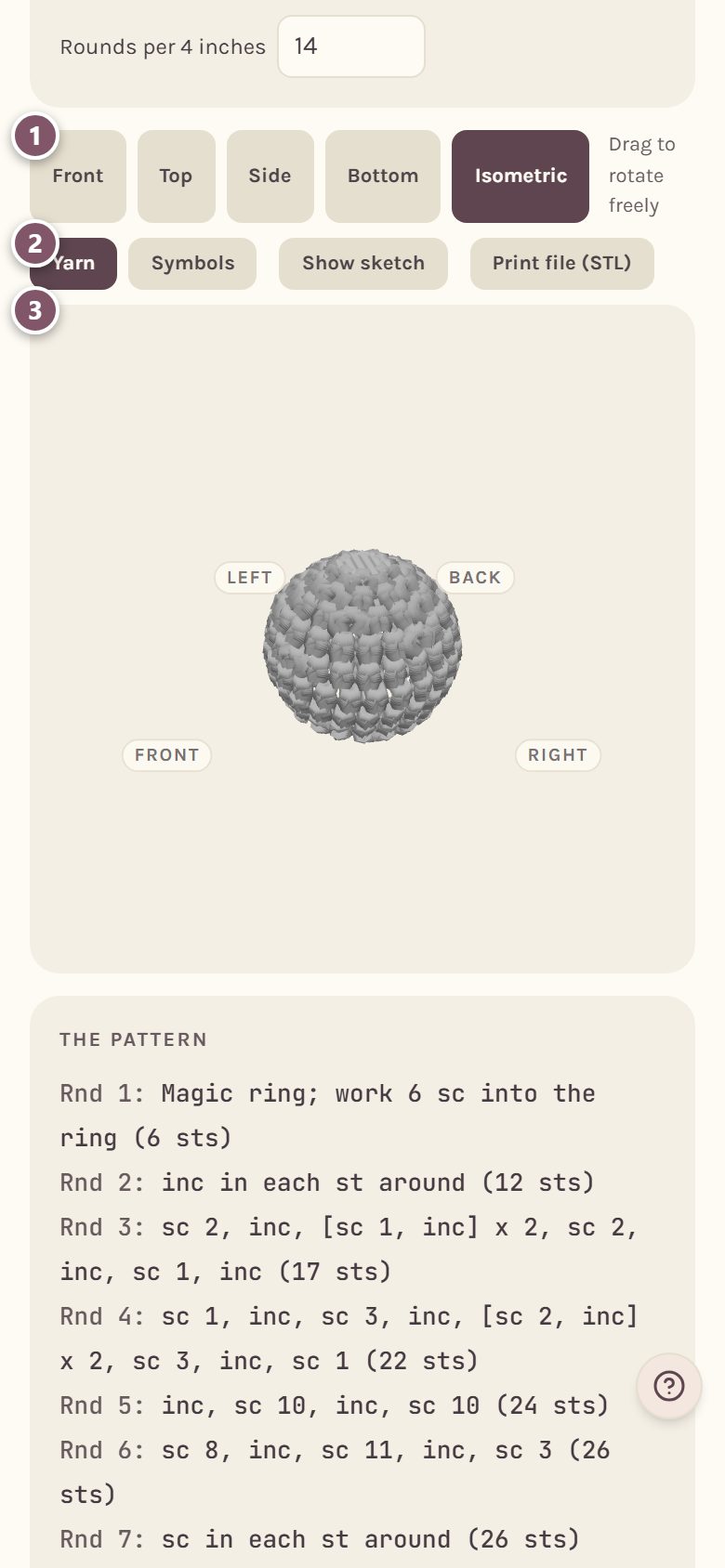
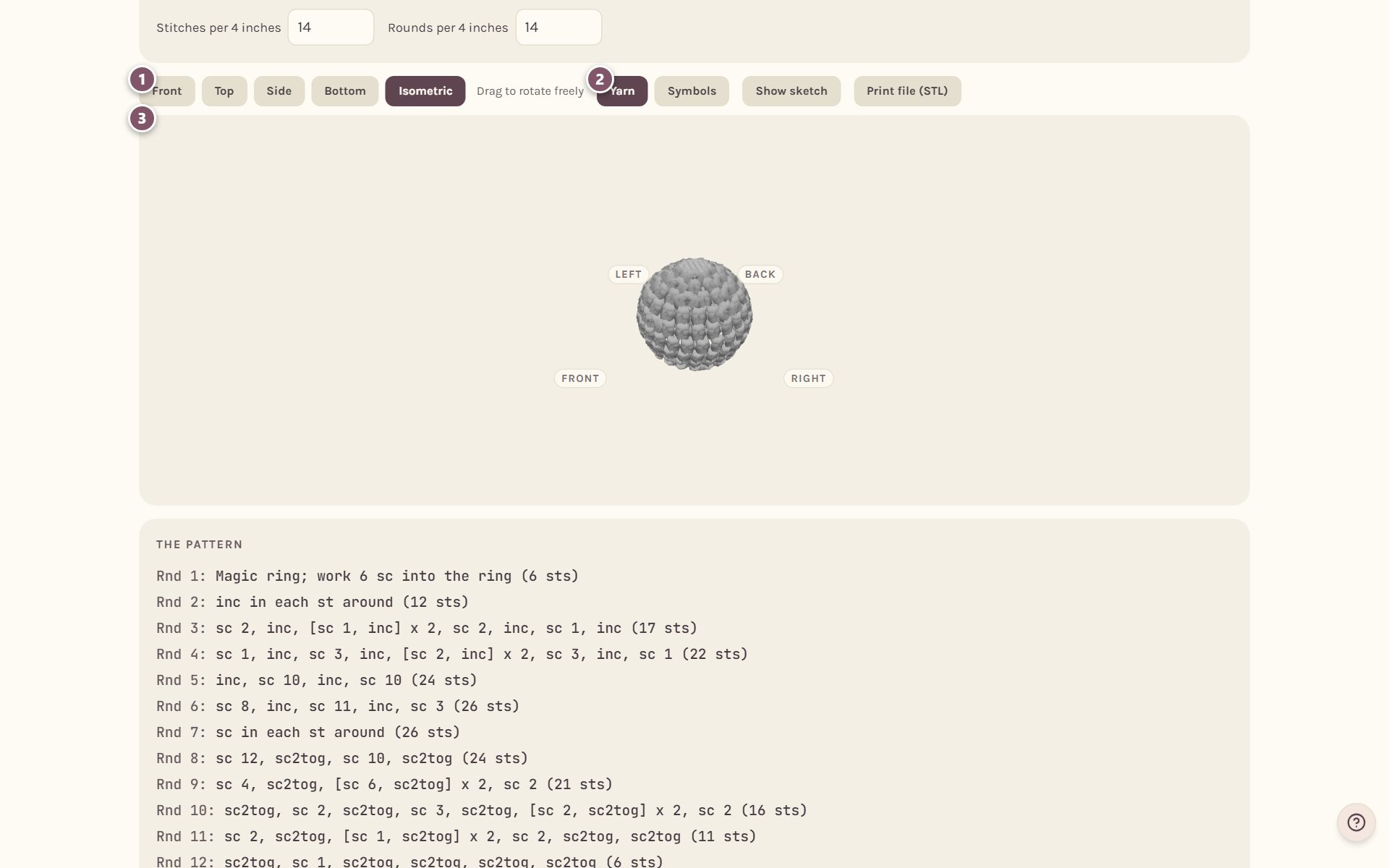
- Tap Front, Top, Side, Bottom or Isometric to look from that side.
- Yarn shows it made of yarn. Symbols shows each stitch as a block with its chart symbol.
- Drag the shape to turn it any way you like.
More about the 3D view, and making a 3D print file, is in 3D preview and 3D printing.
Save it as a pattern
- Type a name in Pattern name at the top.
- Tap Save draft.
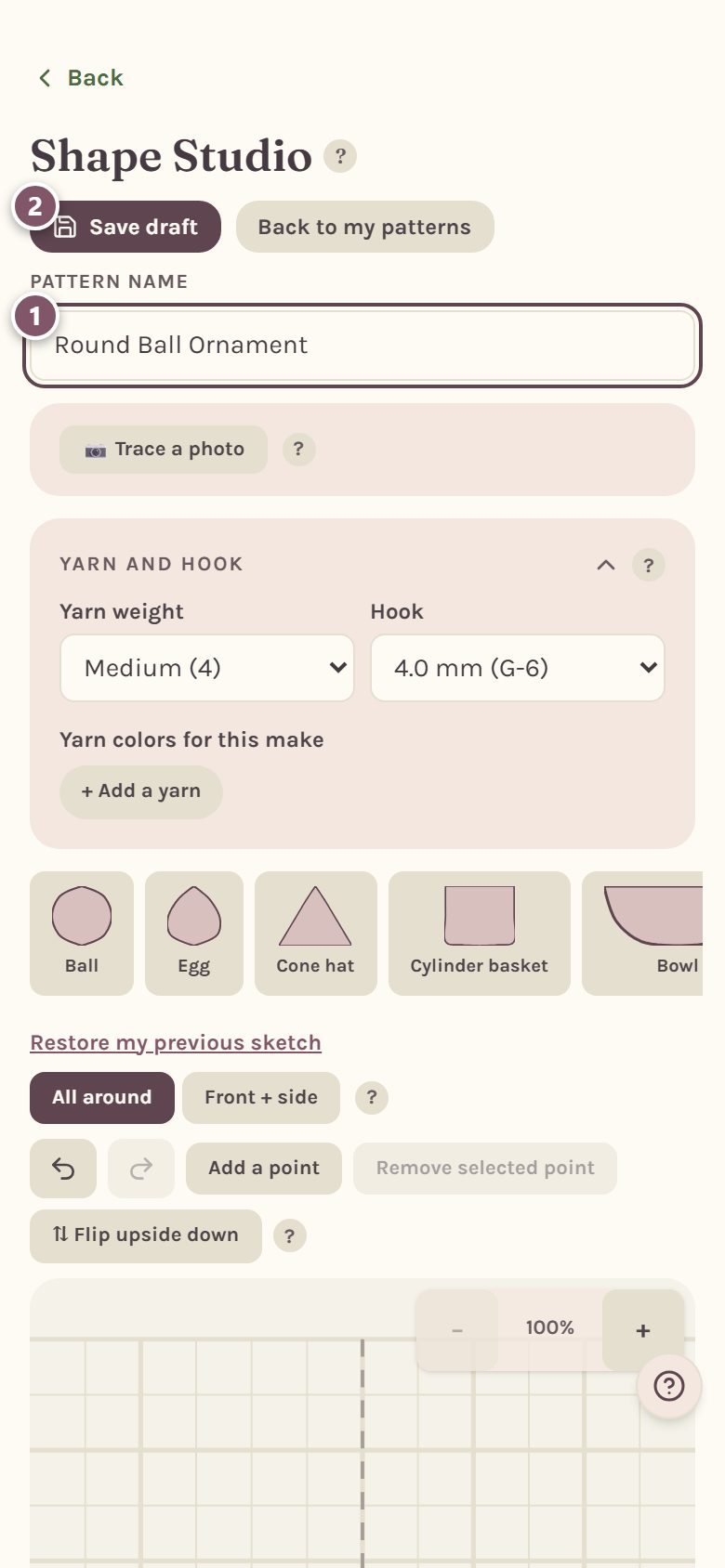
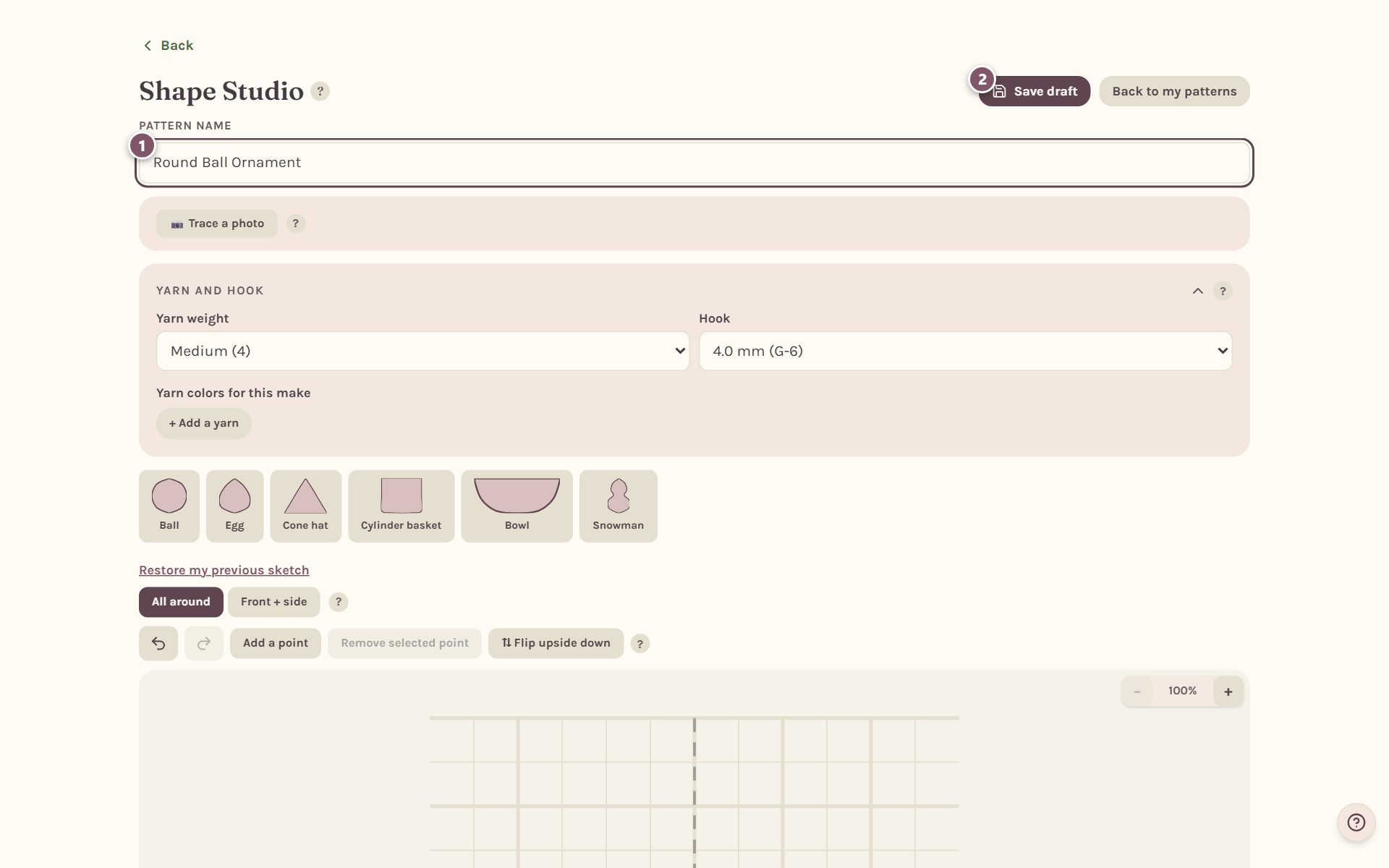
It saves as a draft pattern of yours with every round in it, and opens its details so you can add a description, the yarn and anything else. Come back to the Shape Studio any time to keep shaping it.
Frequently asked questions
Can I type the rounds myself instead of drawing? Yes. Once the pattern is saved, open it in the Shape Studio and tap Type it up. See type or paste a crochet pattern.
Why don't my rounds come out perfectly even? Real crochet only comes in whole stitches, so the app spreads the increases and decreases to follow your drawing as closely as whole stitches allow.
Can I track it while I make it? Yes. Open the saved pattern and tap Add to my WIPs. See track your crochet pattern row by row.
Ready to try it? Crochet Bobble opens right in your browser, on a phone or a computer.
Open Crochet Bobble