
How to Write Crochet Pattern Instructions From a Chart
Crochet Bobble writes the round-by-round words for your chart, one round or the whole pattern at once, then reads the pattern back to catch counts that don't add up.
Once your chart is drawn, you don't have to write the pattern out by hand. Crochet Bobble reads the stitches you placed and drafts the words for each round in standard crochet shorthand, with the stitch count at the end. You can keep the draft, edit it, or type your own.
What you need
- A chart with at least one round or row. See how to make a crochet stitch chart.
Write the words for one round
- Open the round in the builder.
- On a phone, tap the menu at the top right. On a computer, open the round's details (for example Round 2 details).
- Tap Generate draft instruction.
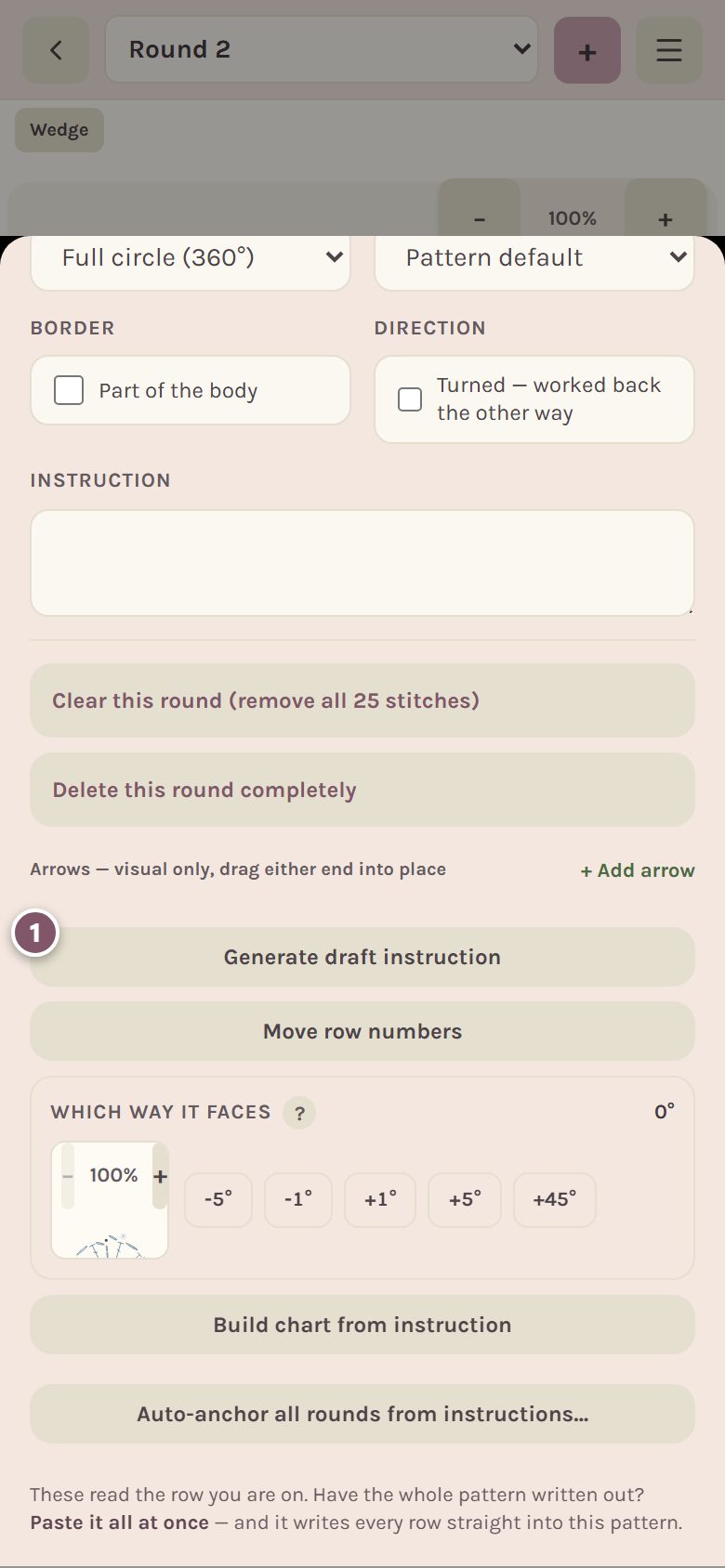
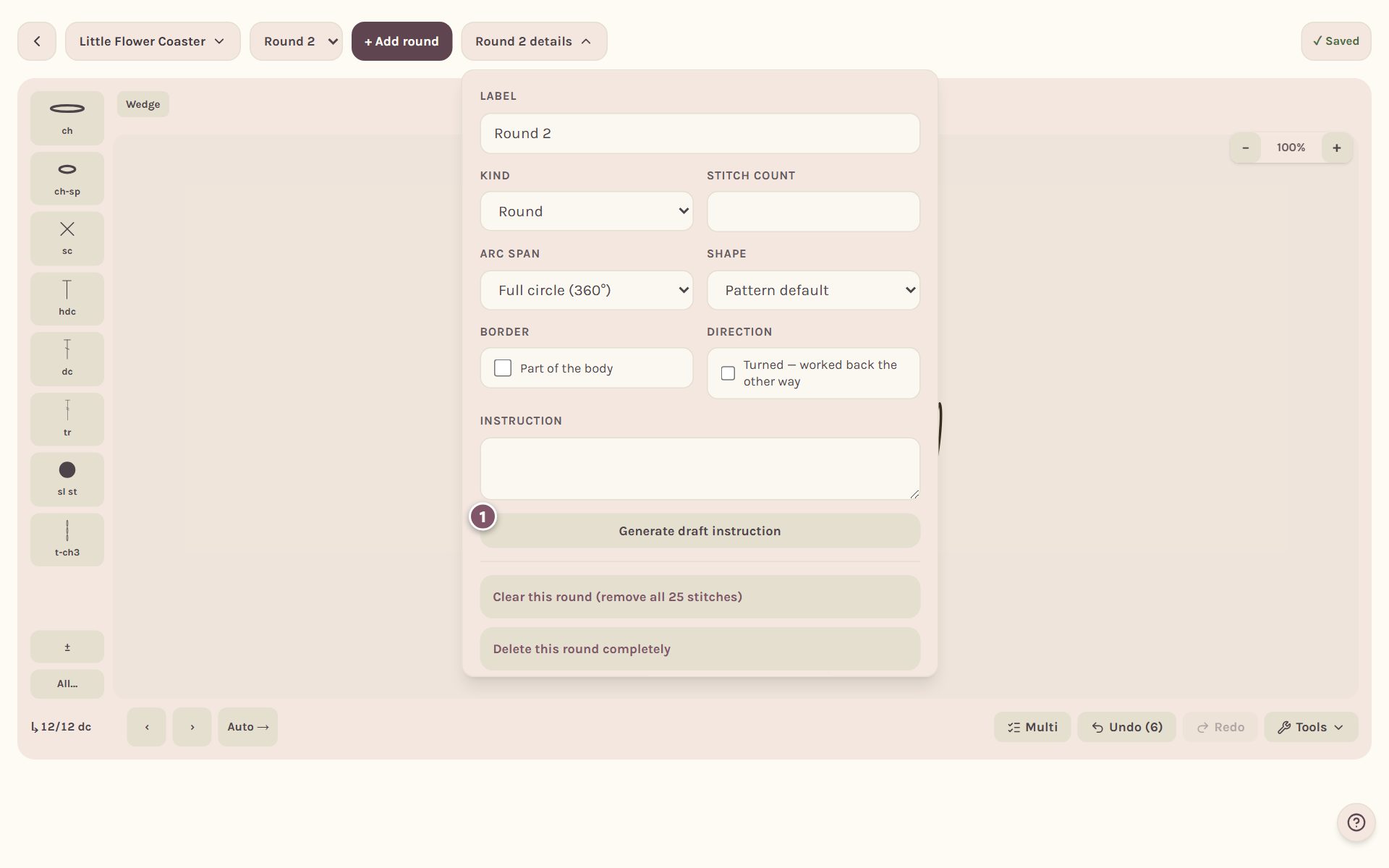
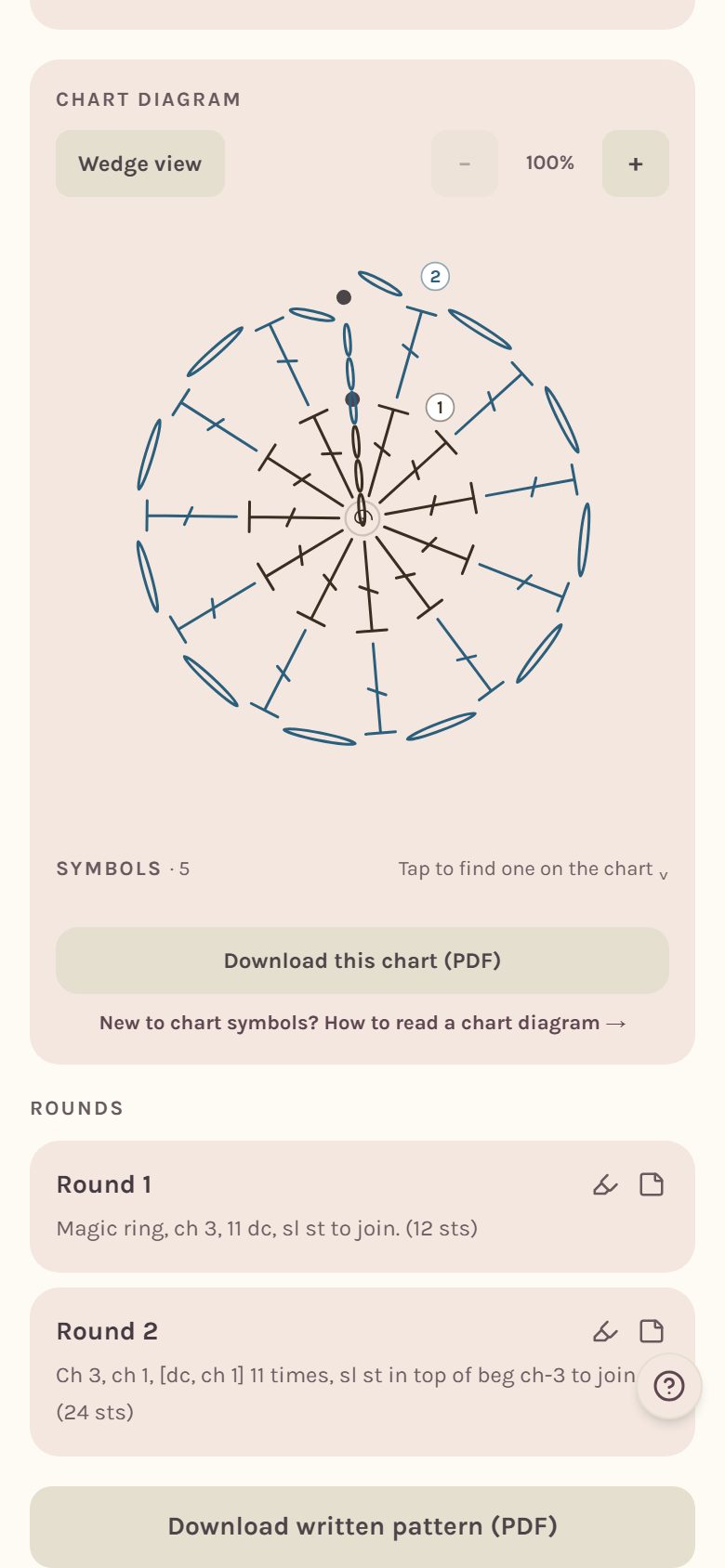
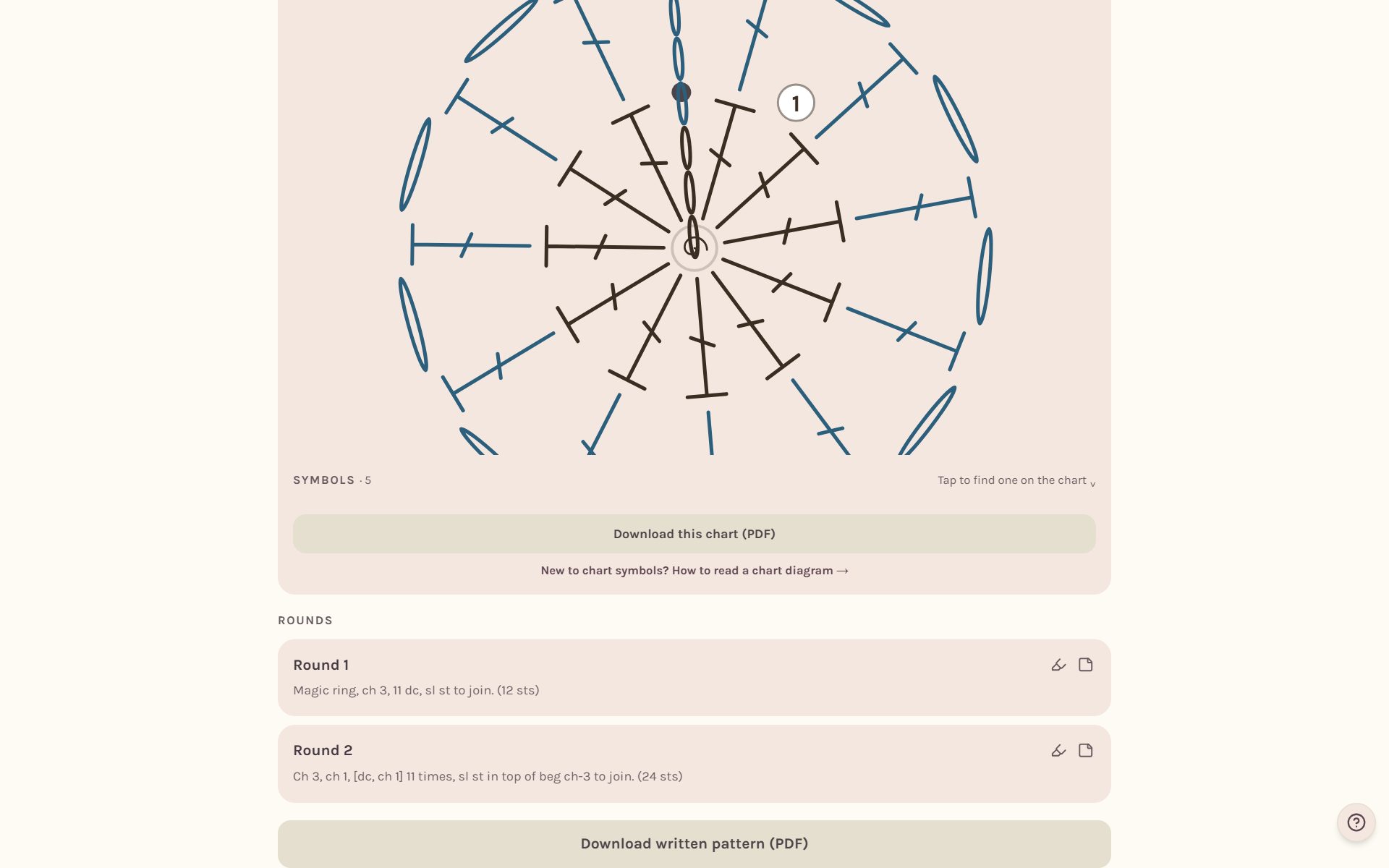
The words appear in the round's Instruction box, like "Ch 3, ch 1, [dc, ch 1] 11 times, sl st in top of beg ch-3 to join. (24 sts)". You can edit them right there.
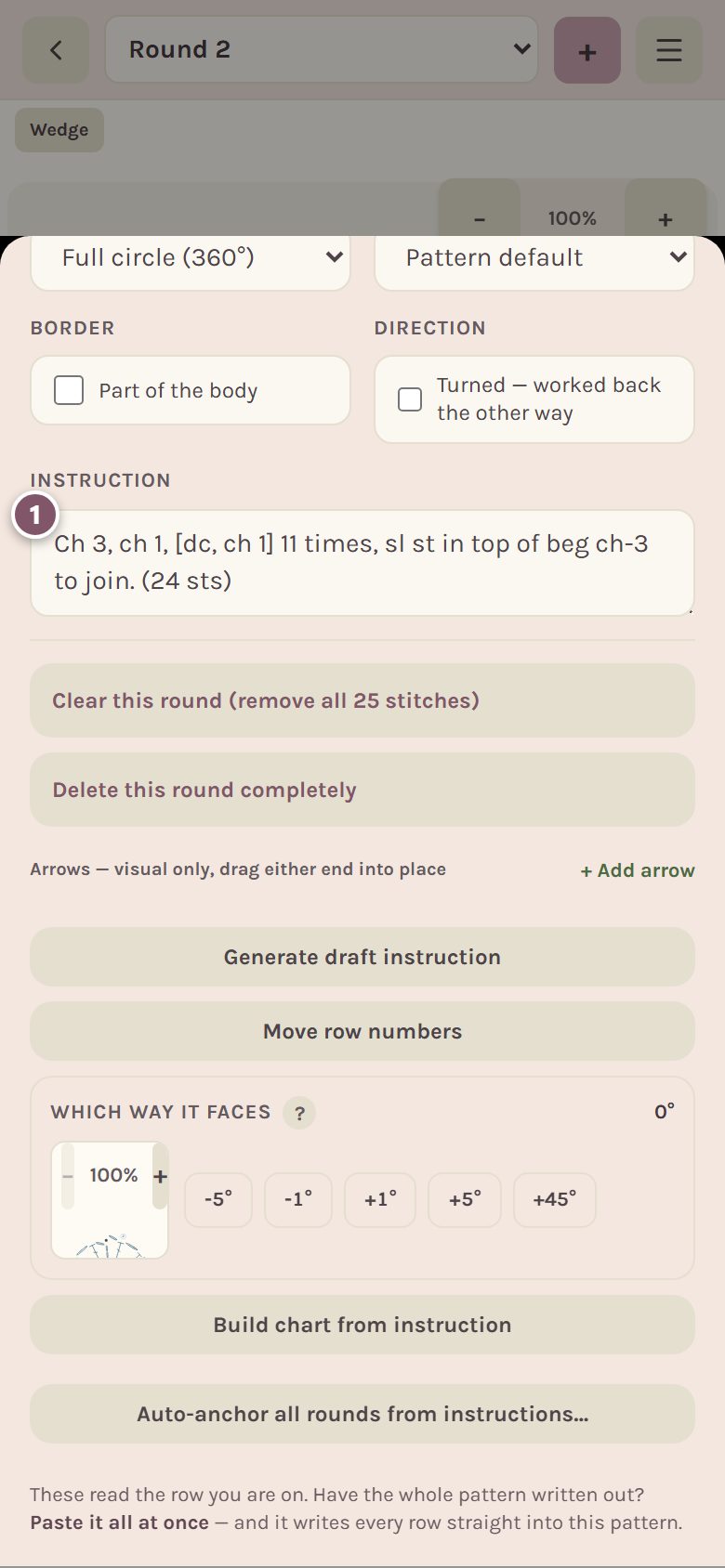
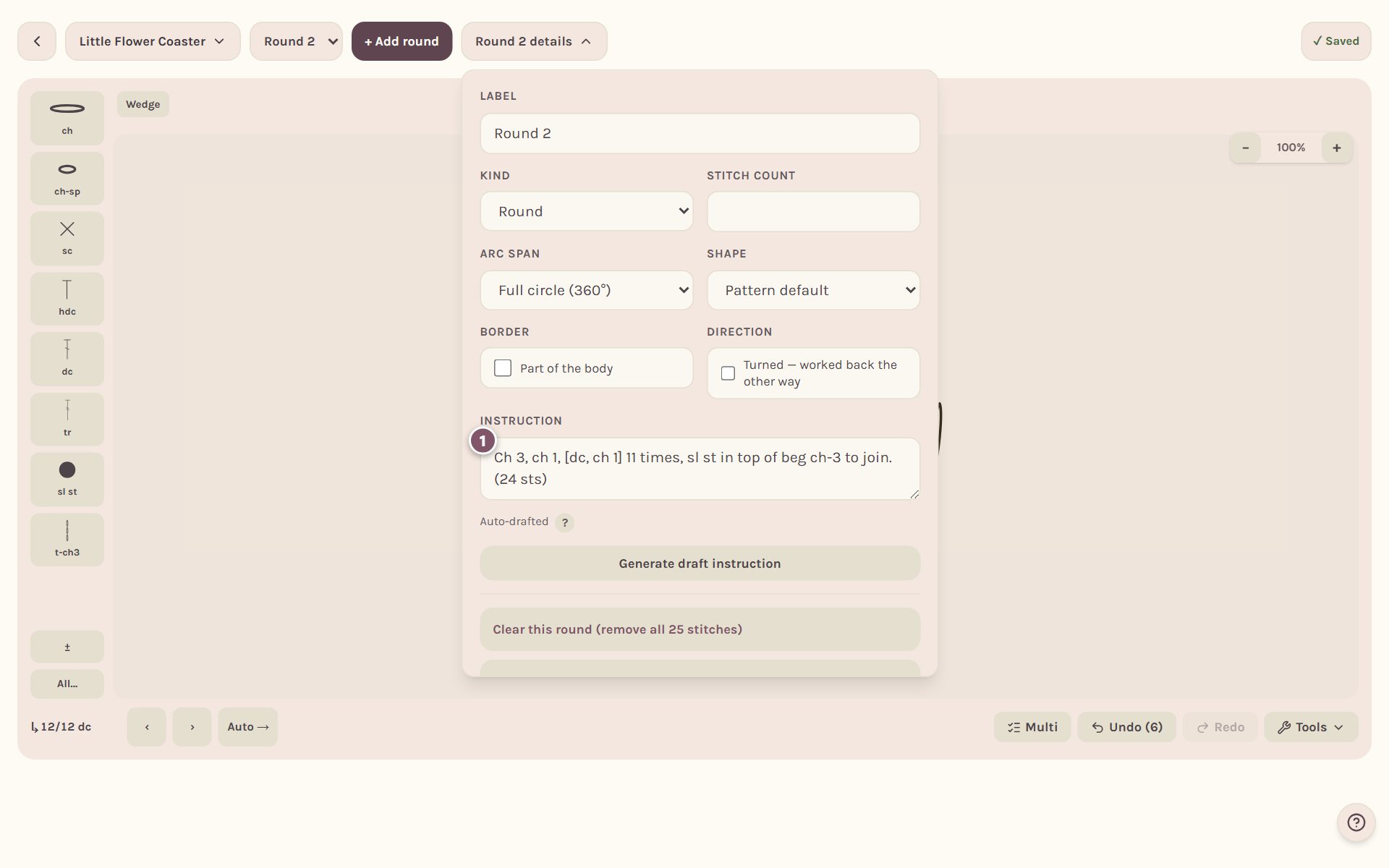
Repeats are written in square brackets with how many times, the way the Craft Yarn Council writes them.
Tip: Generate draft instruction replaces whatever is in the Instruction box for that round. If you've typed your own words, copy them somewhere first.
Write every round at once
- Open the pattern's actions: the menu at the top right on a phone, or the pattern's name at the top left on a computer.
- Tap Generate all row drafts. The number in parentheses is how many rounds it will draft.
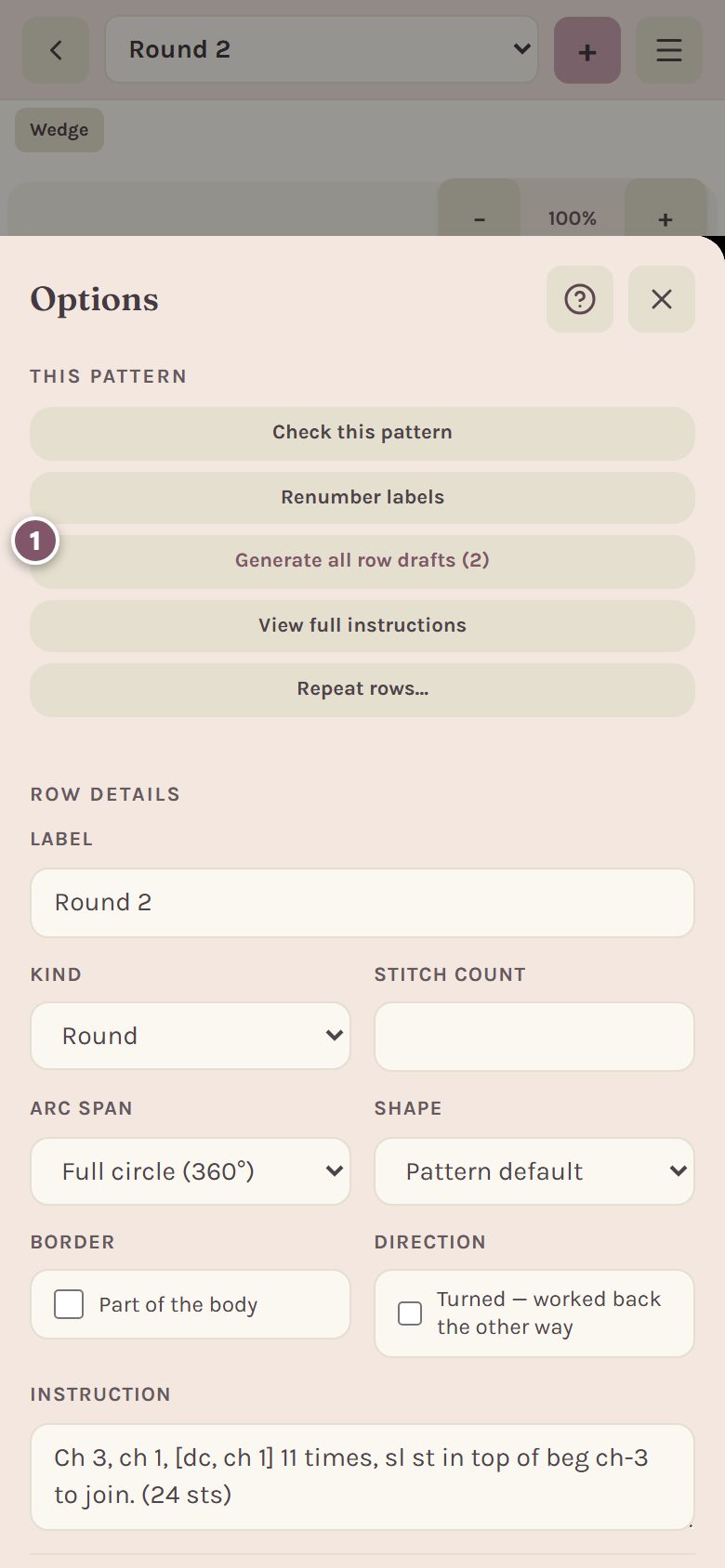
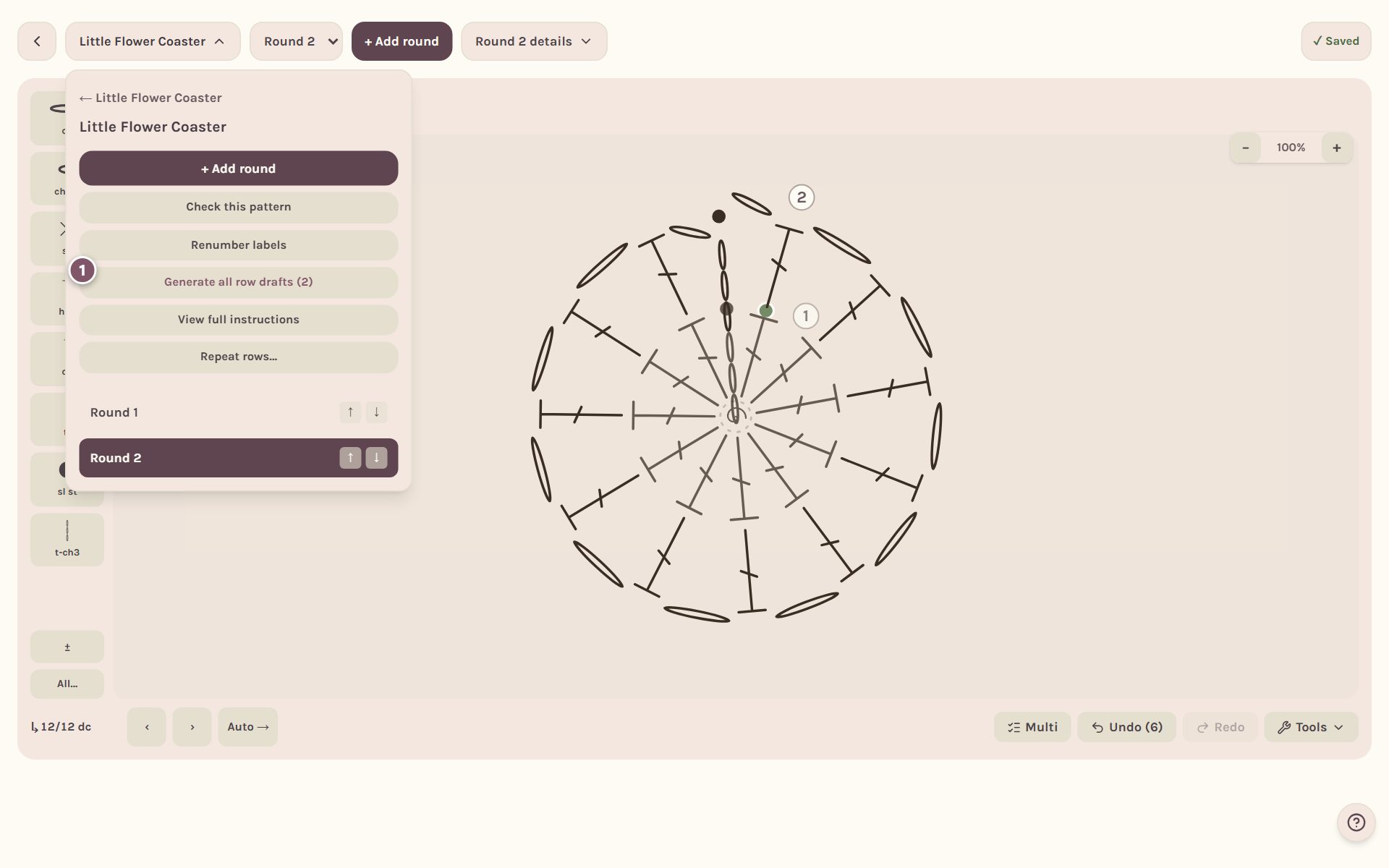
- Tap it again to confirm. The button reads "Tap again" and says that hand-typed rows are kept.
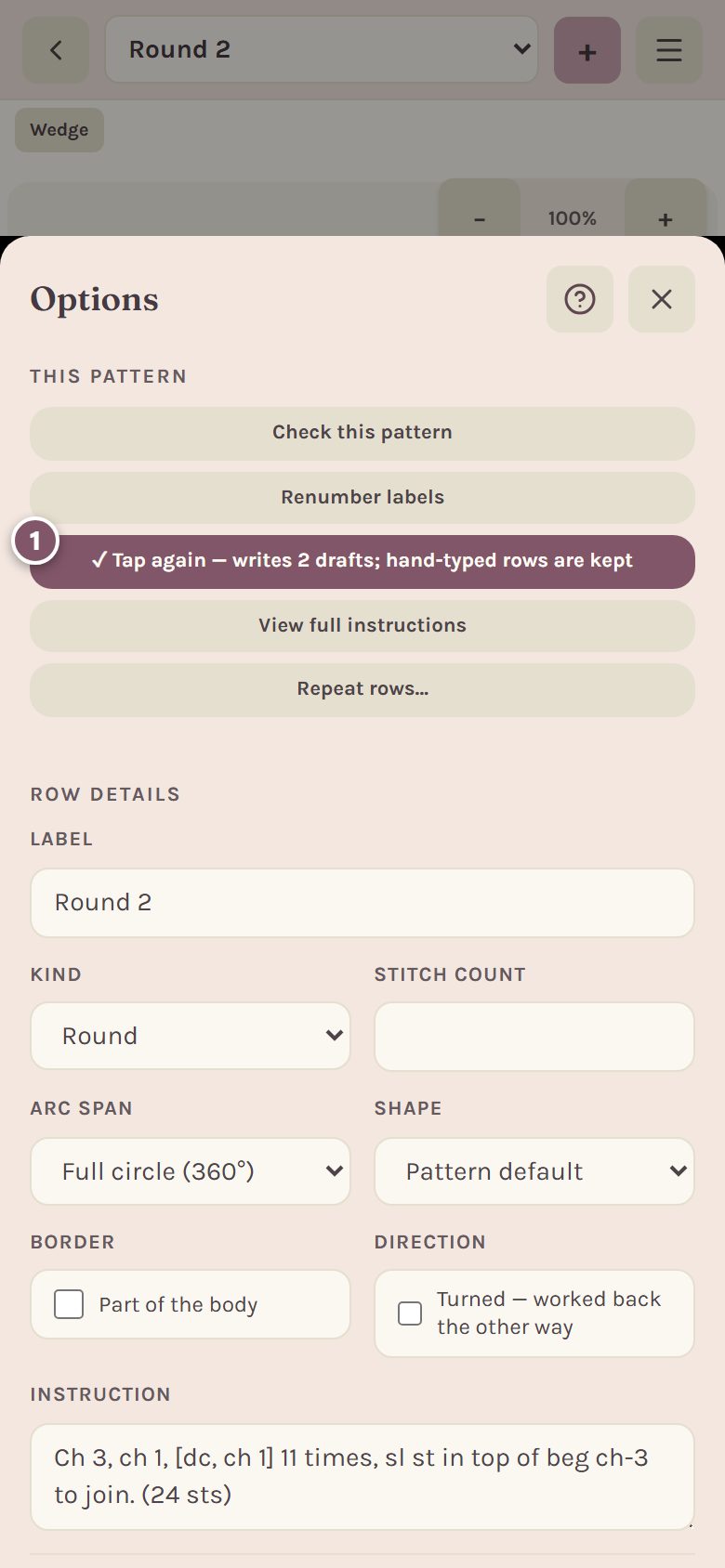
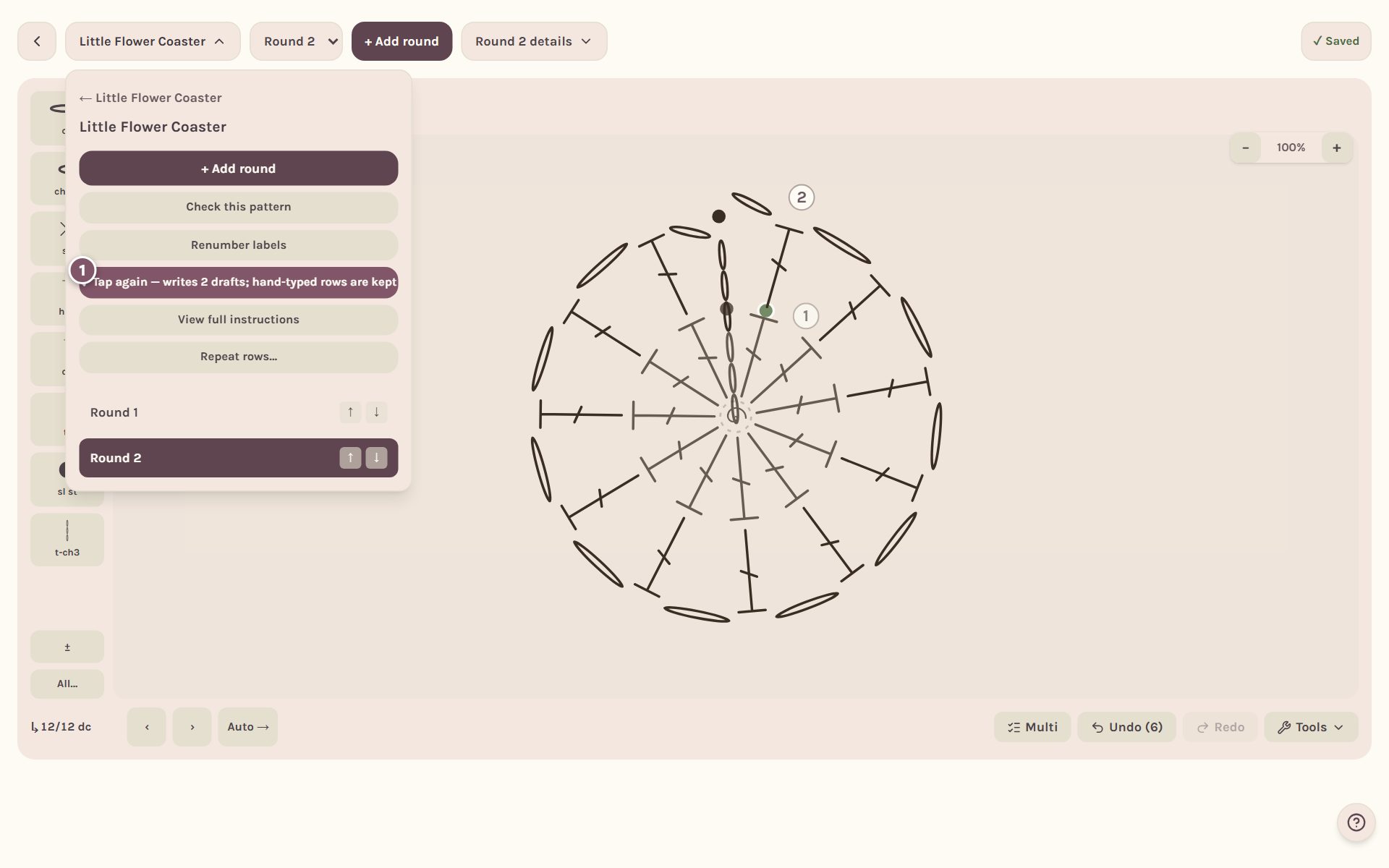
Only rounds without your own words are drafted, so anything you typed yourself stays as you wrote it.
Read the whole pattern
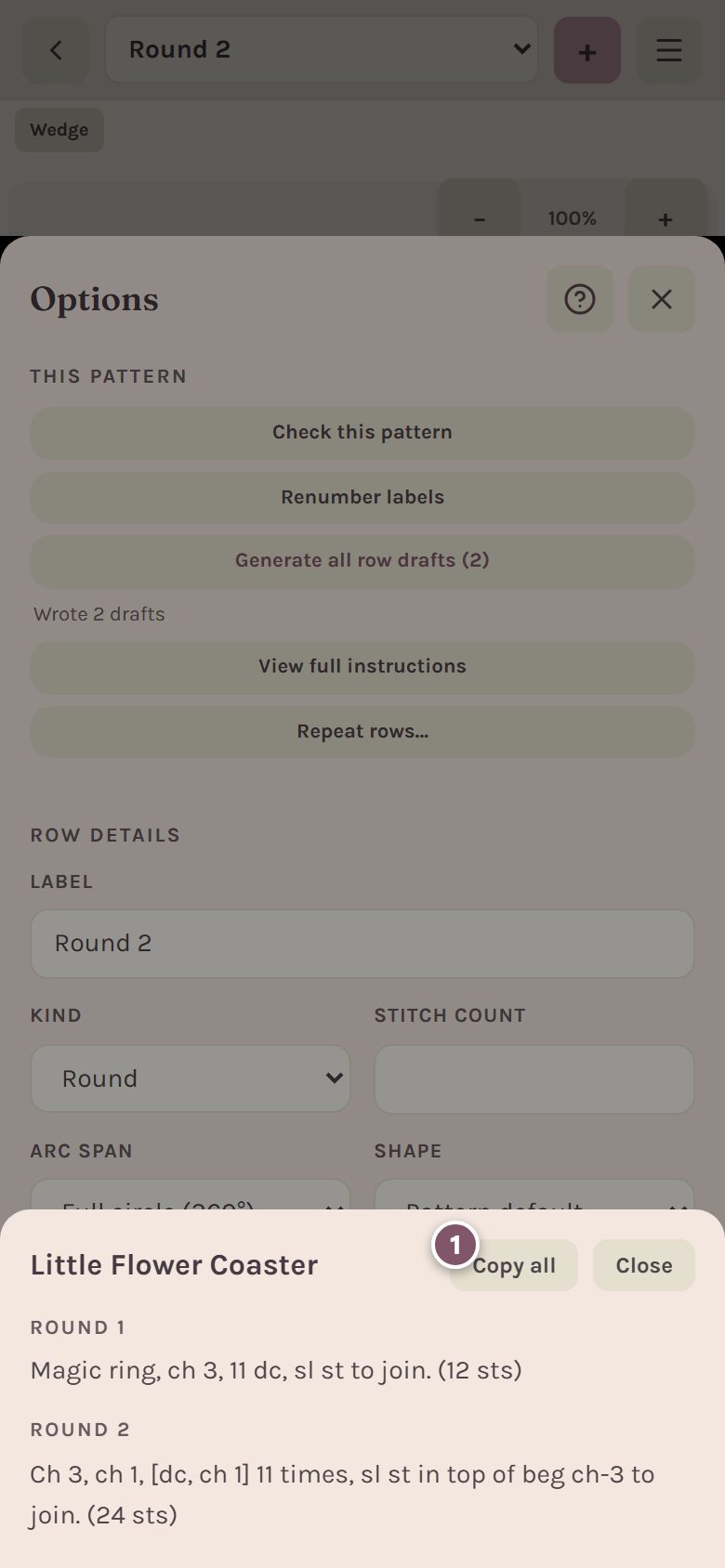
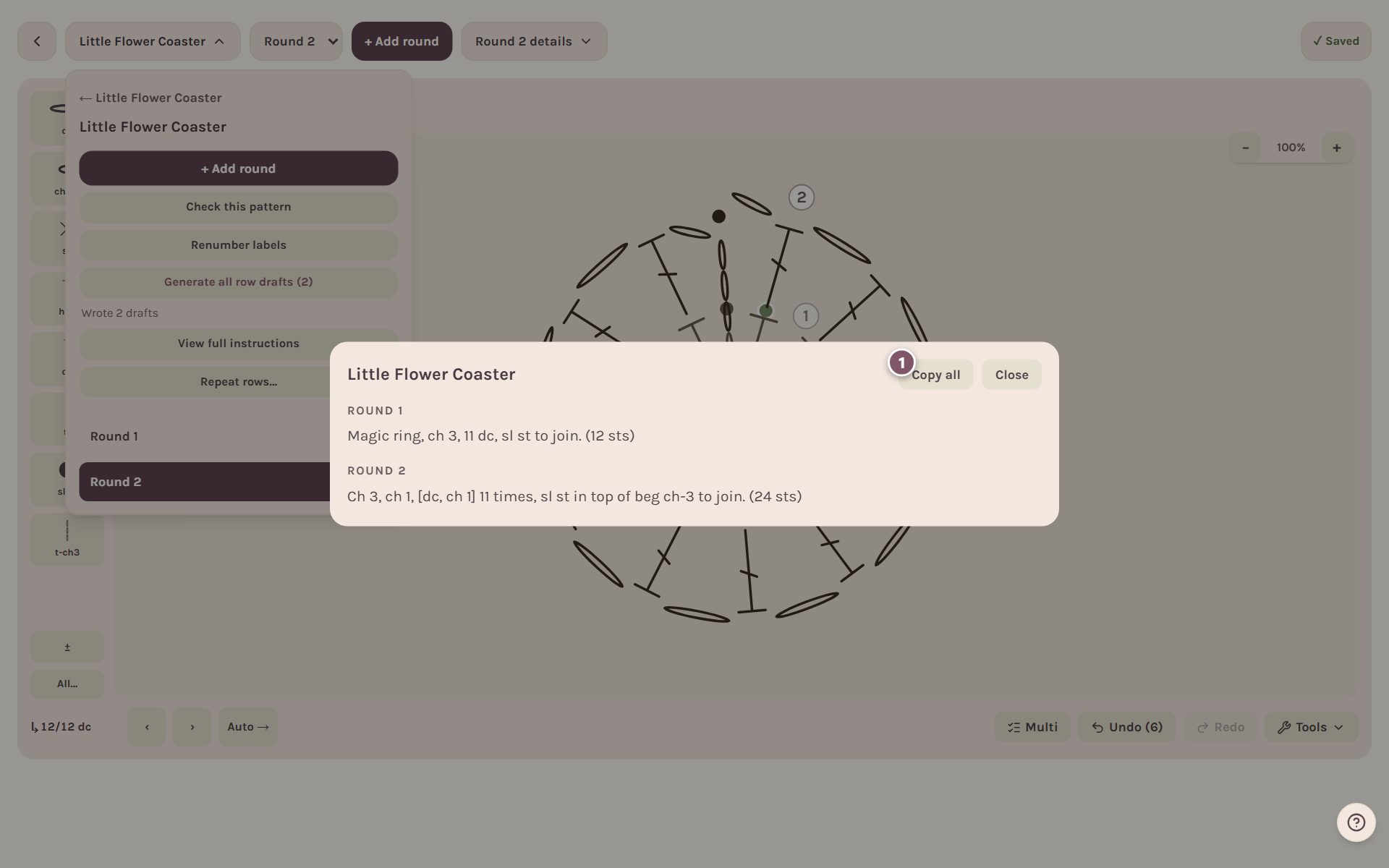
Tap View full instructions to read every round's words on one screen. Copy all copies them so you can paste them into an email or a document.
Check the pattern for mistakes
Tap Check this pattern. It reads every row back and tells you what disagrees: a line whose stitches don't add up to its own count, a count that doesn't match the chart, or words that don't match the stitches you drew. It changes nothing on its own.
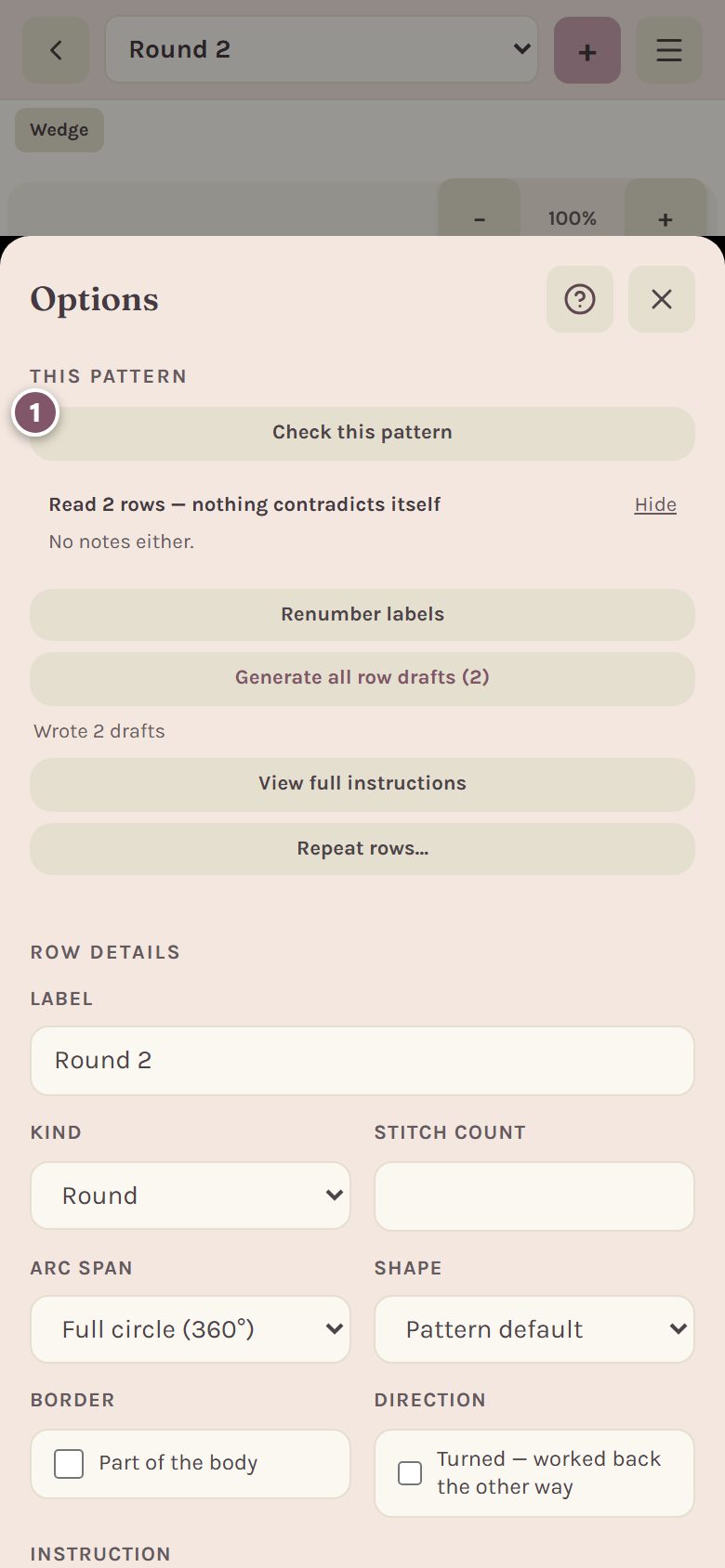
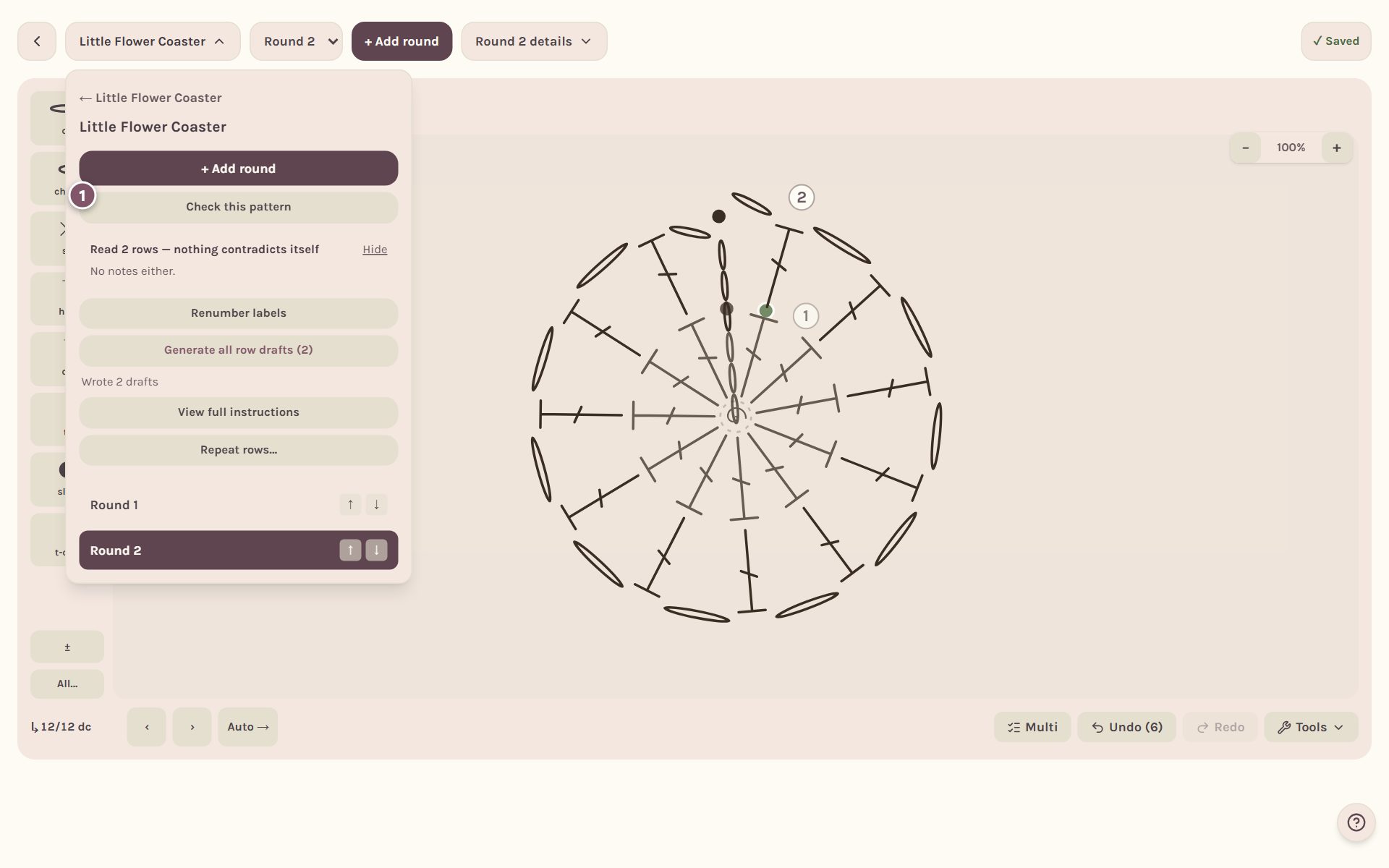
If a row needs a look, it's named with what's wrong. Tap it to jump to that row. "Nothing contradicts itself" means every row agreed.
See it on the pattern page
Your pattern's page shows the chart with its symbol key and every round's words under Rounds. From there you can download the written pattern and the chart as PDFs.
Frequently asked questions
Does it use US or UK terms? The drafts are written in US terms. If you've picked UK terms in your settings, the chart's symbol key on the pattern page shows the UK names.
Can I change the words after they're drafted? Yes. They're yours to edit in the round's Instruction box. Drafting again for that round replaces them, so edit last.
What if Check this pattern finds something I think is right? Read the round against your chart. The checker says what it sees, but you decide what the pattern says.
Want to design in 3D instead? Try the amigurumi pattern generator.
Ready to try it? Crochet Bobble opens right in your browser, on a phone or a computer.
Open Crochet Bobble