
Turn a Graph Paper Chart Into a Crochet Pattern
Photograph a chart you colored on graph paper, or a printed pixel chart, and turn it into a written crochet pattern square for square. Use the camera's grid guide to line it up.
Already drew your design on graph paper, or found a pixel chart you love? Don't redraw it. The photo blanket maker can read a chart that's already on a grid: it finds the lines, reads one color per square, and turns it into a pattern with every square exactly where you put it.
Tell the maker your picture is a grid
Open Patterns and tap Photo blanket. Before you choose your picture, tick This is already a grid.
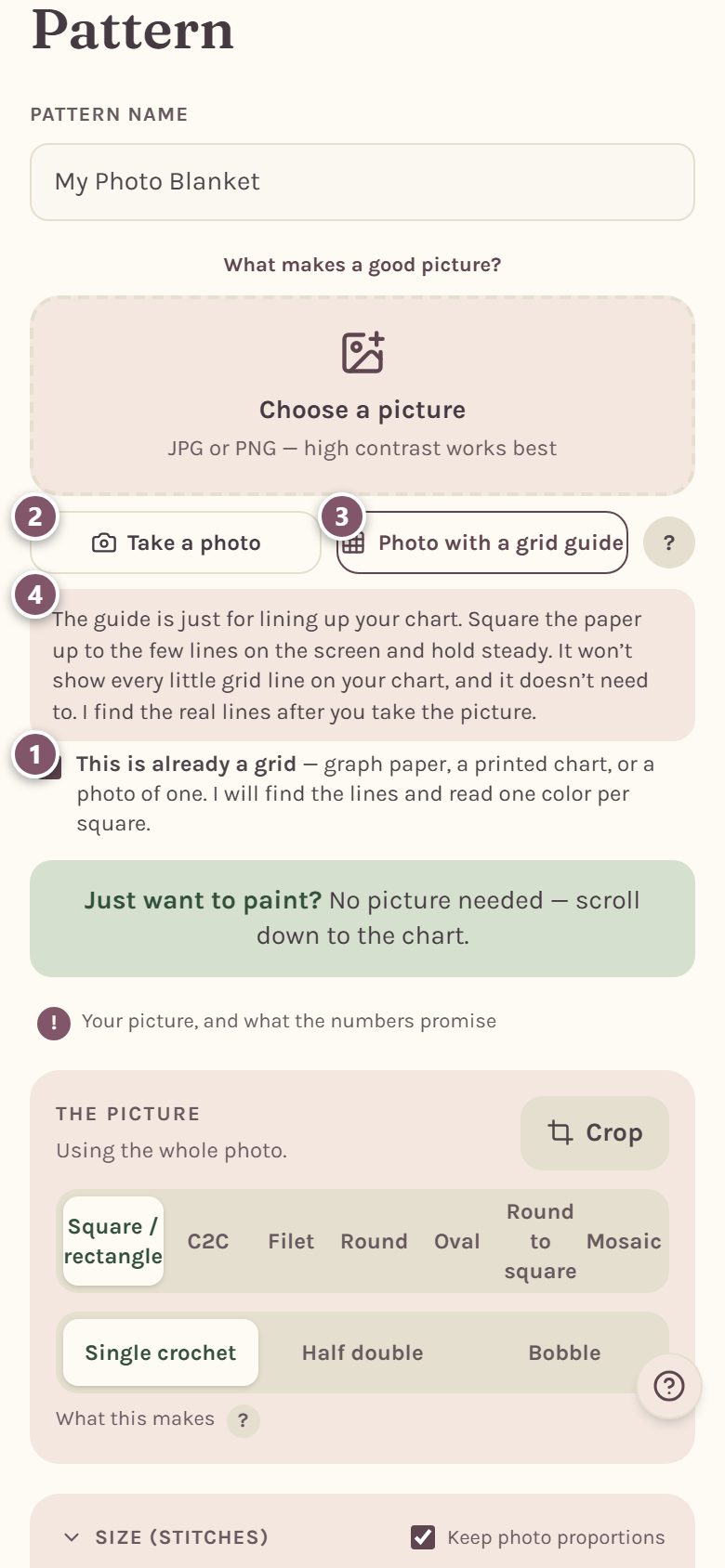
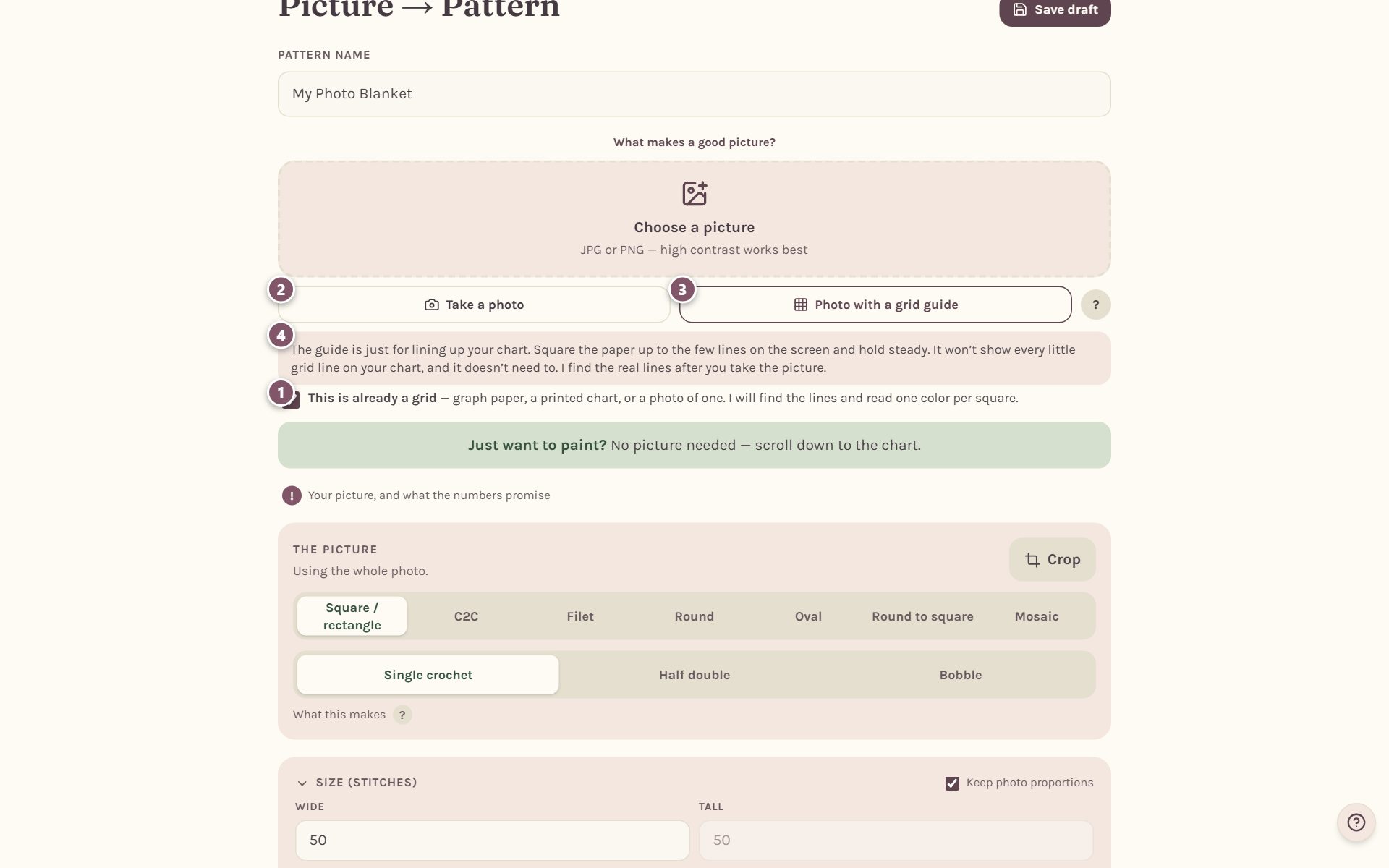
- Tick This is already a grid. It works for graph paper, a printed chart, or a photo of one.
- Then tap Choose a picture, or Take a photo to use your camera.
- Photo with a grid guide opens your camera with guide lines over it.
- Tap the ? beside it for what the guide is for.
Line up your chart with the grid guide
The grid guide helps you hold the phone straight over the paper, so the squares come out square.
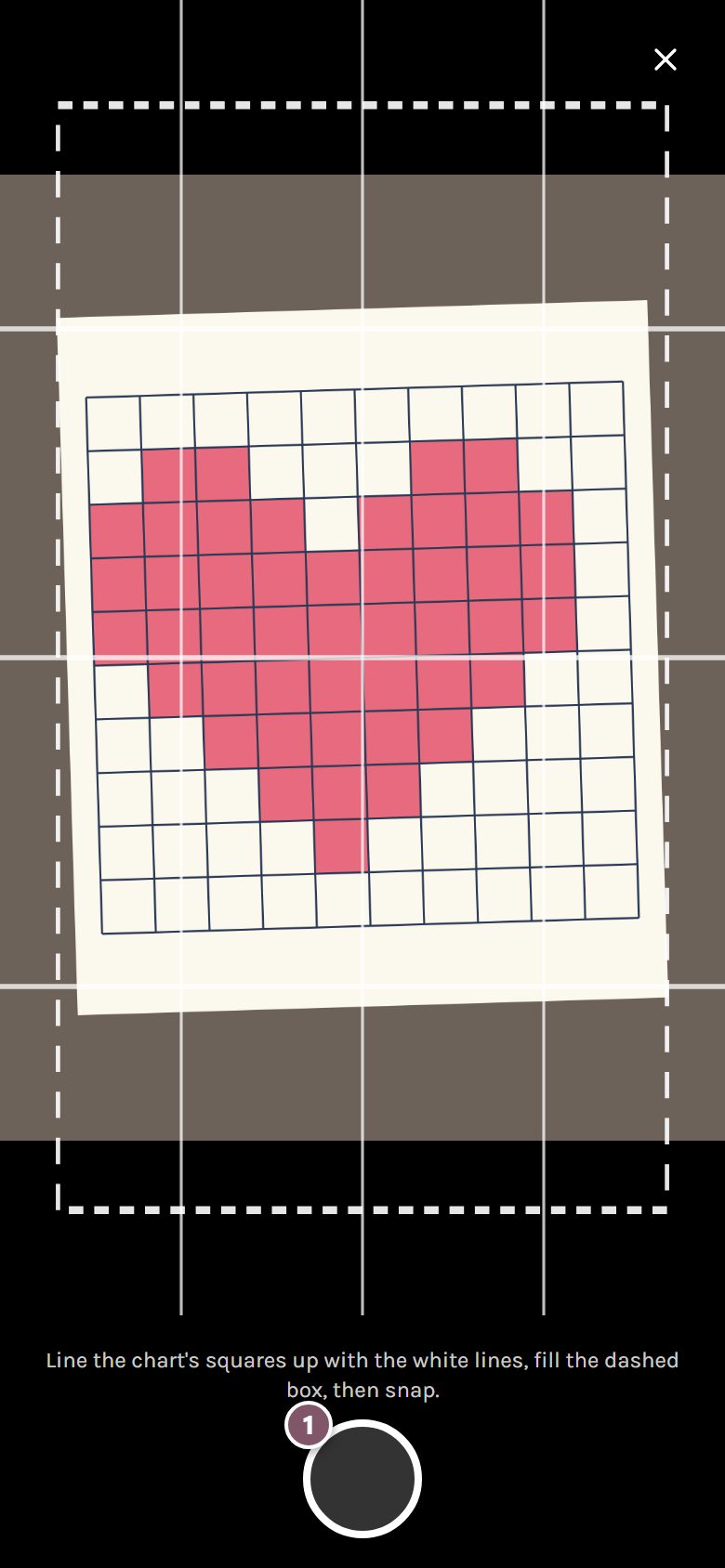
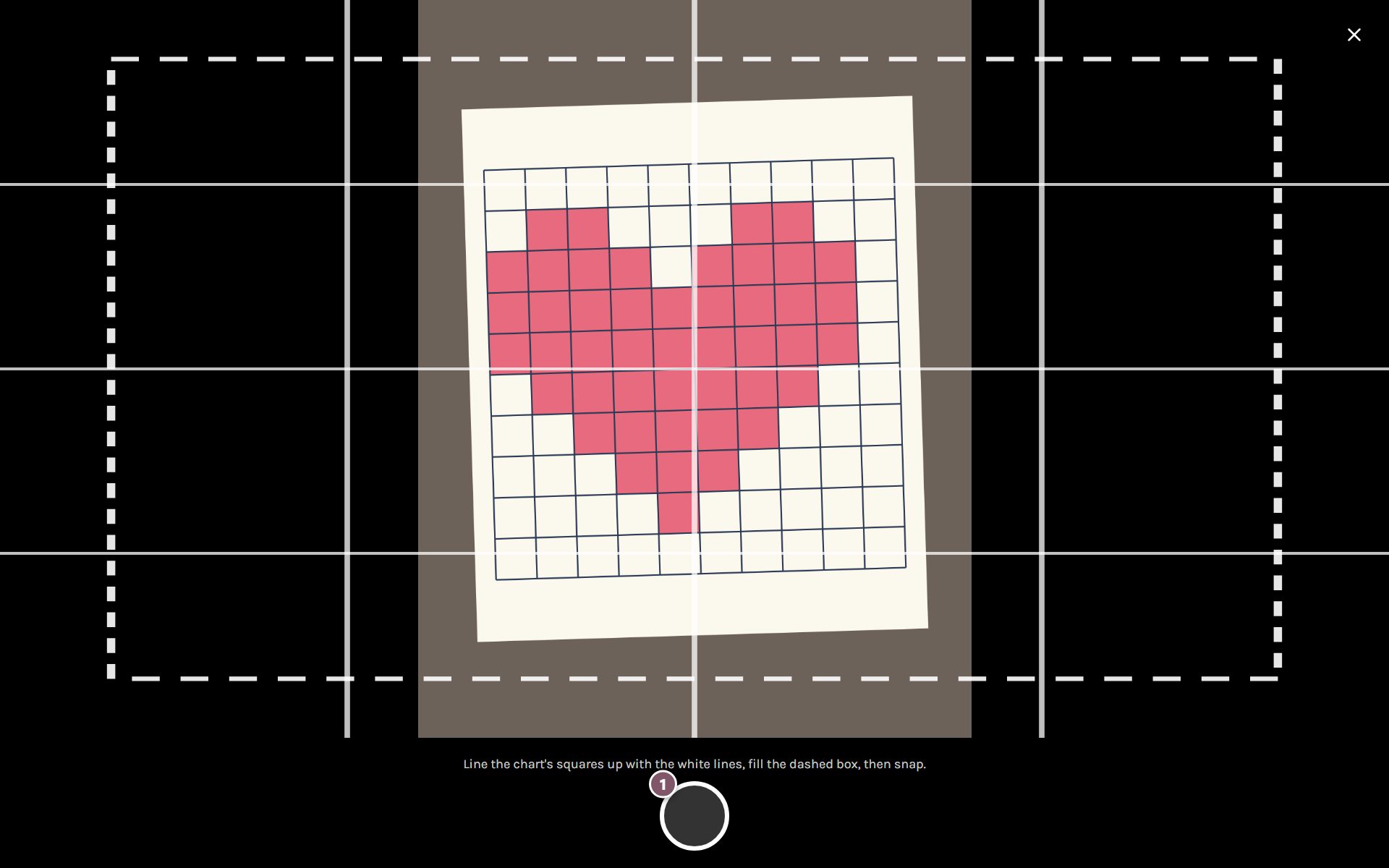
Line the chart's squares up with the white lines, fill the dashed box, then tap the round shutter button. The guide doesn't show every little line on your chart, and it doesn't need to. The real lines are found after you take the picture.
Tip: Lay the paper flat in good, even light, and hold the phone right above it. Shadows and a tilted page make the lines harder to find.
Check the grid it found
Next you'll see your picture with dashed lines where the maker found the grid.
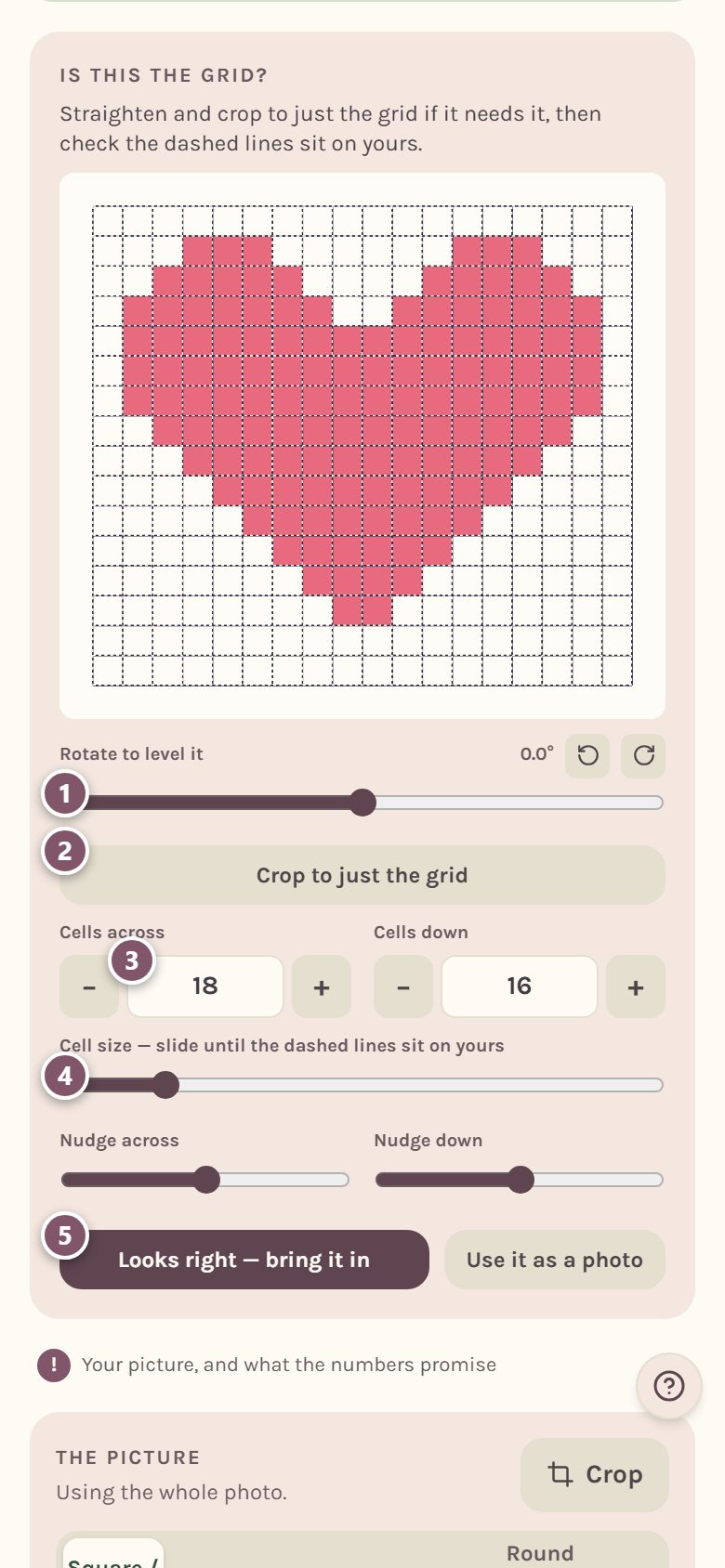
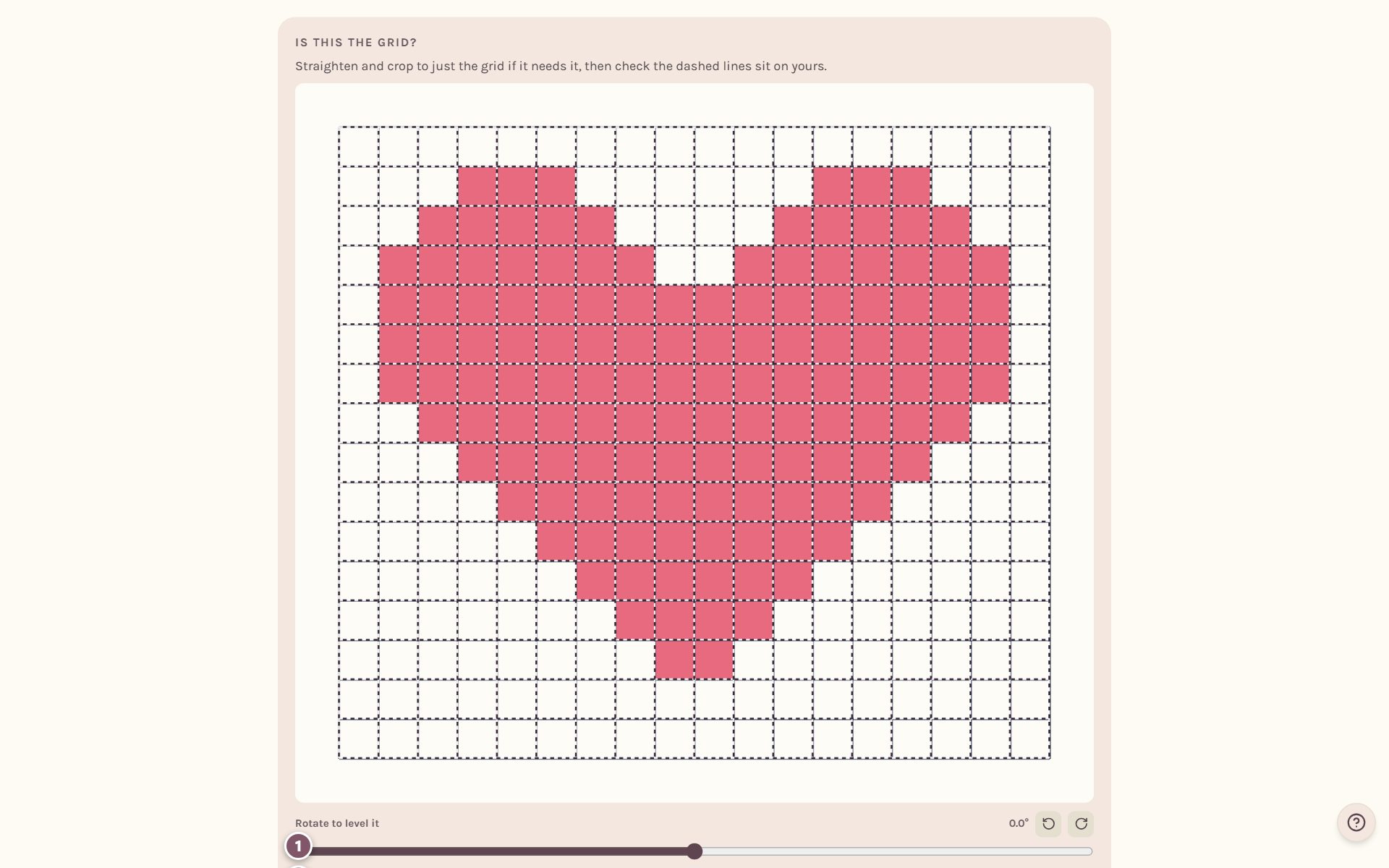
- Rotate to level it straightens a crooked photo. The arrow buttons turn it a quarter turn.
- Crop to just the grid cuts away the edges, a title or a color key.
- Cells across and Cells down set how many squares your chart has. Check them against your paper, and use − and +, or type the number, if they're off.
- Cell size slides the dashed lines until they sit on yours. Nudge across and Nudge down shift them.
- When the dashed lines match your chart, tap Looks right — bring it in.
If it isn't a chart after all, Use it as a photo reads it as an ordinary picture instead.
Your chart, square for square
Your chart comes in with one stitch for every square you drew, and its colors become the yarn colors. From here it's an ordinary blanket chart: paint, add a border, match yarn, save and track it.
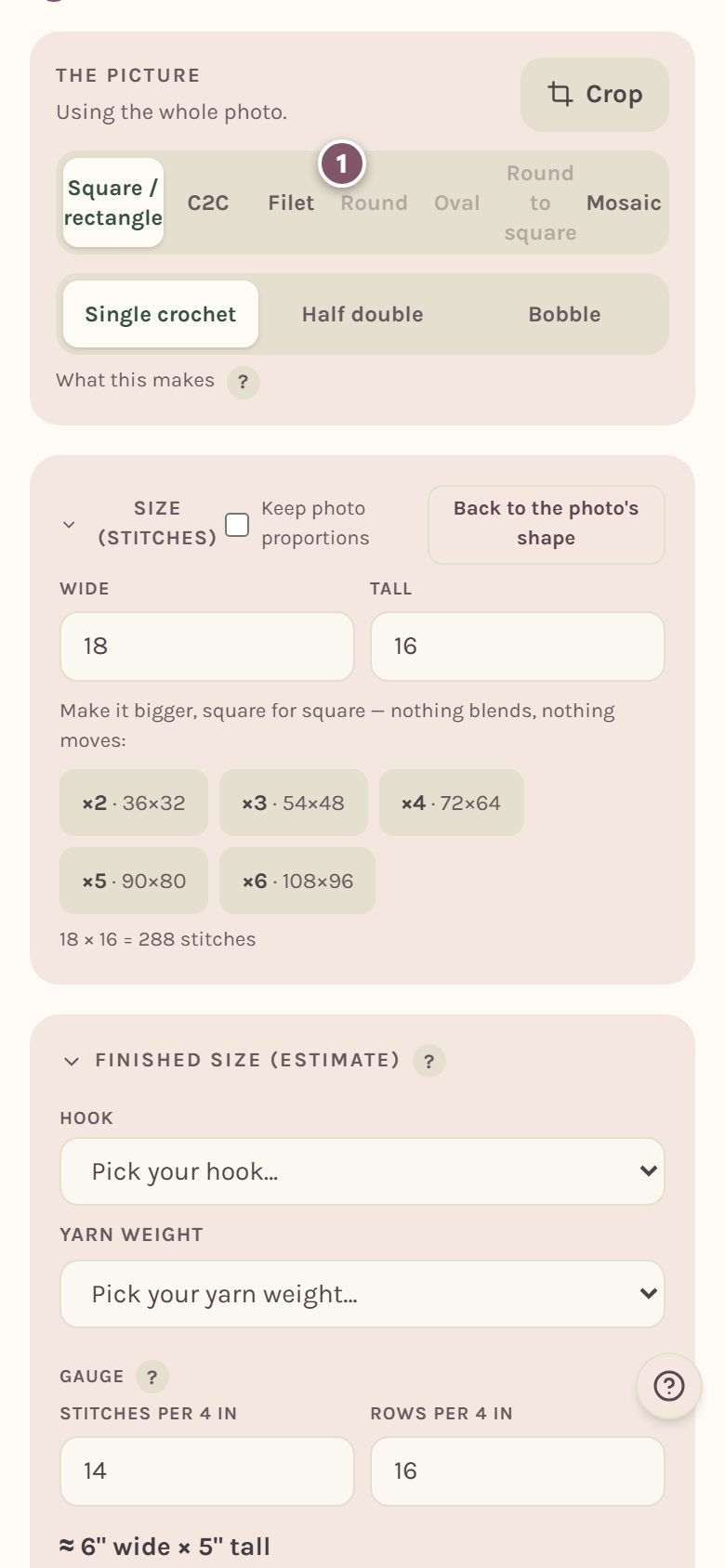
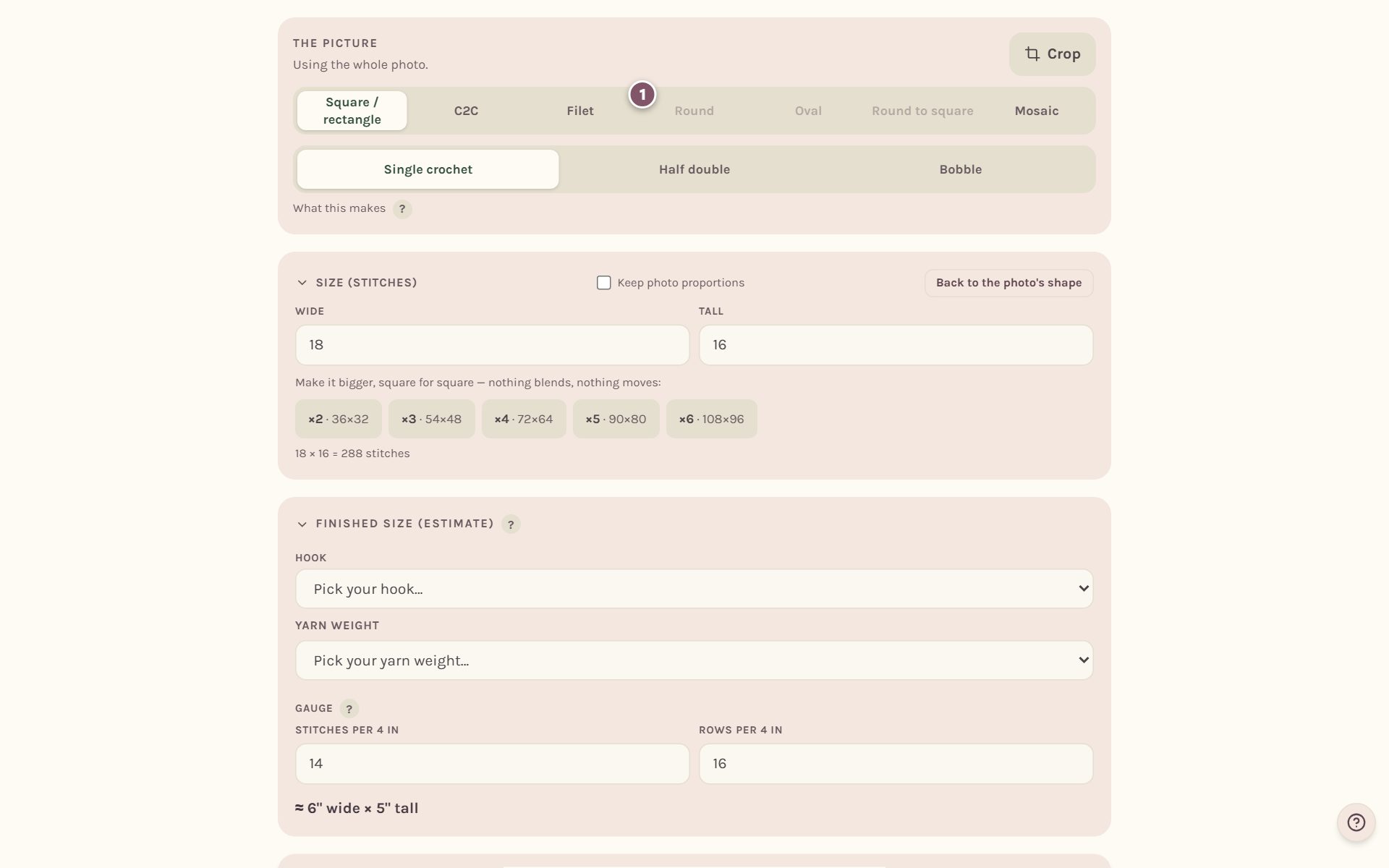
A chart read off graph paper stays flat. You can pick a flat shape like Square / rectangle, C2C or Filet, but Round, Oval and Round to square are grayed out, because a round blanket is worked in rings and there'd be no way back to your drawing.
Frequently asked questions
What kind of charts work best? Clear lines and solid colors, photographed straight on. A chart colored in right to the edges works too.
Can I use a chart from a book or a website? The picture you use is your responsibility, so only use charts you own or have permission to use, especially if you plan to share what you make.
It found the wrong number of squares. What now? Set Cells across and Cells down yourself, then slide Cell size until the lines match.
Where do I go next? Tidy up any square with how to edit a crochet blanket chart.
Ready to try it? Crochet Bobble opens right in your browser, on a phone or a computer.
Open Crochet Bobble