
Round Crochet Blanket Pattern Maker: Circle, Oval and Round to Square
Turn a photo into a round crochet blanket, an oval blanket or a circle that squares off into corners. The increases are placed for you, so it lies flat, and every round is written out.
A photo blanket doesn't have to be a rectangle. The photo blanket maker can chart your picture as a circle worked from the center out, an oval grown around a center chain, or a circle that turns into a square partway out. It works out where every increase goes so the blanket lies flat, and writes every round for you.
Choose a round, oval or round-to-square shape
Open Patterns, tap Photo blanket and choose your picture (the basics are in how to turn a photo into a crochet blanket pattern). Then pick a shape.
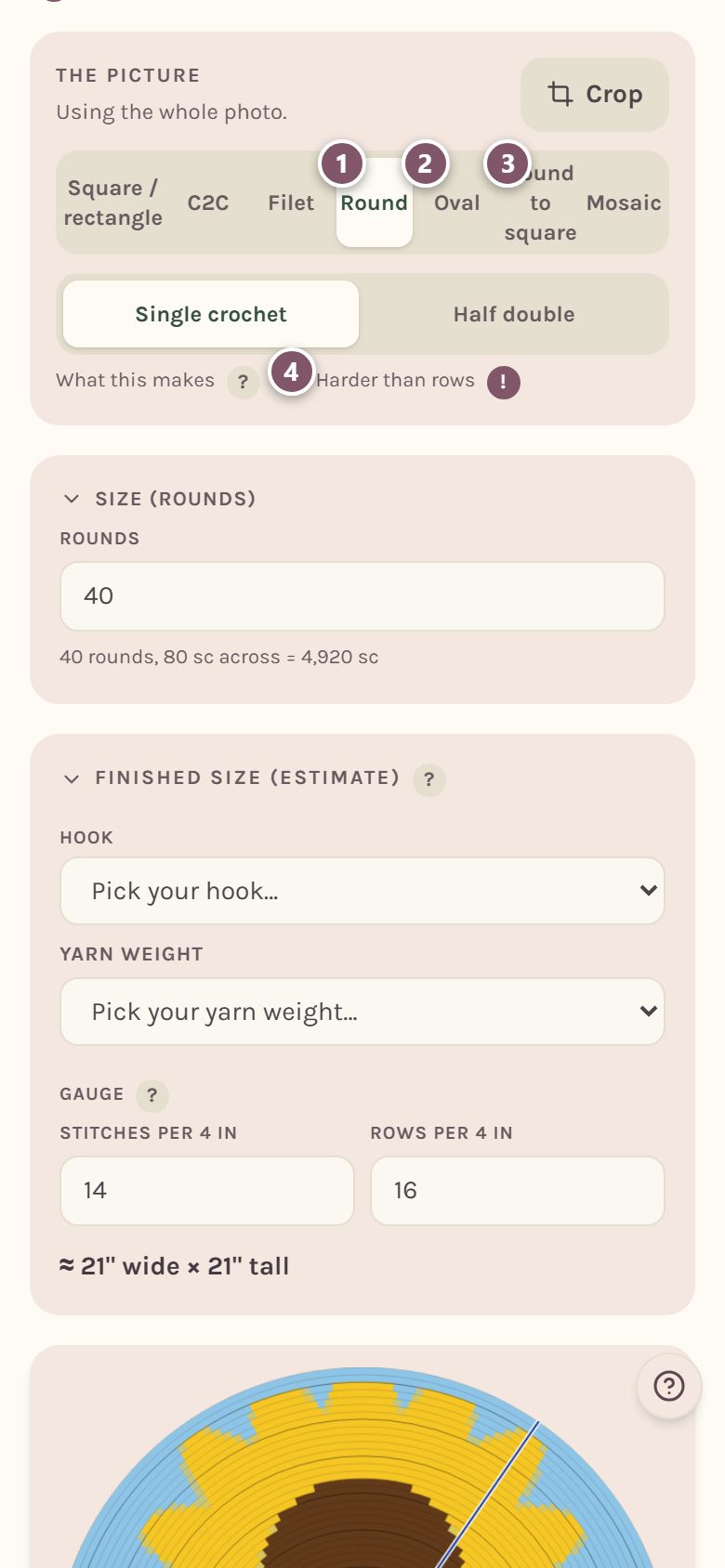
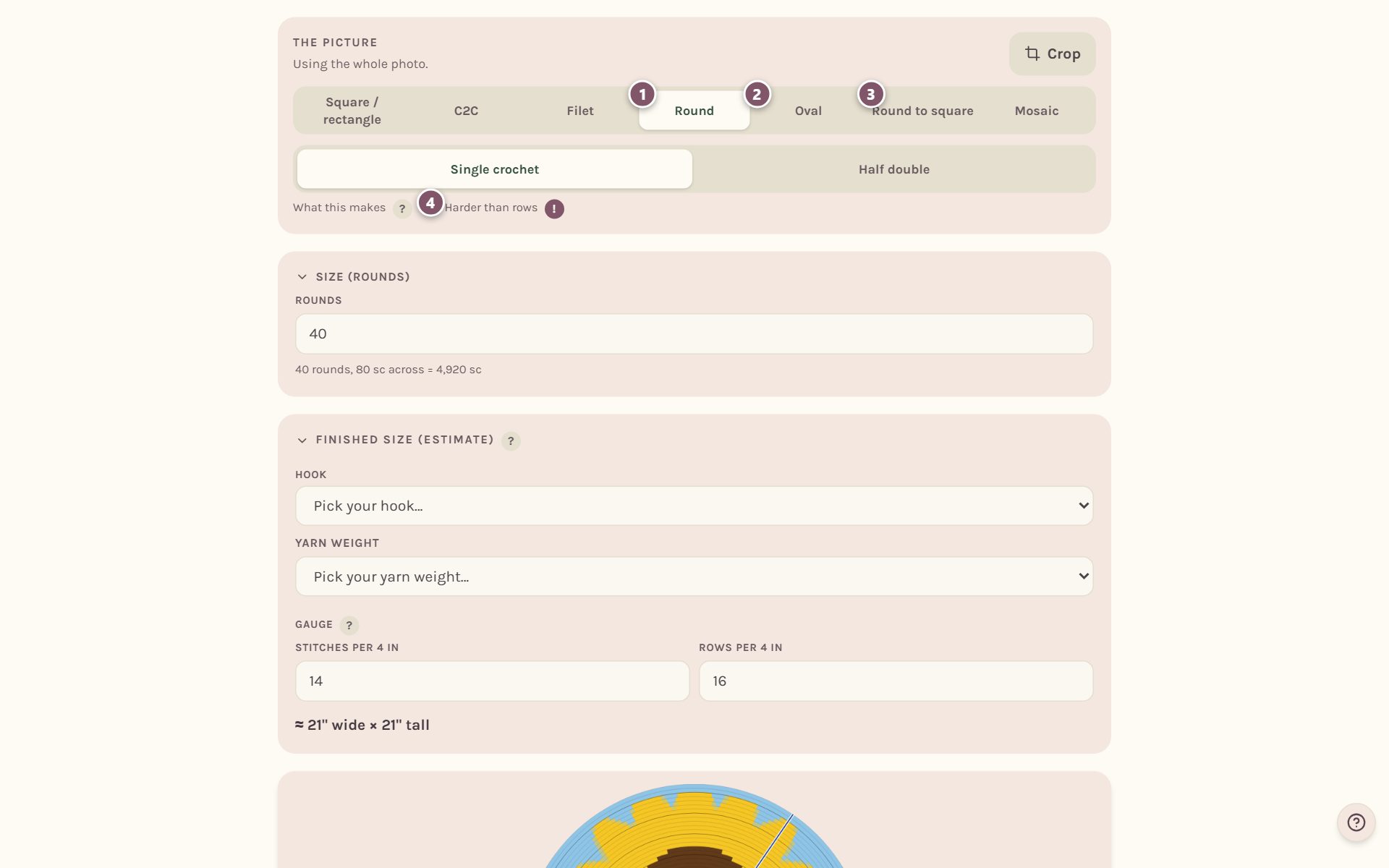
- Round starts at the center and grows outward in rounds.
- Oval starts with a center chain and grows rounds around it.
- Round to square grows as a circle, then its increases stack into four corners partway out.
- Working in rounds is the harder way to do colorwork: the stitch count changes every round and the chart curves. Tap the ! beside Harder than rows to read why. The tracker walks you through it either way.
Round shapes work in Single crochet or Half double. Bobble is only offered for square and rectangle blankets.
Crop your picture to a circle
Tap Crop. For a round blanket the crop window is a circle, so what you see is exactly what you'll get. For an oval it's a rounded pill shape.
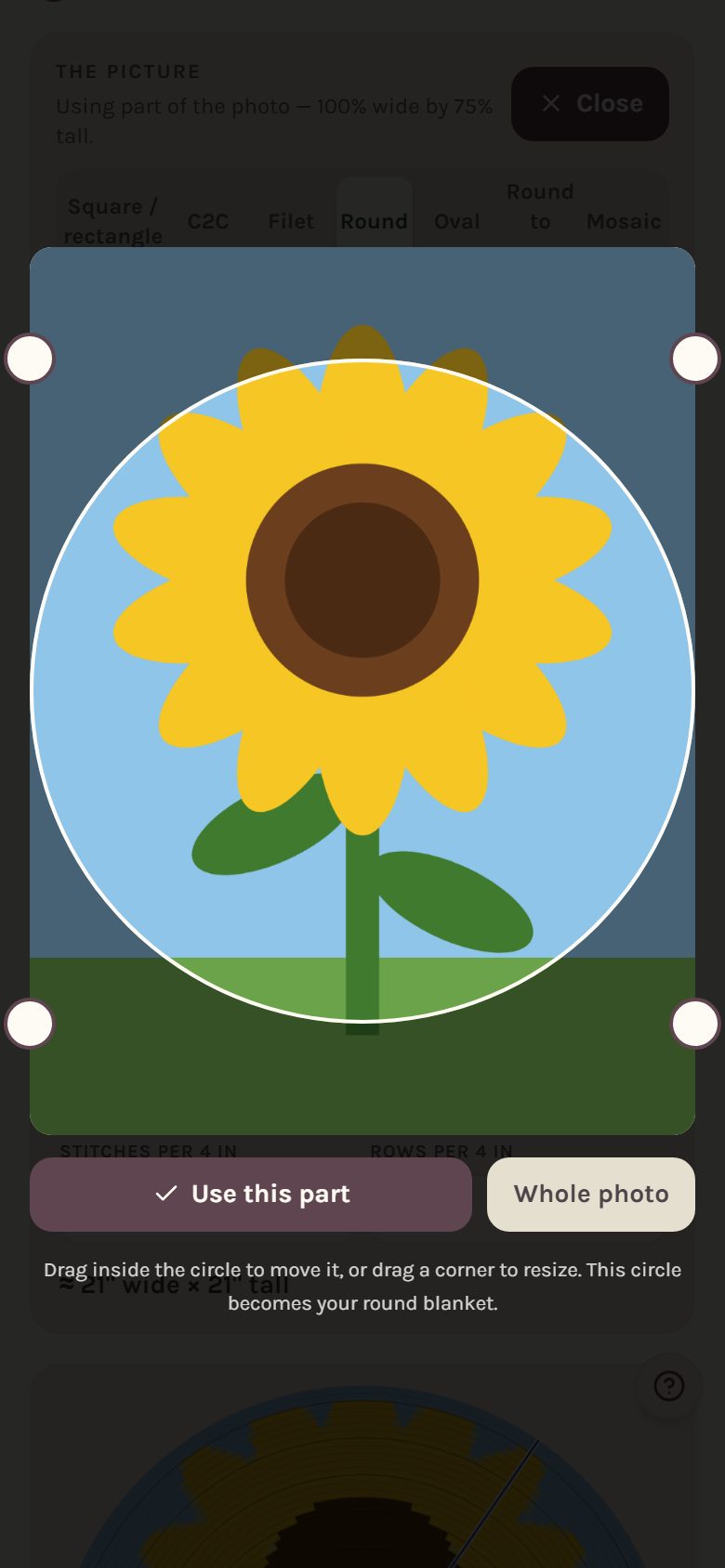
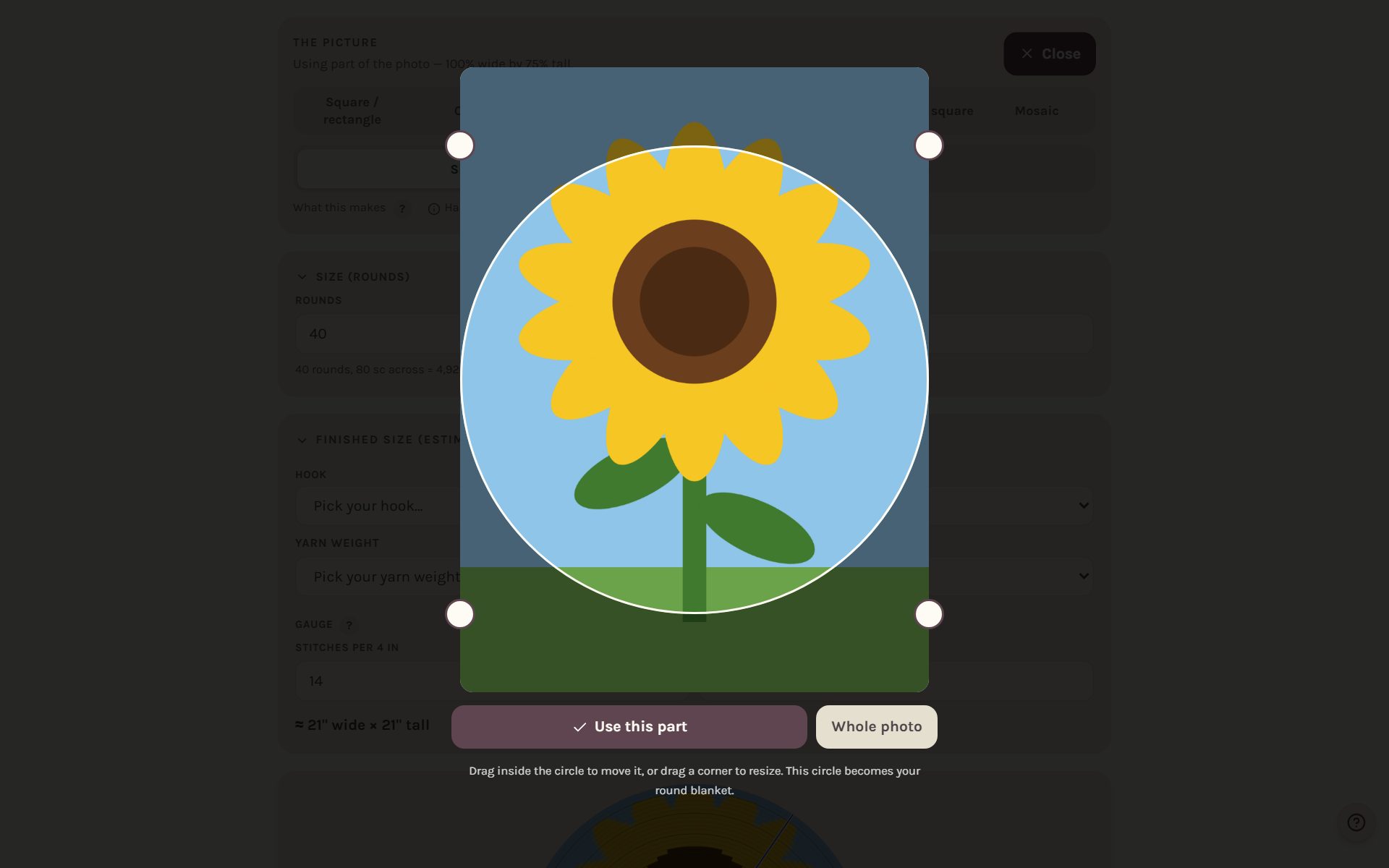
Drag inside the circle to move it, or drag a corner to resize it, then tap Use this part. For an oval, a longer crop makes a longer starting chain.
Set how many rounds
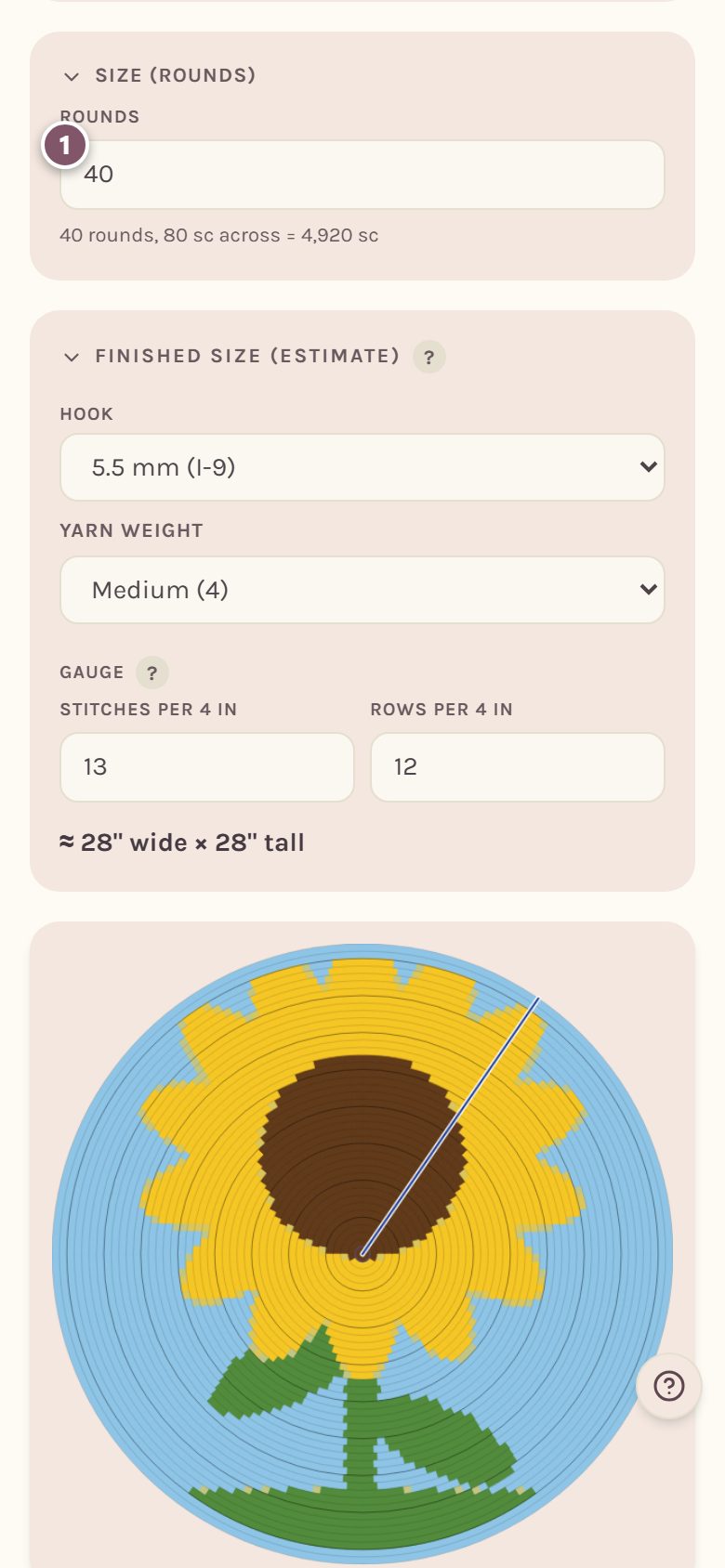
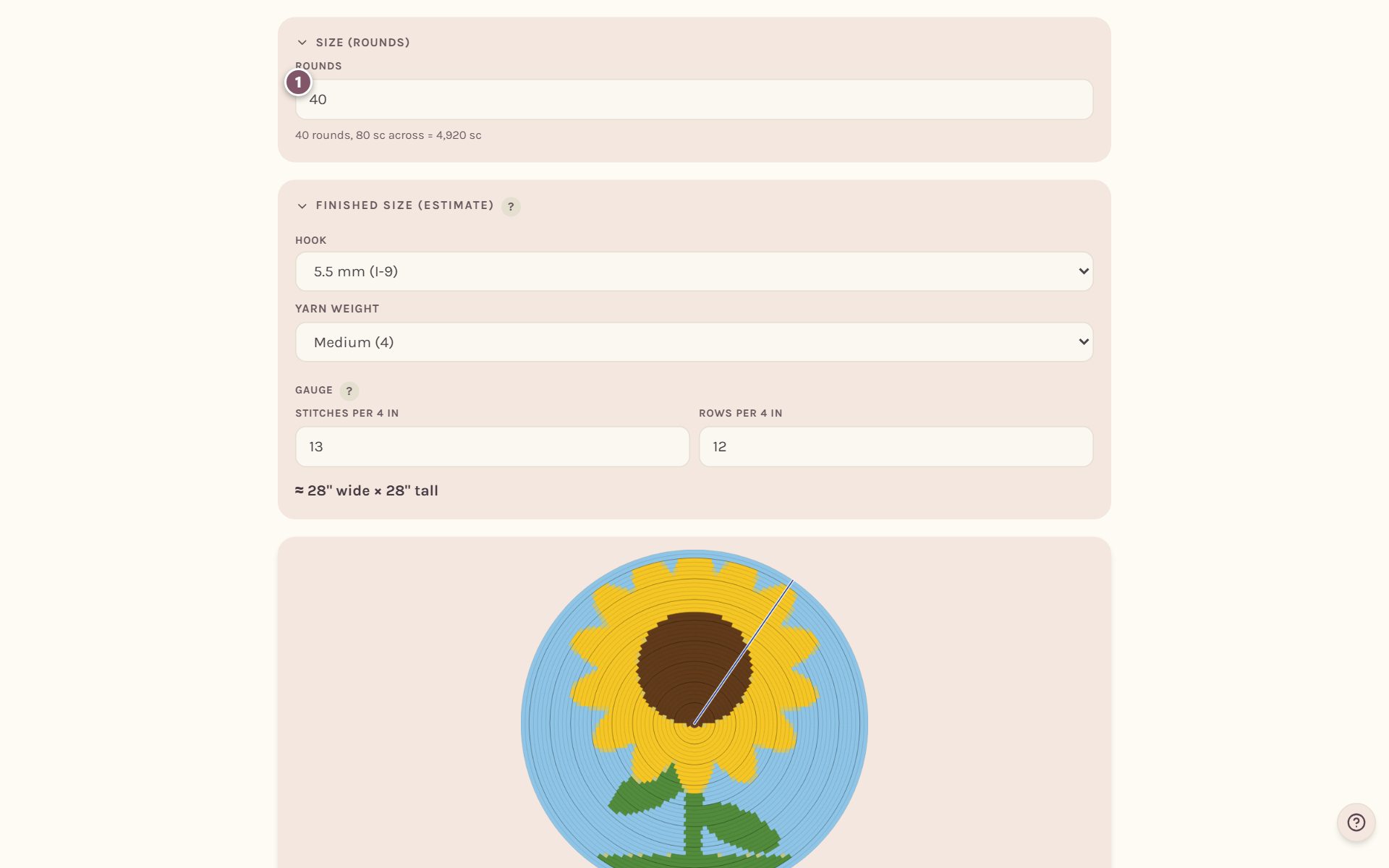
Type how many Rounds you want, from 4 to 200. The line underneath tells you how many stitches that is across and in total. Pick your hook and yarn weight in Finished size (estimate) to see how big it comes out.
Where each round starts
Every round begins at the same spot, the join, where you close the round and chain up. The maker picks the spot where the fewest color changes land on that join, which makes the joins neater.
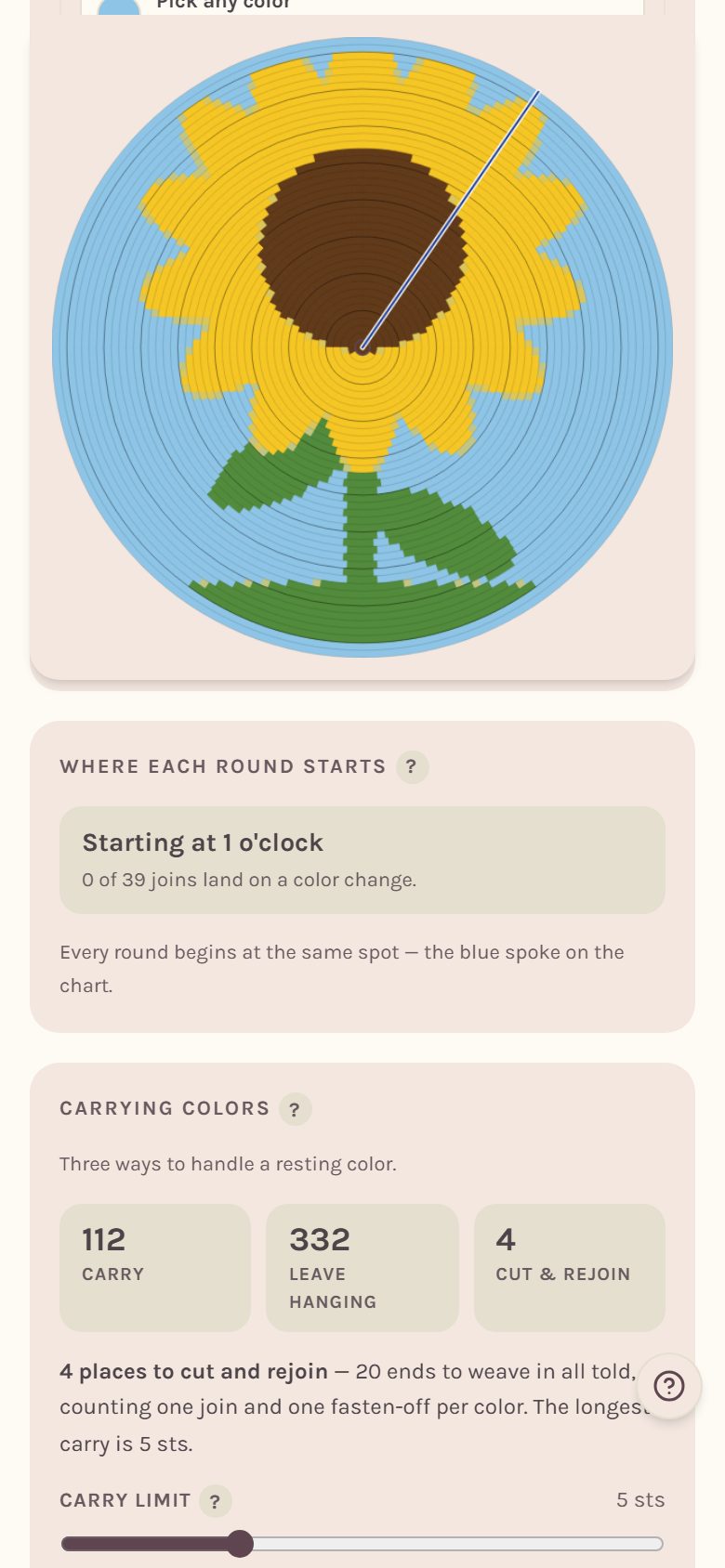
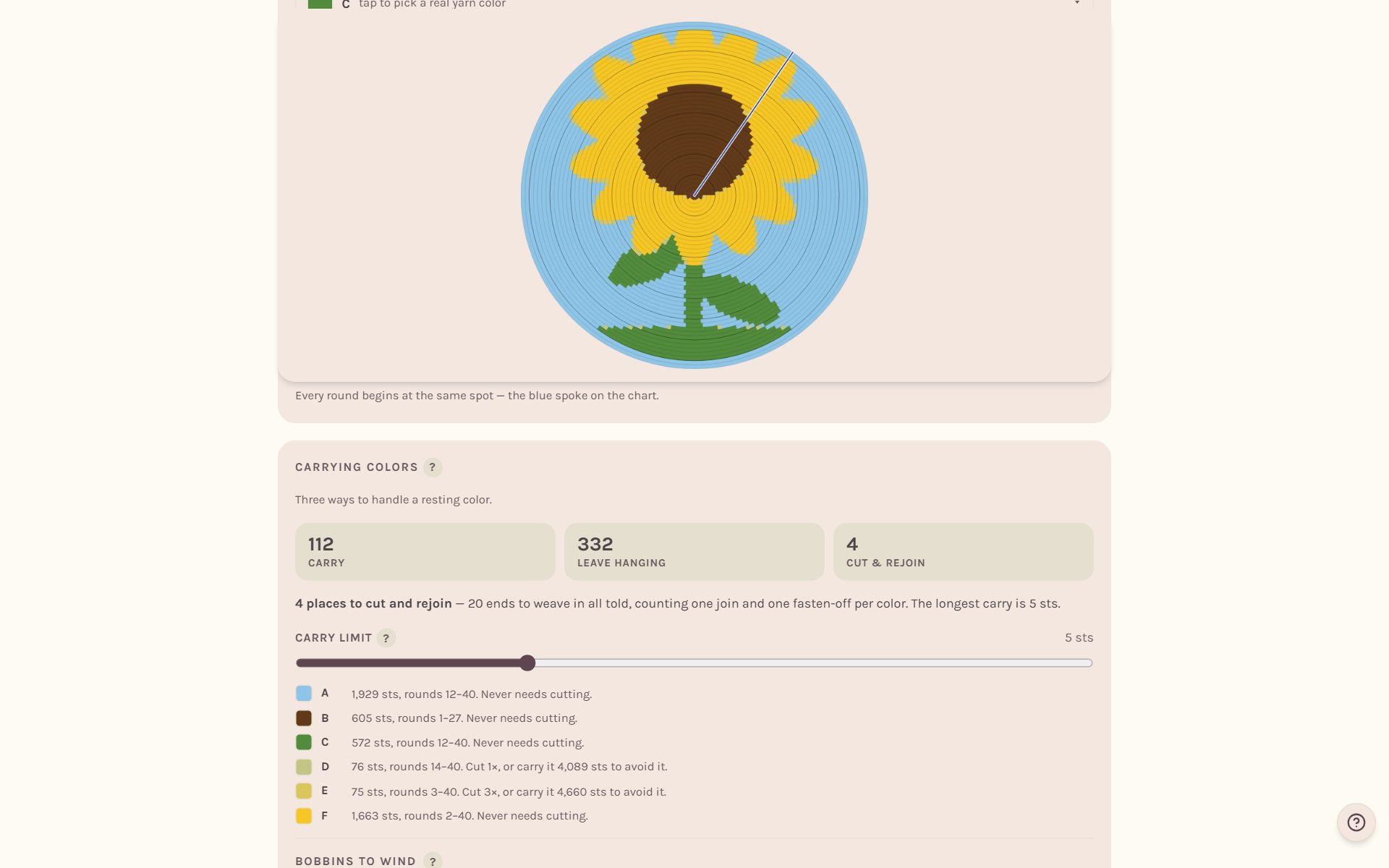
The blue spoke on the chart marks it. Once you start working the blanket, it stays put.
Read the rounds
Scroll to Instructions. The first lines tell you how to begin, and then each round is written out with its colors in the order you hook them.
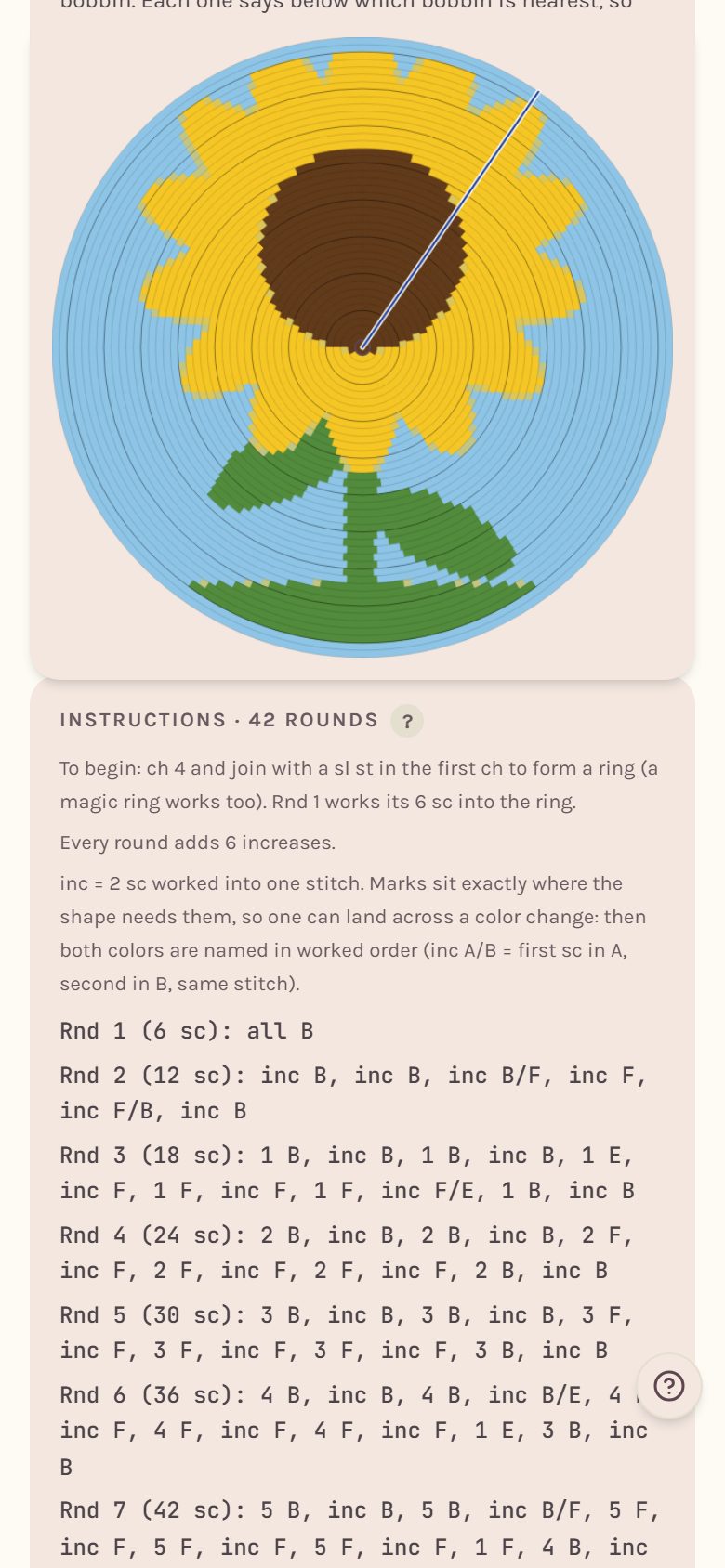
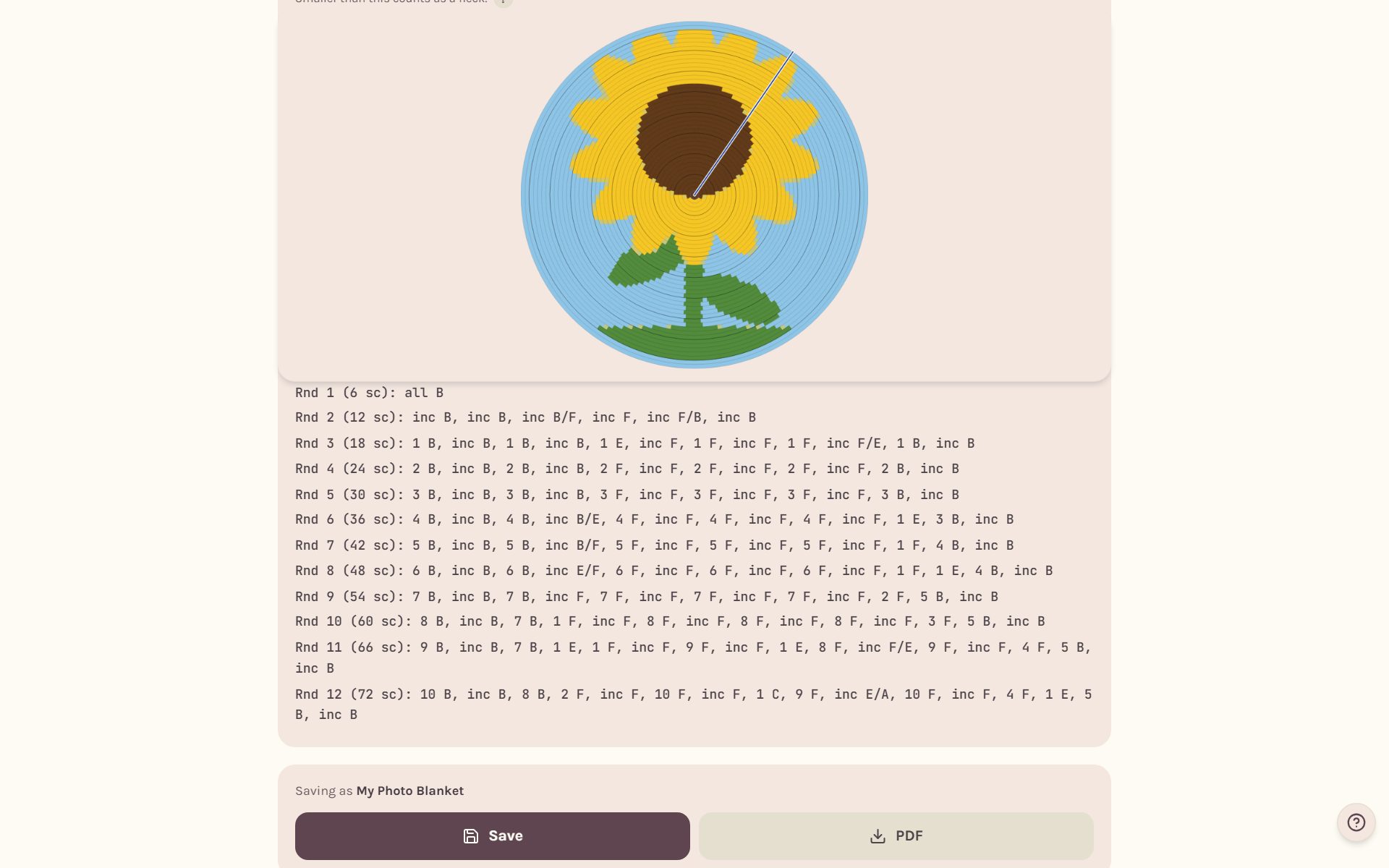
- A round blanket starts with a ring: ch 4 and join, or a magic ring. Round 1 works its stitches into the ring.
- In single crochet every round adds 6 increases. In half double it's 8, because a taller stitch needs more room to lie flat.
- inc means 2 stitches worked into one. When an increase lands on a color change, both colors are named in order, like inc A/B.
Tip: The increases sit exactly where the shape needs them, round after round. Follow them as written and your blanket stays flat instead of ruffling or cupping.
Make an oval blanket
Tap Oval. The blanket starts from a center chain, and the size card says how long that chain is.
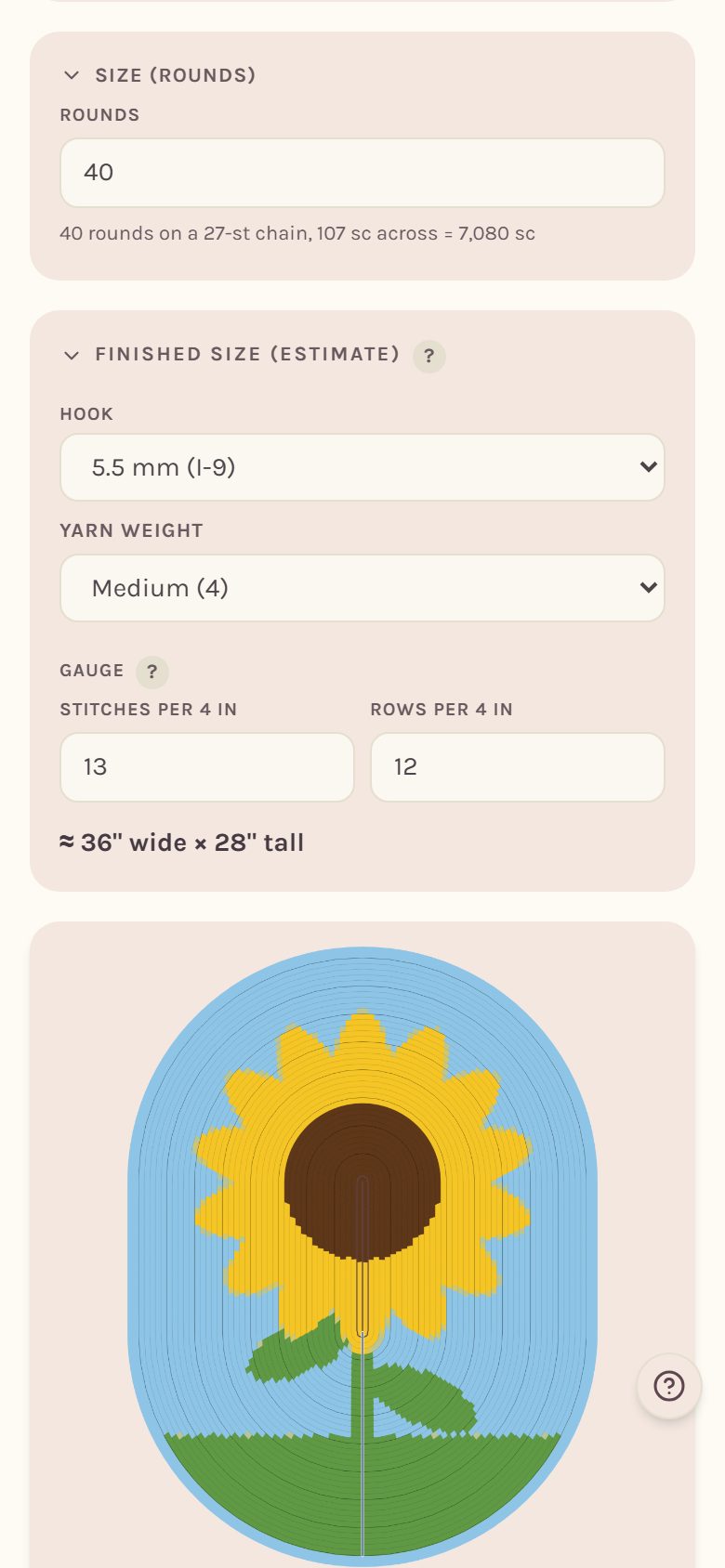
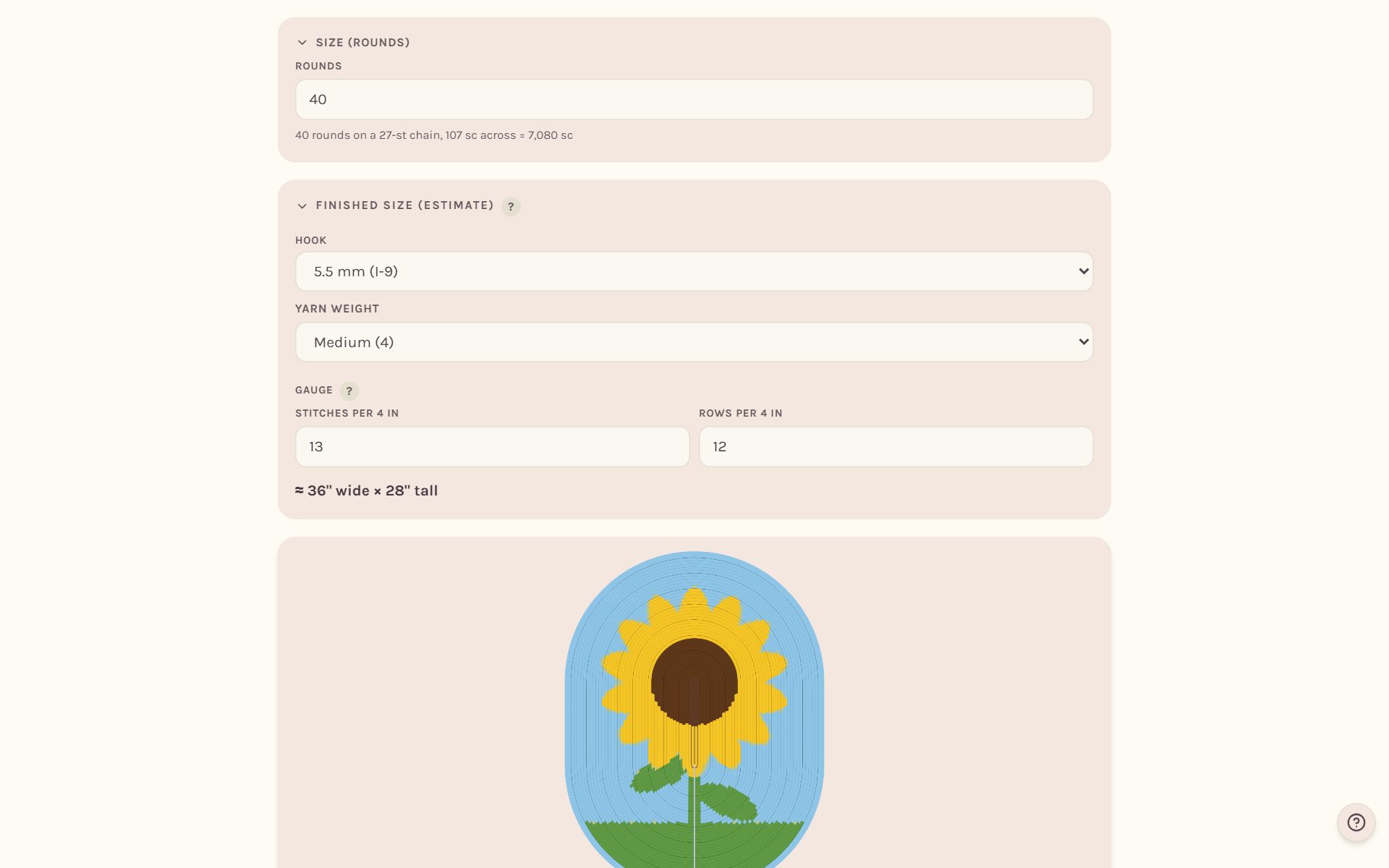
After the first round, every round adds its increases around the two ends. The straight sides never increase. A taller, narrower crop gives a longer chain and a longer oval.
Make a circle that turns into a square
Tap Round to square. The center is worked like a flat circle, and from the round you choose, it squares off with four corners a round.
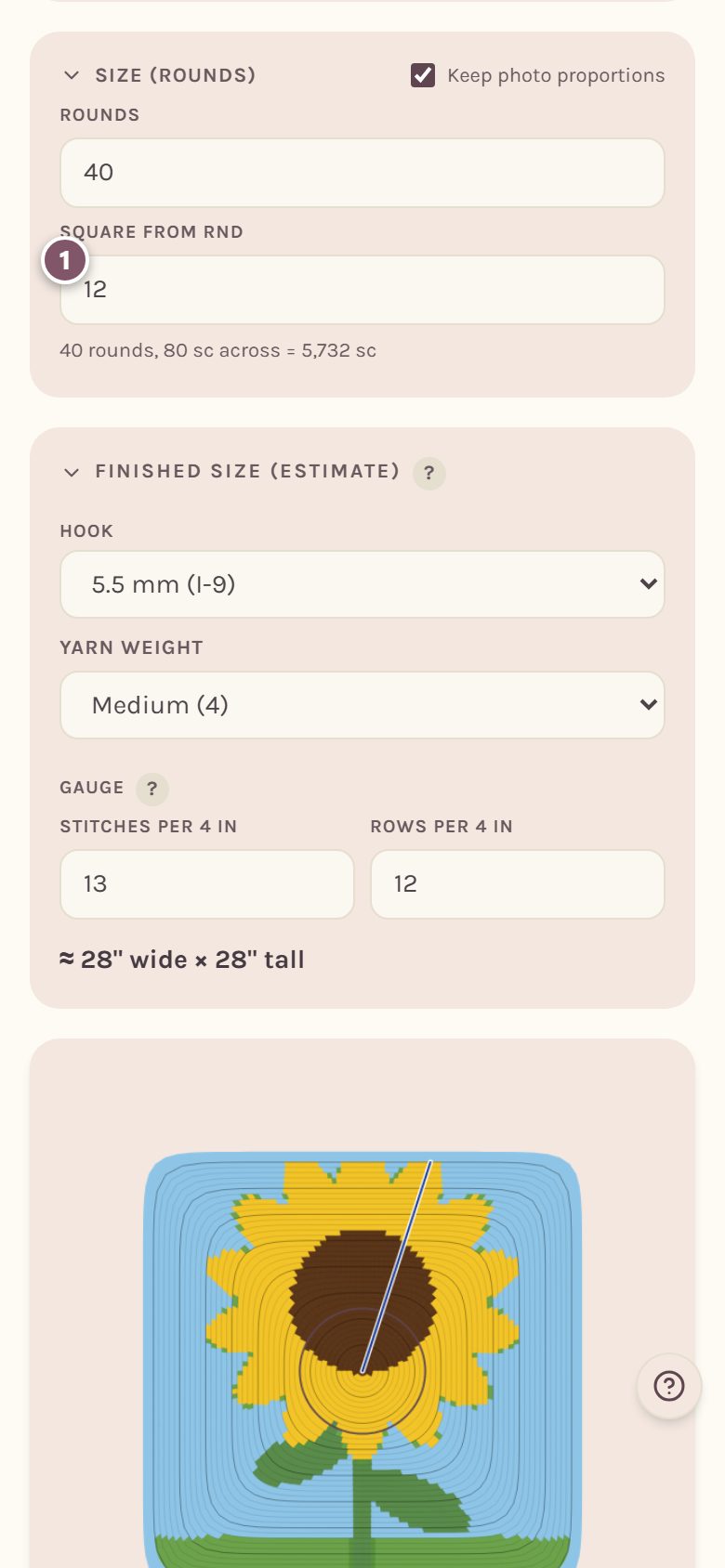
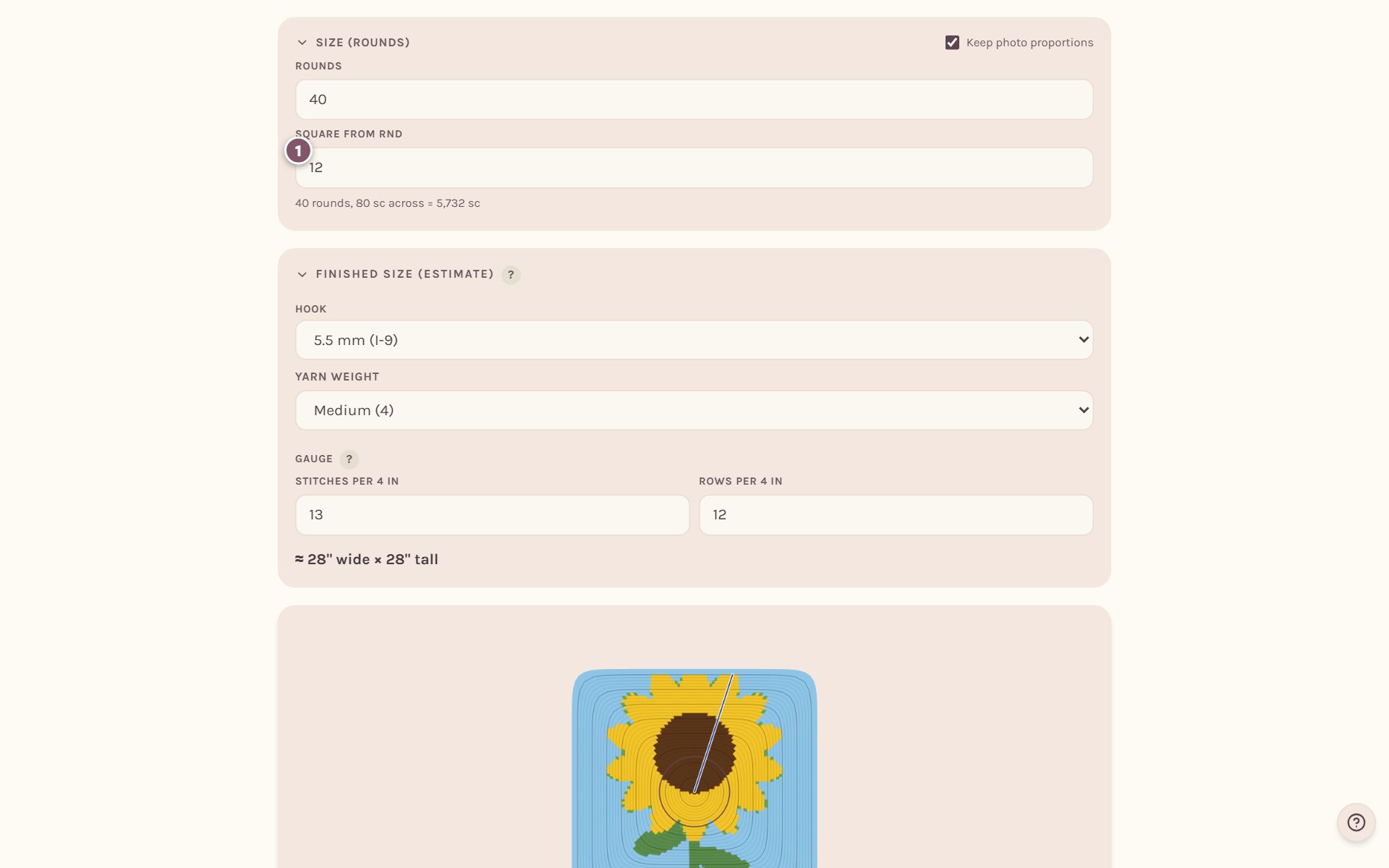
Set Square from rnd to the round where the corners should begin. From there, each corner is 3 stitches worked into one.
Frequently asked questions
Will my round blanket lie flat? That's what the increases are for. They follow the standard rate for a flat circle in your stitch, so as long as your tension is even, it lies flat.
Can I add a name or a stamp to a round blanket? Yes. Paint, stamps and letters all work on round charts, and a word curves along the round you drop it on. See how to edit a crochet blanket chart.
Can I track a round blanket? Yes. The tracker counts rounds and stitches, and the printed PDF has a page with a tick box for every round. See the crochet row counter for blankets.
Where do I go next? Pick your yarn in how much yarn for a crochet blanket.
Ready to try it? Crochet Bobble opens right in your browser, on a phone or a computer.
Open Crochet Bobble