
Mosaic Crochet Pattern Maker: Overlay Mosaic Blankets From a Photo
Turn a photo or your own design into an overlay mosaic crochet pattern. The chart follows the mosaic rules for you, and every row is written out with its sc and mdc stitches.
Overlay mosaic crochet makes bold two-color pictures without ever carrying yarn. Each row is worked in one color, and the other color shows through where you drop a stitch down two rows. The photo blanket maker can chart a mosaic from your picture or from your own painting, and it keeps every square to the mosaic rules so the pattern is always crochetable.
How overlay mosaic works
- Every row is one color, and the colors alternate: color A works row 1 and every odd row, color B every even row.
- Every row is worked on the right side. You cut the yarn at the end of each row instead of turning.
- sc means single crochet in the back loop only.
- mdc means mosaic double crochet: a double crochet in the unworked front loop of the stitch two rows below. That's what brings the other color up.
- Edge stitches at each end are worked through both loops, always in the row's own color.
Choose Mosaic as your blanket shape
Open Patterns, tap Photo blanket and choose a picture (see how to turn a photo into a crochet blanket pattern). Then tap Mosaic.
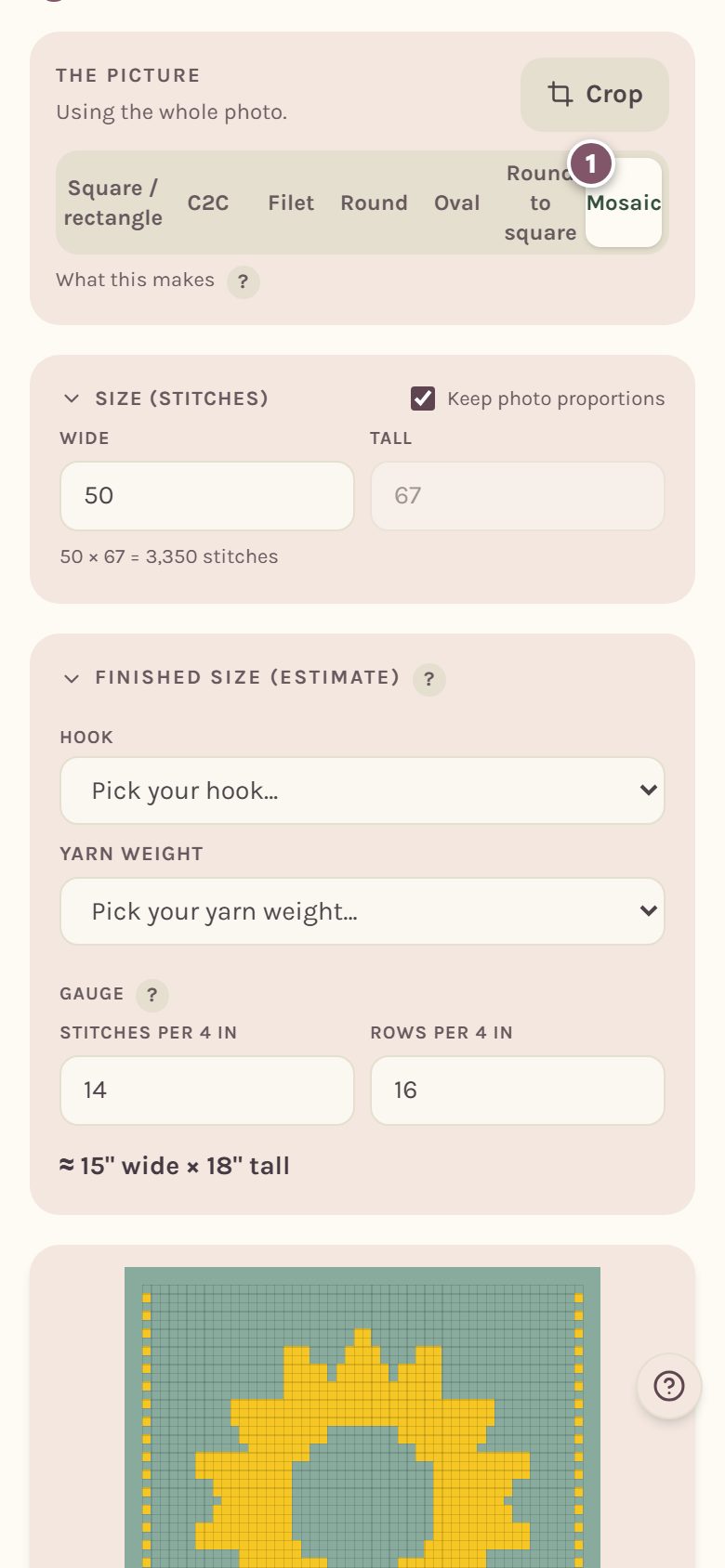
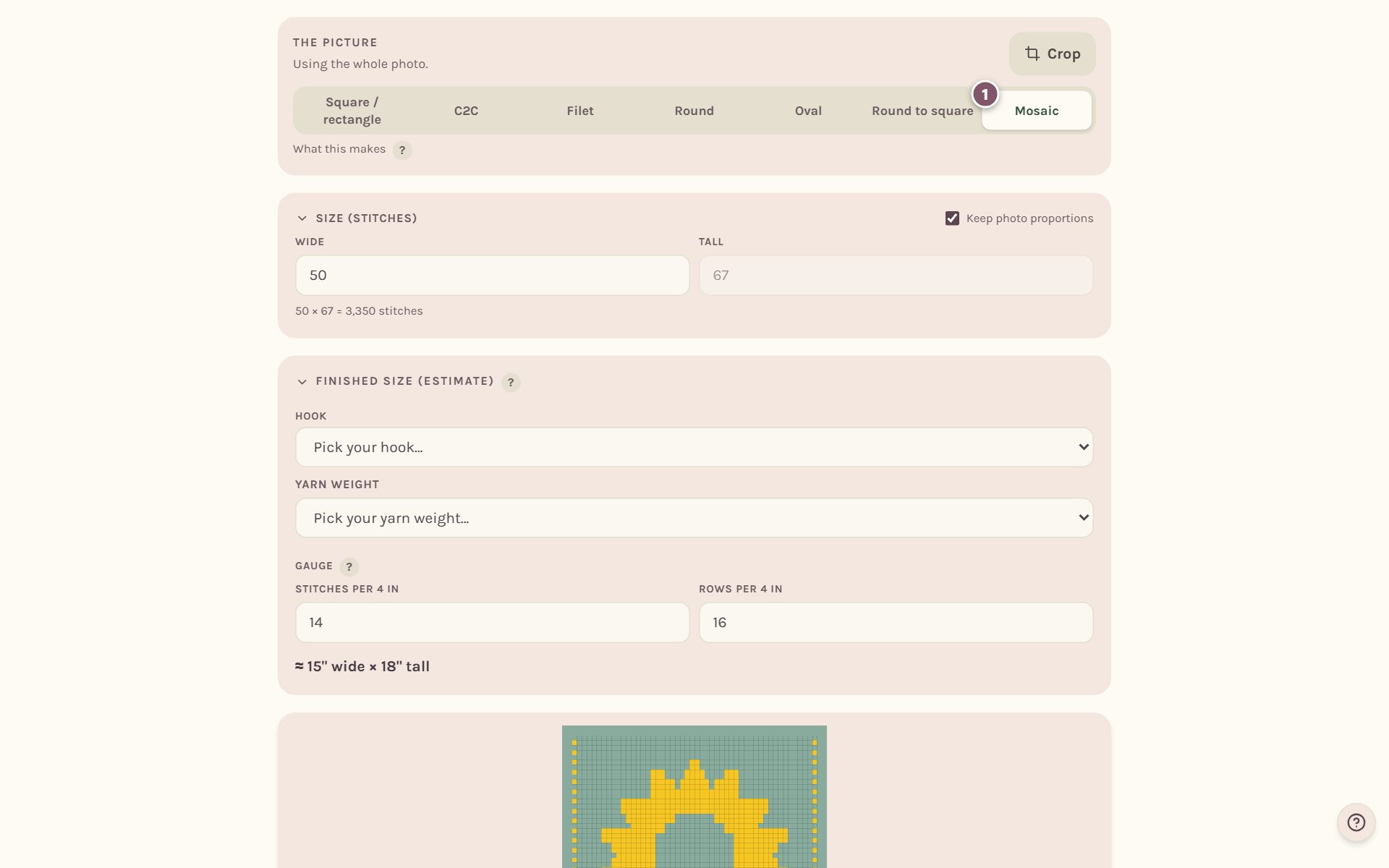
Your picture is read into two colors, and any square that would break the mosaic rules is fixed for you, so the chart you see is one you can crochet.
Swap which color starts
A mosaic is always two colors, A and B. Swap A and B changes which one works row 1.
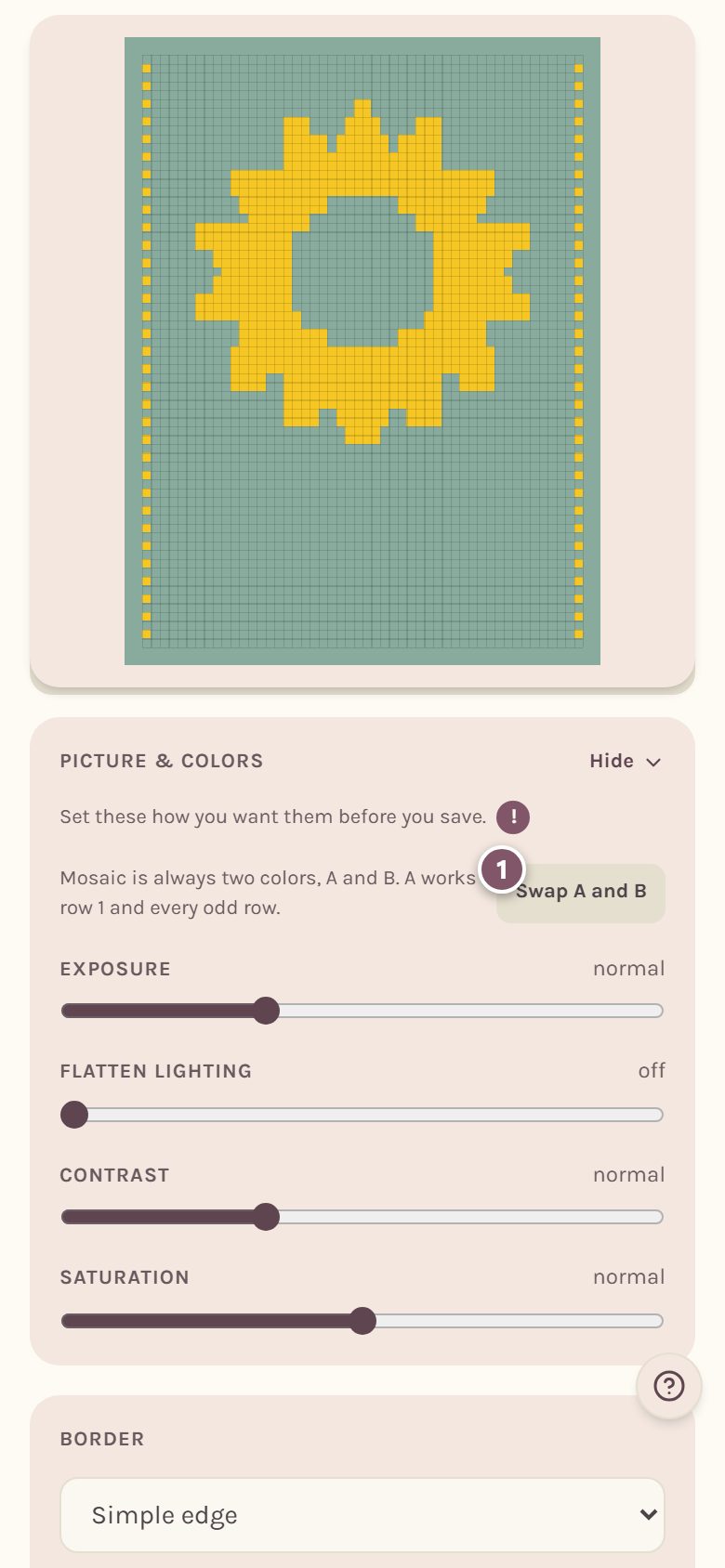
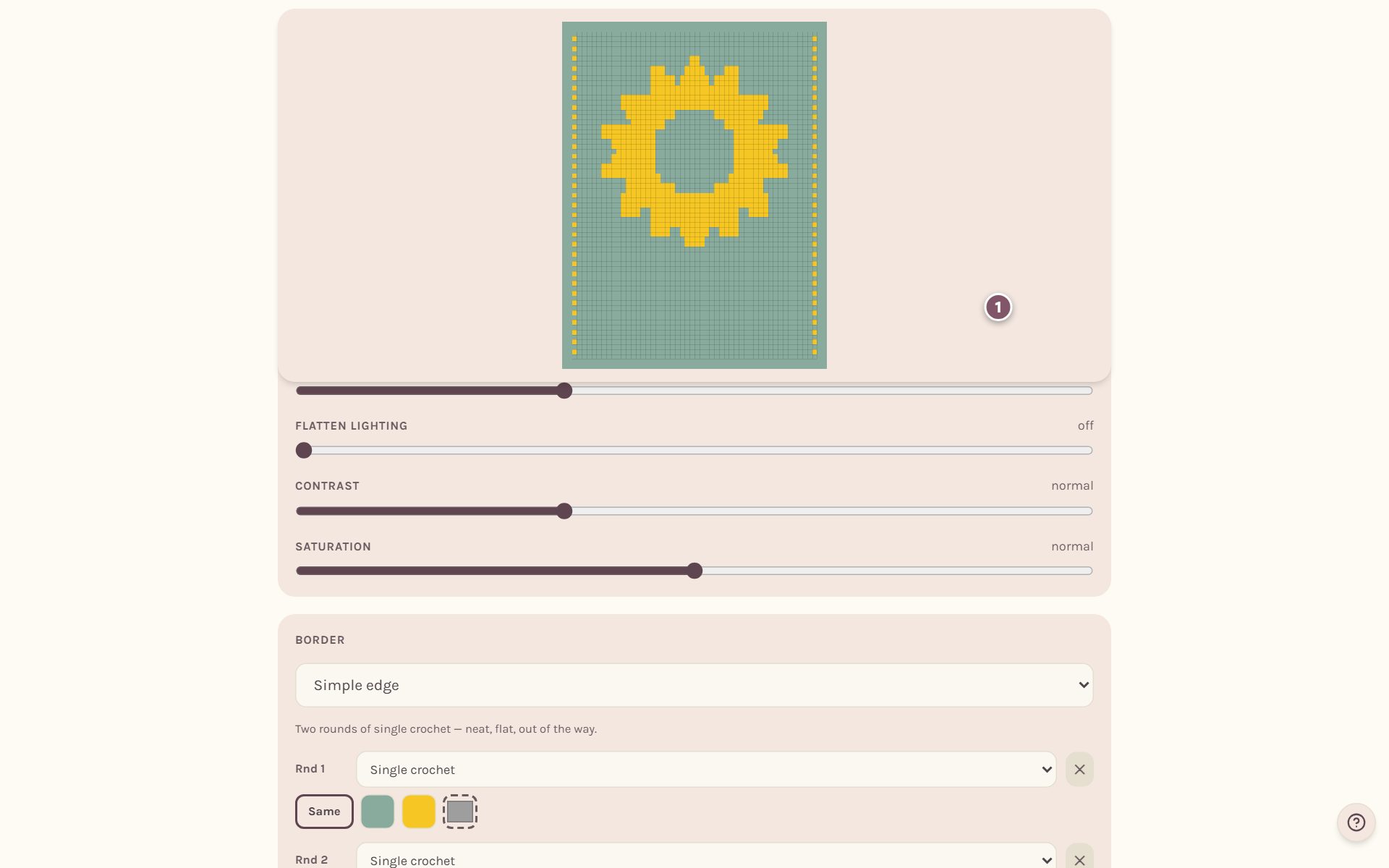
You can still change Exposure, Contrast and the other photo sliders to decide how your picture splits into the two colors.
Read the mosaic rows
Scroll to Instructions. The stitch key comes first, then every row.
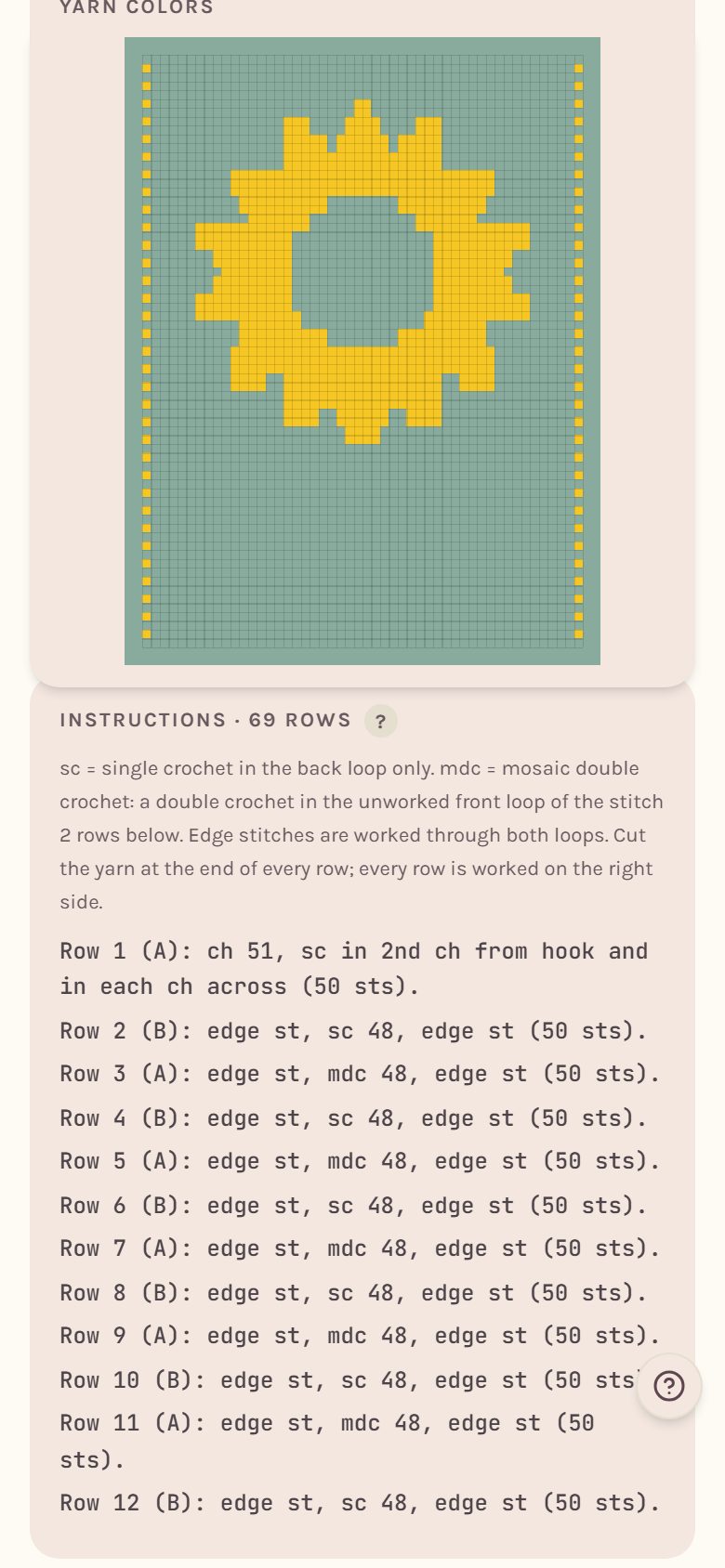
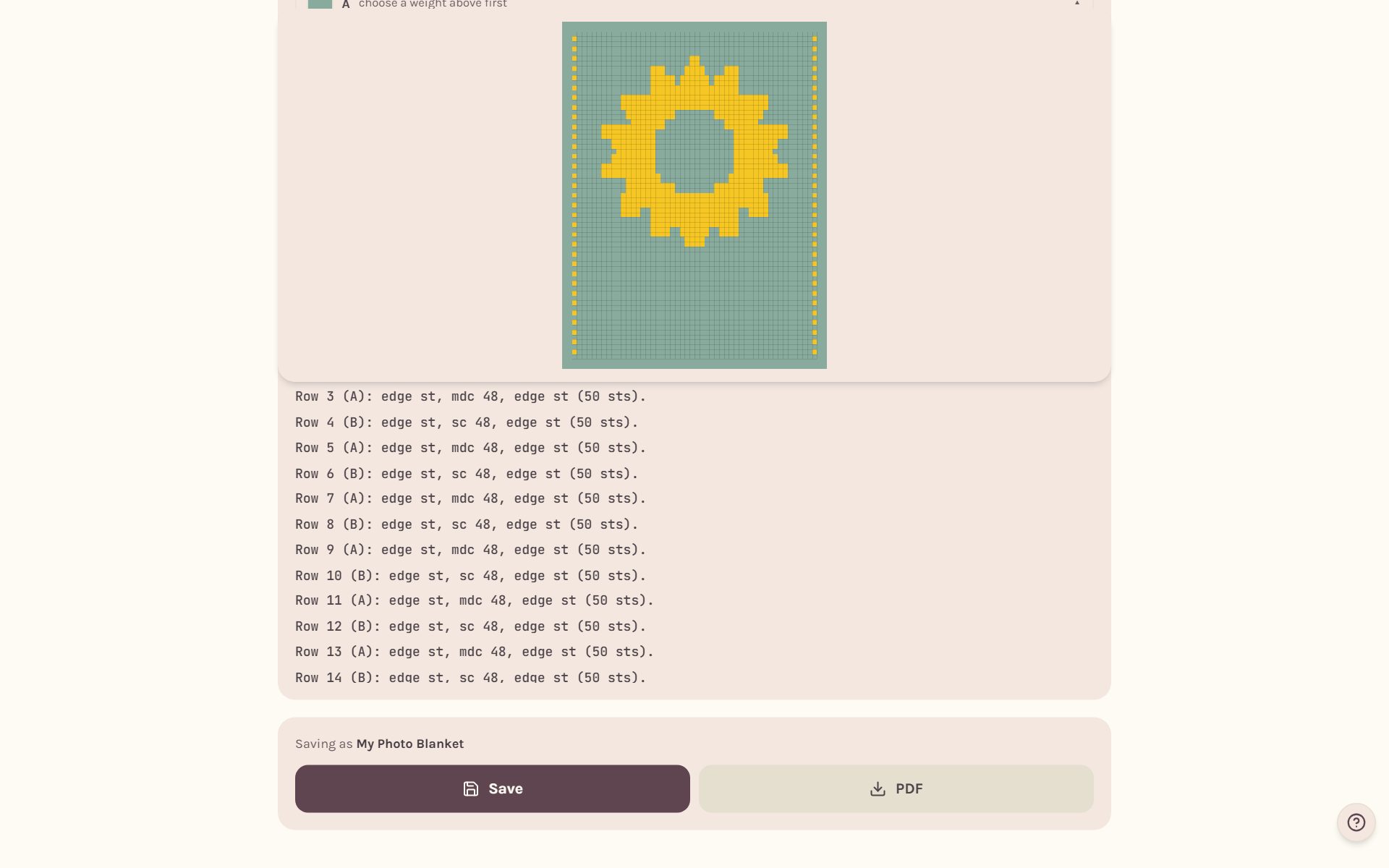
Row 1 is the foundation, worked all in color A. After that each row reads like Row 5 (A): edge st, sc 3, mdc 1, sc 2, edge st, with the stitch count at the end.
Paint your own mosaic
Tap Paint, stamps & letters to draw on the chart. Mosaic always has exactly two colors, so you can change either one with Change, but you can't add, merge or delete colors.
Some squares can't take the other color. When you tap one, the chart says why instead of painting it.
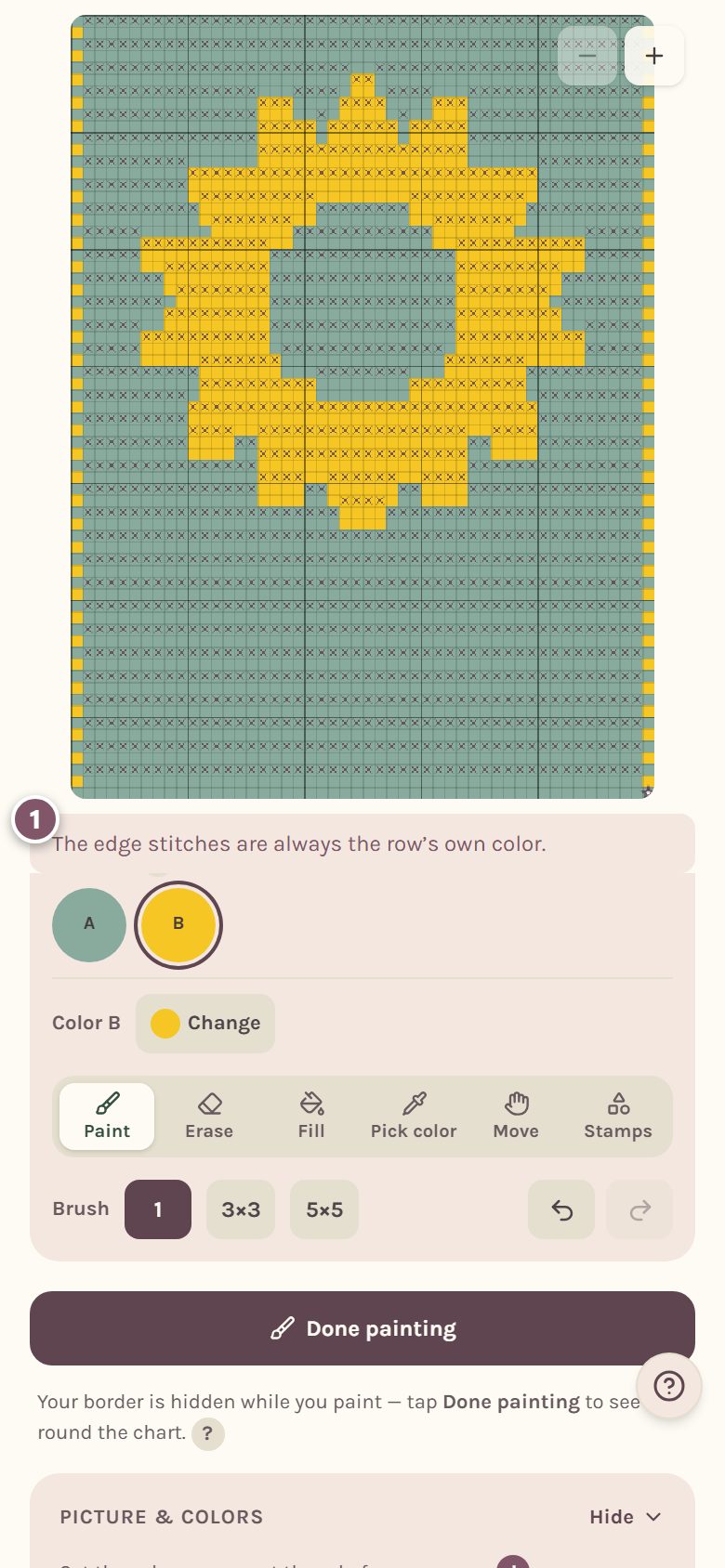
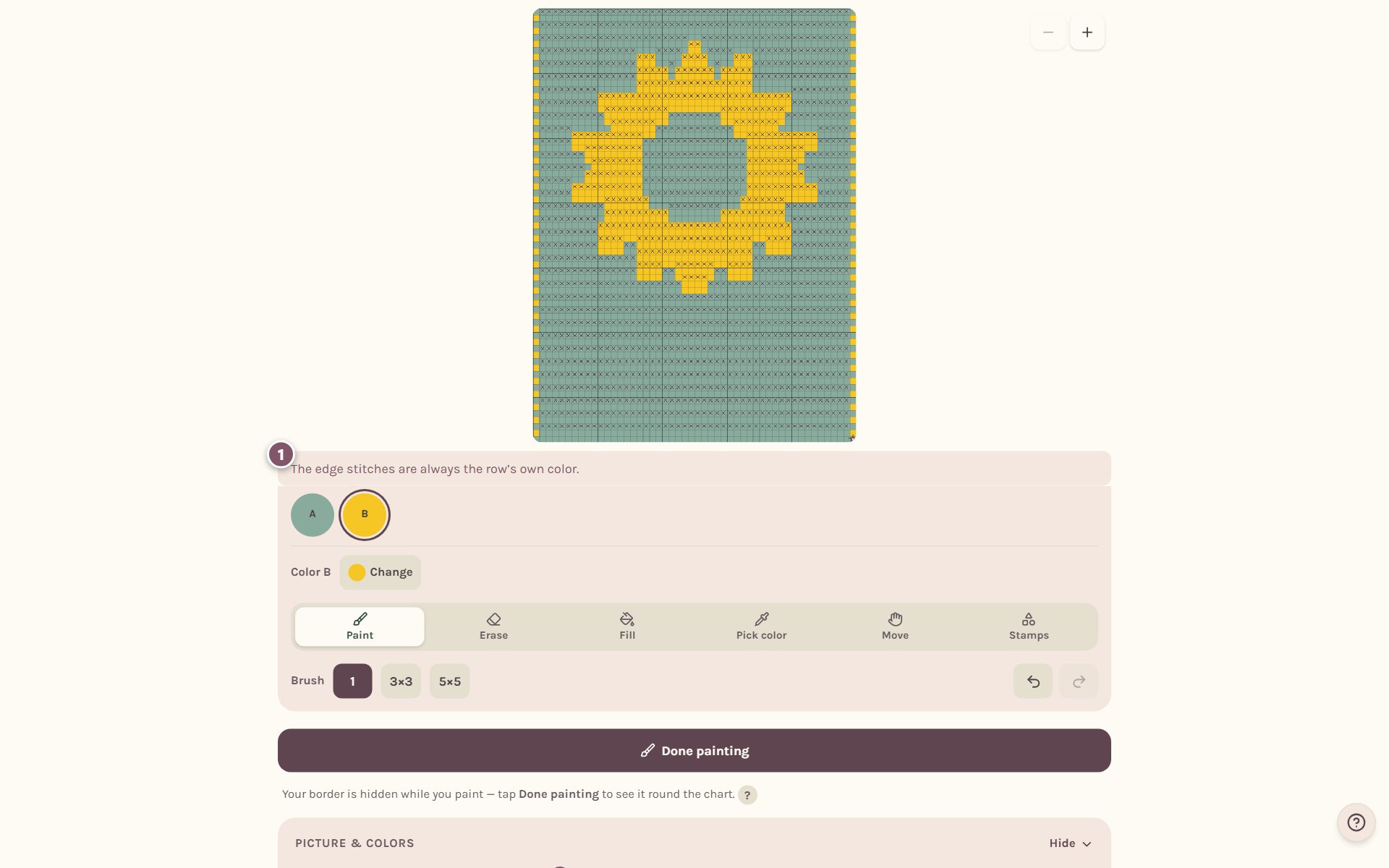
The rules it follows:
- The edge stitches are always the row's own color.
- Row 1 and the top row are all their own color.
- A dropped stitch can't sit right on top of another one.
Frequently asked questions
Do I need to carry yarn for mosaic crochet? No. Every row uses one color and you cut at the end of each row, so there's no carrying at all.
Can I track a mosaic blanket? Yes. Start it as a WIP and the tracker walks each row stitch by stitch: edge stitch, sc or mdc. See the crochet row counter for blankets.
Why did my picture change a little? A few squares had to change to follow the mosaic rules. The maker changes as few as it can.
Where do I go next? Choose your two yarns in how much yarn for a crochet blanket.
Ready to try it? Crochet Bobble opens right in your browser, on a phone or a computer.
Open Crochet Bobble