
Print a Crochet Blanket Pattern: PDF, Tracking Sheets and More
Download your photo blanket as a PDF with the chart, yarn list and every row, plus graph-paper tracking sheets to cross off by hand. Designers can also save a Word file, chart pictures and an SVG.
Some crocheters like to work from paper. Every photo blanket can be downloaded as a PDF with the chart, the yarn list, the color-carrying plan and every row written out. At the end are tracking sheets: the chart printed on big graph paper, with every row and stitch numbered, so you can cross squares off with a pencil.
Download the PDF
Open your blanket from Patterns, under Your photo blankets, and scroll down past the instructions.
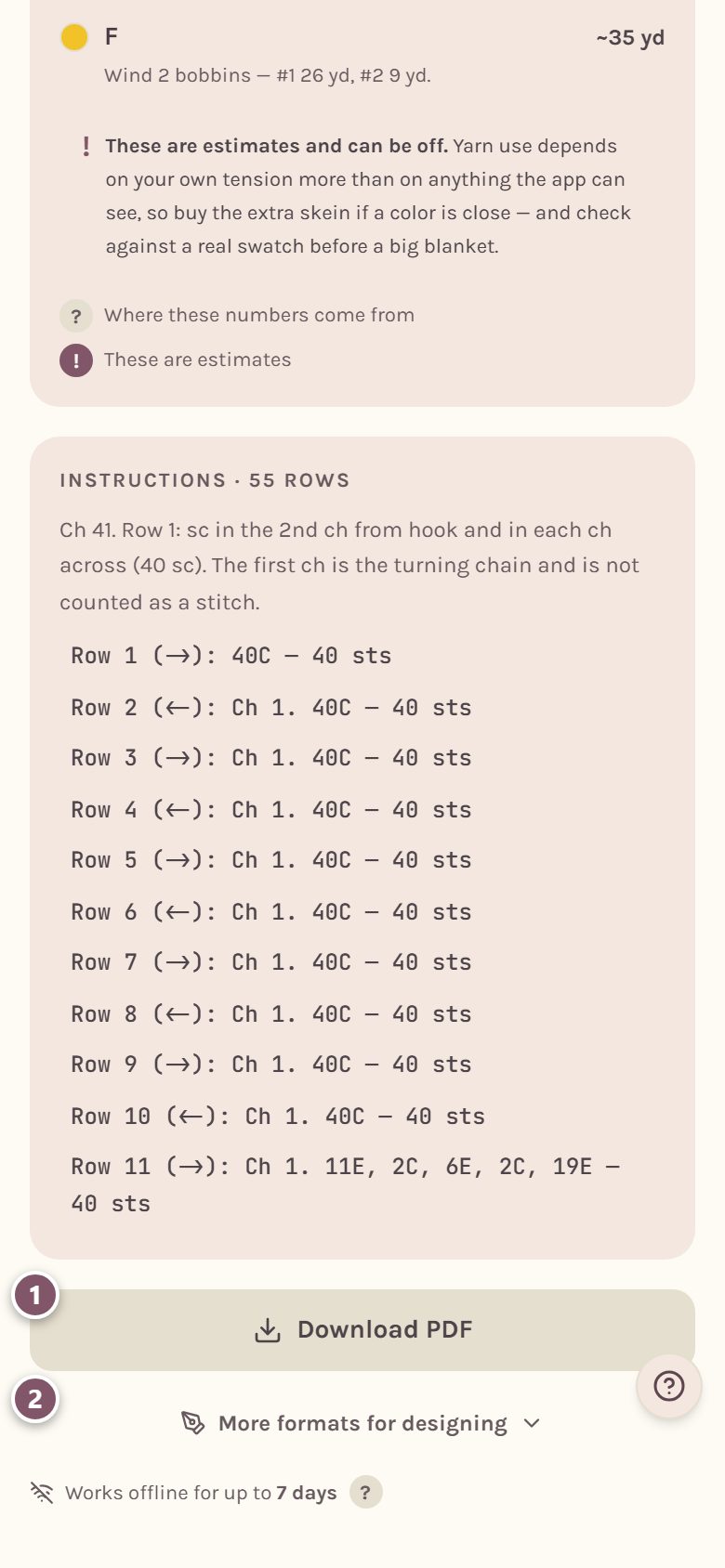
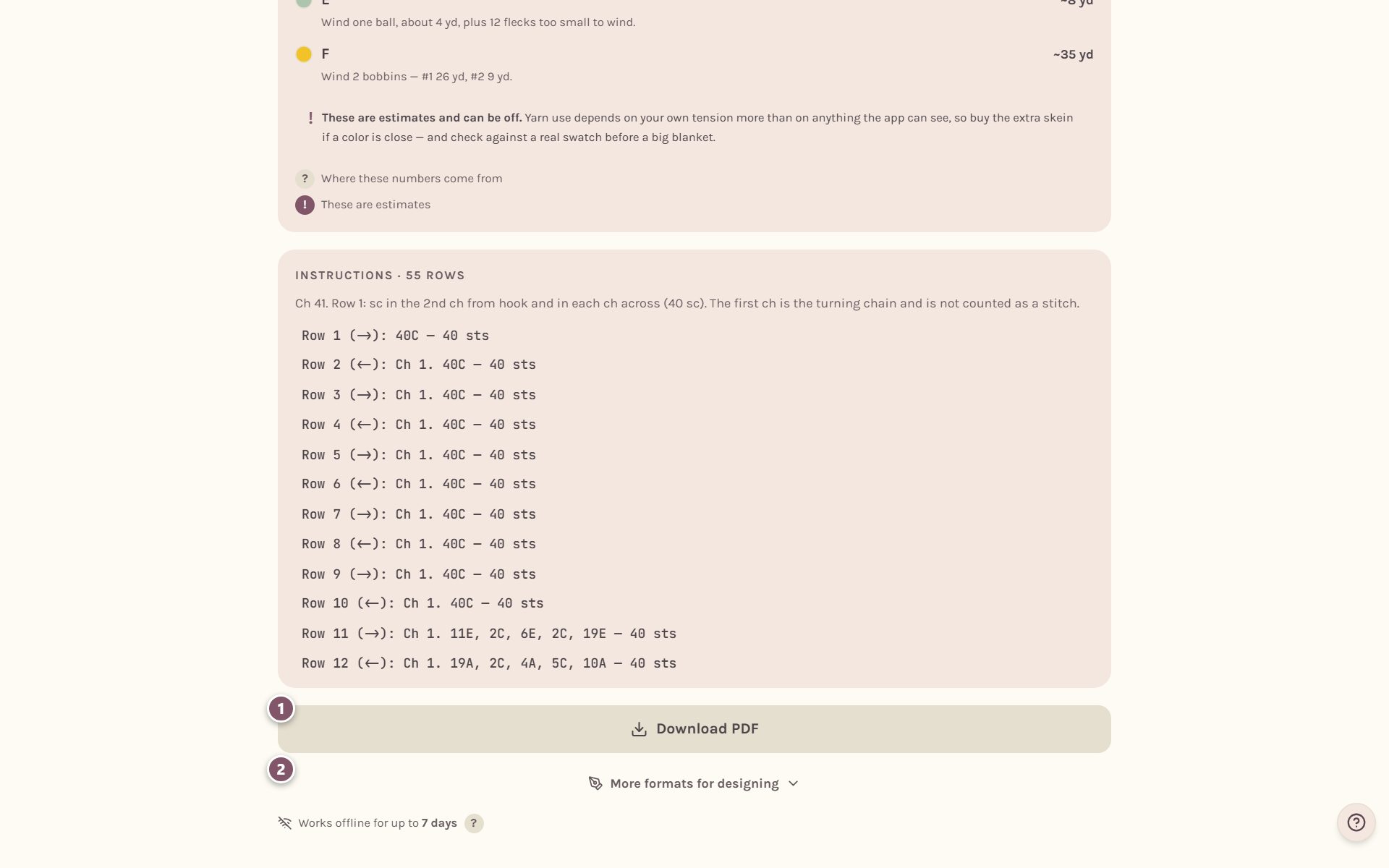
- Tap Download PDF. The file is named after your blanket and lands in your downloads.
- More formats for designing holds the other formats, below.
You can also download a PDF straight from the photo blanket maker before you save, with the PDF button at the bottom of the page.
What's in the PDF
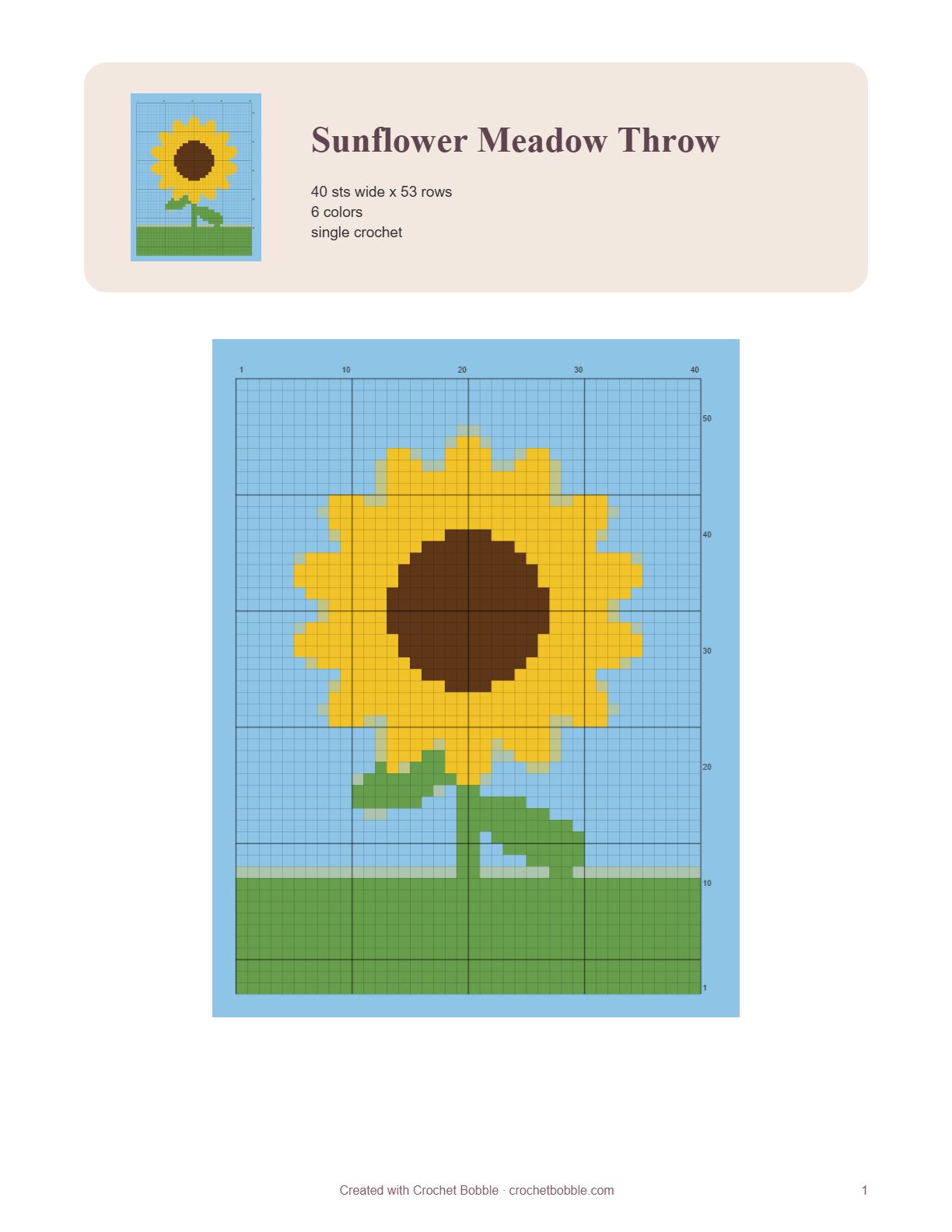
The first page has your blanket's name, its size in stitches and rows, how many colors it uses, the stitch, and the chart. The pages after it list the yarn colors, how to carry each color, and the instructions row by row. Every page carries a page number.
If you're already working on the blanket, the PDF marks the row where you left off.
Track by hand with the tracking sheets
The last pages of the PDF are Track by hand sheets.
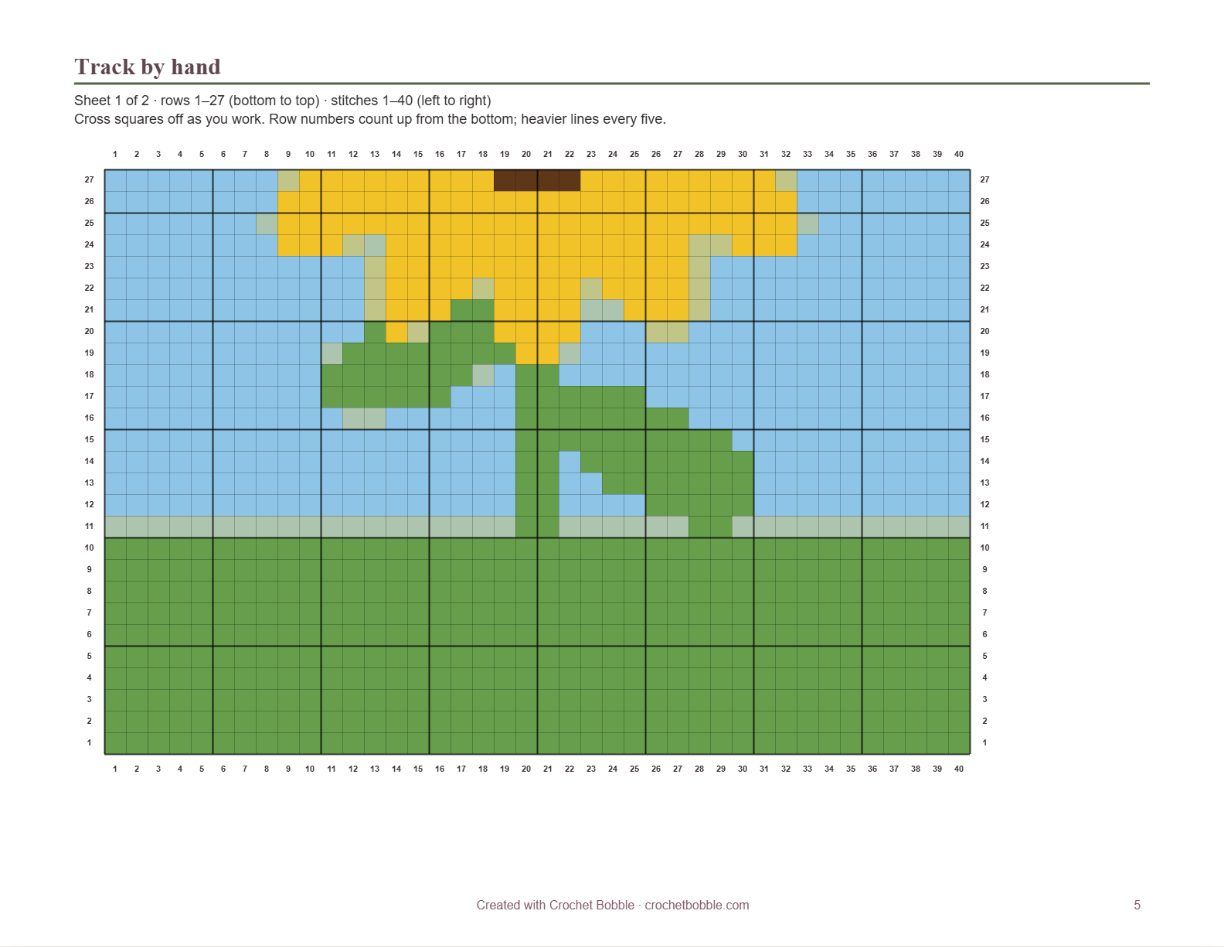
- Every page holds whole rows, so a row is never split across two pages. A tall chart carries on over as many pages as it needs, and the page turns sideways when that fits the rows better.
- Rows are numbered up both sides, counting up from the bottom, and stitches along the top and bottom, with a heavier line every five.
- A blanket made in panels prints one square per page.
- A round blanket gets one page with every round numbered where it begins, and a tick box for each round.
Tip: Print the tracking sheets on their own by choosing just those pages in your printer settings.
Other formats for designers
Tap More formats for designing to open the drawer. These are for laying the pattern out yourself, in your own document and your own style. You may sell what you design here.
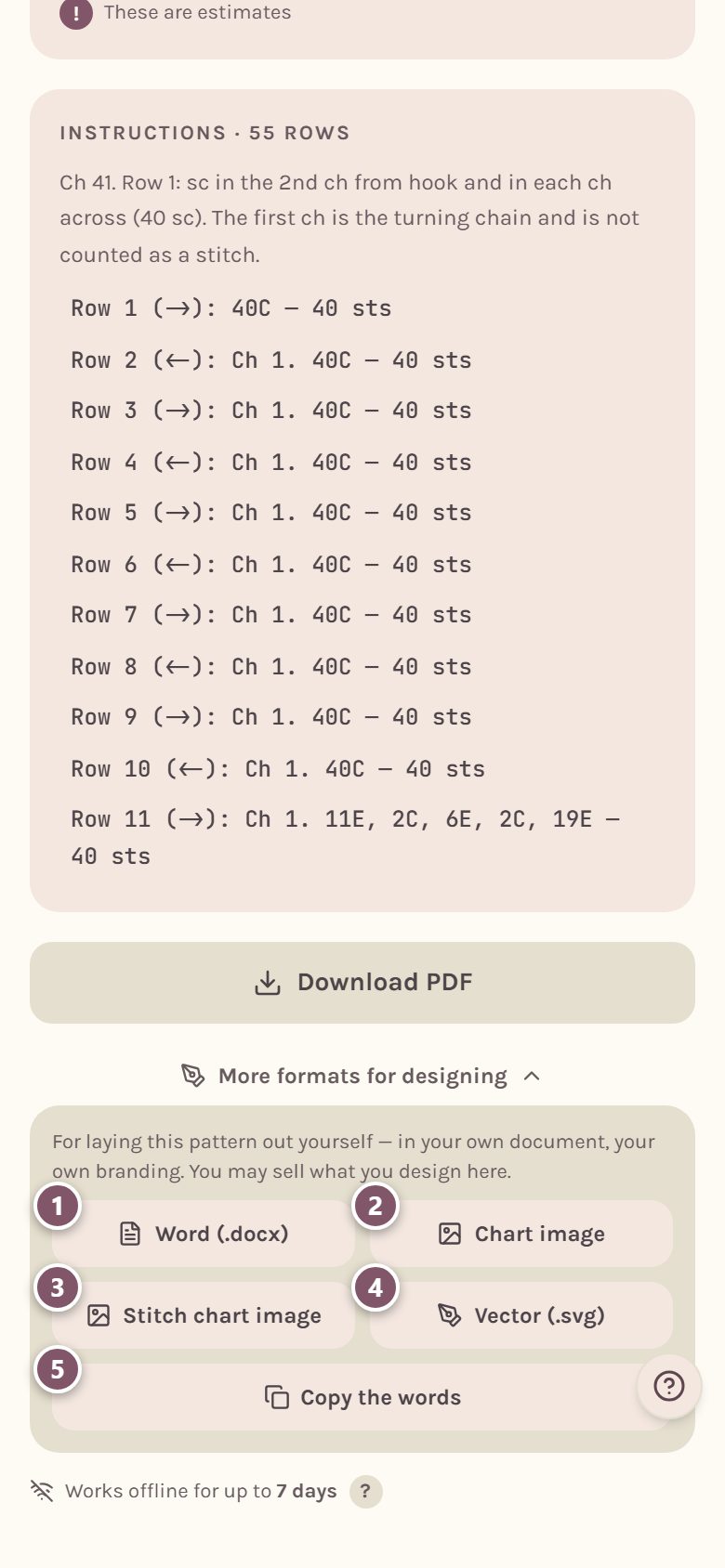
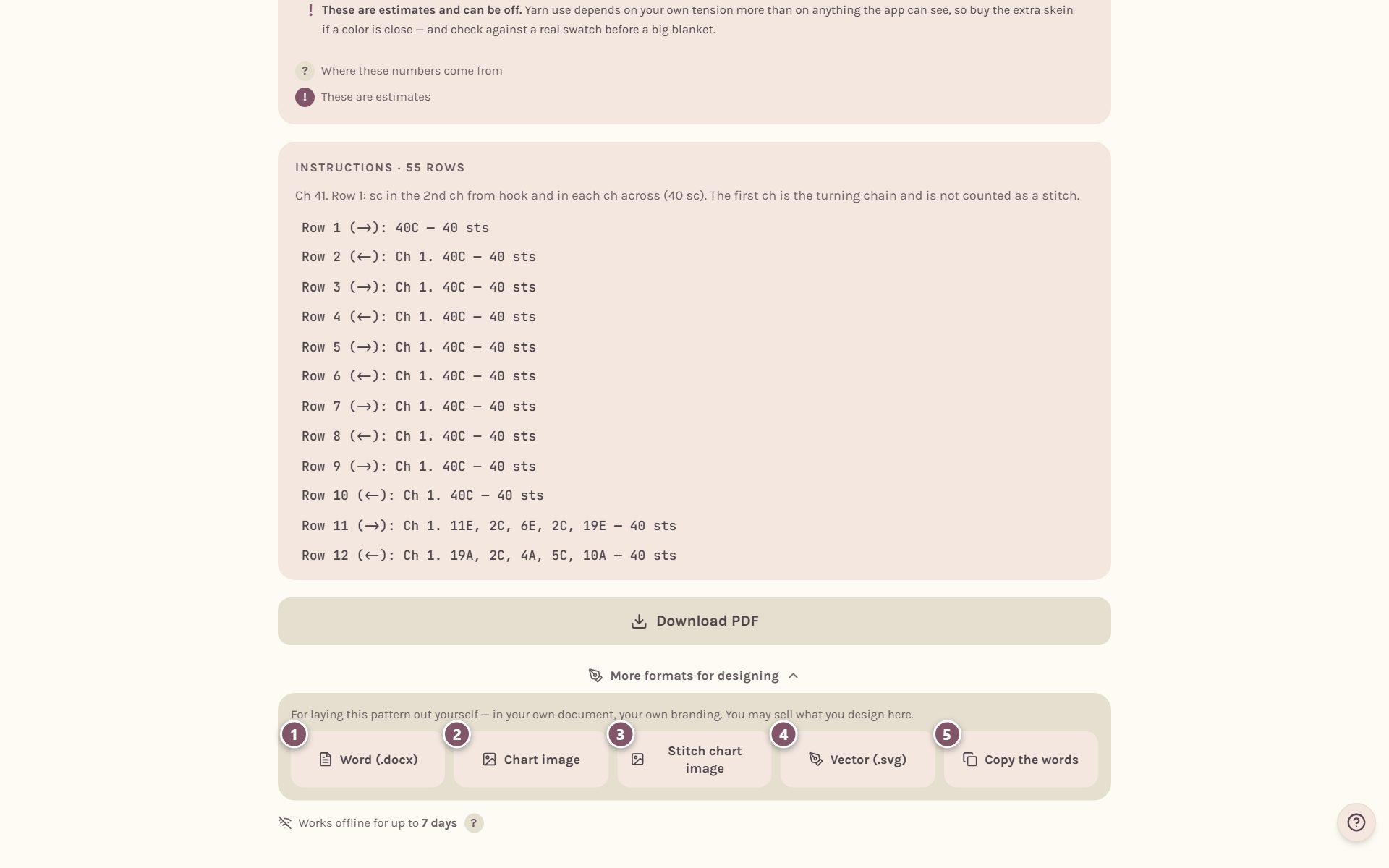
- Word (.docx) is the whole pattern as a Word document you can edit.
- Chart image saves the color chart as a large picture.
- Stitch chart image saves the chart in crochet stitch symbols. It's offered for square, rectangle, round and oval blankets.
- Vector (.svg) saves the chart as a drawing that stays sharp at any size. It's offered for flat charts. Round, oval and round-to-square charts save as a picture instead.
- Copy the words copies the name and every row, ready to paste anywhere.
Frequently asked questions
Can I print a pattern from my phone? Yes. Download the PDF, open it, and print or share it from there.
Can I print just one square of a blanket made in panels? Yes. While you're tracking the blanket, open that square from the map of squares, then tap Download PDF. See crochet a photo blanket in squares.
Can I sell a pattern I made here? Yes. Patterns you design here are yours to sell. Only use pictures you own or have permission to use.
Where do I go next? If you'd rather track on your phone, see the crochet row counter for blankets.
Ready to try it? Crochet Bobble opens right in your browser, on a phone or a computer.
Open Crochet Bobble